










Vibe coding and coding agents have flipped the script on frontend development. Instead of writing every line by hand, you describe what you want to an AI assistant — Cursor, Claude, v0, Bolt.new, Lovable — and iterate in natural language prompts until it's right. Whether you're a designer or developer, vibe coding workflows are becoming an essential part of how real products get built.
But here's what most people miss: any AI assistant/coding agent's output is only as good as the building blocks you give it. Point an AI at a well-structured component library with clean APIs, structured metadata, and components that designers and developers can both understand, and you get a production-ready UI. Point it at something poorly documented or architecturally complex, and you get hallucinated props, broken imports, and hours of debugging.
Your choice of UI component library is the single biggest lever you have over the quality of AI-generated working code.
We evaluated 22 UI component libraries specifically through the lens of vibe coding for designers and developers, testing each one against the same handful of AI prompts. Here's what we found.
What makes a UI component library great for vibe coding?
Before we get into the list, here's the framework we used to evaluate each UI component library:
- Model Context Protocol (MCP) support: MCP lets AI agents and AI tools dynamically query a library's live documentation and API contracts. Instead of working from (potentially outdated) training data, AI tools can discover UI components, check props, and validate usage in real-time using fewer AI credits. This is the biggest differentiator in 2026.
- AI instructions (CLAUDE.md, .cursorrules, etc.): The best libraries now ship files specifically written for AI consumption — CLAUDE.md, .cursorrules, AGENTS.md, .fragment.tsx metadata files. These tell AI tools and coding agents exactly how to use UI components, which patterns to follow, and what to avoid. Without them, the AI guesses. And it guesses wrong a lot, wasting time and AI credits.
- Copy-paste architecture: Modern AI tools, models, and coding agents are phenomenal at modifying code they can see in your project and even your entire codebase — Tailwind CSS classes in a components/ui folder — rather than guessing how to override complex npm packages with opaque internals. Libraries that put source code in your repo win.
- Design quality: AI tools and coding agents can structure code. They can't design. UI libraries with beautiful defaults, built by professional designers, produce working code that you'd actually ship. Libraries with ugly design defaults produce output you'll spend hours fixing or will require a designer to fix — defeating the whole point of vibe coding.
- Tailwind CSS support: AI models are incredibly proficient with Tailwind CSS because it's text-based, utility-first, and massively represented in training data. If your UI library uses Tailwind CSS, your AI and coding agents write better code. It's that simple.
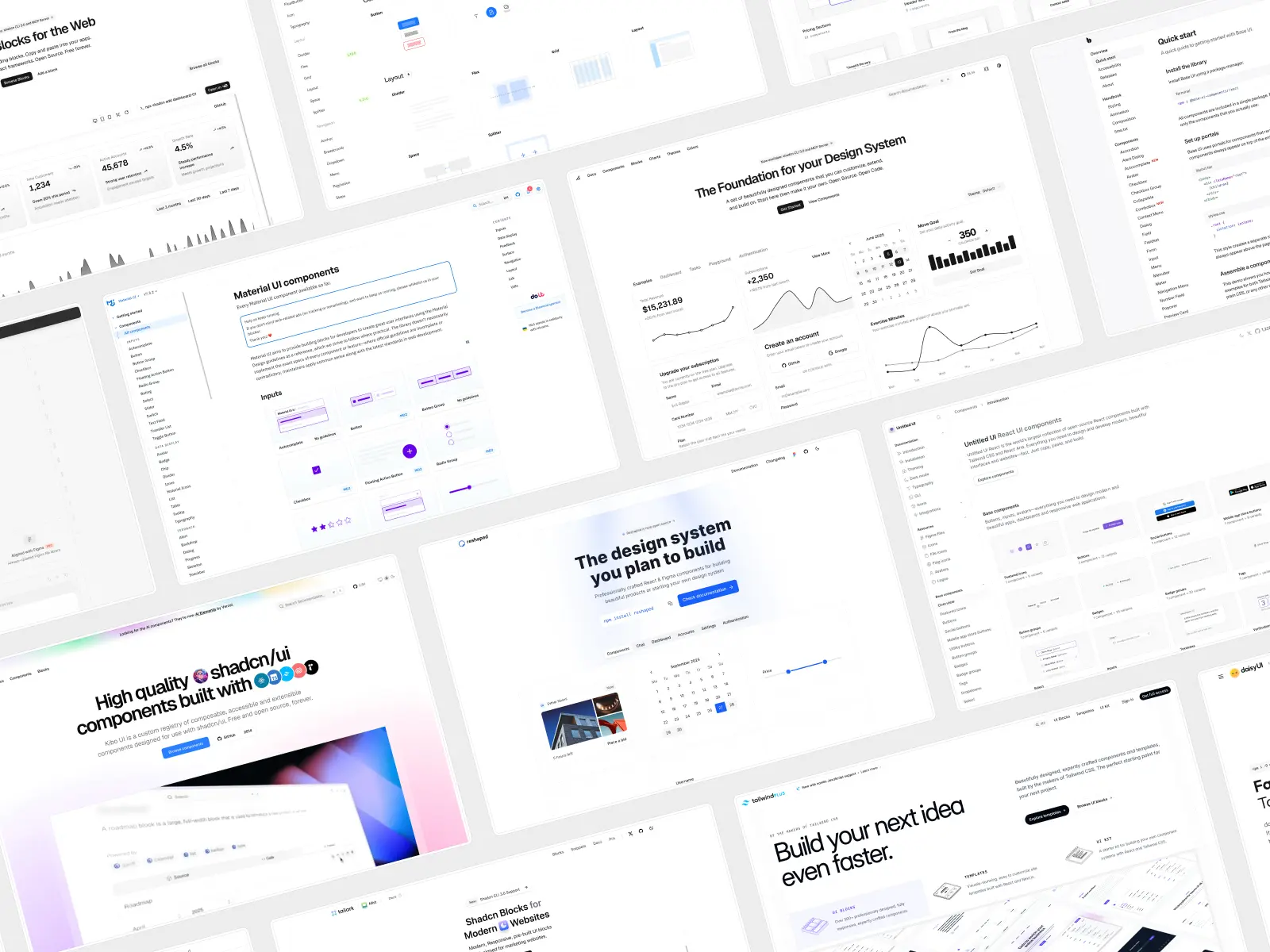
Which AI coding tools and editors actually run these libraries?
Every library on this list gets prompted through a real AI coding assistant, not just eyeballed on a marketing page — but which tool you pick changes what vibe coding actually feels like day to day. Some tools live inside a code editor as inline code completion; others are a full AI agent that reads your whole repo, plans a multi-step task, and edits multiple files in one shot from a single prompt.
Editor-based AI coding assistants
GitHub Copilot is still the most widely installed of the AI coding assistants, mainly because it ships as a VS Code extension (plus JetBrains, Neovim, and Visual Studio). Its free plan covers 2,000 code completions and 50 chat requests a month; GitHub Copilot's pro plan (from $10/month) removes that cap and unlocks an agent mode capable of genuinely agentic changes across multiple files, not just single-line code completion. It's a safe default if your team already lives in a VS Code extension-based workflow and just wants better code generation without switching tools.
Untitled UI React and most libraries on this list are built with GitHub Copilot's suggestions in mind as much as chat-based tools — clean, conventional Tailwind CSS patterns are what any code completion model was trained hardest on.
Cursor takes GitHub Copilot's idea further by forking VS Code entirely into its own code editor, built around an AI agent that can tackle complex tasks spanning large codebases rather than one file at a time. Cursor's free Hobby tier covers light use; its pro plan starts at $20/month.
Command-line AI agents
Claude Code skips the code editor entirely and runs from the command line. Point it at a project and it reads, plans, and edits working code across your whole repo — including large codebases and long, complex tasks that would take a person hours — using natural language prompts instead of a GUI. Claude Code is bundled into a Claude subscription (a free plan for light use, a pro plan from around $17–20/month, and Max plans for heavier AI assistance) rather than sold separately. For software development teams that would rather script AI into a workflow than click around a VS Code extension, Claude Code and Gemini CLI are the two command-line options worth knowing.
Google's Gemini CLI is the free alternative in that category — a generous free tier of roughly 1,000 requests a day with just a Google account, no credit card required, with a Google AI Pro plan available once you outgrow it. Like Claude Code, Gemini CLI is built for complex reasoning over a full codebase rather than inline code completion, and both increasingly get compared on how closely they follow a library's own AI instruction files.
Prompt-to-app builders
A third category skips the code editor and command line altogether. Bolt.new, v0, and Lovable turn a single prompt into a running app in the browser, which is exactly why they lean so heavily on well-documented UI component libraries — there's no one sitting in a code editor to fix a bad import. Bolt.new's free tier covers roughly 1M tokens a month before you hit its paid plans (from $25/month); useful for rapid prototyping, internal tools, and non-technical founders who want AI-generated code without installing anything.
Whichever of these AI coding assistants you use, the library still matters more than the tool. Point any of them — an editor-based assistant, a command-line AI agent, or a browser-based builder — at a well-documented library and you get working code fast; point the same tool at something undocumented and you're debugging AI-generated code by hand regardless of how good the underlying model is.
If you've searched “shadcn ui” rather than the syntactically correct “shadcn/ui,” you're in good company — most people type shadcn ui into Google without the slash, and both point to the same open-source library. AI models trained on public code lean the same way: prompt almost any AI coding assistant for a component and it defaults to those conventions unless you specify otherwise, which is exactly why several of the libraries on this list — Kibo UI, ShadcnBlocks, basecn — are themselves built as extensions of the shadcn ui ecosystem rather than separate systems.
How we chose these UI component libraries
Every library on this list has actually been prompted through an AI coding tool, not just skimmed off a marketing page — the same handful of prompts (a pricing table, a settings form, a dashboard sidebar) run against each one.
Nobody pays for a spot here, and libraries get removed or re-ranked when they go stale or get acquired. Pricing, counts, and MCP support are checked against each vendor's own site every time we update this post.
Untitled UI React is our own product, which is why it's ranked first — read that entry with the appropriate skepticism and go try the free components yourself before taking our word for it.
In practice, that means running the same set of natural language prompts against each library's AI coding assistant setup — a pricing table, a settings form, a dashboard sidebar — and grading the working code that comes back, not just reading the docs. We repeat those AI prompts across an editor-based assistant, a command line AI agent, and a browser builder to make sure a library holds up across the full range of best vibe coding tools, not just one.
Free plans vs. paid plans: what do these AI coding tools actually cost?
Pricing is the other variable that decides which of the best vibe coding tools makes sense for your team, and it shifts often enough that it's worth checking directly before you commit budget. Here's roughly where things stood as of this update:
- GitHub Copilot: Free plan (2,000 completions/month), Pro plan from $10/month, Pro+ from $39/month.
- Cursor: Free Hobby tier, Pro plan from $20/month, Business/Teams tiers above that.
- Claude Code: Bundled with a Claude Pro plan (from ~$17–20/month) or Max plan (from ~$100/month); a limited free plan exists for light use.
- Gemini CLI: Free tier with a Google account (roughly 1,000 requests/day); a Google AI Pro plan unlocks higher limits.
- Bolt.new: Free tier (~1M tokens/month), Pro plan from $25/month.
- v0: Free plan with a small monthly credit allowance, paid plans from $30/month.
Every tool above offers some form of free plan or free tier, so there's no reason not to try two or three before picking a default for your software development workflow. Paid plans mostly buy you three things: higher usage caps, an AI agent mode capable of multi-file, multi-step complex tasks, and priority access to whichever model handles complex reasoning best that month.
Comparison table: The 22 best UI component libraries for vibe coding at a glance
Here's every library side by side, in the same order as the full reviews below — the fastest way to compare pricing and free-tier availability before you dig into the reviews.
Here's the full list of the best UI component libraries for vibe coding:
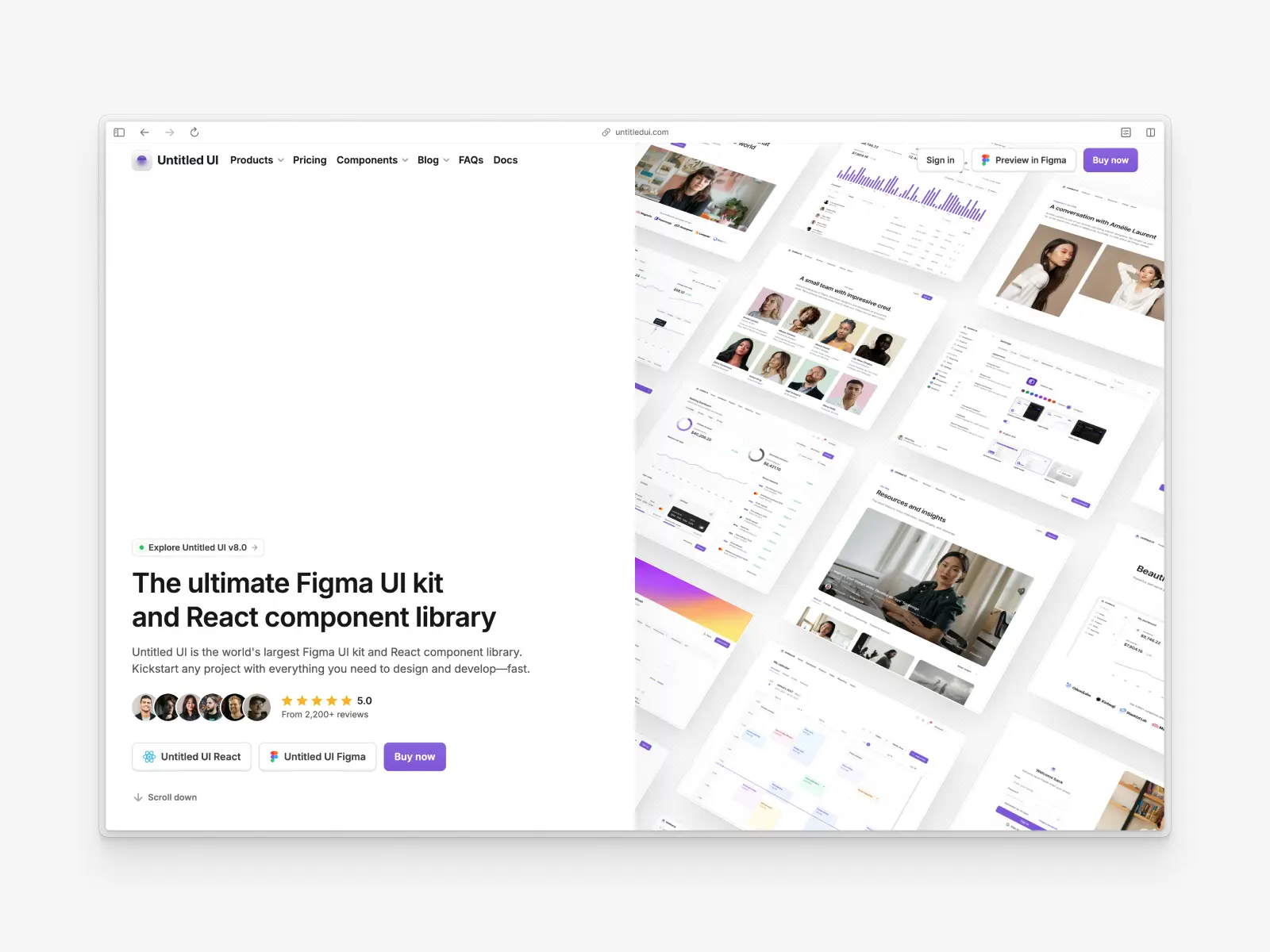
1. Untitled UI React
untitledui.com/react — Open source + paid from $349 (lifetime access) · ★1.9k · npm (CLI): ~8.9k/wk
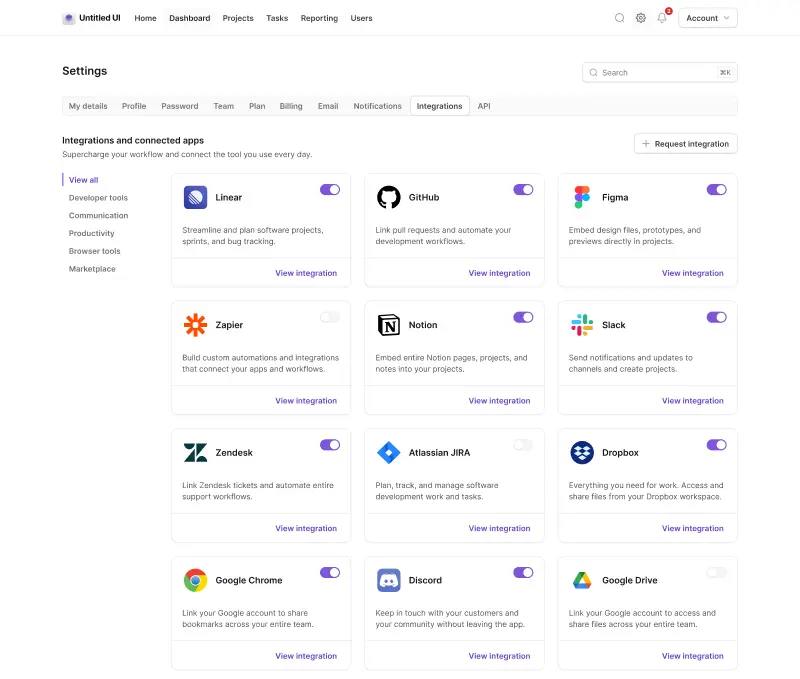
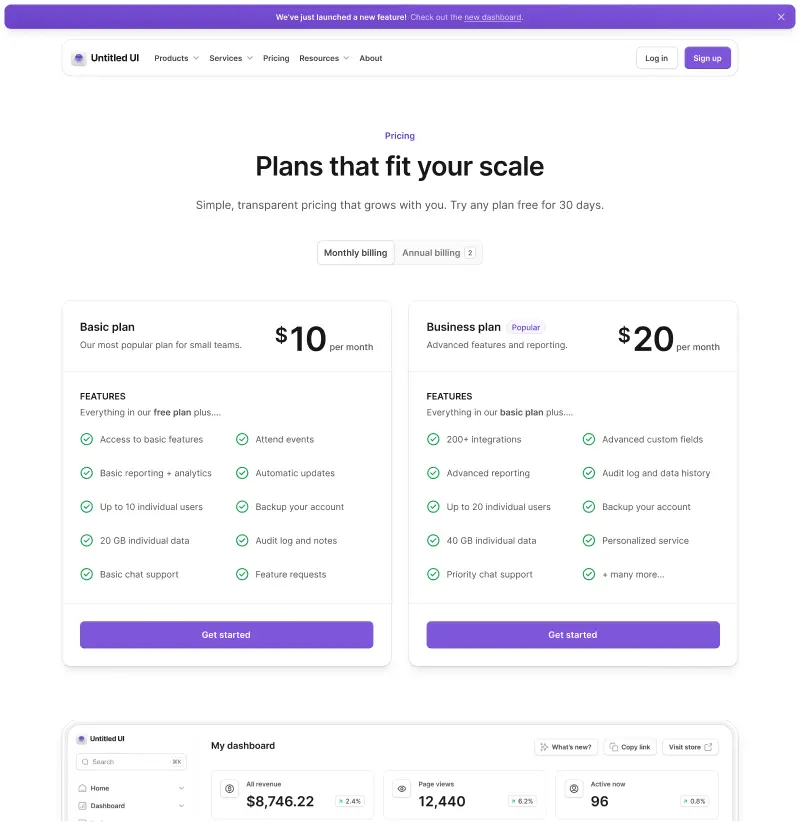
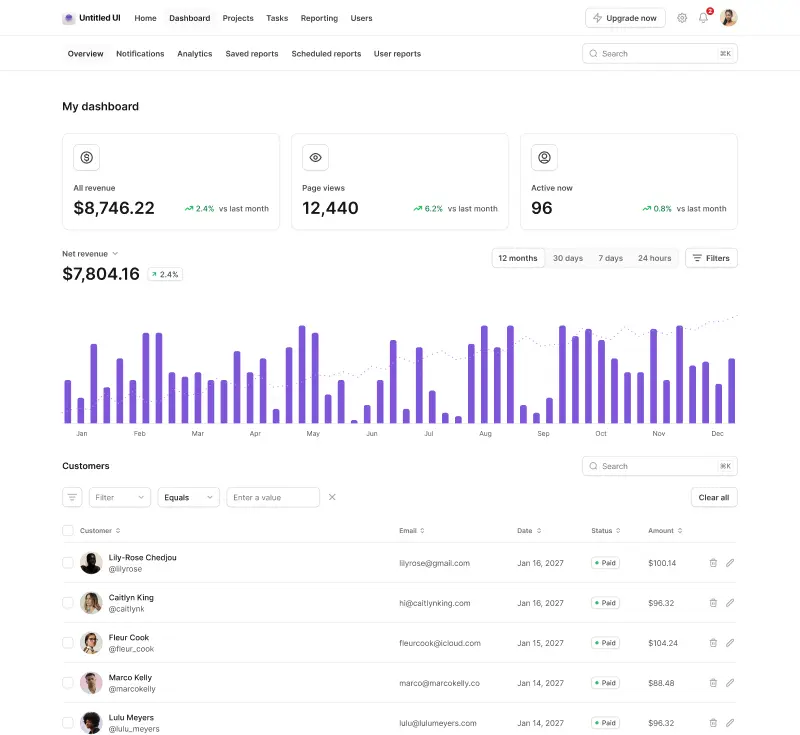
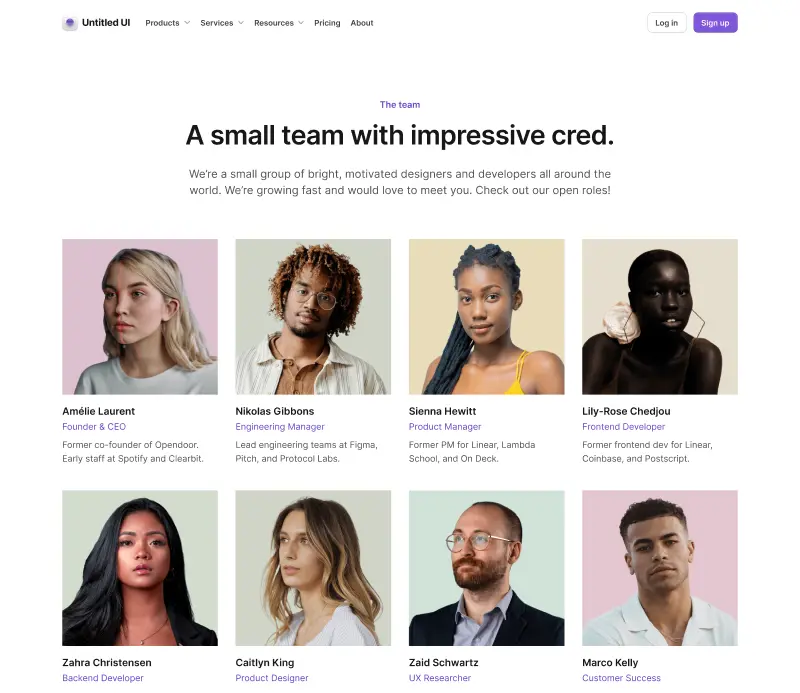
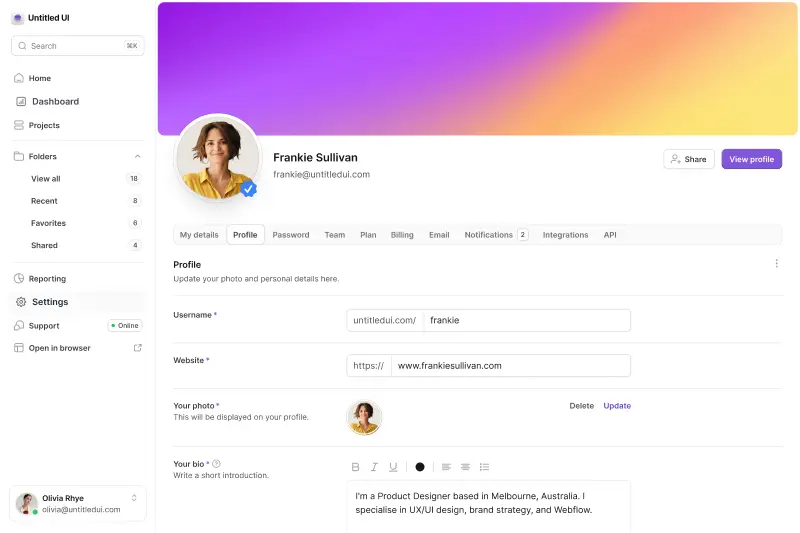
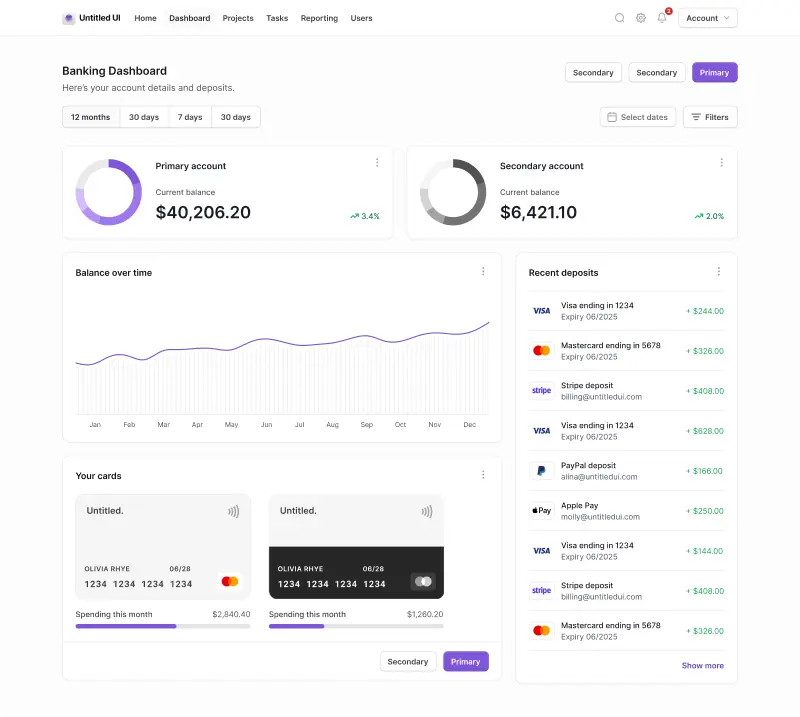
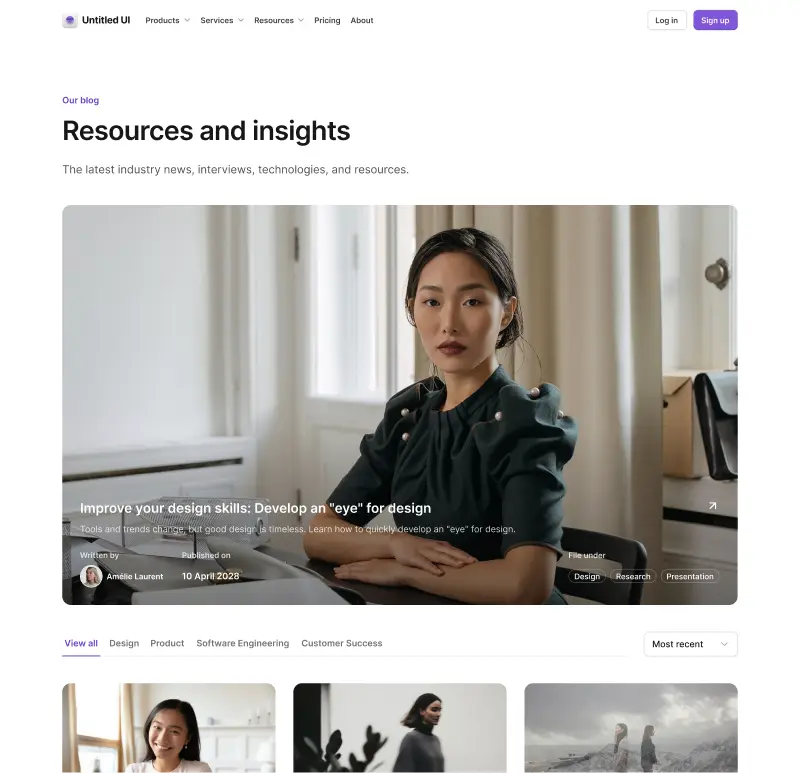
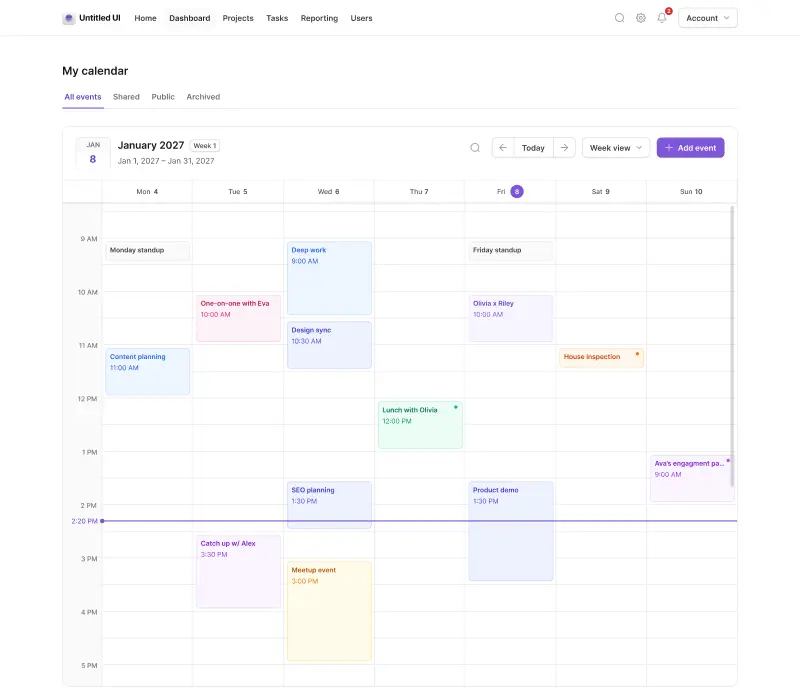
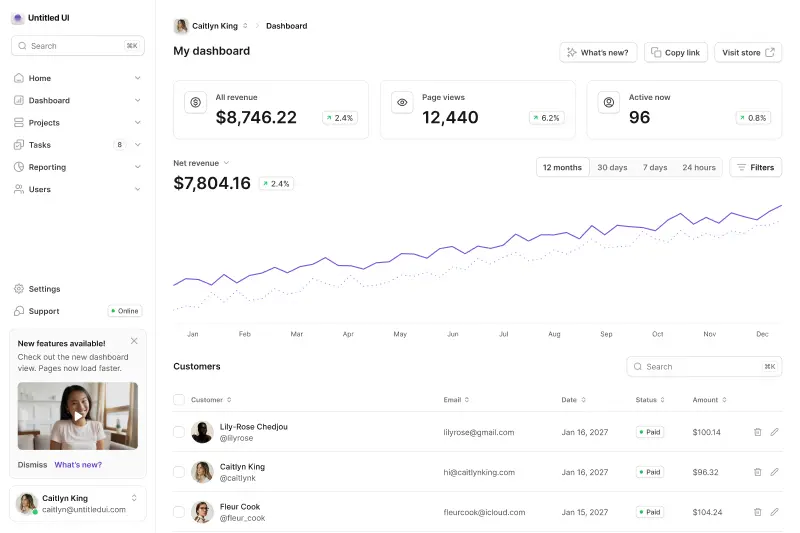
Untitled UI is the world's largest and most popular Figma UI kit and React component library. 10,000+ Figma components, 5,000+ React components, 250+ React page examples, 4,600+ icons. Built with React v19.2, Tailwind CSS v4.3, TypeScript v5.9, and React Aria.
What makes it incredible for vibe coding isn't just the volume — it's the design+code quality and infrastructure. Untitled UI React was built by professional designers and developers, and ships CLAUDE.md and AGENT.md rules that keep AI agents strictly adhering to Tailwind CSS and React Aria best practices. Plus, a dedicated MCP server that connects your AI assistant and vibe coding tools directly to the component documentation.
Dedicated integration guides cover Claude Code, Cursor, Codex, Gemini CLI, and OpenCode, and one-click project launches into v0, Bolt, and StackBlitz take you from prompt to running app in seconds. The Figma UI kit and React UI component library stay synced, so design and development never drift apart, with free updates for life.
When you prompt AI coding tools to build quick prototypes, having 250+ real page examples built by designers as reference means the output is significantly closer to what you'd actually ship with a single prompt.
Untitled UI React key features:
- MCP support: Dedicated MCP server for connecting AI assistants to component docs.
- AI instructions: Ships CLAUDE.md, GEMINI.md, and AGENT.md rules, plus integration guides for Claude Code, Cursor, Codex, Gemini CLI, and OpenCode.
- AI tool integrations: One-click launches into v0, Bolt, and StackBlitz.
- Components & templates: 5,000+ React components, 250+ React page examples, 10,000+ Figma components built by professional designers.
- Design quality: Unparalleled and built by professional designers and developers. Pixel-perfect, modern, backed by the most popular Figma UI kit in the world.
- Tech stack: The entire codebase is built with React v19.2, Tailwind CSS v4.3, TypeScript v5.9, and React Aria.
- What makes it unique: World-class design with full code ownership, Figma-to-React sync, and the deepest AI tooling of any UI library — from coding agent rule files to MCP to one-click platform launches.
- Pricing: There are 100% free versions of all Untitled UI products:
- Untitled UI Figma: Try the free UI kit. You can duplicate it and use it in unlimited personal or commercial projects.
- Untitled UI React: All base components and many more are completely free to use in your projects, including commercial projects.
- Untitled UI Icons: Browse and copy free Untitled UI Icons directly from our site, or download the free Figma icon library for your projects.
Need more features, components, or icons? Upgrade anytime — Untitled UI Figma from $129, Untitled UI React from $349, and Untitled UI Icons from $59. Every purchase includes lifetime access with free updates.
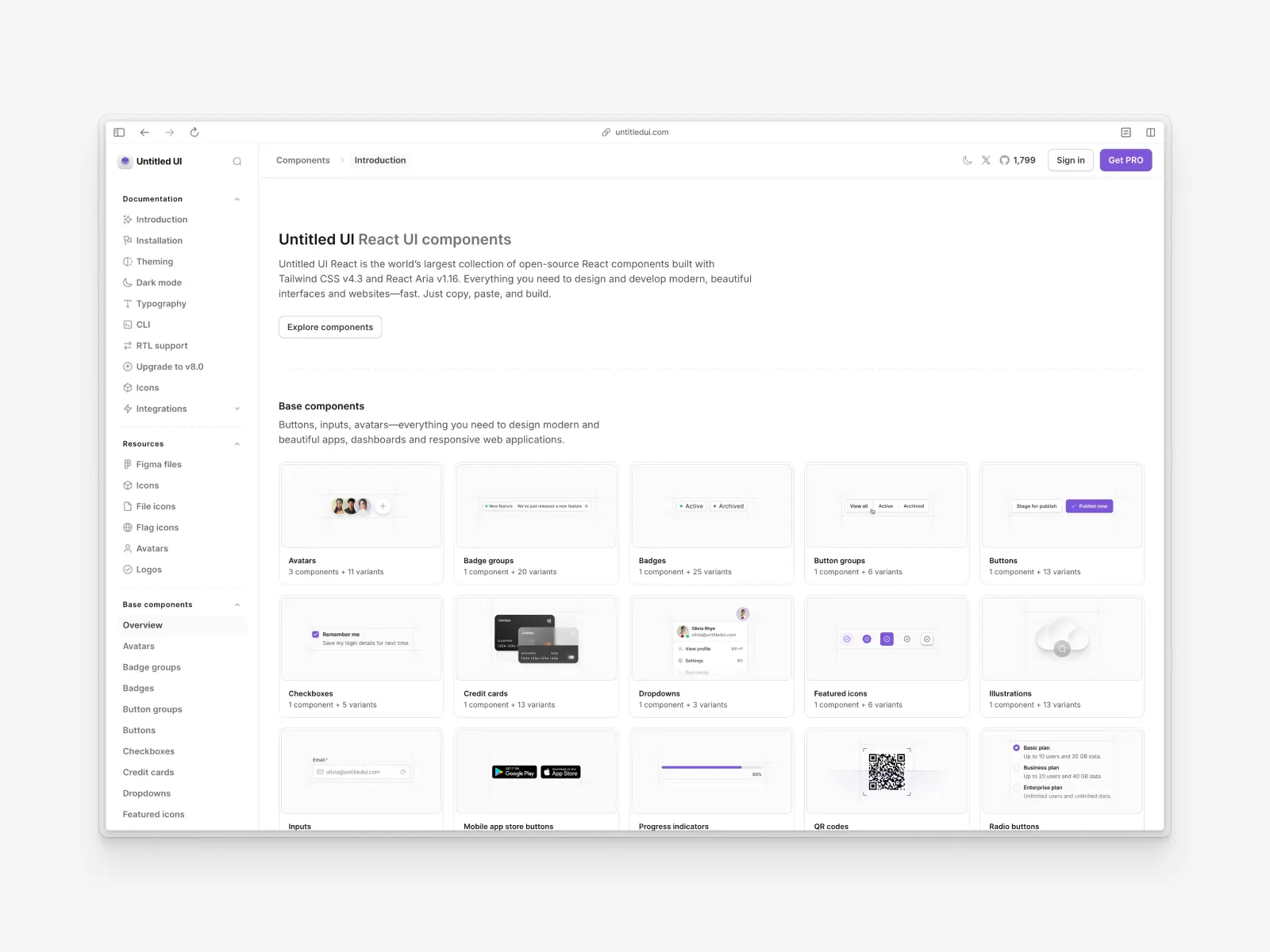
A huge part of Untitled UI React is 100% free and open source. Use the free Untitled UI React components in unlimited commercial projects and React applications to try them out.
Check out the Untitled UI React documentation and explore the free React UI components to get started.
This library is particularly ideal for teams already using Tailwind CSS who want production-ready React components out of the box that don't rely on external dependencies and libraries. If you're short on time, here's a 60-second overview:
Vibe coding tools readiness: ★★★★★ 5/5 stars
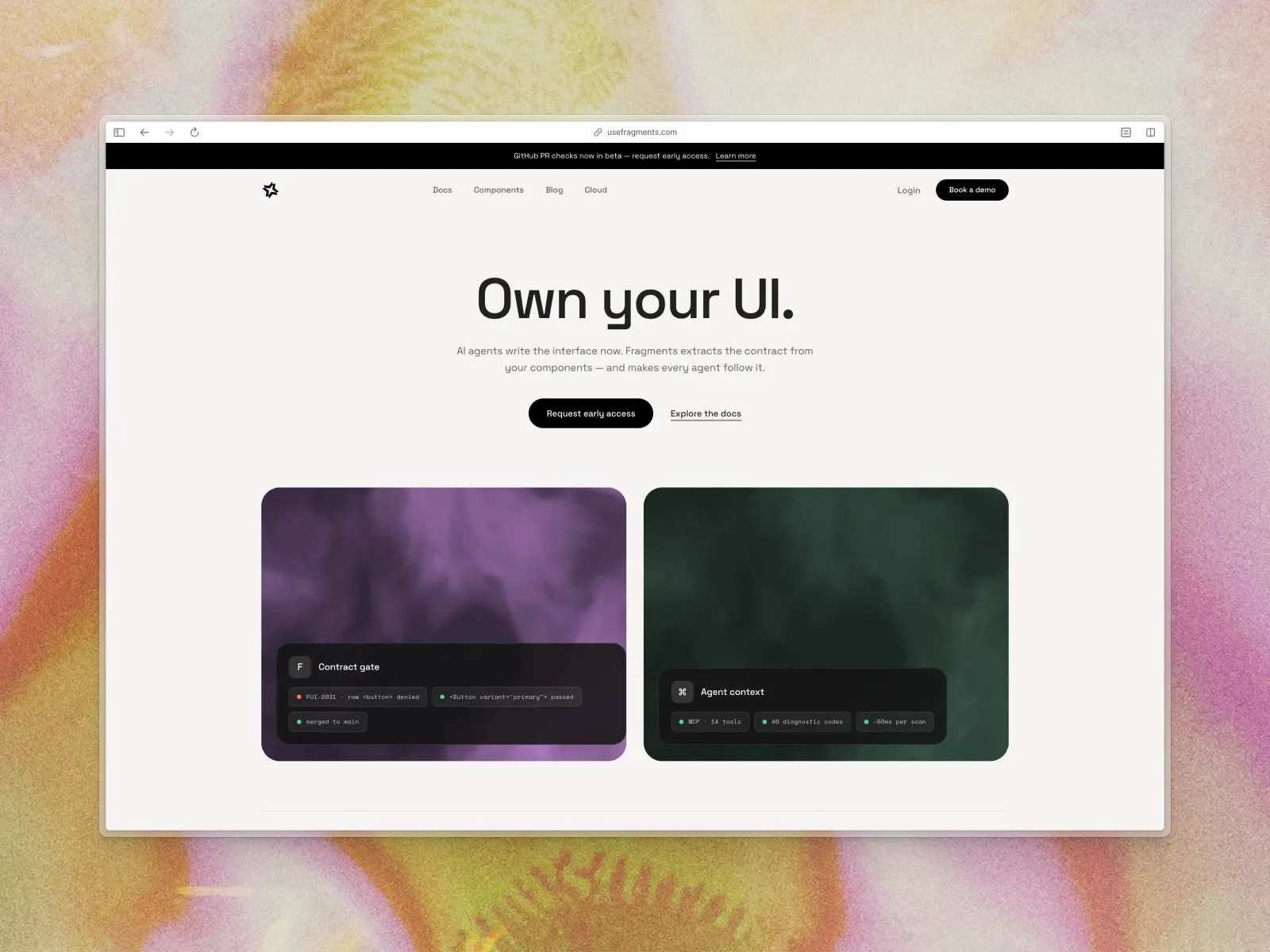
2. Fragments UI
usefragments.com — Free / open source
Fragments UI is the most explicitly AI-native design system we've seen. It ships 68 accessible React components built on Base UI primitives, plus a set of MCP tools that give AI assistants and coding agents live access to your actual component APIs and structured usage guidance instead of static docs. The free component library is MIT-licensed; a separate paid “Fragments Pro” governance layer for teams starts from $79/mo, but you don't need it to use the components.
It gives AI tools a database of your design system rather than forcing them to read a static text document. The MCP tools let AI agents discover components, render them in a real browser, audit accessibility, and fix token drift. If you're building a team workflow where AI is a first-class participant in your design system, this is the most forward-thinking option available.
Fragments UI key features:
- MCP support: Yes — a hosted MCP endpoint for design system component discovery, rendering, and validation.
- AI instructions: Structured component metadata surfaced through MCP rather than static instruction files.
- Components & templates: 68 components built on Base UI primitives.
- Design quality: Clean, neutral, and highly professional.
- Tech stack: React, Base UI primitives, CSS variables, TypeScript.
- What makes it unique: Quite literally built for vibe coding — the most complete MCP integration for coding agents of any library.
- Pricing: Free / open source.
Vibe coding tools readiness: ★★★★★ 5/5 stars
3. shadcn/ui
ui.shadcn.com — Free / open source
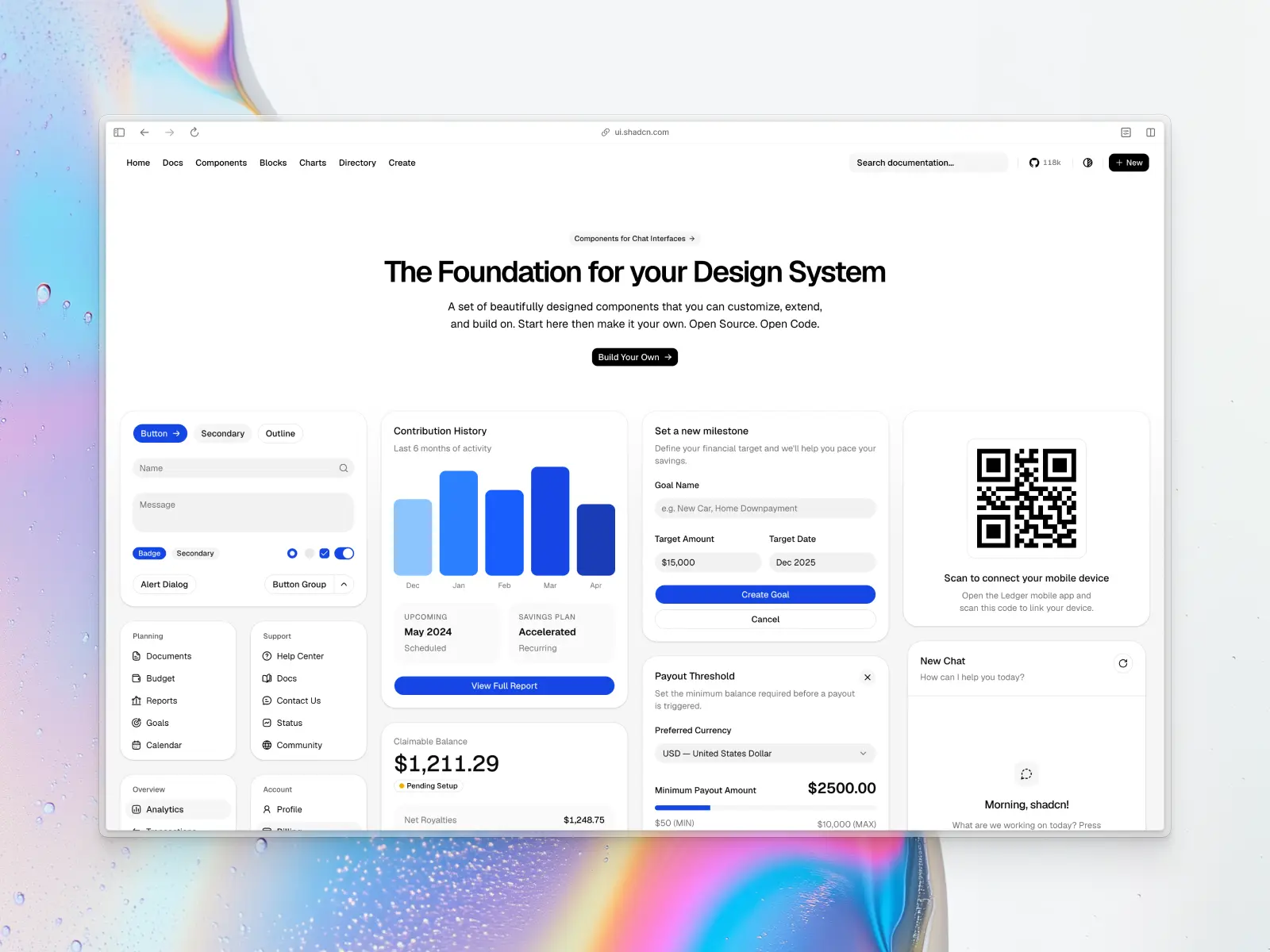
The undisputed king of the copy-paste component era. shadcn/ui gives you the source code for every component, dropped directly into your codebase — which is the perfect architecture for AI since it can read and modify the actual files in your repo. Built with Tailwind CSS styling on top of your choice of Base UI, Radix, or React Aria primitives, it has become the de facto standard that influenced many competing libraries on this list.
The registry pattern it popularized has completely reshaped how we build React apps with AI. Every major AI coding tool — Cursor, Claude, v0, Bolt, Lovable — has deep familiarity with shadcn/ui patterns. When you ask an AI to build a component, there's a very high chance it defaults to shadcn/ui conventions. At least 11 of the 22 libraries reviewed here are built on or extend shadcn/ui, and its CLI package pulls roughly 8.6 million downloads a week on npm. That network effect is massive.
shadcn/ui key features:
- MCP support: Yes — an official MCP server (shipped with the CLI) plus community servers indexing shadcn/ui docs. Also ships an
llms.txtfor AI tools. - AI instructions: Implicitly supported by virtually every AI model — it's the default knowledge base for tools like v0 and Lovable.
- Components & templates: 60+ core components, including a set of chat components (MessageScroller, Message, Bubble, Attachment, Marker) and a Questionnaire component, plus a constantly growing set of community blocks and extensions.
- Design quality: Minimalist, clean, and highly recognizable.
- Tech stack: React, Tailwind CSS v4, your choice of Base UI (the default as of 2026), Radix, or React Aria, TypeScript.
- What makes it unique: The ecosystem standard. Every AI tool knows it, and the copy-paste model gives you full code ownership.
- Pricing: Free / open source.
Vibe coding tools readiness: ★★★★★ 5/5 stars
4. Kibo UI
kibo-ui.com — Free / open source
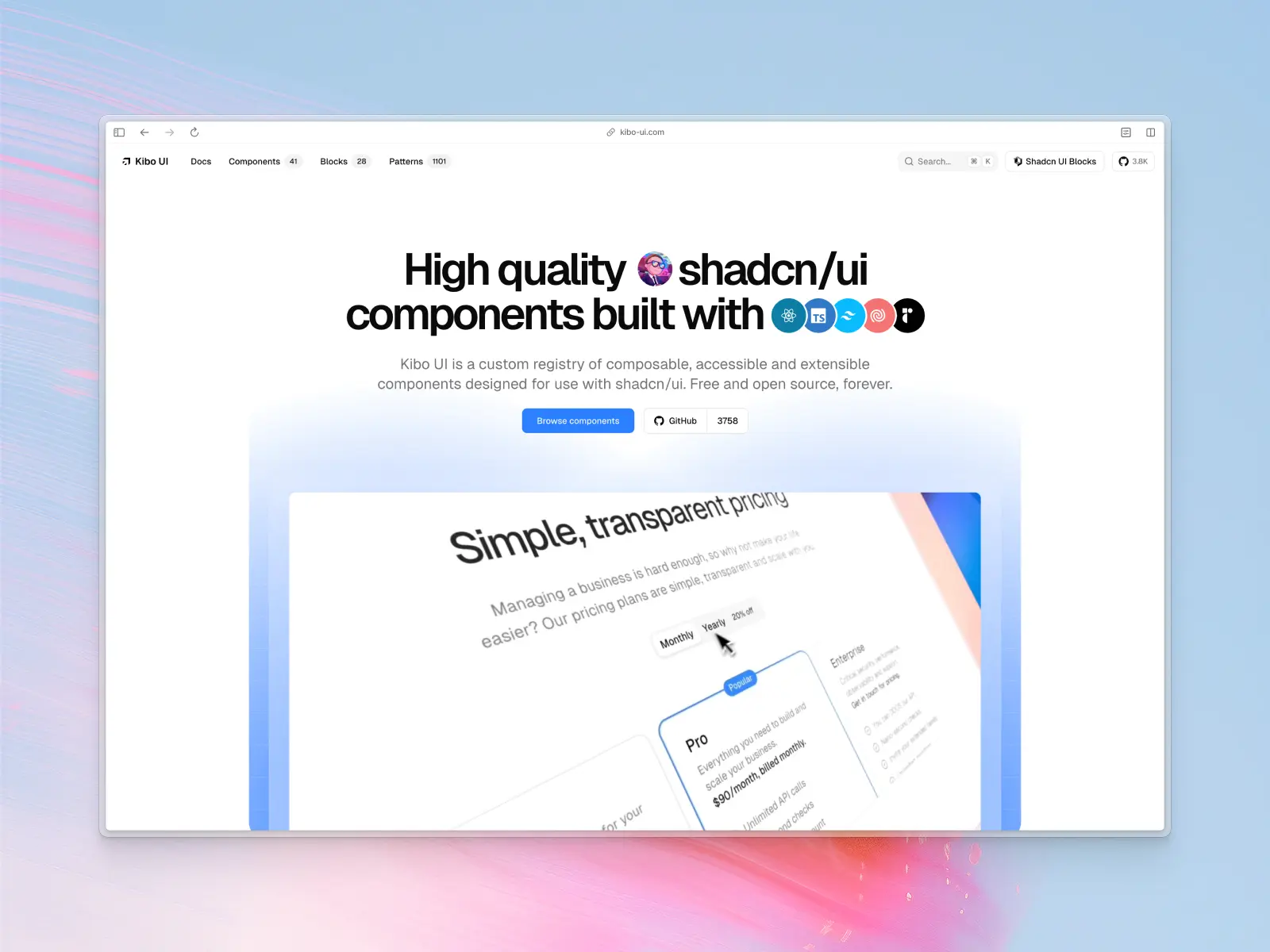
Created by the talented Hayden Bleasel (@haydenbleasel), Kibo UI is the "extended universe" of shadcn/ui — filling gaps with advanced, niche components like color pickers, image zoom, QR code generators, code blocks with syntax highlighting, drag-and-drop file uploaders, comparison tables, and mini-calendars. 41 components, 6 blocks, and 1,101 patterns.
For vibe coding, Kibo UI is valuable because it extends shadcn/ui with the complex, interactive components that AI often struggles to build from scratch. A color picker or a code block with line numbers — these are components where having a tested implementation saves enormous time. It's also one of the first community registries with built-in MCP integration.
Kibo UI key features:
- MCP support: Yes — built-in MCP integration.
- AI instructions: Designed with AI-driven workflows in mind, inherits shadcn/ui's AI familiarity.
- Components & templates: 40+ components, 30+ blocks, 1,000+ patterns.
- Design quality: Exceptionally high — beautiful animations and polished interactions.
- Tech stack: React, Tailwind CSS, Radix UI, Lucide (shadcn/ui ecosystem).
- What makes it unique: Provides complex interactive blocks that usually take days to build, instantly deployable via CLI.
- Pricing: Free / open source — acquired by Shadcnblocks in October 2025, but it remains completely free and open source with no paid tier introduced.
Vibe coding tools readiness: ★★★★☆ 4/5 stars
5. AlignUI
alignui.com — Open source + paid from $299
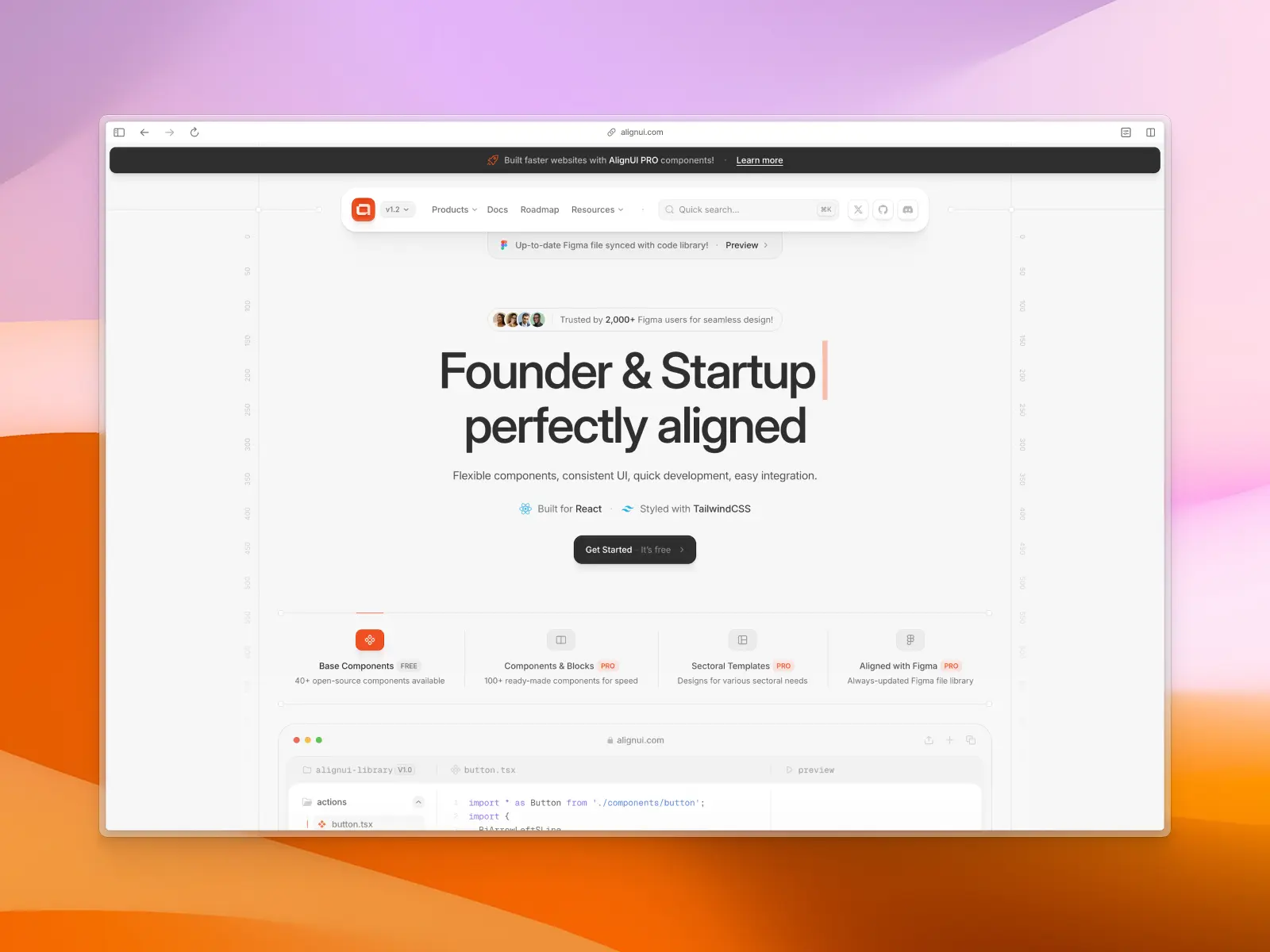
AlignUI bridges design and development with a flexible, composable component system. The code uses a slot-based architecture with components like FancyButton, LinkButton, and clean, readable APIs — both human-friendly and AI tool friendly. The default styles are genuinely beautiful.
Predictable patterns mean fewer hallucinations and more accurate code generation. The standard Tailwind CSS/Radix UI stack is easily understood by AI even without custom instruction files, though it would benefit from shipping CLAUDE.md or .cursorrules.
AlignUI key features:
- MCP support: No official MCP support.
- AI instructions: No official AI instruction files, but standard Tailwind CSS/Radix UI patterns are well-understood by AI.
- Components & templates: 40+ free components, 100+ in AlignUI Pro, and multiple templates, plus a full Figma UI kit.
- Design quality: World-class. One of the most aesthetically refined libraries on this list.
- Tech stack: React, Tailwind CSS, Radix UI, TypeScript.
- What makes it unique: Bridges a high-end Figma UI kit with production React code beautifully. Code ships as copy-paste files rather than an npm package, so there's no dependency to update.
- Pricing: 40+ free components + pro from $299.
Vibe coding tools readiness: ★★★★☆ 4/5 stars
6. Magic UI
magicui.design — Open source + paid from $199
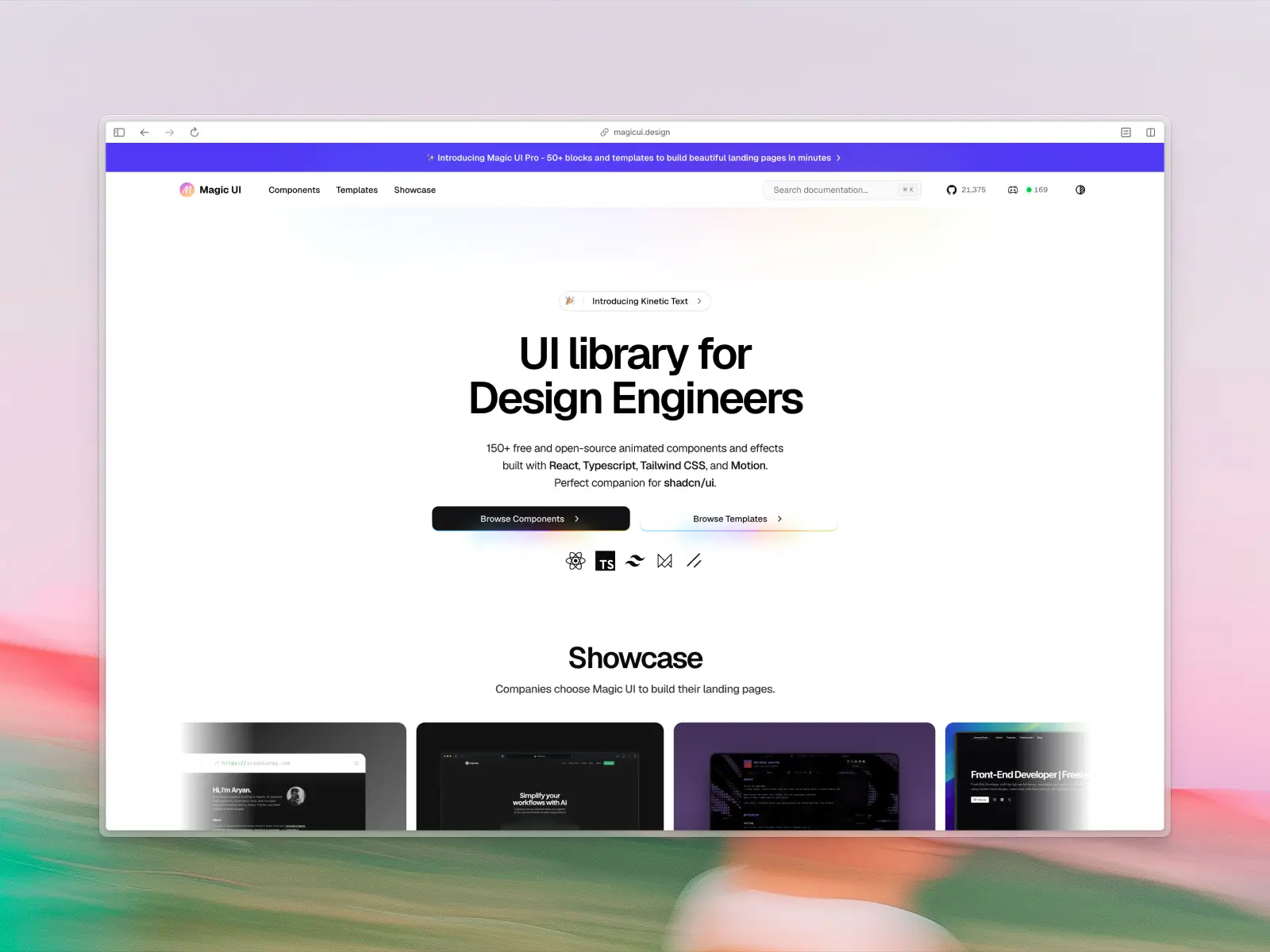
Magic UI is 150+ animated UI components and effects built with React, TypeScript, Tailwind CSS, and Motion (Framer Motion). It positions itself as the perfect companion for shadcn/ui — adding the visual flair and micro-interactions that make interfaces feel alive.
AI assistants are great at generating functional layouts but often produce static, lifeless interfaces. Magic UI fills that gap. Prompt "add a marquee testimonial section" or "animate the hero with a text reveal" and get polished results. The copy-paste nature works well with AI, provided the AI understands Framer Motion patterns.
Magic UI key features:
- MCP support: Yes — an official MCP server (@magicuidesign/mcp) installs into Cursor, Claude Code, and other AI tools.
- AI instructions: Ships an AGENTS.md file; copy-paste architecture is inherently AI-friendly and works best when the AI knows Motion (Framer Motion).
- Components & templates: 150+ animated UI components and effects.
- Design quality: Stunning. Motion-heavy, trendy, and visually impressive.
- Tech stack: React, TypeScript, Tailwind CSS, Motion (Framer Motion).
- What makes it unique: The best way to add complex animations to a shadcn/ui project via vibe coding.
- Pricing: Free components + premium templates.
Vibe coding tools readiness: ★★★★☆ 4/5 stars
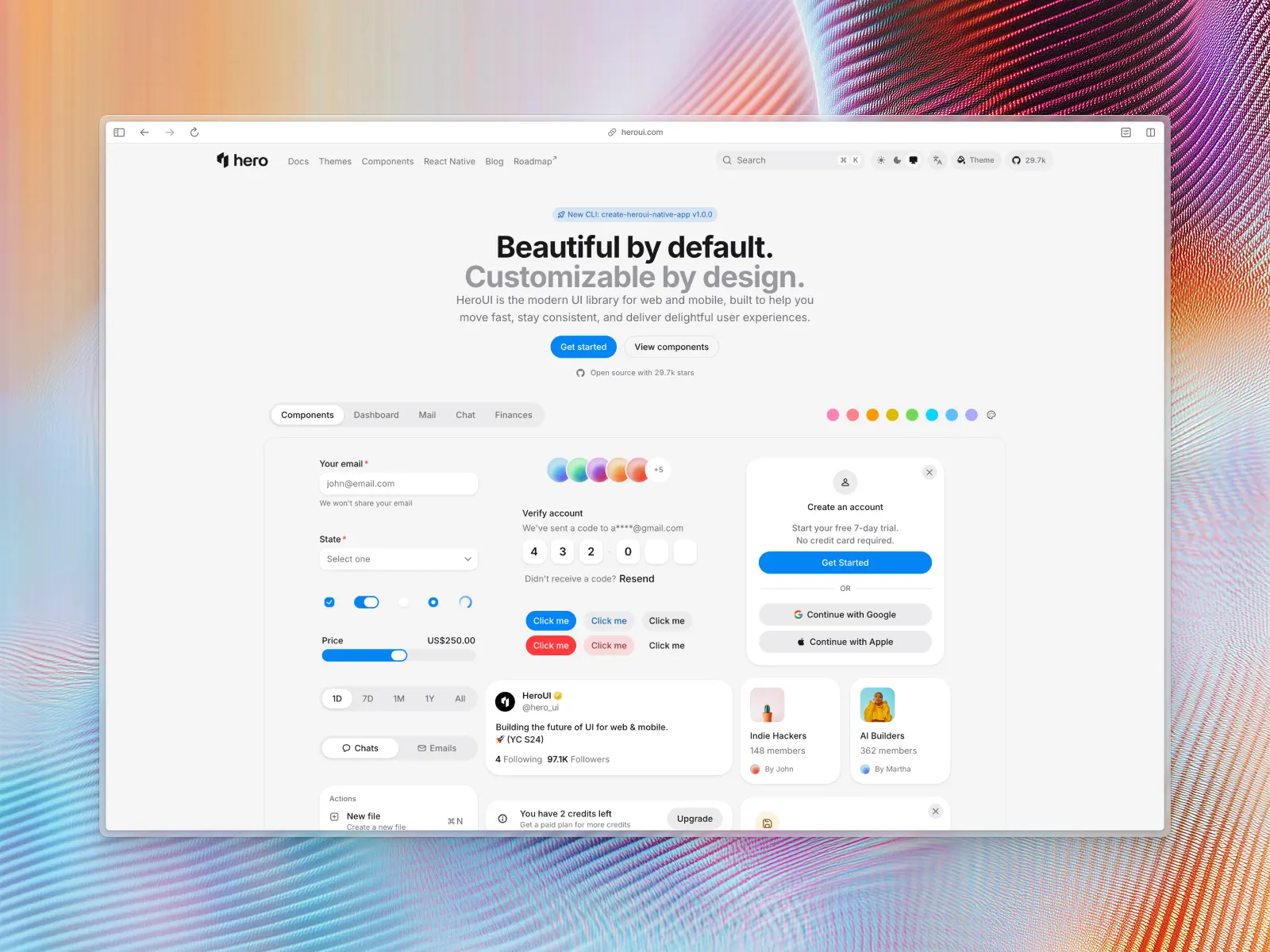
7. HeroUI (formerly NextUI)
heroui.com — Free / open source
HeroUI is a beautiful, fast React UI library built on Tailwind CSS and React Aria. Version 3 (March 2026) was a ground-up rewrite: React Aria Components instead of hooks, native CSS animations instead of Framer Motion, and roughly double the components at about 100.
Describe a brand aesthetic and AI can configure the whole theme through CSS variables; React Aria handles accessibility automatically. One caveat: tell the AI you're on v3, or it'll write v2-era Framer Motion code that no longer applies.
HeroUI key features:
- MCP support: Yes — an official MCP server (@heroui/react-mcp) for Cursor, Claude Code, and other AI tools.
- AI instructions: Requires explicit prompting to use HeroUI v3 imports; no shipped CLAUDE.md/AGENTS.md files.
- Components & templates: ~100 styled components with comprehensive theming.
- Design quality: Vibrant, modern, and highly polished by default.
- Tech stack: React, Tailwind CSS v4, React Aria Components, native CSS animations.
- What makes it unique: Premium UI kit aesthetics with Tailwind CSS performance, all free and open source.
- Pricing: Free / open source.
Vibe coding tools readiness: ★★★★☆ 4/5 stars
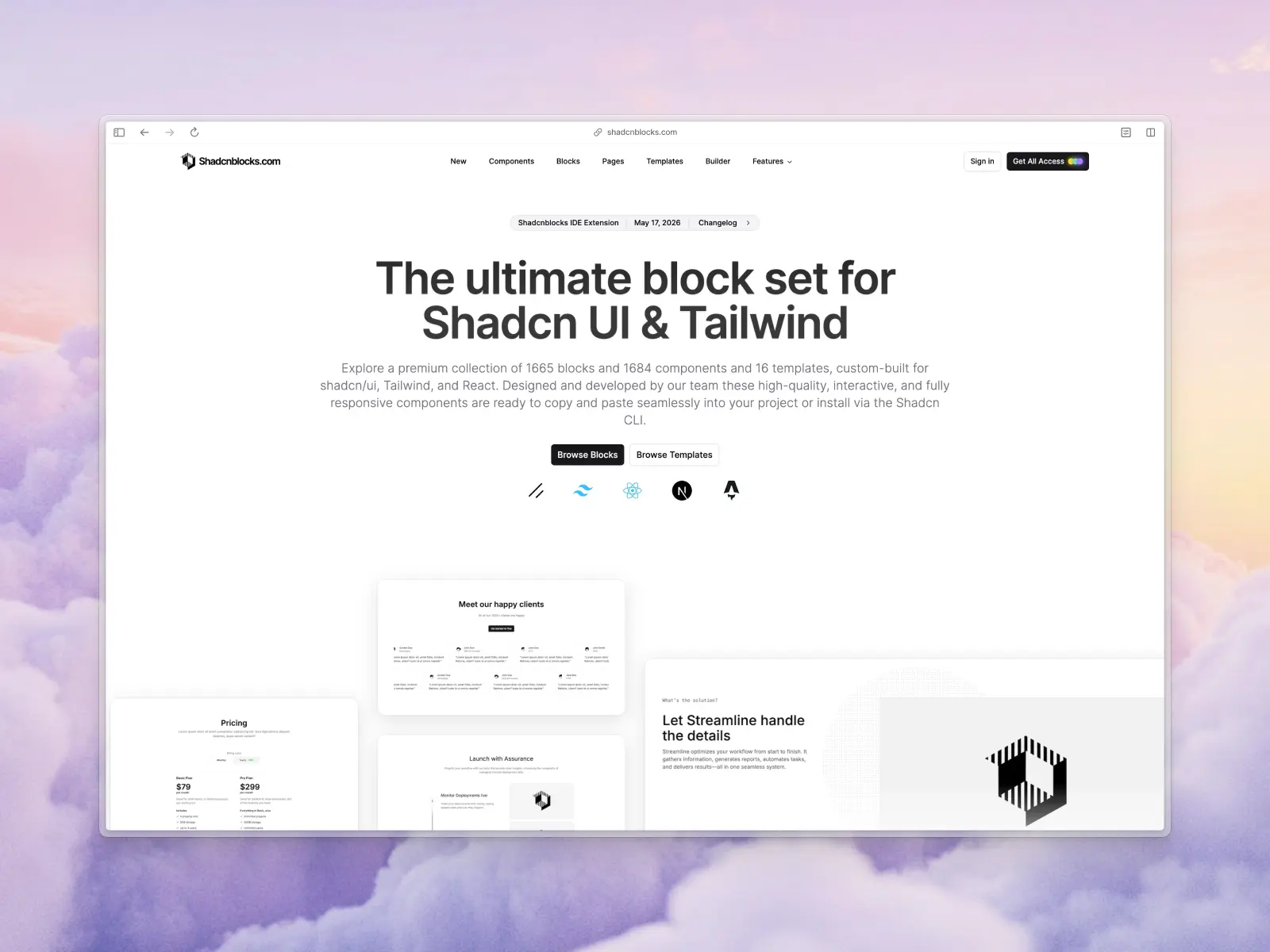
8. ShadcnBlocks
shadcnblocks.com — Free + paid from $149, $299, or $399
The largest collection of pre-built blocks for shadcn/ui — over 2,000 blocks, 2,100+ component variants, and 20 templates. These aren't individual buttons and inputs. They're full-width, production-ready sections: hero areas, pricing tables, testimonial grids, feature showcases. Copy-paste directly.
For vibe coding, blocks are arguably more useful than individual components. When you tell an AI "build me a landing page," having 2,000+ pre-designed sections means the AI can compose an entire page from battle-tested building blocks rather than improvising from primitives. The sheer volume lets you vibe-code complex dashboards in minutes.
ShadcnBlocks key features:
- MCP support: Yes — a Shadcn MCP integration lets Cursor, Claude Code, and VS Code Copilot browse and install blocks by prompt.
- AI instructions: Highly compatible with AI due to standard shadcn/ui foundation.
- Components & templates: 2,000+ blocks, 2,100+ component variants, 20 templates.
- Design quality: Consistent, functional, and vast.
- Tech stack: React, Next.js, Astro, shadcn/ui, Tailwind CSS.
- What makes it unique: Pure volume — the biggest block collection in the shadcn/ui ecosystem.
- Pricing: Free + paid from $149, $299, or $399 (including templates).
Vibe coding tools readiness: ★★★★☆ 4/5 stars
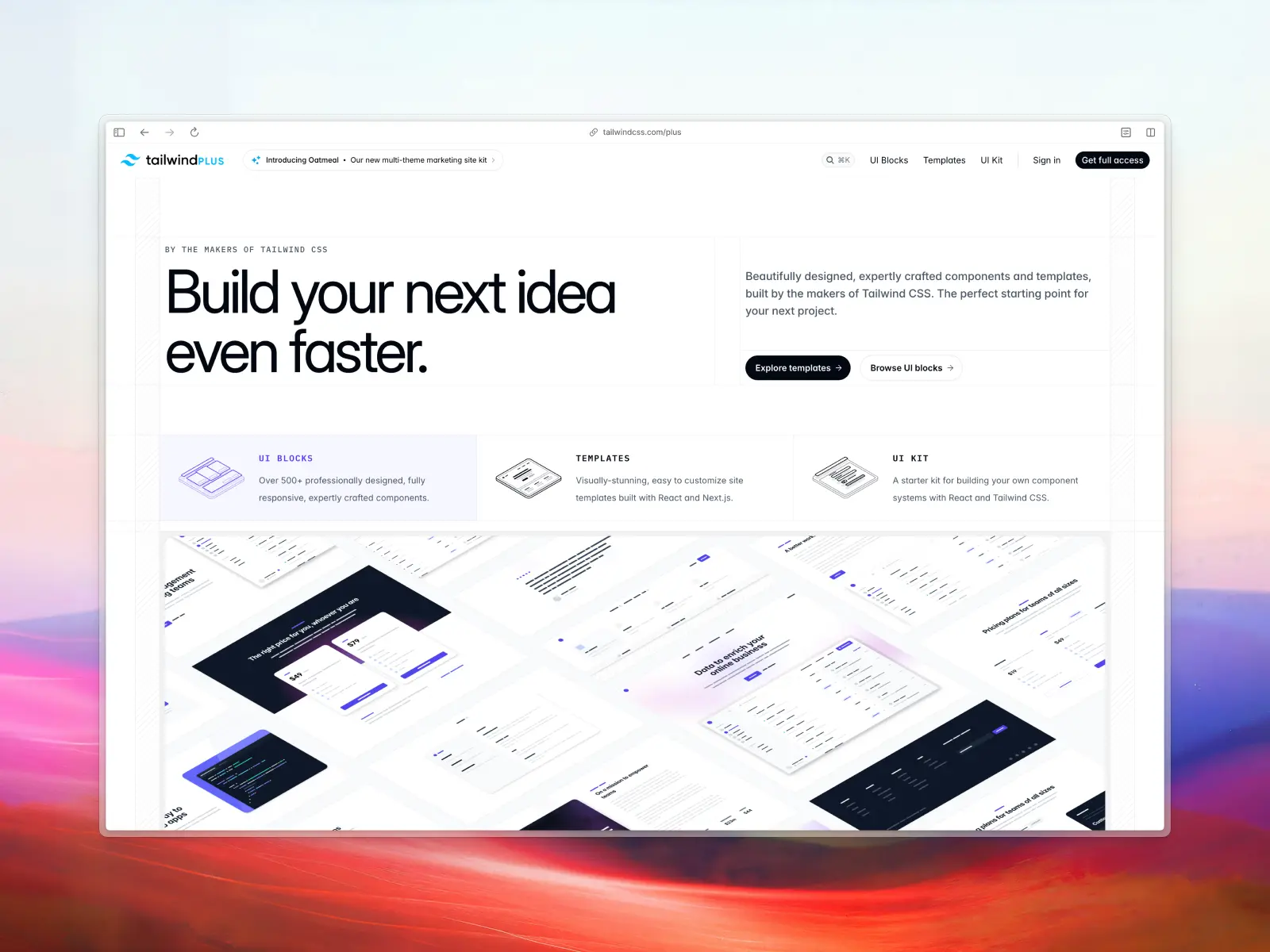
9. Tailwind Plus (formerly Tailwind UI)
tailwindcss.com/plus — Closed to new customers (was from $299)
From the makers of Tailwind CSS themselves. 500+ professionally designed UI blocks and modern website templates — hero sections, pricing tables, CTAs, team pages, and full website templates built with React, Vue, and Next.js.
The pedigree matters. Tailwind Plus components represent the gold standard for Tailwind CSS patterns. AI models trained on vast amounts of Tailwind CSS documentation produce code that aligns closely with these conventions. The trade-off: it's a closed, paid product, so you need to manually feed the downloaded code to your AI rather than providing access to your entire codebase.
Update: Tailwind Plus closed to new customers on September 9, 2026 after Shopify acquired Tailwind Labs. Existing licenses still work; new purchases aren’t possible. Tailwind CSS itself is unaffected and stays MIT-licensed. See our best Tailwind Plus alternatives for what to use instead.
Tailwind Plus key features:
- MCP support: No official MCP support.
- AI instructions: Requires manually feeding downloaded code to your AI agent or AI tools.
- Components & templates: 500+ UI blocks (marketing, application, e-commerce), 13 site templates.
- Design quality: Flawless. The industry standard for Tailwind design.
- Tech stack: HTML, React, Vue, Next.js, Tailwind CSS, Headless UI.
- What makes it unique: Created by the Tailwind CSS team — the gold standard.
- Availability: Closed to new customers since September 2026. Existing licenses still work.
Vibe coding tools readiness: ★★☆☆☆ 2/5 stars
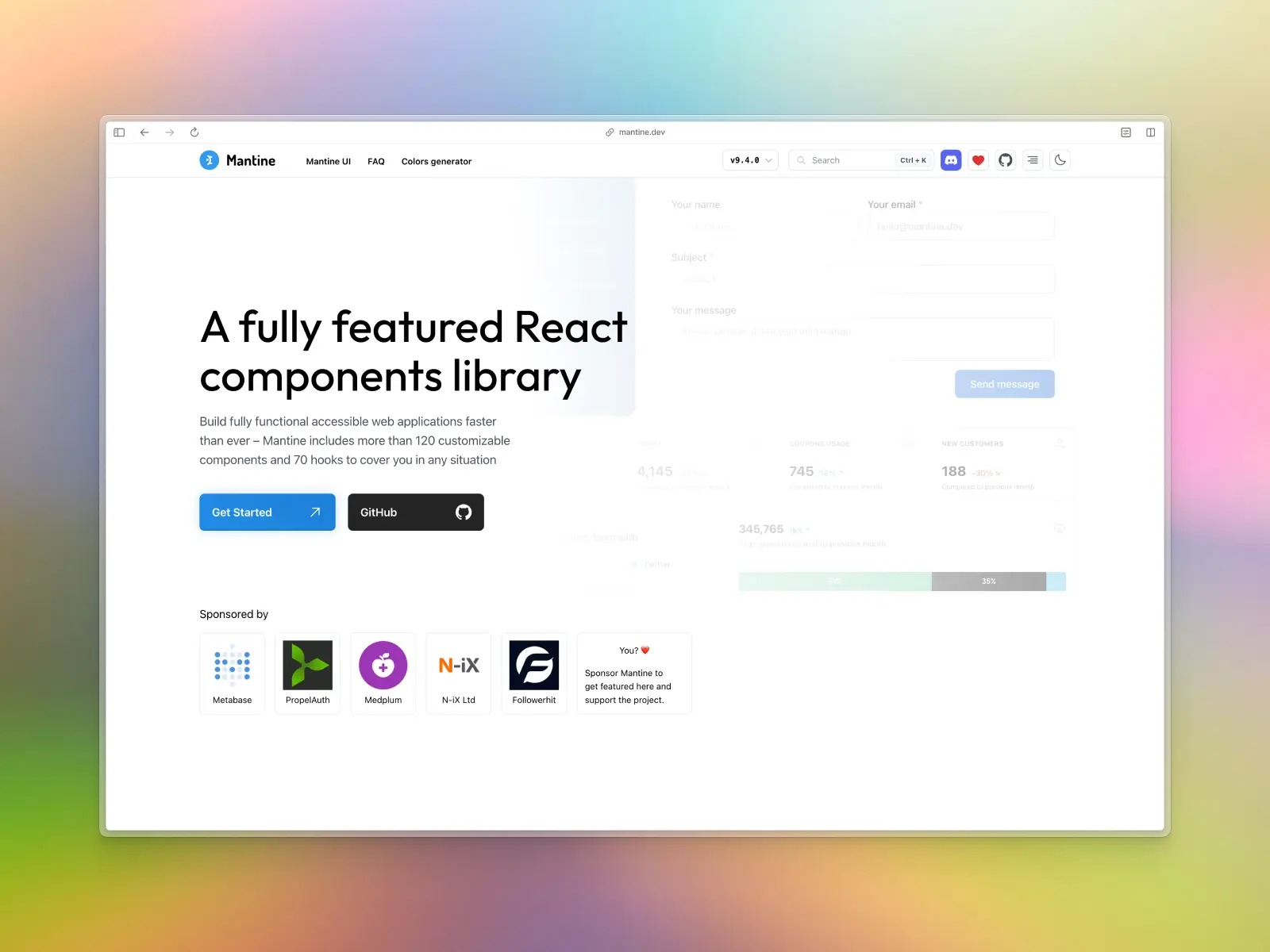
10. Mantine
mantine.dev — Free / open source
Mantine is a fully featured React component library: 120+ components, 70+ hooks, built-in form library, PostCSS preset, and extension ecosystem. It covers everything from basic inputs to date pickers, rich text editors, notifications, modals, and charts. The 50+ Combobox examples alone cover virtually every select/autocomplete pattern you'd need.
For vibe coding, Mantine's breadth is its strength — whatever you prompt AI tools to build, Mantine probably has a component for it. Fair warning though: Mantine is now on v9, and most AI models are still trained heavily on the v6/v7 API, so they'll often hallucinate outdated props. You'll want to provide version-specific context in your prompts, or point the AI at Mantine's own llms.txt.
Mantine key features:
- MCP support: Yes — an experimental @mantine/mcp-server, plus a published llms.txt and llms-full.txt.
- AI Instructions: No CLAUDE.md/.cursorrules; be explicit that you're on v9 to avoid v6/v7 hallucinations.
- Components & templates: 120+ components, 70+ hooks, extensions.
- Design quality: Clean, highly functional — slightly less trendy than Tailwind-first libraries.
- Tech stack: React, native CSS (no runtime overhead), TypeScript.
- What makes it unique: The most complete all-in-one React component library available.
- Pricing: Free / open source.
Vibe coding tools readiness: ★★★★☆ 4/5 stars
11. Material UI (MUI)
mui.com — Open source + paid from $299/yr per developer
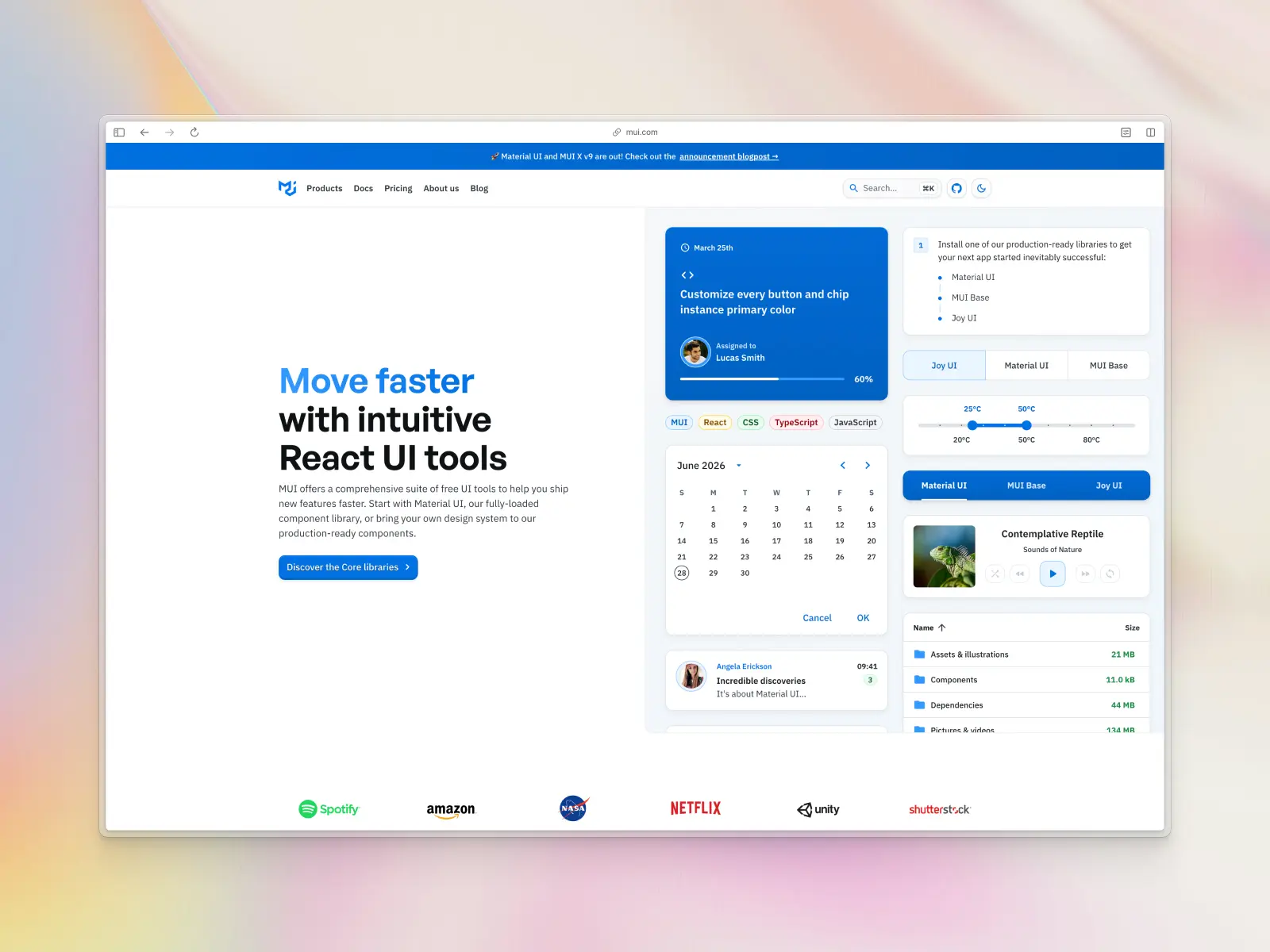
Material UI (MUI) has been around since 2014, making it the veteran on this list. ~98k GitHub stars and the most widely adopted React component library in existence. Material UI follows Google's Material Design, plus MUI X for data grids, date pickers, and charts — see our best React dashboards roundup for more ready-made options.
For vibe coding, MUI benefits from being the single most represented component library in AI training data. AI generates highly accurate MUI code — in theory. In practice, AI is too well-trained on MUI. It frequently mixes v4, v5, and v6 syntax in the same file, leading to frustrating debugging sessions. You need strict version pinning in your text prompts. The Material Design aesthetic can also feel generic without heavy customization.
MUI key features:
- MCP support: Yes — an official MCP server (@mui/mcp) for Cursor, VS Code, Windsurf, JetBrains, Zed, and Claude Code.
- AI instructions: Ships CLAUDE.md and AGENTS.md at the repo root; still worth explicitly specifying your MUI version to prevent v4/v5/v6 syntax mixing.
- Components & templates: 40+ core components, advanced (MUI X), templates, design kits.
- Design quality: Standard Material Design — functional but can feel dated.
- Tech stack: React, Emotion (CSS-in-JS), TypeScript.
- What makes it unique: Unbeatable robustness for data-heavy enterprise applications.
- Pricing: Open source (core). MUI X moved to app-based licensing in April 2026 — Pro from $299/yr, Premium $599/yr, Enterprise $1,399/yr, per developer.
Vibe coding tools readiness: ★★★★☆ 4/5 stars
12. Tailark
tailark.com — Open source + paid from $249, $299, or $499
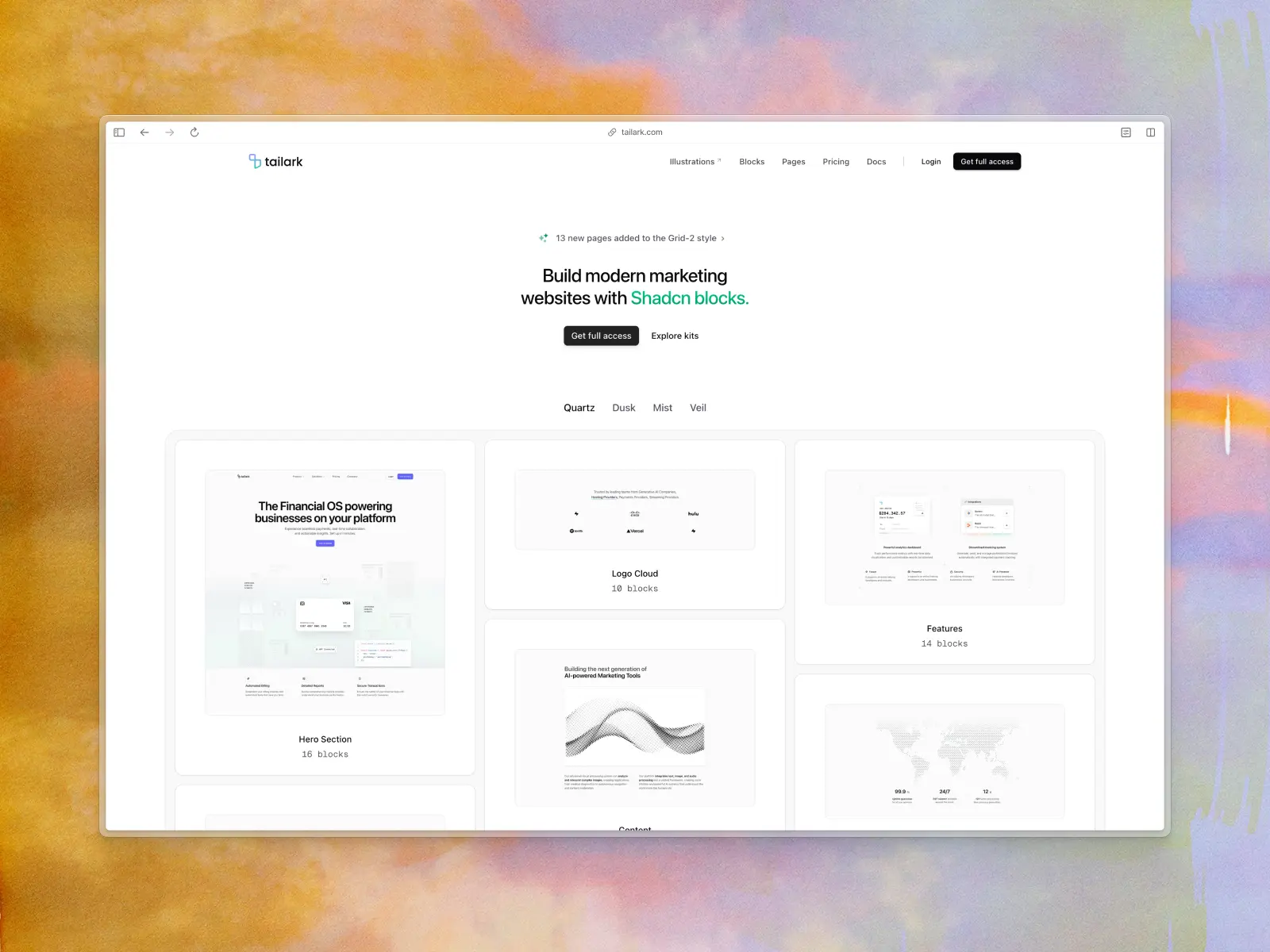
Beautifully designed marketing blocks built on shadcn/ui. Enterprise-grade website sections — heroes, features, pricing, CTAs — crafted for speed and conversion. Their Pro tier includes complete pages, blocks, and illustrations.
Tailark fills the marketing-site void in the shadcn/ui ecosystem. If you're vibe-coding a landing page in 10 minutes, this is where you grab your sections. It inherits shadcn/ui's AI-friendly nature, so AI tools handle it well out of the box.
Tailark key features:
- MCP support: No dedicated MCP server of its own, but works through shadcn/ui's official MCP since it's distributed as a shadcn registry (no npm package).
- AI instructions: Inherits shadcn/ui's broad AI compatibility.
- Components & templates: Marketing blocks, page templates, and illustrations.
- Design quality: Extremely high-quality, conversion-focused marketing design.
- Tech stack: React, shadcn/ui, Tailwind CSS.
- What makes it unique: The best marketing block collection in the shadcn/ui ecosystem.
- Pricing: Open source + paid from $249, $299, or $499.
Vibe coding tools readiness: ★★★☆☆ 3/5 stars
13. COSS
coss.com — Free / open source
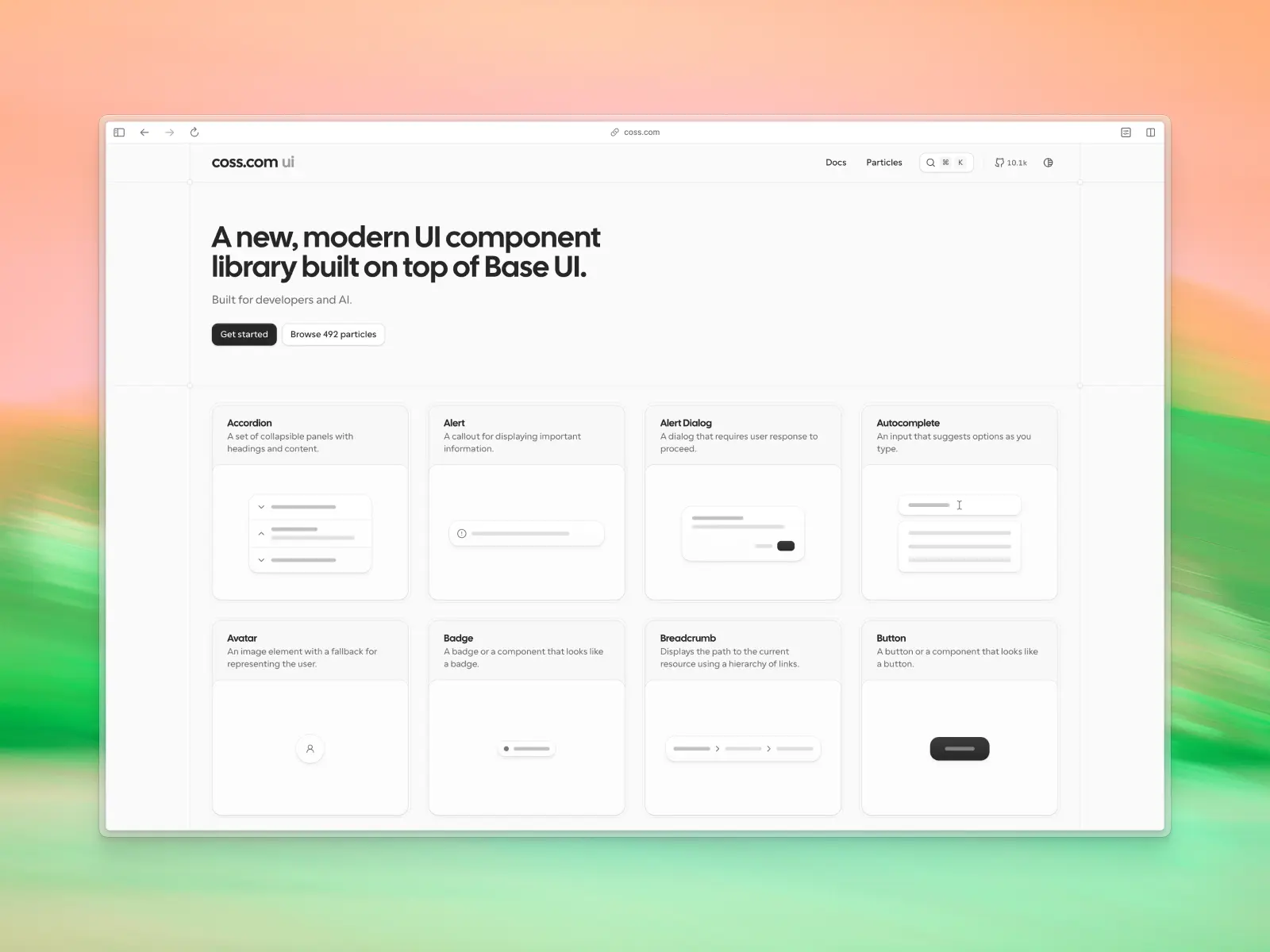
Built by the team behind Cal.com, COSS is an ambitious project combining a modern React UI component library with a broader full-stack vision. Origin UI folded into COSS in 2026, and the roadmap describes a future "atoms" layer with built-in integrations (email, calendar, scheduling) — still forward-looking, not shipped yet.
Today, the standout offering is COSS UI: over 500 copy-and-paste React "Particles" built on Base UI and Tailwind CSS, designed to be easy for both developers and AI coding assistants to understand. The wider infrastructure platform is still evolving, making COSS one of the more interesting projects to watch in the AI development space.
COSS key features:
- MCP support: No official MCP support.
- AI instructions: Ships an AGENTS.md file; built specifically with AI-assisted development in mind, with copy-and-paste components and clear APIs.
- Components & templates: 500+ React UI components ("Particles"), absorbed from the former Origin UI, built on Base UI and Tailwind CSS.
- Design quality: Modern, developer-focused design system with production-ready components.
- Tech stack: React, TypeScript, Base UI, Tailwind CSS.
- What makes it unique: Aims to unify frontend components and backend infrastructure into a single AI-friendly development platform.
- Pricing: Free / open source.
Vibe coding tools readiness: ★★★☆☆ 3/5 stars
14. Smooth UI
smoothui.dev — Free core + paid Pro/Scale tiers from $11.99/mo
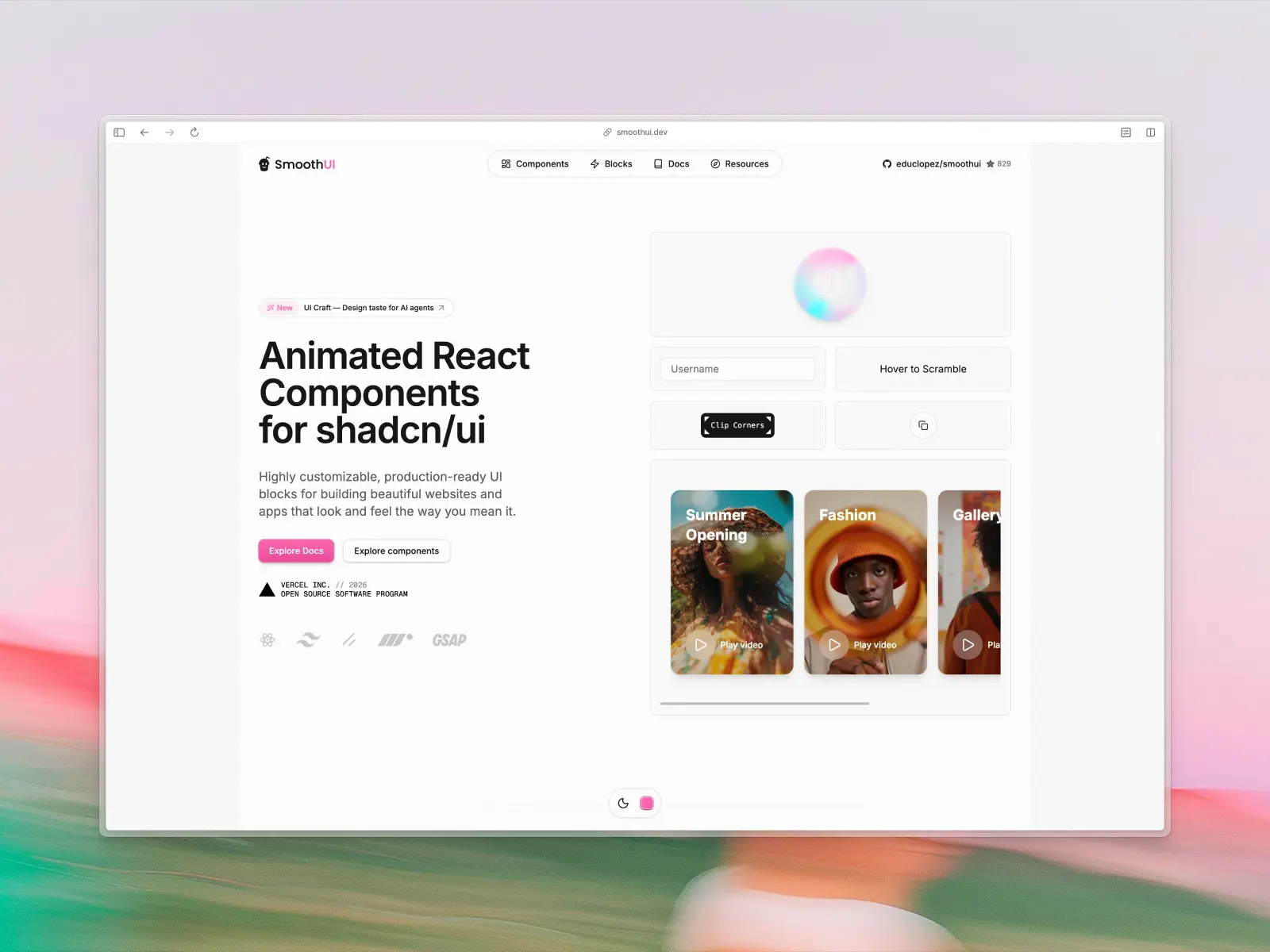
Animated React components designed to drop into shadcn/ui projects. Built with Motion and GSAP, it brings scroll-triggered animations and buttery-smooth transitions to the Tailwind CSS ecosystem. Fully compatible with shadcn/ui, built with Tailwind CSS v4, includes a CLI.
Like Magic UI, Smooth UI addresses the animation gap — but leans harder into GSAP-level scroll animations. The shadcn/ui compatibility means AI assistants familiar with shadcn patterns can use these components seamlessly.
Smooth UI key features:
- MCP support: Yes — fully compatible with the shadcn/ui MCP server, so AI tools can discover and install blocks automatically.
- AI instructions: Ships CLAUDE.md and AGENTS.md files.
- Components & templates: Animated blocks and components.
- Design quality: High-end, buttery-smooth animations.
- Tech stack: React, Tailwind CSS v4, shadcn/ui, Motion, GSAP.
- What makes it unique: Brings GSAP-level scroll animations into the shadcn/ui ecosystem.
- Pricing: Core components stay free/MIT forever; Pro ($11.99/mo) and Scale ($22.99/mo) tiers add premium blocks.
Vibe coding tools readiness: ★★★☆☆ 3/5 stars
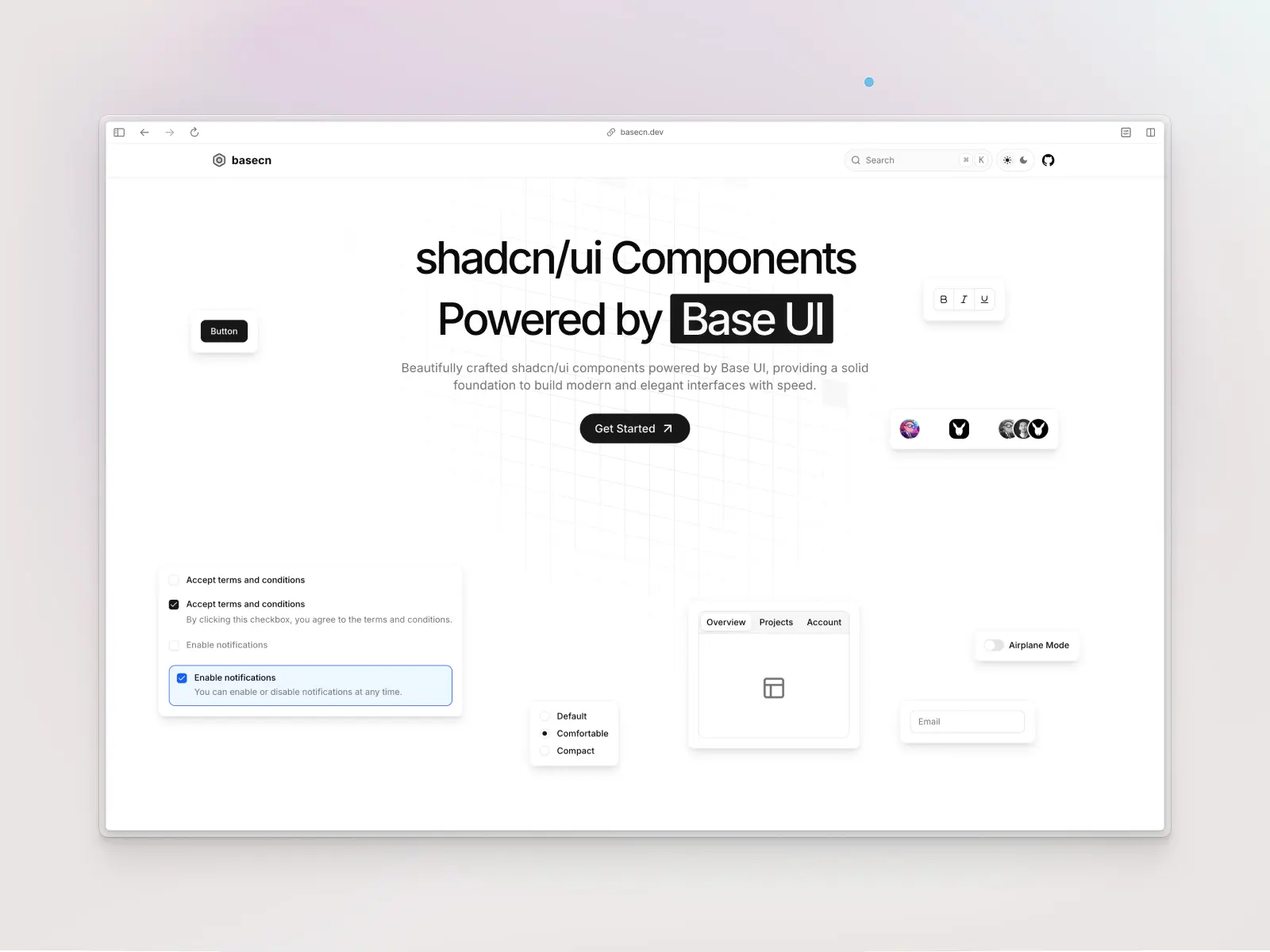
15. basecn
basecn.dev — Free / open source
A brilliant evolution of shadcn/ui: same copy-paste component patterns, but powered by Base UI primitives instead of Radix UI under the hood. It future-proofs the copy-paste architecture by adopting Base UI, which is actively maintained by the team behind Radix.
For vibe coding, basecn benefits from AI familiarity with shadcn/ui patterns while getting Base UI's robust engineering. One important note: you'll need to instruct your AI that it's using Base UI primitives, not Radix — otherwise it'll hallucinate Radix props.
basecn key features:
- MCP support: No official MCP support, and no CLAUDE.md/AGENTS.md either — the weakest AI-tooling story of the shadcn-adjacent libraries here, though standard Base UI docs can be fed to AI.
- AI instructions: Requires explicit context — AI must know it's Base UI, not Radix, to avoid hallucinations.
- Components & templates: Core shadcn/ui components rebuilt on Base UI.
- Design quality: Matches the clean shadcn/ui aesthetic.
- Tech stack: React, Base UI, Tailwind CSS, TypeScript.
- What makes it unique: The forward-looking evolution of shadcn/ui's architecture.
- Pricing: Free / open source.
Vibe coding tools readiness: ★★★☆☆ 3/5 stars
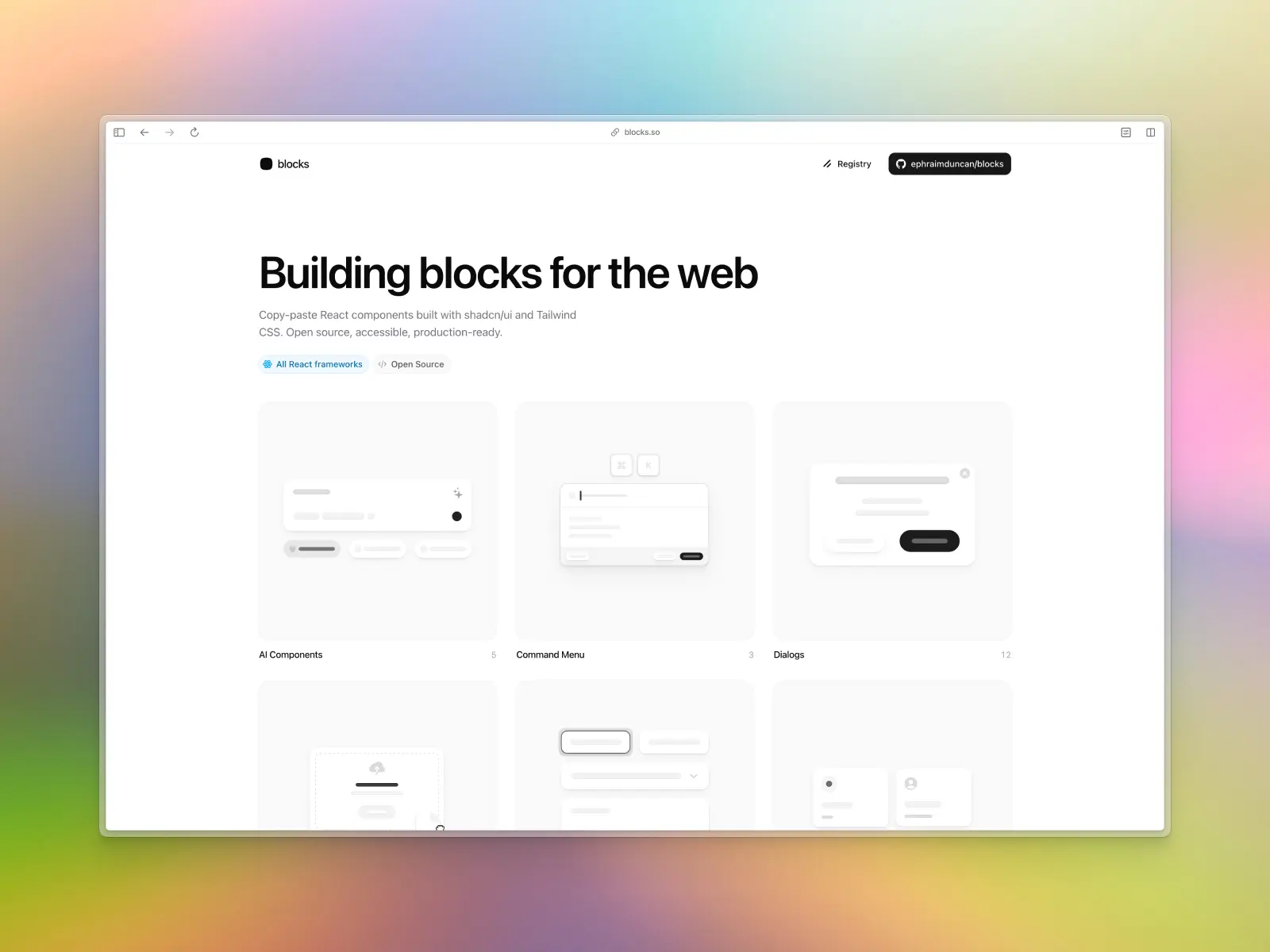
16. Blocks.so
blocks.so — Free / open source
60+ clean, modern building blocks for React — covering AI components, command menus, dialogs, file uploads, form layouts, grid lists, login flows, onboarding, sidebars, stats, and tables. Everything is open source and works across React frameworks.
The focused, well-organized categories make it easy to describe what you need. "Add a file upload block" or "create a stats dashboard" maps directly to their component categories. A completely free alternative for essential app blocks.
Blocks.so key features:
- MCP support: No dedicated MCP server, but works through shadcn/ui's official MCP since it's a shadcn registry (no separate npm package).
- AI instructions: Simple copy-paste integration for AI.
- Components & templates: 60+ blocks across 11 categories.
- Design quality: Clean and modern.
- Tech stack: React, shadcn/ui, Tailwind CSS.
- What makes it unique: Completely free, well-categorized blocks for common app patterns.
- Pricing: Free / open source.
Vibe coding tools readiness: ★★★☆☆ 3/5 stars
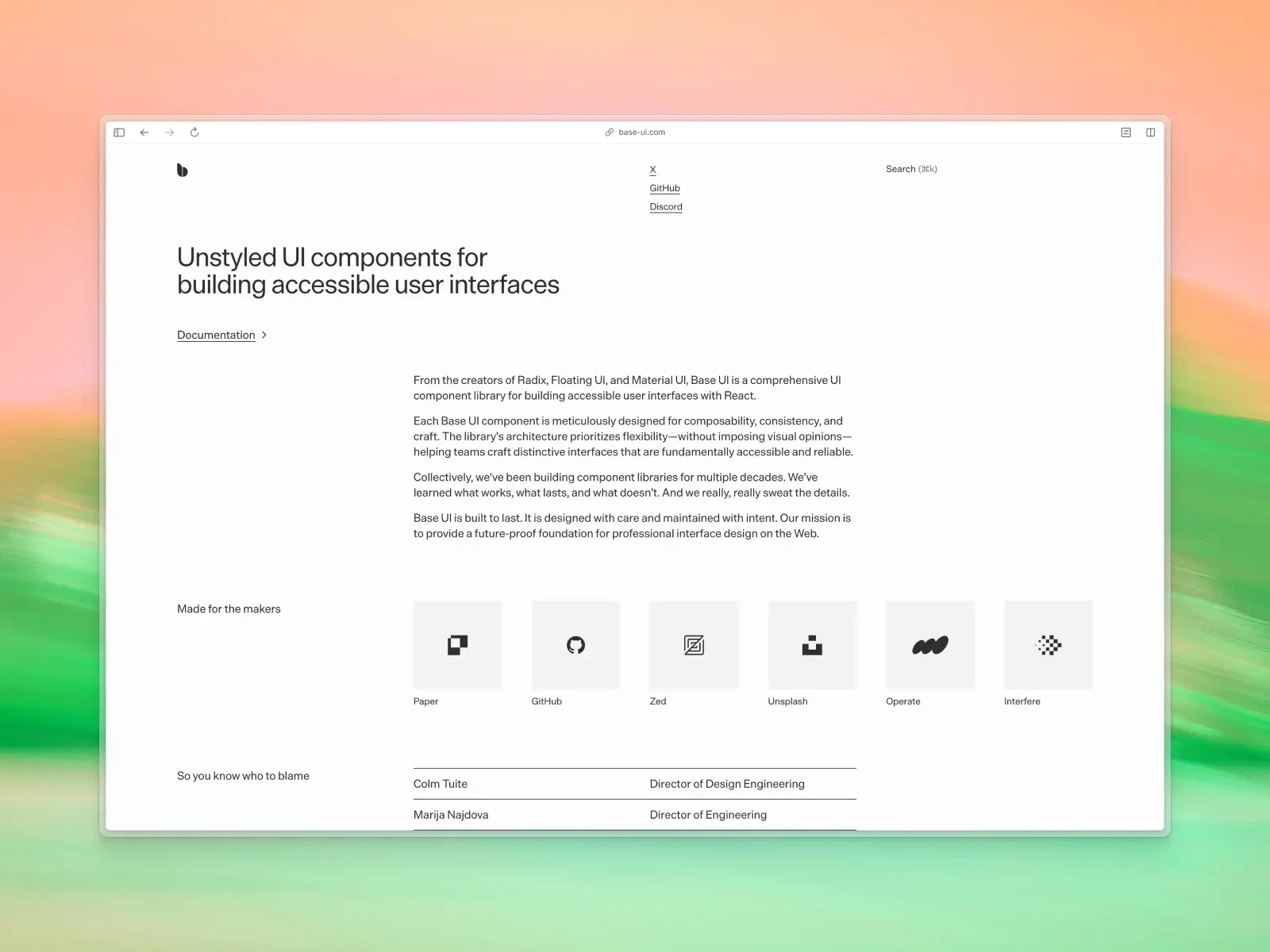
17. Base UI
base-ui.com — Free / open source
From the team behind Radix UI, Floating UI, and Material UI, Base UI is a comprehensive unstyled component library for building accessible interfaces. The npm package was renamed to @base-ui/react in 2026 (the old @base-ui-components/react still works as a legacy alias), and it now pulls over 11M downloads a week. Each component provides behavior and accessibility without imposing visual opinions. The team has decades of combined component library experience.
When you want AI to generate components that match your exact design system, starting from unstyled primitives gives you maximum control. The pedigree (Radix + MUI team) means the component logic is battle-tested. But since the API is new, you'll need to feed explicit context via .cursorrules to prevent AI from hallucinating Radix props.
Base UI key features:
- MCP support: No official MCP server yet (an open GitHub issue is tracking one); feed the docs to your AI directly in the meantime.
- AI instructions: New API requires explicit context feeding to avoid Radix prop hallucinations.
- Components & templates: Comprehensive set of headless primitives.
- Design quality: Unstyled by design — you bring the aesthetics.
- Tech stack: React, TypeScript, performance-focused isolated packages.
- What makes it unique: The spiritual successor to Radix — the best headless foundation available.
- Pricing: Free / open source.
Vibe coding tools readiness: ★★★☆☆ 3/5 stars
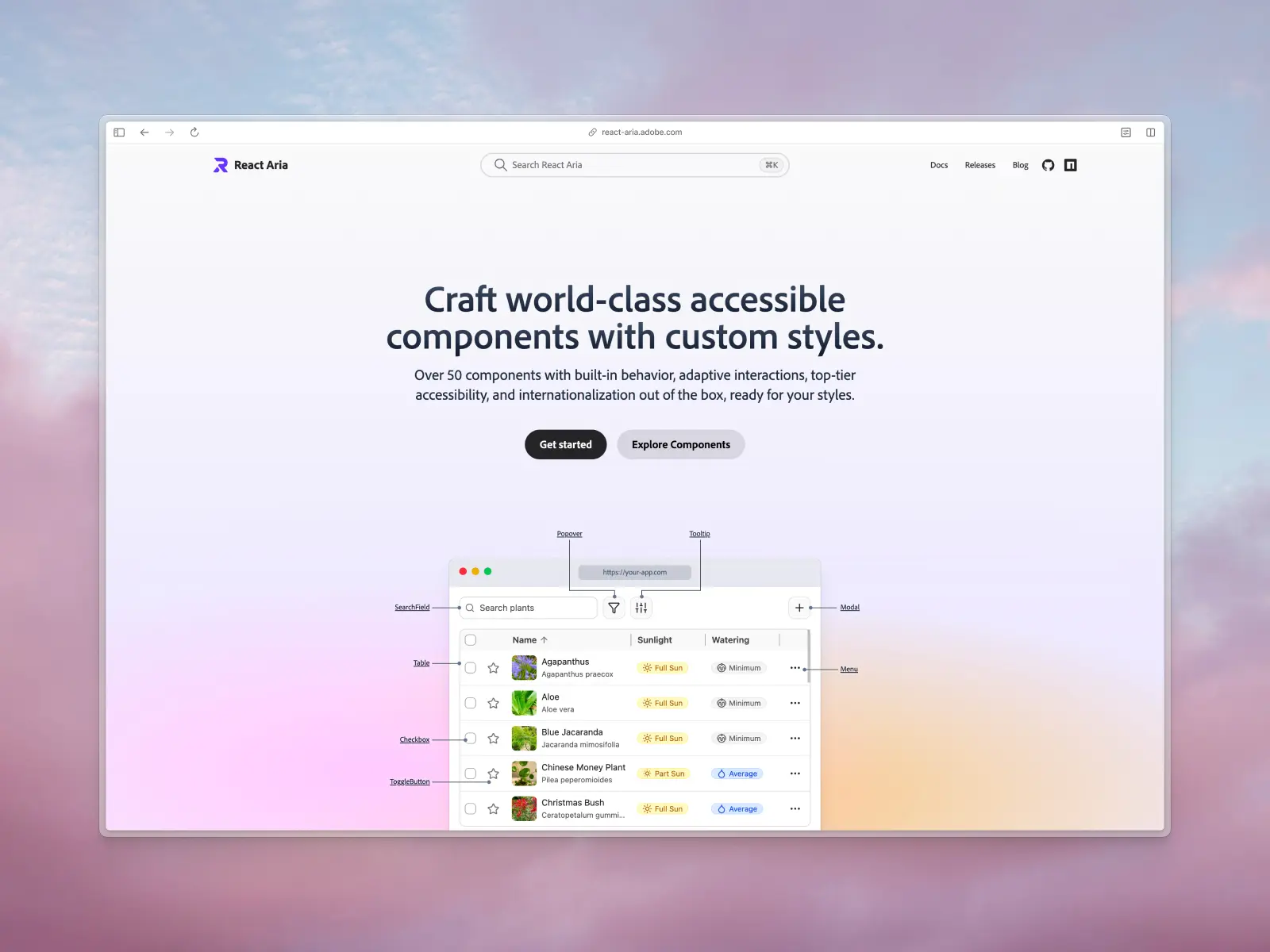
18. React Aria
react-aria.adobe.com — Free / open source
Adobe's library of unstyled, accessible React components and hooks. Handles all the complex ARIA patterns, keyboard navigation, focus management, and internationalization that are notoriously hard to get right. It's the accessibility backbone behind Untitled UI, HeroUI, and others on this list.
React Aria is less of a "grab and use" library and more of an infrastructure choice. If you're building custom components with AI, starting from React Aria primitives ensures accessibility by default — something AI consistently gets wrong when building from scratch. AI models understand it reasonably well, but can struggle with its slot-based API without a CLAUDE.md file.
React Aria key features
- MCP support: No official MCP support, but strict TypeScript contracts are highly parsable.
- AI instructions: No official files; AI can struggle with the slot-based API without explicit guidance.
- Components & templates: 50+ accessible component primitives and hooks.
- Design quality: Unstyled — you bring the aesthetics.
- Tech stack: React, TypeScript, style-agnostic.
- What makes it unique: Unbeatable accessibility (WAI-ARIA compliance) and internationalization out of the box.
- Pricing: Free / open source (Adobe).
Vibe coding tools readiness: ★★★☆☆ 3/5 stars
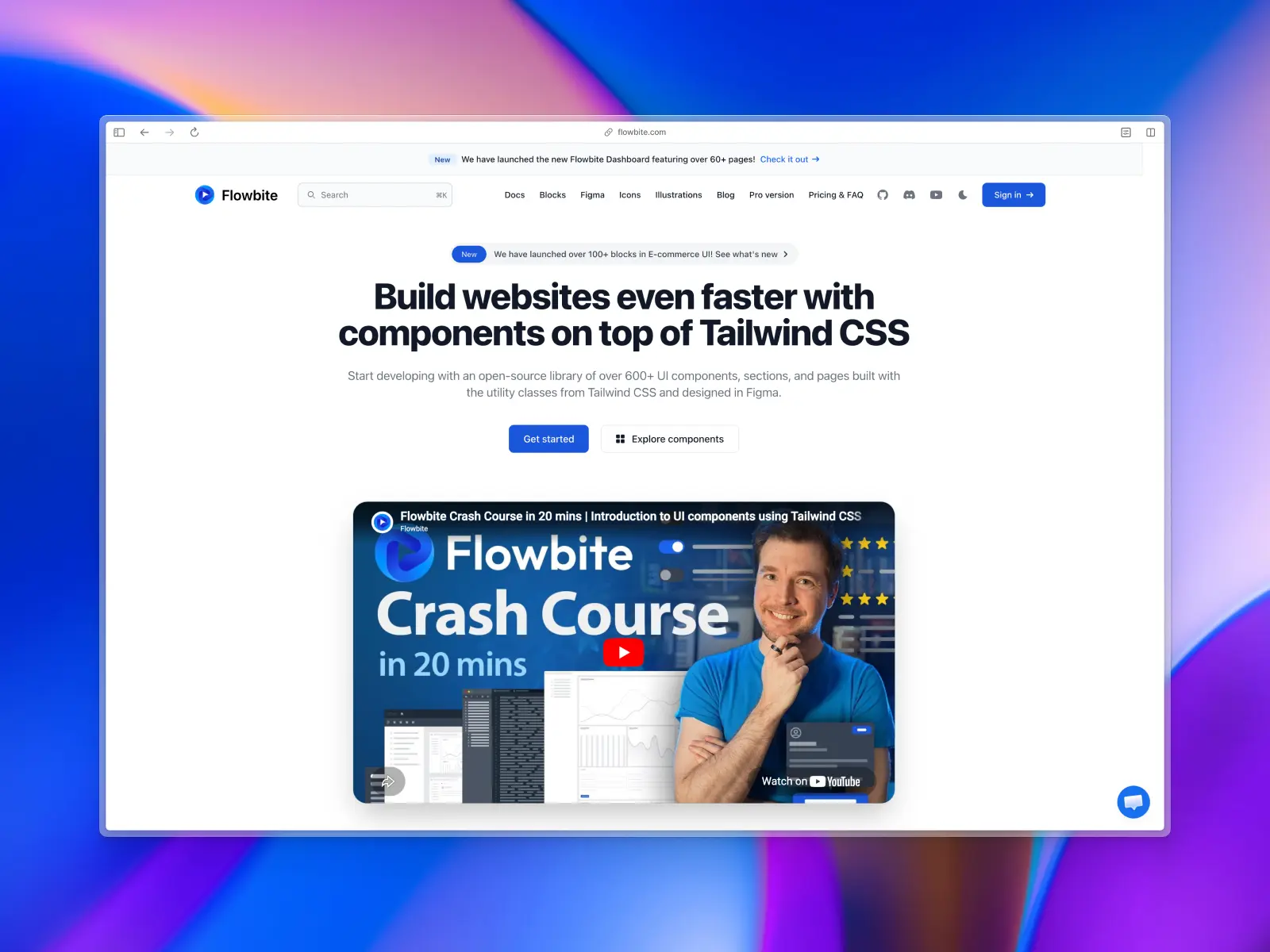
19. Flowbite
flowbite.com — Open source + paid from $169 (Figma) or $299 (components)
An ecosystem of 600+ UI components built entirely with Tailwind CSS utility classes. Dark mode, Figma design system, multiple themes (default, minimal, enterprise, playful, mono), works as a Tailwind CSS plugin, and supports Tailwind CSS v4. Available for React, Vue, Svelte, and plain HTML.
Framework-agnostic is the key selling point. It works just as well in plain HTML as it does in React. AI handles Flowbite's raw HTML/Tailwind CSS approach perfectly, and the multiple theme presets let you prompt "use the enterprise theme" for different aesthetics.
Flowbite key features
- MCP support: Yes — an official flowbite-mcp server, including Figma-design-to-code conversion.
- AI instructions: Ships an llms.txt and llms-full.txt; AI handles the raw HTML/Tailwind CSS approach well without special instructions.
- Components & templates: 600+ UI components and pages, multiple themes.
- Design quality: Clean, practical, and accessible.
- Tech stack: Tailwind CSS v4, vanilla JS/TS, React/Vue/Svelte adapters.
- What makes it unique: True framework-agnostic approach — works in plain HTML through React.
- Pricing: Community Edition free; Designer Edition (Figma) from $169; Developer Edition (premium components) from $299 — all one-time.
Vibe coding tools readiness: ★★★☆☆ 3/5 stars
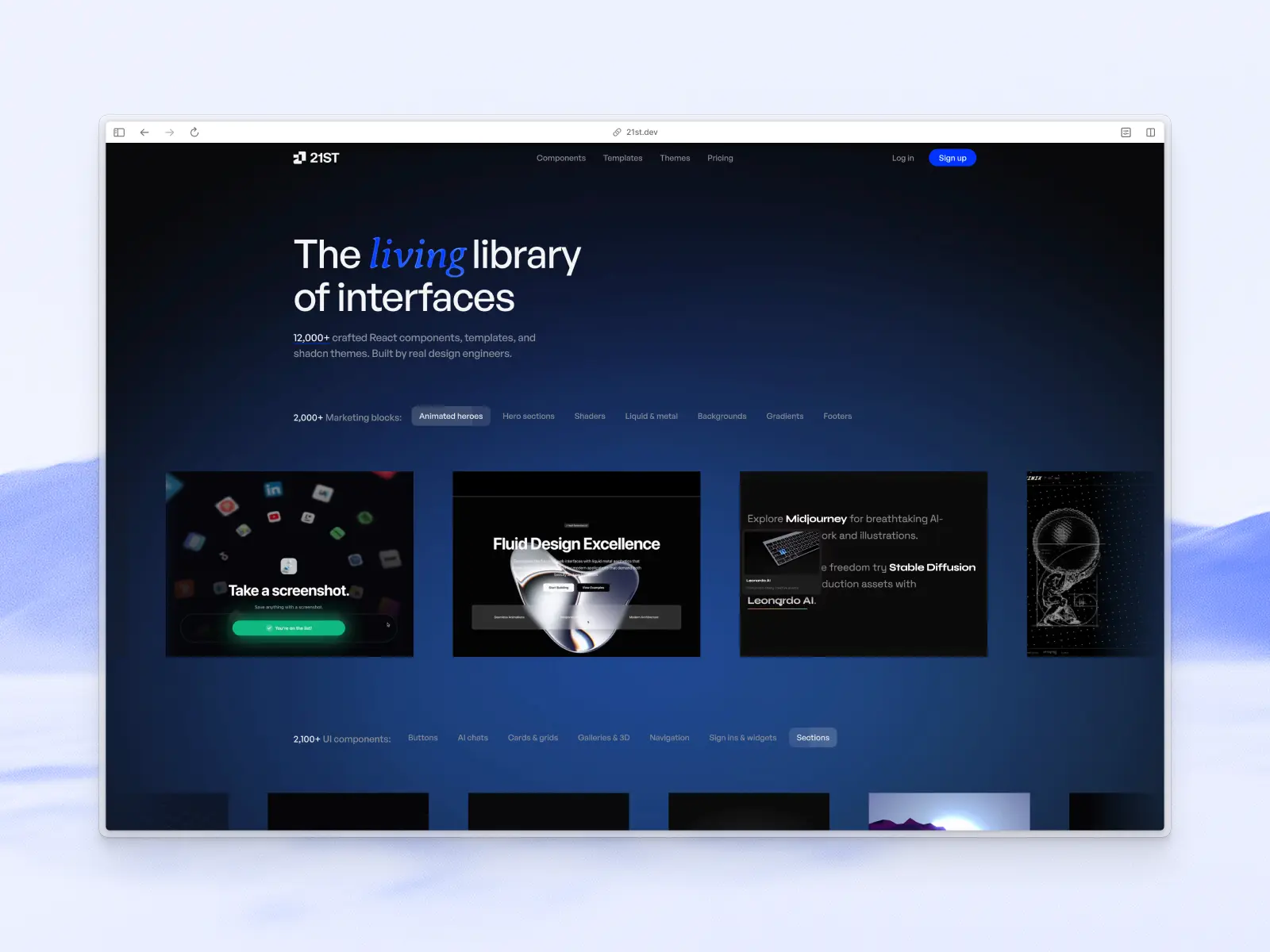
20. 21st.dev
21st.dev — Free + paid membership for unlimited use
21st.dev is a community marketplace for shadcn/ui components, not a single maintained library — anyone can publish a component, and you install it via the shadcn CLI. It's grown past 12,000 components and become a go-to source for AI builders like v0, Cursor, and Lovable that need one specific block. Its "Magic MCP" server plugs into Cursor, Claude Code, and Windsurf so the AI can search and install straight from the registry. The trade-off: quality and accessibility vary a lot between authors.
21st.dev key features:
- MCP support: Yes — official "Magic MCP" server for Cursor, Claude Code, and Windsurf.
- Components & templates: 12,000+ community-published components.
- Tech stack: React, shadcn/ui, Tailwind CSS.
- Pricing: Free tier (2 copies/day); unlimited with a paid membership.
Vibe coding tools readiness: ★★★☆☆ 3/5 stars (great for one-off components, not a cohesive system)
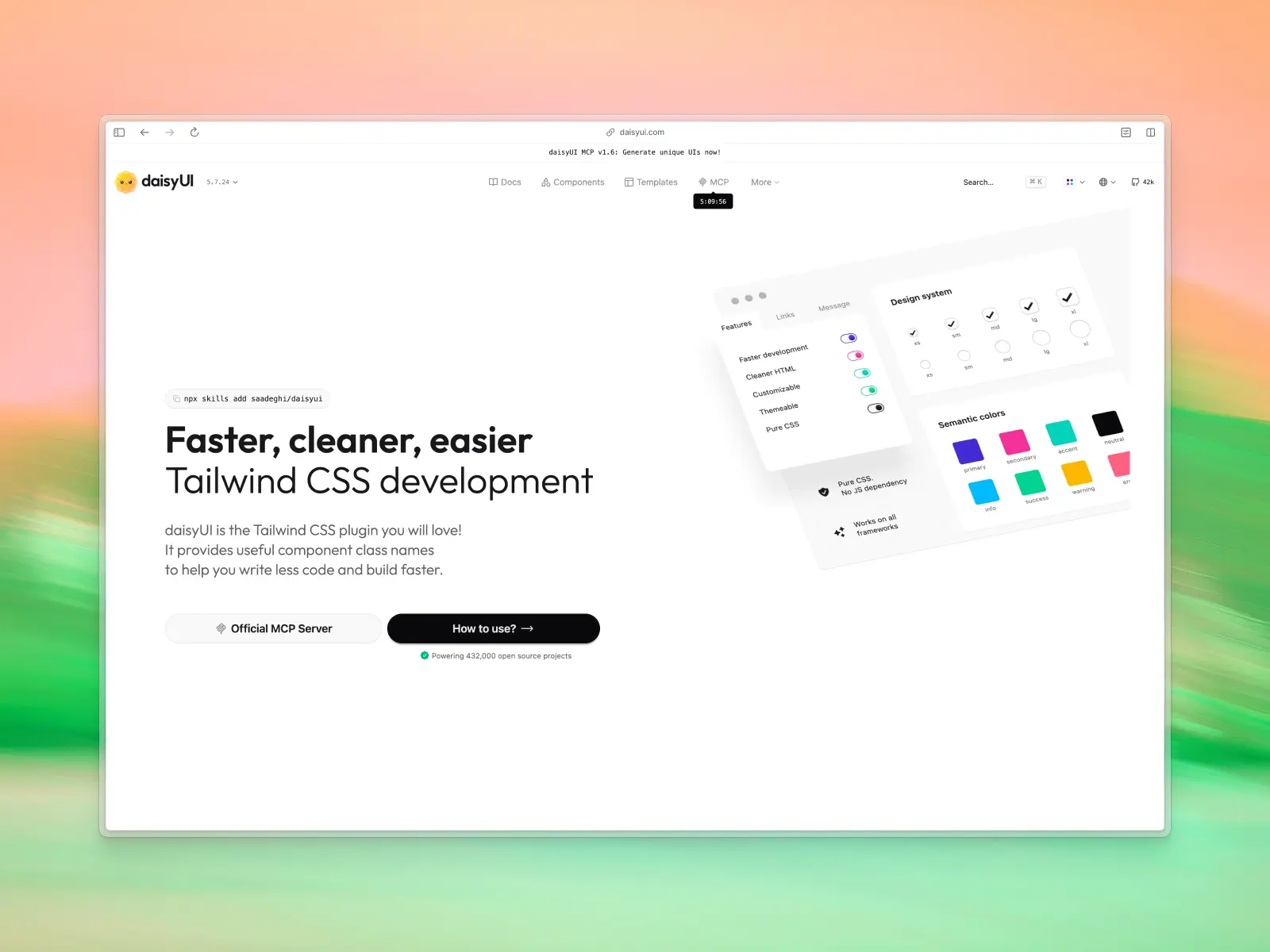
21. daisyUI
daisyui.com — Free / open source
daisyUI takes a completely different approach: it's not a component library you import, it's a set of Tailwind CSS class names — btn, card, modal — that style plain HTML directly. No JavaScript, no npm package, no component API for an AI to get wrong. That's exactly why it works so well for vibe coding: an AI can't hallucinate a broken prop if there's no component to import. It ships its own "Blueprint" MCP server, and with 41k+ GitHub stars and hundreds of thousands of weekly npm downloads, most AI models already know its class names.
daisyUI key features:
- MCP support: Yes — official "Blueprint" MCP server.
- Components & templates: 60+ component classes covering buttons, cards, modals, navs, and forms, plus dozens of built-in themes.
- Tech stack: Tailwind CSS only — works with any framework or plain HTML.
- Pricing: Free / open source. Paid premium templates ($29–$499) are optional.
Vibe coding tools readiness: ★★★★☆ 4/5 stars
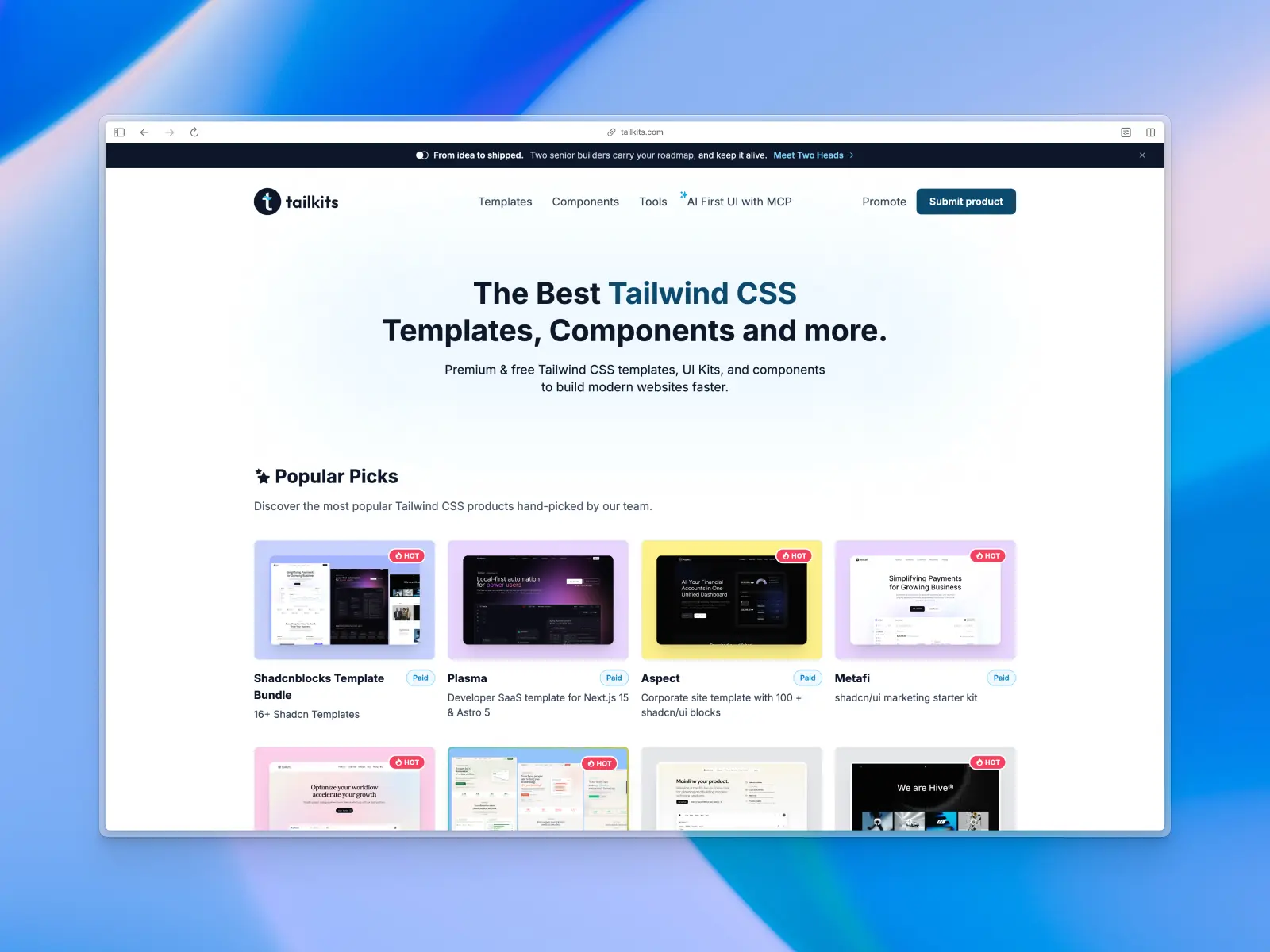
22. Tailkits
tailkits.com — Free directory to browse
Primarily a curated directory of 500+ Tailwind CSS templates, components, and tools, aggregating and reviewing offerings from across the ecosystem — including several libraries on this list. It also now runs its own small in-house block library, Tailkits UI, but the directory is still the main draw.
For vibe coding, Tailkits is a research tool. When you're evaluating which library to feed your AI workflow, it provides a centralized view with filtering by price, framework, and use case. An excellent place to find specific sections to feed into your AI.
Tailkits key features
- MCP support: N/A (directory, not a library).
- AI instructions: N/A (directory, not a library).
- Components & templates: Index of 500+ templates, kits, and resources, plus its own Tailkits UI block library.
- Design quality: Varies by listing.
- Tech stack: Everything Tailwind CSS.
- What makes it unique: The best search engine for finding the exact Tailwind CSS block you need.
- Pricing: Free directory to browse.
Vibe coding tools readiness: ★★☆☆☆ 2/5 stars (discovery tool)
Which UI library fits your use case?
Not every project needs the same UI library, even within vibe coding. A few patterns worth calling out based on what each library above is actually good at:
- Rapid prototyping and single-prompt demos: shadcn/ui, daisyUI, and 21st.dev are built for going from a single prompt to something clickable fastest, with the least setup.
- Internal tools: Mantine and Material UI's data-dense components (tables, forms, date pickers) are a better match for internal tools than a marketing-focused library, since internal tools live or die on data density rather than visual polish.
- Mobile apps and responsive web: Base UI and React Aria's unstyled, accessibility-first primitives adapt cleanly to small viewports without fighting a library's own opinionated styling.
- Non-technical founders: Untitled UI React and Fragments UI, paired with a prompt-to-app builder like Bolt.new or v0, let non-technical founders ship a working product without touching a command line or code editor.
Whatever the use case, the same best practices apply: pick a UI library with clear docs and consistent patterns, and let the AI coding assistant do the assembly. That combination — solid best practices from the library, AI assistance from the tool — is what actually determines whether you end up with working code or a debugging session.
Conclusion
If you're serious about vibe coding and getting the most out of modern vibe coding tools, here's the cheat sheet:
- Best overall: Untitled UI React — the volume of production-ready UI components, and landing pages, plus built-in AI tooling (CLAUDE.md, .cursorrules, MCP) gives AI and vibe coding tools the most to work with. It's the complete design system.
- Most AI-native: Fragments UI — purpose-built for AI tools and text prompt workflows with 11 MCP tools and structured metadata. Nothing else comes close for pure integration with AI tools.
- Best free ecosystem: shadcn/ui — the standard every AI tool already knows. Start here if you want maximum compatibility with zero cost.
- Best for animations: Magic UI — fills the visual gap that AI tools leave behind. Smooth UI if you need GSAP-level scroll animations.
- Best for enterprise: Material UI or Mantine — battle-tested at scale with massive design and development communities. Just watch your version prompts.
- Best for landing pages: Tailark + ShadcnBlocks — grab pre-built marketing sections and landing pages and let AI and vibe coding tools compose them with a single prompt.
The libraries winning the vibe coding era aren't just the ones with the most UI components. They're the ones focusing on shipping key features and best practices — CLAUDE.md files, .cursorrules, MCP servers, and structured metadata — that make AI tools as useful as possible.
Pick the one that fits your idea → design → development workflow.
In short: there's no single "best" library for vibe coding anymore — there's a best library for how you plan to prompt. Ship fast and free with an ecosystem giant like shadcn/ui or daisyUI, reach for Untitled UI React or Fragments UI when you want the deepest AI tooling out of the box, and treat MCP support and AI instruction files as the real differentiator going forward, not just component count.
Bottom line: pair the right UI library with the right AI coding assistant, and vibe coding stops feeling like a gimmick and starts looking like real software development. An AI agent that runs from the command line — Claude Code or Gemini CLI — handles large codebases and complex reasoning; a VS Code extension like GitHub Copilot handles everyday code completion and code generation inside an existing code editor; a browser builder like Bolt.new handles rapid prototyping, internal tools, and mobile apps for non-technical founders who just need AI-generated code that works. None of that replaces good AI-assisted coding habits — reviewing what the AI assistance actually produced, testing the code by hand, and keeping paid plans in check as usage grows.
If you're just getting started, pick one AI coding assistant, write your first natural language prompts against a small feature, and see how much AI assistance it takes to turn AI prompts into working code. Most teams settle into a rhythm within a week: a handful of prompts and light AI assistance for routine software development and everyday code generation, more AI prompts and manual review for anything needing complex reasoning, and a final pass before AI-generated code ships to mobile apps or production. That's the core of AI-assisted coding — it doesn't remove the work, it changes where the work happens, and clearer AI prompts make that work faster. Only the command line tooling and paid plans really vary between the best vibe coding tools; the underlying loop of prompt, review, ship stays the same across all of them.
More best practice guides
This post is an excerpt from Untitled UI Figma, world's largest Figma UI kit and design system. Untitled UI includes tips and best practices right in the Figma file to help you level up as a designer. You can preview Untitled UI Figma here.
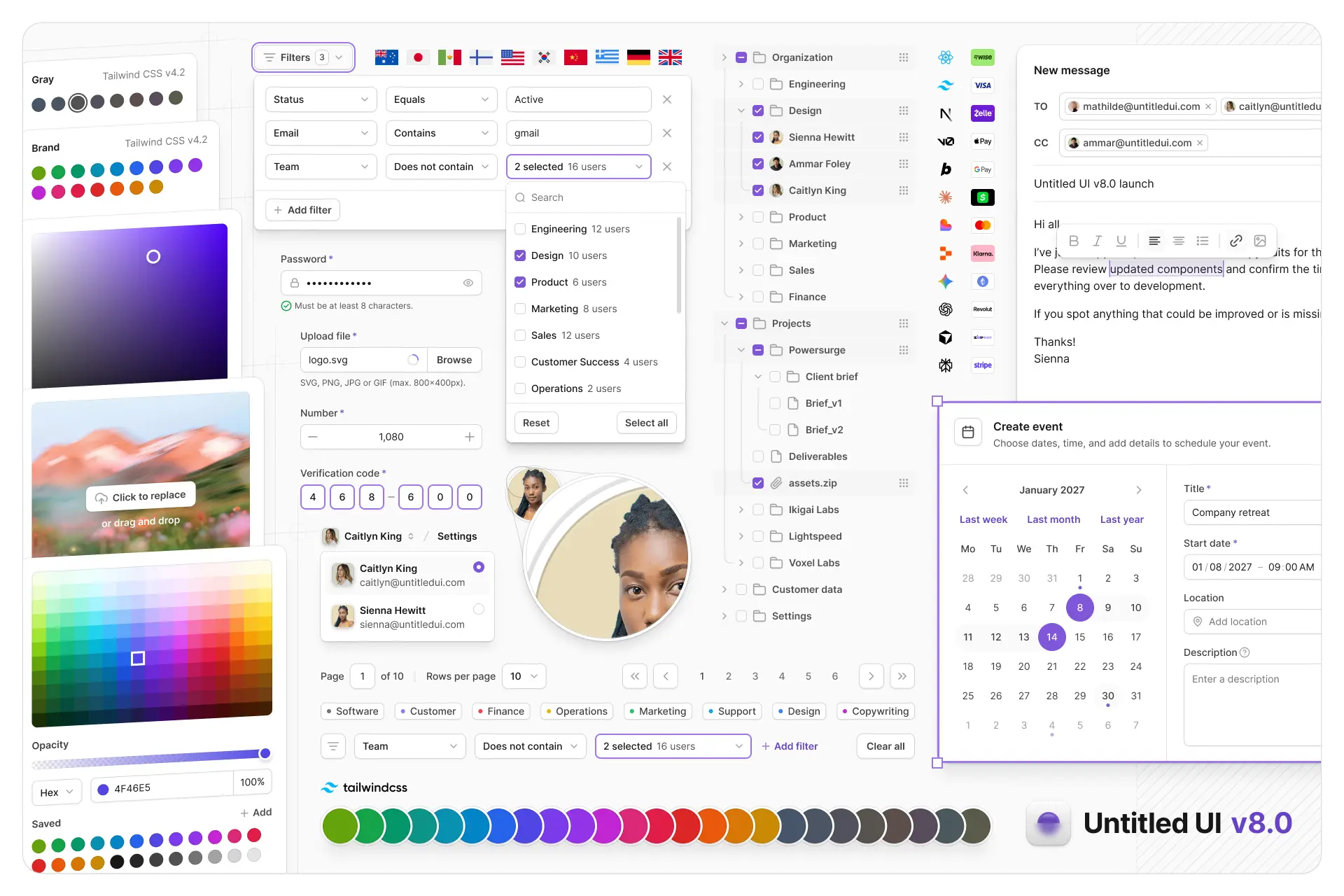
Untitled UI Figma is meticulously crafted with 100% Auto Layout 5.0, super-smart variants, Figma's newest variables features, and with accessibility in mind.
It's a great example of Figma design system best practices and is the most popular and highest-rated Figma UI kit on the internet with 3,650+ 5-star reviews!
We've also released Untitled UI Figma PRO LITE, which is a premium and lightweight version of the full Untitled UI Figma PRO STYLES kit and have included it for free. It's 55% lighter, faster, and is designed to include everything you need and nothing you don't. It's perfect for moving fast and for smaller projects!
Untitled UI was designed to be the "ultimate" UI kit and the perfect starting point for any kind of project—from beautiful marketing landing pages, all the way to complex dashboards and web apps—Untitled UI has thought of absolutely everything so you don't have to.
We're constantly making updates and improvements to the UI kit and recently announced that we've completely refactored Untitled UI to take advantage of Figma's latest features released at Config 2023, Framework 2024, Config 2024, Config 2025, and Config 2026. This includes all the latest Figma features such as color variables (dark mode), spacing, radius, typography, and effects variables, Auto Layout 5.0, min/max widths, Auto Layout wrapping, and much more.
You can check out a full preview of the design kit, or check out the 100% free UI kit here (which is more advanced than most UI kits in its own right!). If you're short on time, here's a 60-second overview: