






Figma iPhone and Macbook mockups


Device mockups in Figma: iPhone, MacBook, and browser frames
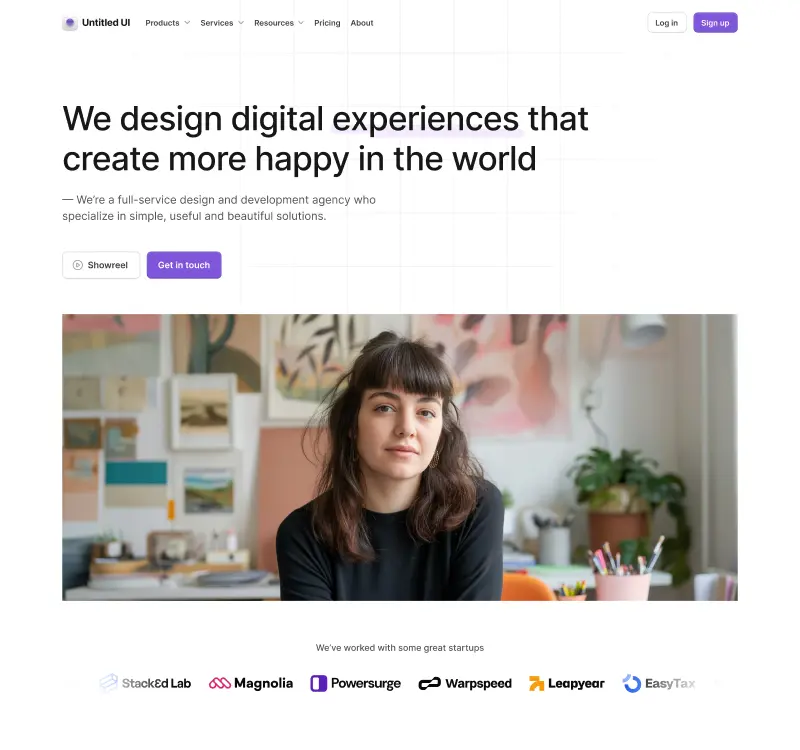
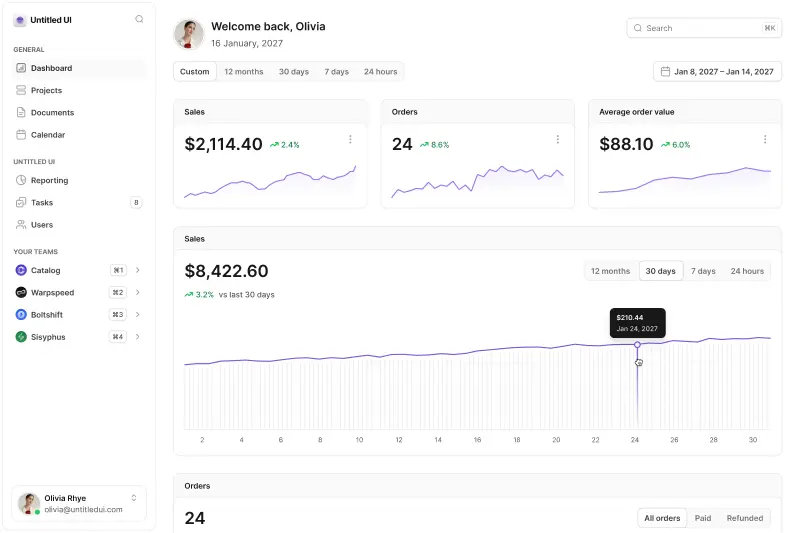
A screenshot on a white background is a design file. The same screenshot inside a MacBook is a product. That is a lot of persuasion for a piece of drawn hardware to be doing, and it is why a device frame sits at the front of almost every app store listing, landing page hero, case study, and investor deck.
These are built for the moment after the design work is done, when what you need is a picture of it that someone will believe.
What the set contains
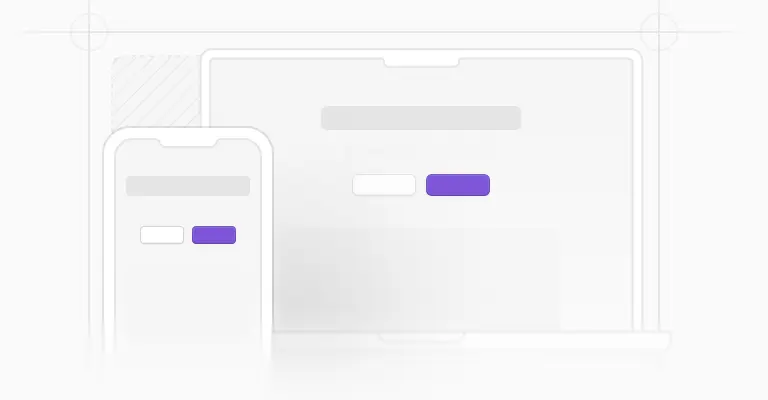
Four things, broadly. A MacBook Pro 16 with the display, camera dot, base logo, and a soft ground shadow drawn as separate layers. An iPhone with modelled power, volume, and mute buttons, antenna bands, speaker, and camera, wrapped around a 375x812 screen area, with the status bar and home indicator kept as their own components so you can restyle or hide them.
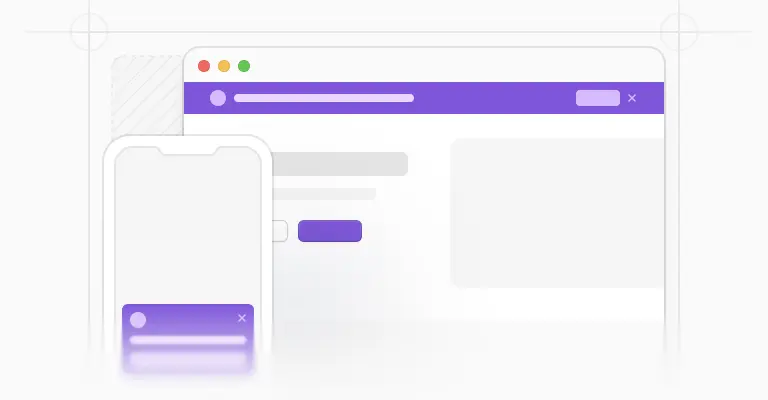
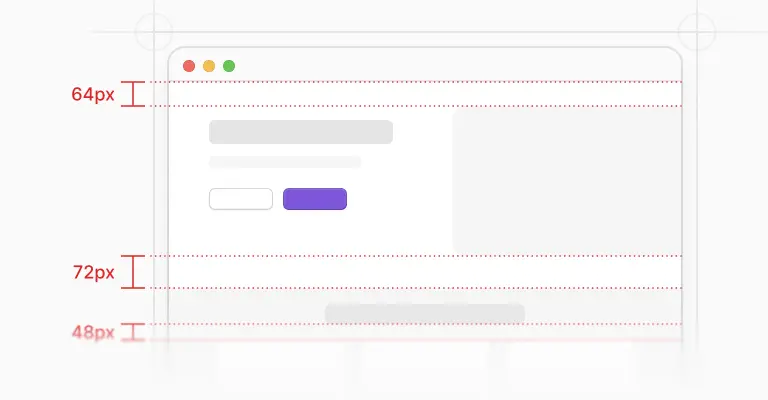
Browser toolbars in three treatments: a minimal color bar and a minimal monotone bar, both 32px tall, and a fuller Safari toolbar at 52px, each in light and dark. And bare screen frames with no hardware at all, in six sizes at a 3:2 ratio, 342x228, 480x320, 640x426, 768x512, 1,024x682, and 1,216x810, plus a separate modern screen frame at 1,216x816 for desktop and 375x793 for mobile. Every one of these exists twice in the file, once light and once dark.
Dropping a screenshot in without fighting the crop
Inside each device sits a frame named "Screen mockup (REPLACE FILL)", which is an instruction rather than a label. Images in Figma are fills rather than layers, so the move is to select that frame and drop your screenshot in as its fill, not to paste a rectangle on top of the device and nudge it into place. The mask is already the right shape, corner radii included, and the fill scales to cover it.
Ratios decide whether this takes ten seconds or an afternoon. The MacBook's screen area is 8:5, so a desktop design exported at 1,440x900, or 2,880x1,800 at 2x resolution, lands in it exactly with nothing cropped off the bottom. That is the same 16:10 Apple asks for in its App Store screenshot specifications, which list 1,280x800 through 2,880x1,800 for Mac, so one export can serve the marketing site and the listing. The iPhone frame's 375x812 screen is the classic iPhone point size, which means a mobile design drawn at 375px wide, the standard mobile artboard across this kit, needs no resizing at all.
Browser chrome, and when to leave it off
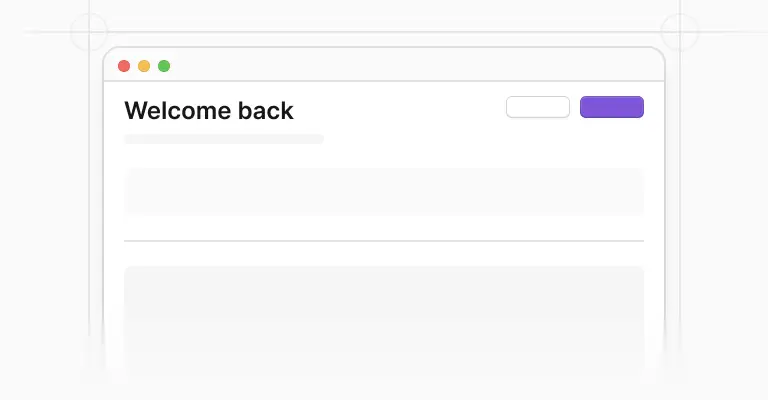
The toolbars are there because a web app in a bare rectangle looks like a design, while the same app under a URL bar looks like a site somebody actually visited. Reach for the Safari bar when the point is that this runs in a browser on a Mac, and the minimal bars when you want the suggestion of chrome without a fake address competing for attention.
The monotone version is the quieter one, which matters on a busy marketing section where a colored toolbar starts to read as part of your palette. And put your real domain in that address field. A hero image with example.com in the URL bar is a hero image nobody checked.
Craft notes before you export
Export at 2x, or 3x for phone shots, because a mockup is usually shown large and the hardware edges are where softness shows first. Keep the shadow layer if the mockup sits on a colored or photographic background and drop it when the device sits on white, since a shadow with no environment reads as a sticker.
If you are staging a sequence, a cursor placed over a button is what separates a screenshot from a moment. For the layout around the device, whether that is a case study grid or a shot list, the portfolio mockup templates handle the composition side, and a hero that needs to play something can borrow the video player components in place of a still.
Frequently asked questions
What size should my screenshot be for the MacBook mockup?
The screen area is 8:5, so export your desktop design at 1,440x900, or 2,880x1,800 at 2x for a sharp result. Any 16:10 image fits without cropping.
If your design is 1,440px wide but taller than 900px, decide what to cut before you import it, because scaling the fill to cover the frame will make that decision for you and usually chooses badly.
How do I replace the screen inside a device mockup in Figma?
Select the frame named "Screen mockup (REPLACE FILL)" inside the device, then set your image as its fill instead of pasting a rectangle over the top. Figma treats images as fills, so the frame's rounded corners keep masking the picture and the device stays intact.
Detaching the whole instance to swap a screenshot is the common mistake, and it costs you every future update.
Should app store screenshots use a device frame at all?
It depends on the store. A device frame inside an iPhone screenshot spends the space you have on drawn hardware the viewer is already holding, so cropping to the interface with a line of text above it usually gets more across.
Frames earn their place on marketing sites, decks, and case studies, where the reader needs to know at a glance which platform they are looking at.
Are these device mockups included in the free version?
The device mockups are part of the paid Untitled UI Figma kit. See pricing for the full contents.
The 100% free Figma UI kit includes core components from the same system if you want to try it first, and the free portfolio mockup templates cover the presentation layouts.
Can I use these mockups in light and dark presentations?
Yes. Every device, toolbar, and screen frame in the file exists in a light and a dark version, so a dark deck does not need a hand-recolored device with a mismatched shadow.
Match the frame to the surrounding page rather than to the screenshot inside it, since a dark UI inside a light MacBook is exactly how a real screen looks.
Foundation Figma components and styles
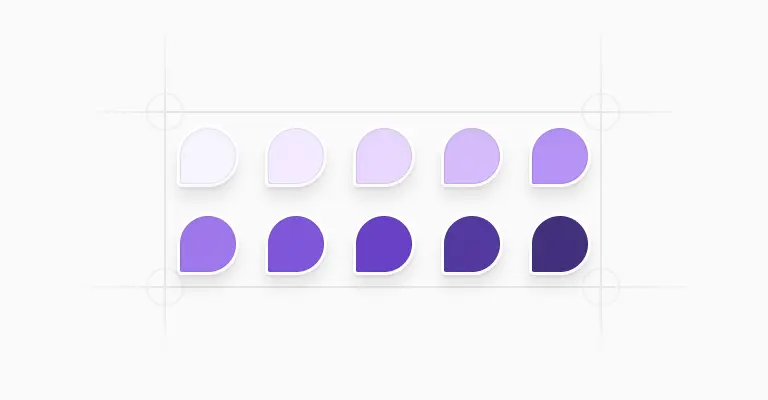
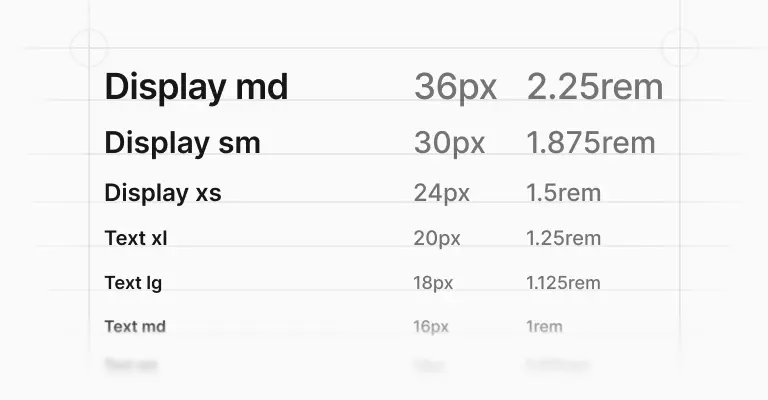
Figma base components
Shared Figma assets
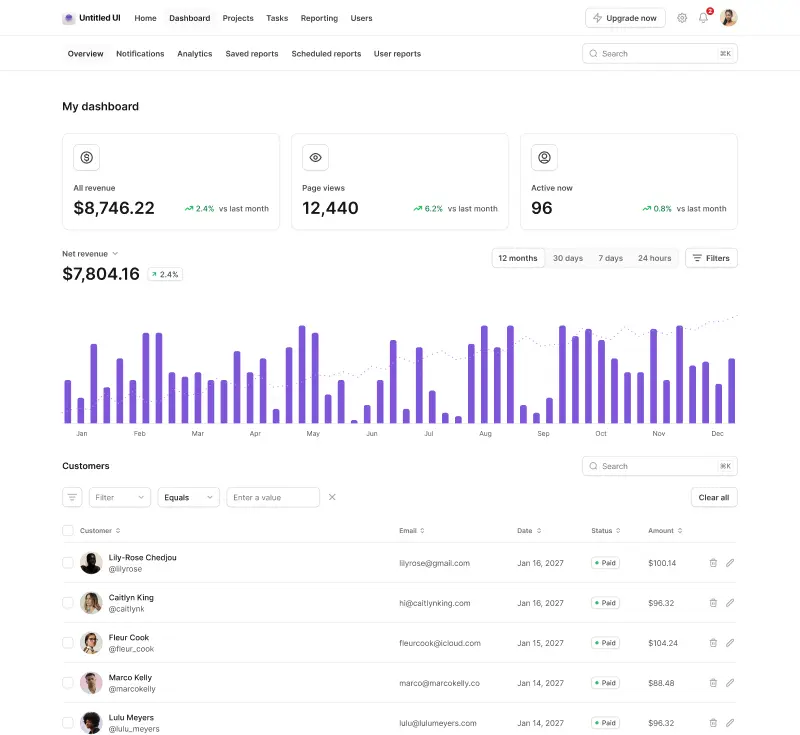
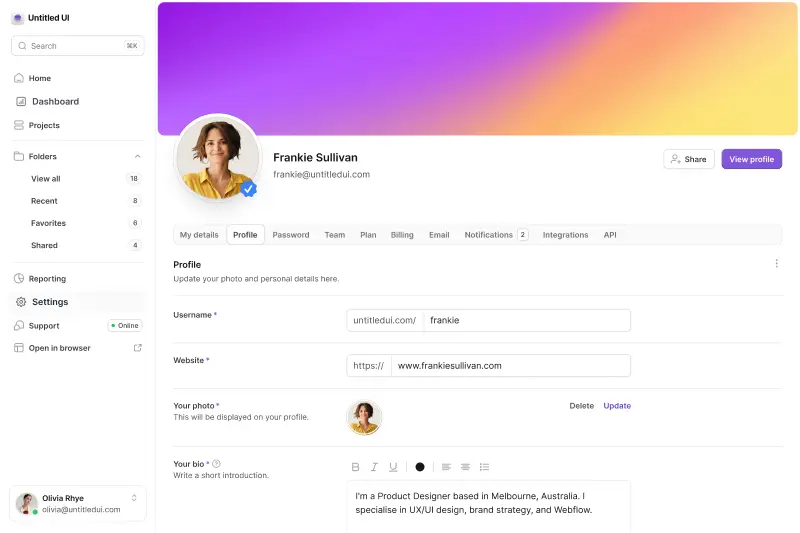
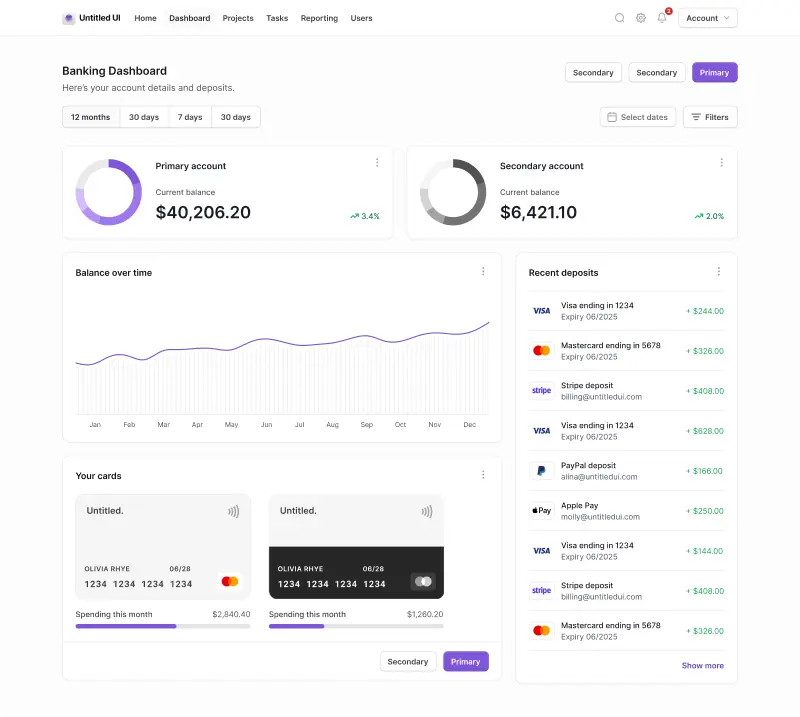
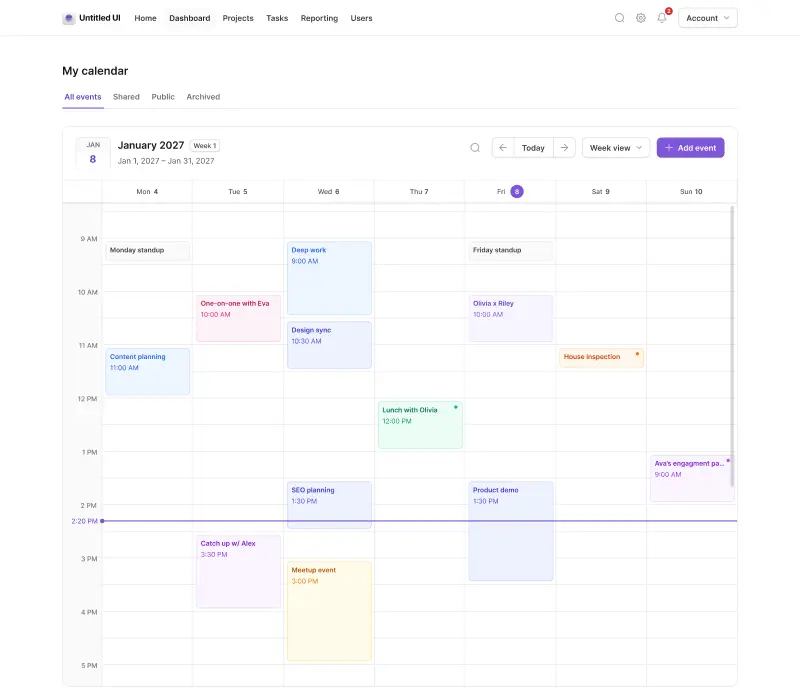
Application UI/Dashboard examples
Application UI/Dashboard Figma components
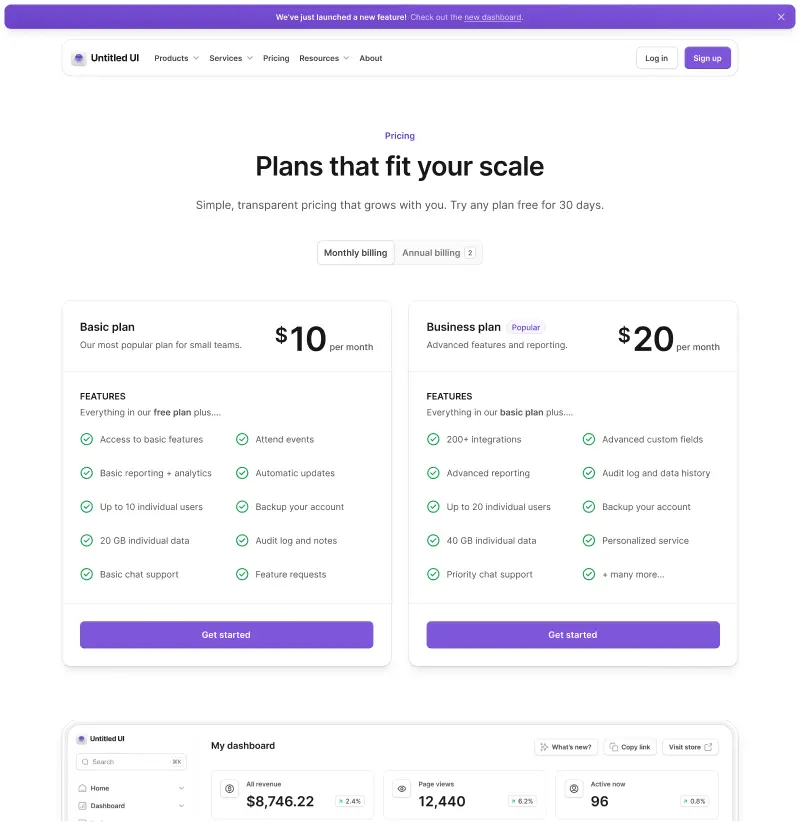
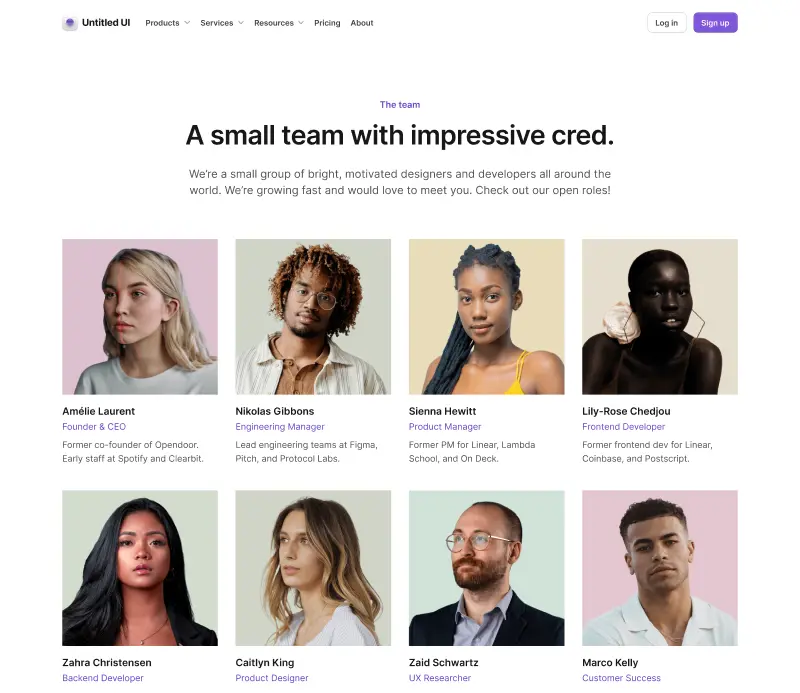
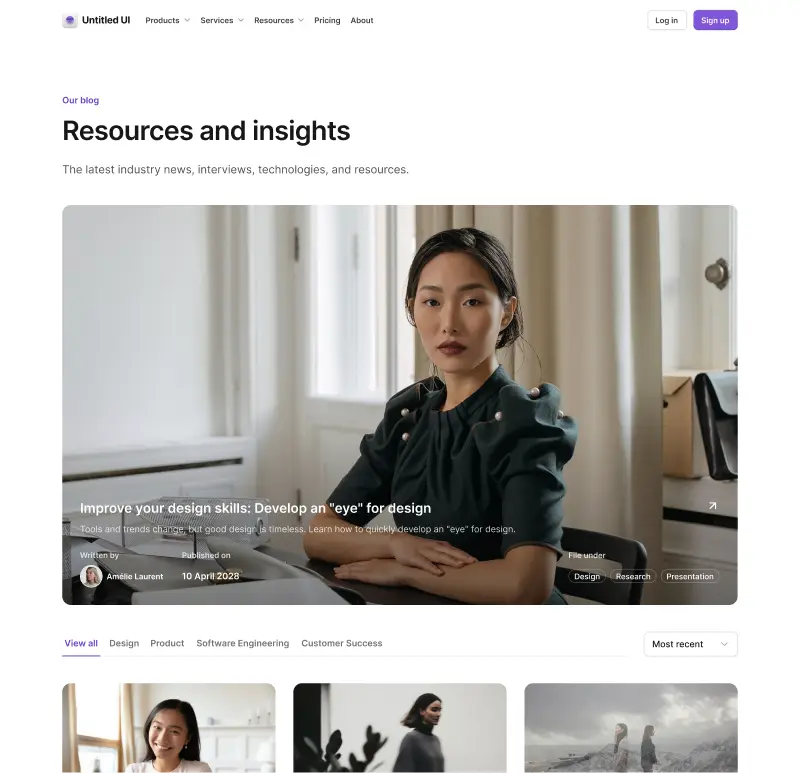
Marketing website examples

What is Untitled UI?



















Untitled UI is the best $ I've spent on my business in a long time. I'm going to keep using it and recommending it to every designer I know.


Over the years we've featured hundreds of UI kits on UXCrush, but Untitled UI is by far the most comprehensive and detailed I've seen yet. A must have for any designer!

I've used all UI kits on the market. I can say without a doubt that the Untitled UI kit is the best on the market. It covers everything a designer needs in a modern and efficient way.

Incredible, and keeps getting better. I’ve tried dozens of UI kits and Untitled UI is the only name you should care about. It stands head and shoulders above the rest.

Such a beautiful, detailed, and extensive UI kit. Untitled UI is the perfect foundation for any project. I highly recommend this huge time saver.
Untitled UI has been an amazing resource that I'm learning to rely upon to spin up ideas in no time. I think I might launch a startup pretty soon by mistake here!

The sheer scale, details, and organization of this kit is mind-blowing. It covers nearly everything a Designer could need in a modern, efficient and systematic way.

I'm super impressed with this. I love poking around in other peoples UI Kits to see how they think. This is probably one of the most comprehensive I've seen.

I'm super excited to use this for quick mockups of ideas in Figma. We're always trying to streamline our design process so we can move fast! Definitely recommend.

Untitled UI is easily the best UI kit I've used so far. It has an insane amount of components that are all incredibly well-built. I don't even know how many hours this will save.

The attention to detail and thought Jordan has put into this UI kit is unparalleled.

Untitled UI is incredibly well-organized and the attention to detail is great. I highly recommend this kit to any designer that wants to create beautiful designs fast.

What an awesome Figma kit... it's an absolute game changer. This is the perfect base for any design system. The size and attention to detail is next level.

We've been using Untitled to build Himalayas 2.0 and have finished a complete redesign in just a few days. It has everything we need already pixel-perfect.