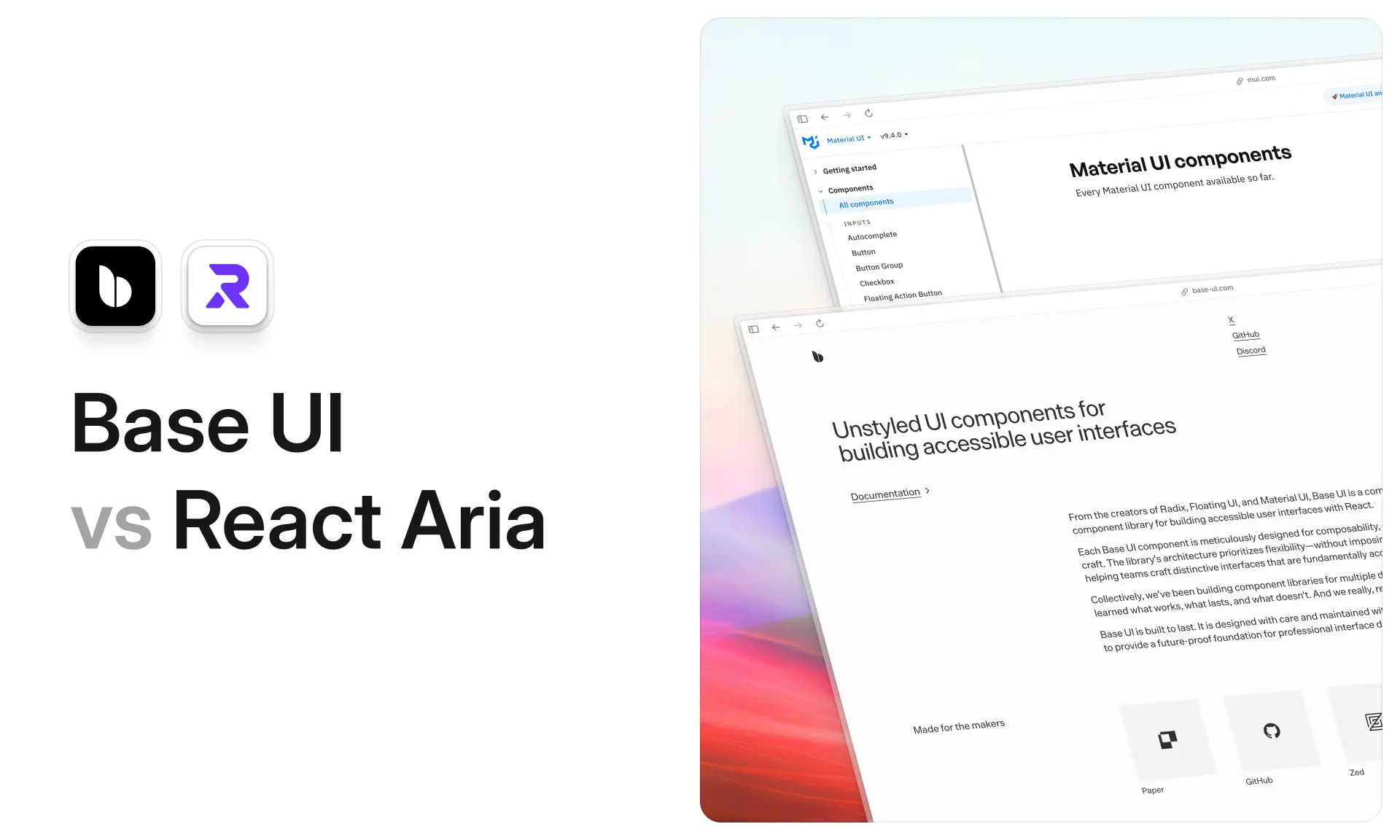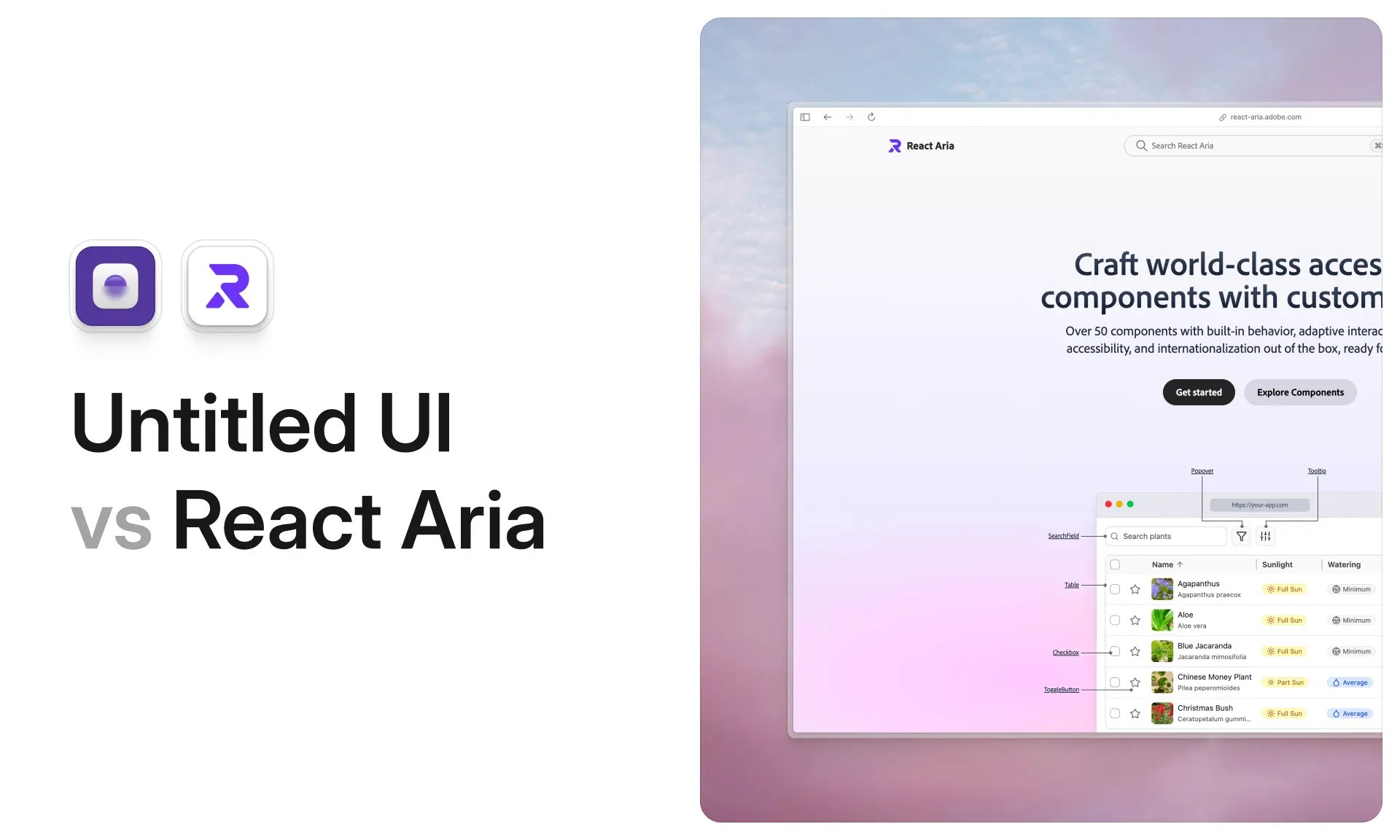












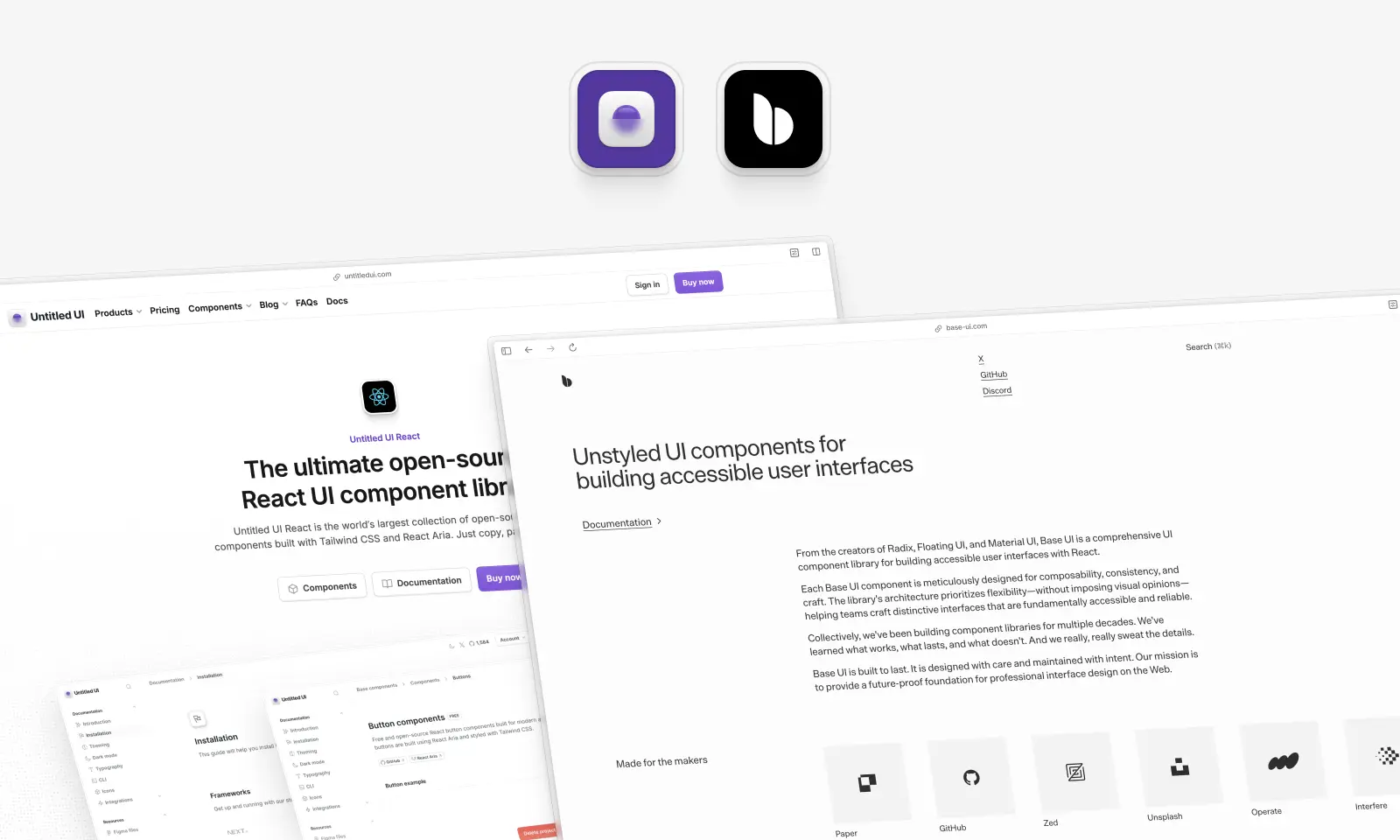
Base UI and Untitled UI React come up in the same conversation constantly, and they shouldn't, at least not as rivals. They're two different layers of the same stack.
Base UI is a headless component library. It ships behavior, accessibility, keyboard handling and focus management, and it ships zero lines of CSS. Untitled UI React is a design system that arrives as code: 5,000+ styled components, 250+ finished page examples, and a token layer covering light and dark mode out of the box.
So the honest question isn't "which is better." It's how much of the design and styling do you want to own? If the answer is "all of it, and I have a designer," Base UI is an excellent foundation and we'll spend a lot of this article saying so. If it's "as little as possible, we need to ship," that's a different product entirely.
One more thing worth knowing before we start, because it changes who's reading this. In July 2026, shadcn/ui made Base UI its default primitive layer, so a large share of developers now meet Base UI indirectly, as the thing underneath their shadcn components, rather than by installing it themselves.
We build one of these two libraries, so we'll say that up front and then be as fair as we can about the other.
Untitled UI React vs. Base UI: which should you use?
Base UI is an unstyled React primitive library from the creators of Radix, Material UI and Floating UI. It ships 37 components, 5 dependencies and no CSS, free under MIT, and became shadcn/ui's default in July 2026. Untitled UI React sits a layer above: React Aria plus Tailwind, 5,000+ styled components and a Figma kit. Use Base UI to build a design system, Untitled UI React to use one.
We checked the "no CSS" claim rather than assuming it. The published @base-ui/react v1.8.0 package contains 3,269 files, 9.18 MB unpacked, and not one of them is a stylesheet. That's by design, and it's the whole value proposition.
Key takeaways
- Different layers, not competitors. Base UI is behavior; Untitled UI React is behavior plus a finished design system. Untitled UI React has a headless layer too, it's just React Aria rather than Base UI.
- Base UI's API design is the best in the category. The
renderprop,useRender,mergePropsand the cancellableeventDetailsobject genuinely are better-engineered than the alternatives. - Base UI has no date picker, calendar or time picker yet. As of September 2026 they're absent from the docs and the package's 80 export paths, though internal date adapters suggest they're coming.
- Base UI ships no string catalog. Screen reader announcements in other languages are your problem.
- Base UI is free under MIT, in full, with no upsell. That's the clearest argument on its side.
If you're short on time, here's how we'd decide:
- Pick Base UI if: you're building your own design system, you have a designer and a visual direction, and you want total control over every pixel of CSS with none of it to fight.
- Pick Untitled UI React if: you want a finished, brand-neutral starting point that's easy to customize — styled components, dashboards, settings pages and marketing sections — so your team spends its time on product instead of on spacing, states and empty states.
- Pick both if: you want Untitled UI React for the styled surface area and Base UI for a primitive it doesn't cover.
Comparison table: Untitled UI React vs. Base UI
Here's how the two line up across every dimension we tested. Remember that they sit at different layers, so a row where one "wins" often just means the other deliberately doesn't do that job.
What is Base UI?
base-ui.com — Open source (MIT) · ★10.9k · npm: ~9.71M/wk
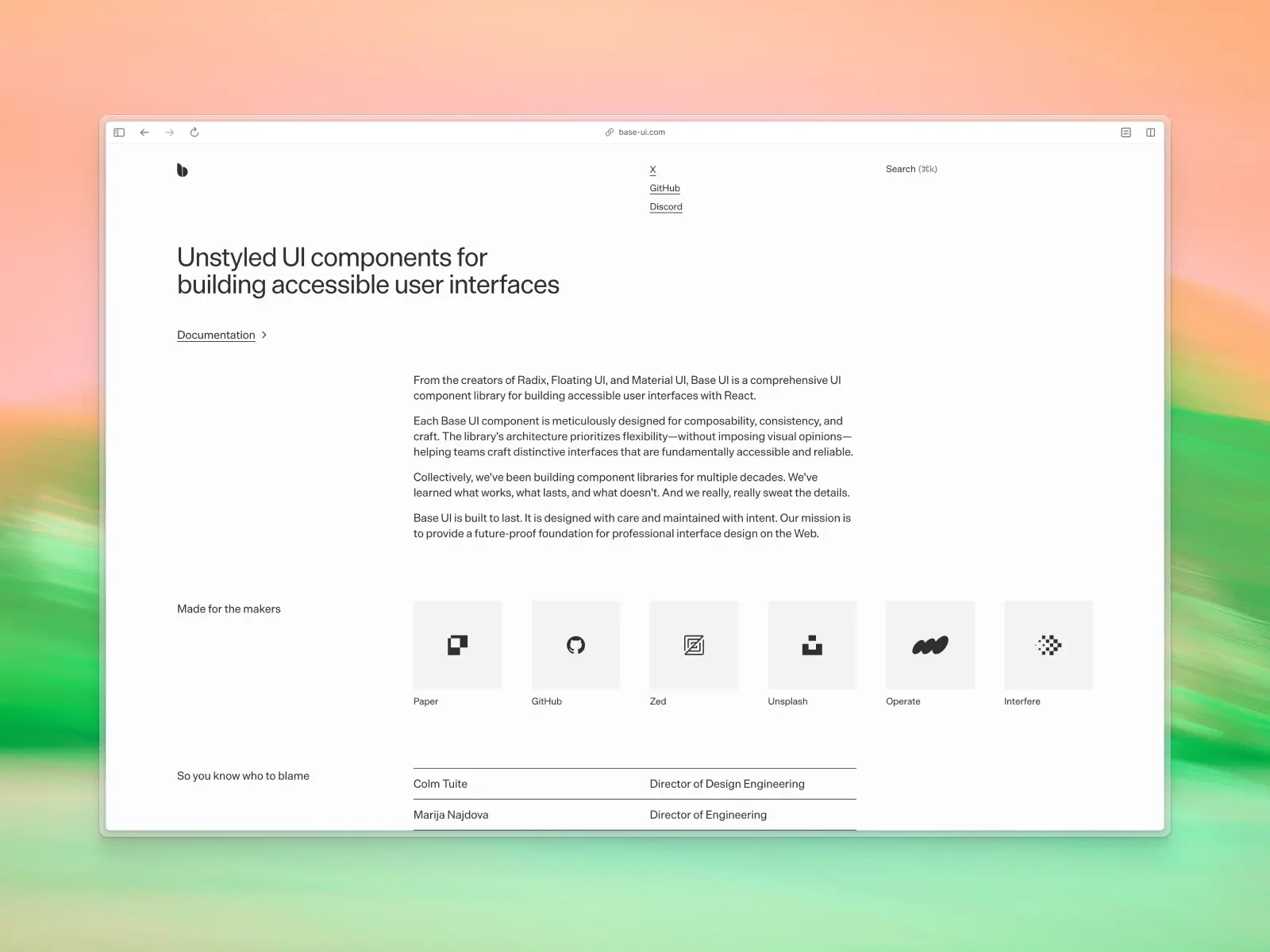
Base UI is an unstyled React component library for building accessible user interfaces. It ships behavior and accessibility and leaves every visual decision to you, and it's licensed under MIT.
The team is the interesting part. Base UI describes itself as coming "from the creators of Radix, Floating UI, and Material UI," and the about page lists Colm Tuite, Marija Najdova, Flavien Delangle, James Nelson, Jenna Smith, Michał Dudak and Aarón García. That's a lot of dedicated attention for a headless library, and it shows in the release notes.
Which "Base UI" are we talking about?
Worth clearing up before anything else, because at least four things share this name and the wrong install is one typo away:
- Base UI, the subject of this article: base-ui.com, npm package
@base-ui/react. Unstyled React primitives, v1.0.0 in December 2025, v1.8.0 now. - Base Web, Uber's styled design system: baseweb.design, npm package
baseui. Confusingly, its older docs site is literally titled "Base UI React Components." - MUI Base, the deprecated predecessor: npm package
@mui/base, whose npm page now says it "has been replaced by @base-ui/react." - Base UI for Angular: base-ui.net, an unrelated Angular and Tailwind library on a near-identical domain.
The package you want is @base-ui/react. Running npm i baseui installs Uber's Base Web instead, which is a completely different product.
There's one more naming wrinkle inside the library's own history: it was published as @base-ui-components/react until v1.0.0 shipped on 11 December 2025 and renamed it. If your coding agent generates the old import path, that's why.
What shipping on shadcn/ui changed
In July 2026, shadcn/ui made Base UI the default primitive layer for new projects, alongside Radix and React Aria. That means Base UI's ~9.71 million weekly downloads aren't all direct adoption, and that most people meeting it for the first time are meeting a styled wrapper around it.
Base UI's own community page is refreshingly direct about the split. It says: "shadcn/ui uses Base UI as its unstyled foundation. If you want Tailwind-styled wrapper components and higher-level APIs without building that layer yourself, you can create a component library with the shadcn/ui create tool."
Also worth stating, because it's the anxious question nobody answers directly: Radix isn't dead. shadcn/ui's changelog says explicitly that Radix "is not being deprecated" and that every update and new component ships for both libraries.
How Base UI compares to Radix UI, React Aria and Ark UI
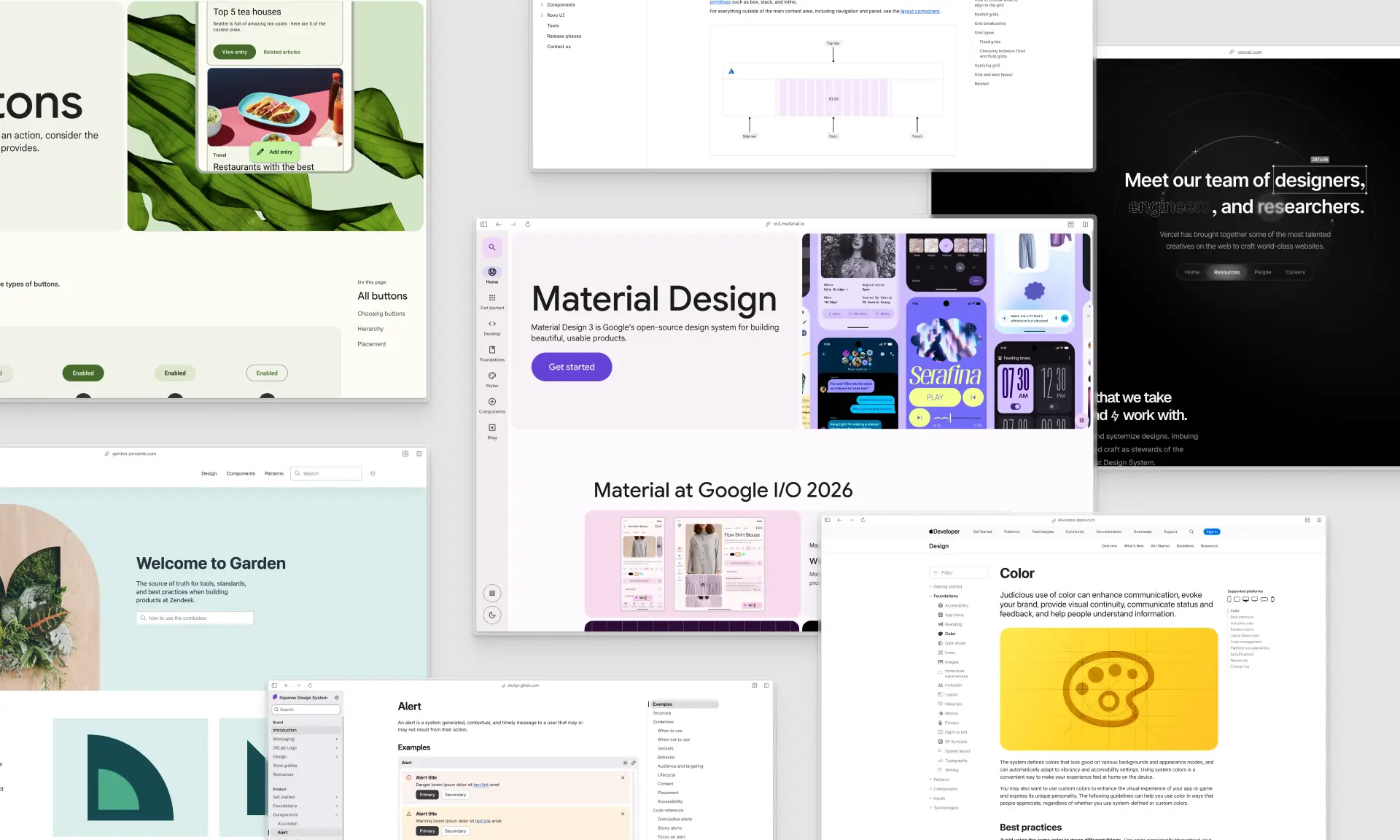
Base UI is one of four serious headless UI libraries in React, competing for the layer under your design system rather than with the styled UI libraries on top.
- Radix UI: the original, and still the most widely deployed. Radix UI primitives shipped the pattern everyone copied: unstyled parts, data attributes for state, composition over configuration. An inherited codebase on Radix UI primitives needs no migration.
- Base UI: the same lineage, rebuilt by several of the people who wrote Radix UI, with six years of hindsight in the API design.
- React Aria: Adobe's, and the deepest on accessibility and internationalization. The only one shipping date and calendar primitives, localized strings in 30+ languages and first-class RTL.
- Ark UI: the only one that isn't React-only, covering Vue, Solid and Svelte.
All four give you keyboard navigation, focus management and accessible components as table stakes, and all four beat a React library that rolled its own. These headless UI libraries differ on coverage, API design and internationalization.
The design work on top is identical whichever of these headless UI libraries you pick. Full detail, including the Radix UI comparison, in Base UI vs. React Aria Components.
Base UI key features:
- Genuinely headless: no bundled CSS and no prescribed styling solution. Tailwind, CSS Modules, CSS-in-JS and plain CSS work identically.
- 37 components and 4 utils: Accordion, Alert Dialog, Autocomplete, Avatar, Button, Checkbox, Checkbox Group, Collapsible, Combobox, Context Menu, Dialog, Drawer, Field, Fieldset, Form, Input, Menu, Menubar, Meter, Navigation Menu, Number Field, OTP Field, Popover, Preview Card, Progress, Radio, Scroll Area, Select, Separator, Slider, Switch, Tabs, Toast, Toggle, Toggle Group, Toolbar and Tooltip, plus CSP Provider, Direction Provider,
mergePropsanduseRender. - An open composition model: a
renderprop on every part, plususeRender,mergePropsand a cancellableeventDetailsobject on change handlers. - Native form validation via the browser's constraint validation API, plus React Hook Form and TanStack Form.
- React 17, 18 and 19 support, on five runtime dependencies.
Base UI pros:
- Free forever, MIT, all of it. Base UI has no PRO tier and never counts seats.
- No defaults to override, so there's no design opinion to fight.
- The most thoughtful headless API design in React right now.
- Built by the Radix, Material UI and Floating UI people.
- shadcn/ui's default base, with enormous real-world exposure.
Base UI cons:
- You design all of it: every color, radius, shadow, spacing value, focus ring and state.
- No finished screens, blocks, dashboards, settings pages or marketing sections.
- No calendar or date picker yet. Internal date-fns and Luxon adapters are optional peer dependencies, so those complex components are coming. Today they come from a third party.
- No Figma UI kit and no official design library, so design and code drift.
- No localized strings, so 30 languages are your problem.
- No formal support channel, and no SLA for procurement.
What is Untitled UI React?
untitledui.com/react — Open source + paid from $349 (lifetime access) · ★1.9k
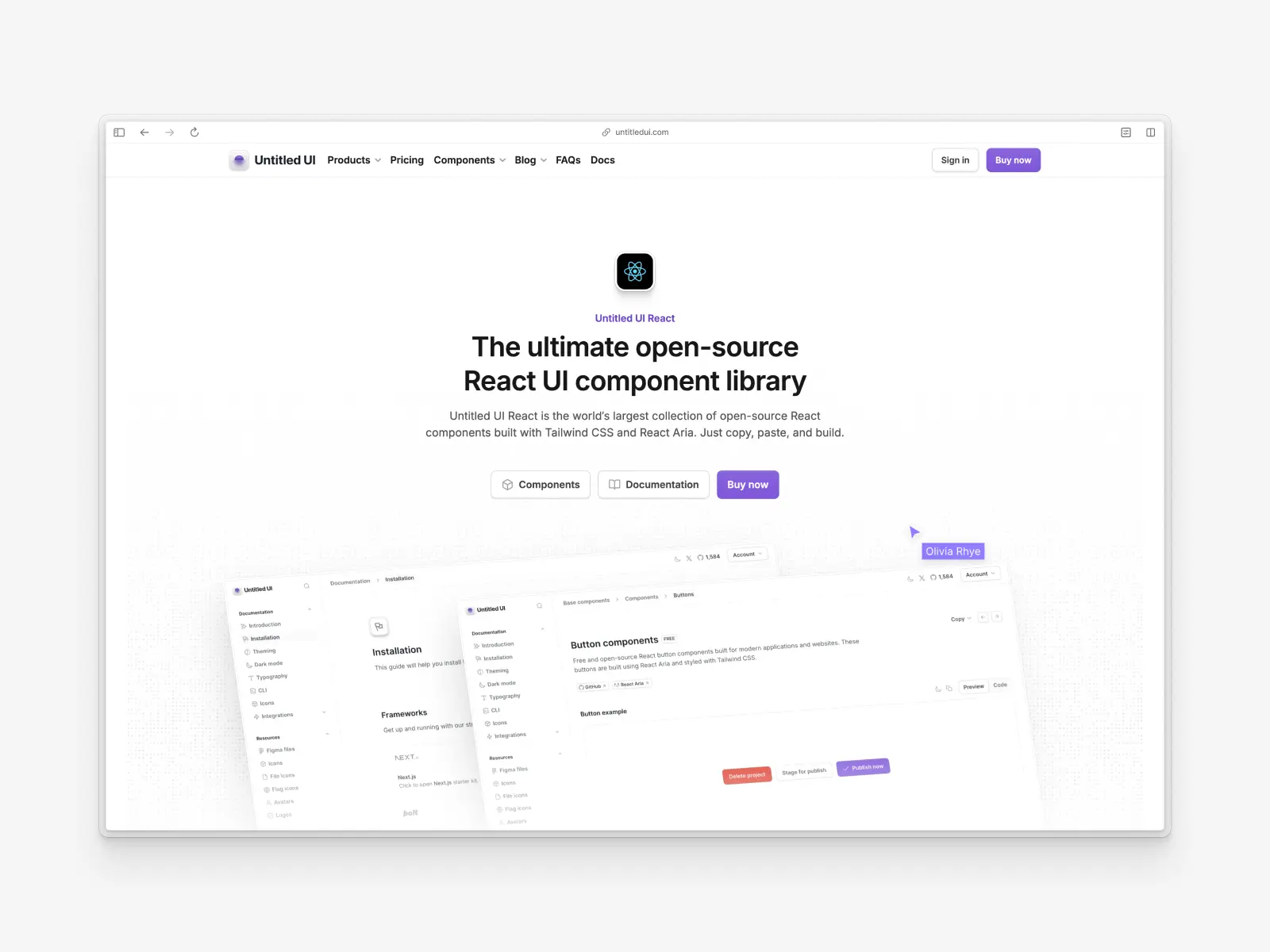
Untitled UI React is the world's largest collection of open-source React components, built with Tailwind CSS v4.3, React Aria v1.20 and TypeScript v5.9 on React 19.2. It launched recently and is on v8.0.
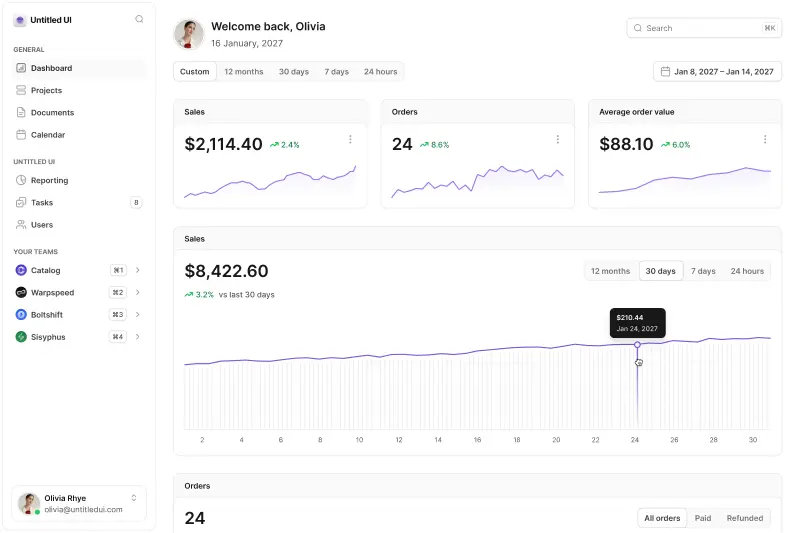
It sits at the opposite end of the same stack. Not a neutral foundation, but the finished thing, with spacing, states, dark mode, empty and loading states and responsive behavior already designed.
The foundation is Untitled UI Figma, which 380,000+ designers use and 3,650+ have rated 5 stars, making it the largest and most popular Figma UI kit and design system in the world. We build each React component in sync with the Figma library, and free updates for life apply to both.
Underneath it's built on React Aria, so it has a headless layer, just not the one you're choosing.
Untitled UI React key features:
- 5,000+ components and sections: base components, application UI and marketing website sections.
- 250+ page examples: 120 application pages (40 dashboards, 40 settings, 40 informational) and 105 marketing pages.
- 428 marketing sections across 18 categories: hero headers, features sections, footers, testimonials and pricing tables.
- Built on React Aria: Adobe's accessibility layer, maintained under Apache-2.0.
- A deep semantic token layer: text, background, foreground and border families, each with an explicit light and dark value.
- Custom CLI tool: pick a brand color, run
npx untitledui@latest init --nextjs, and a new project is scaffolded for you. - MCP server with semantic search: seven tools backed by multimodal embeddings trained on description and screenshot, so your agent searches by appearance.
- The complex components nobody wants to build: rich text editors, color pickers, file uploaders, tree views, charts, command menus, video players and QR codes, plus 1,100+ free icons via npm, 4,600+ in the PRO set, 370+ avatars and 180+ company logos.
Untitled UI React pros:
- Incredibly comprehensive: almost any use case is covered by the component and page count, which leaves you editing instead of inventing.
- High-quality design out of the box, following modern design best practices.
- Accessibility-focused: tested against VoiceOver, JAWS, NVDA and TalkBack, and shipped with 34 locale bundles that cover 32 languages.
- Figma UI kit parity: the biggest practical difference against Base UI, since design and code are perfectly aligned.
- Mature ecosystem: icons, avatars, logos, flags, starter kits, Storybook, an MCP server and enterprise licensing.
Untitled UI React cons:
- Can be overwhelming: individual developers and smaller projects may find the scale too much.
- PRO version for full access: the 250+ page examples and the advanced components require PRO, while hundreds of components stay free and open source.
- One design language, and Tailwind required: you're adopting Untitled UI's aesthetic, themed to your brand, and the styling is Tailwind rather than your choice of engine.
- Much smaller developer community: 1,918 GitHub stars against Base UI's 10,899, on a younger repo.
Teams already on Tailwind CSS that want finished pages and production-ready components are the ideal fit. Here is a 60-second overview:
You can use a huge part of Untitled UI React in unlimited commercial projects, because it is 100% free and open source. Start with the documentation and browse the free React UI components.
How we compared them
We didn't write this post to declare a winner, because a headless library and a design system can't lose to each other. We wrote it because "Untitled UI or Base UI?" is a question people genuinely ask, usually without realizing they've been handed two answers to different questions.
Every figure here was checked against a primary source in September 2026: the base-ui.com docs and release notes, the published @base-ui/react v1.8.0 package (which we downloaded and inspected), the npm downloads API, GitHub, the shadcn/ui changelog, and our own codebase.
Where Base UI is better, we say so and give it the verdict. Anything we could not verify from a primary source, we left out rather than repeat.
Styling: Base UI ships none, and that's the point
This is the difference everything else hangs off. We extracted the published @base-ui/react v1.8.0 package and counted: 3,269 files, 9.18 MB unpacked, and zero CSS files.
Instead you get a styling surface that's unusually well designed:
classNameaccepts a function of state, soclassName={(state) => state.checked ? 'on' : 'off'}works without a ternary in your JSX.data-*attributes on every part —[data-checked],[data-highlighted],[data-open]— so state lives in CSS selectors.- CSS variables for the hard geometry, like
--available-heightand--anchor-widthon positioned popups, which you can't compute in CSS yourself.
Untitled UI React goes the other direction. On new projects the CLI writes globals.css, theme.css and typography.css, and components arrive fully styled with Tailwind classes, a semantic token layer, dark mode, focus rings and responsive behavior already decided. You theme it by editing a brand color scale from --color-brand-25 to --color-brand-950.
Your styling solution is a real decision here. Base UI components behave identically with Tailwind CSS, CSS Modules, vanilla-extract or plain stylesheets. Untitled UI React assumes Tailwind CSS, because components ship as editable Tailwind classes.
If your styling solution is CSS Modules and switching isn't on the table, that's a legitimate reason to start from primitives. CSS Modules against Base UI's data attributes is a pleasant way to work. On Tailwind CSS you'd be re-deriving decisions somebody already made.
The phrase used for the unstyled approach is complete control, and it's accurate as far as it goes. You get complete control over markup, class names and every visual decision. What you don't control is your calendar, because someone still has to make those decisions.
A copy-paste library gives you complete control too, from a different starting point: components are files in your repository, so changing one is editing a file.
Verdict: a tie, and only a tie because "unstyled" isn't free. Base UI's styling hooks are the best in the category, and if your goal is a visual identity nobody else has, a library with no opinion is the better starting point.
But that's an outright win only when you already have a design system, designers, and developers who can execute an unconventional visual direction. Starting from zero costs weeks of a designer's attention to sizes, states, focus treatment and dark mode. Without that team, "no styles to remove" is a deferred bill.
Composition and component APIs
Headless libraries live or die on their APIs, and Base UI's are excellent.
The render prop is the centerpiece, typed as React.ReactElement | ComponentRenderFn, so it takes either an element or a function when you need the component's state to decide what to render. Alongside it you get useRender for building your own render-prop components and mergeProps for combining handlers, className and style without clobbering anything.
Then there's the detail we think is genuinely best-in-class: change handlers get a second argument, eventDetails. It carries the reason for the change, the native event, cancel(), allowPropagation(), isCanceled, isPropagationAllowed and the trigger element. Want a tooltip that doesn't close when its trigger is pressed? You cancel the event, rather than reaching for a controlled-state workaround at 6pm.
The type engineering underneath is the part worth admiring. Base UI declares exactly 35 distinct reasons — trigger-press, outside-press, escape-key, list-navigation, input-paste, swipe, window-resize and more — each mapped to the specific native event type it can produce, so a handler narrowed to reason: 'escape-key' gets a KeyboardEvent rather than a bare Event.
Here's the honest complication, though: Untitled UI React doesn't have a competing primitive API. It's built on React Aria, whose composition model — render props, slots, context and consistent data attributes — is itself excellent and widely admired. So this dimension isn't really "Base UI vs. Untitled UI" at all. It's Base UI vs. React Aria, with us inheriting whatever React Aria does, one layer up.
Verdict: a tie, because this is really Base UI vs. React Aria. Base UI's eventDetails is the single nicest primitive-level API detail in the category, and React Aria's slot-and-context model has a decade of Adobe's production use behind it.
If the primitive API is what you're choosing on, you're really choosing a foundation, not a component library. We've written that comparison separately: Base UI vs. React Aria Components.
Component coverage: primitives vs. finished UI
Base UI ships 37 components and 4 utils. They're a well-chosen 37, and several are genuinely hard things done properly. Combobox, Autocomplete, Navigation Menu, and a Drawer with swipe-to-dismiss gestures and snap points are not trivial pieces of software.
But the categories it doesn't cover are the ones that eat your quarter: no calendar, date picker or time picker; no table, card, badge, breadcrumb or pagination; and no charts, rich text editor, file uploader, color picker, tree view or command menu.
The published figure for Untitled UI React is 5,000+ components and sections. Components and their designed variants are counted together, which is how a system of this size is counted. Nothing is left for you to derive, because every size, color, state and icon configuration is drawn and specified.
The category coverage is where the gap is real. Date pickers and calendars are built on React Aria's calendar primitives with @internationalized/date. Color pickers, file uploaders, TipTap-powered rich text editors, tree views, charts, QR codes, metrics, progress steps, modals and slideout menus all ship as finished, styled components.
Verdict: Untitled UI React, by a wide margin on breadth. Base UI wins on focus: a tightly curated primitive set is easier to learn and easier to keep consistent, and every component in it is a deep, careful implementation. The catch is that a date picker is on almost every roadmap, and right now that's a gap you fill yourself.
Page examples, dashboards and marketing sections
Components are the easy part. Composition is where projects actually stall, and it's the part of UI development nobody budgets for.
Base UI offers no page examples, blocks or templates, and it shouldn't. A headless library with opinionated page layouts would be a contradiction. If you want finished screens on top of it, the docs point you to shadcn/ui or a styled library built on it.
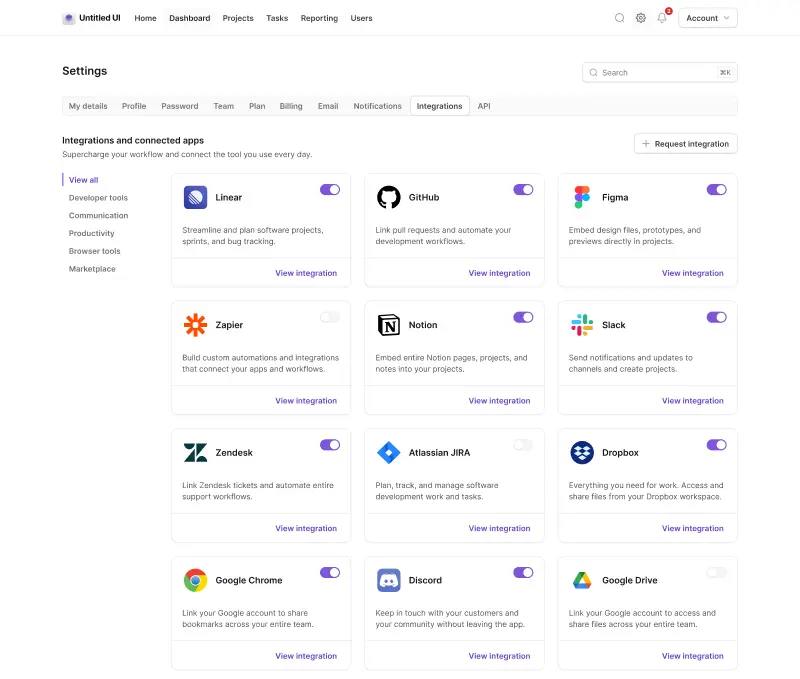
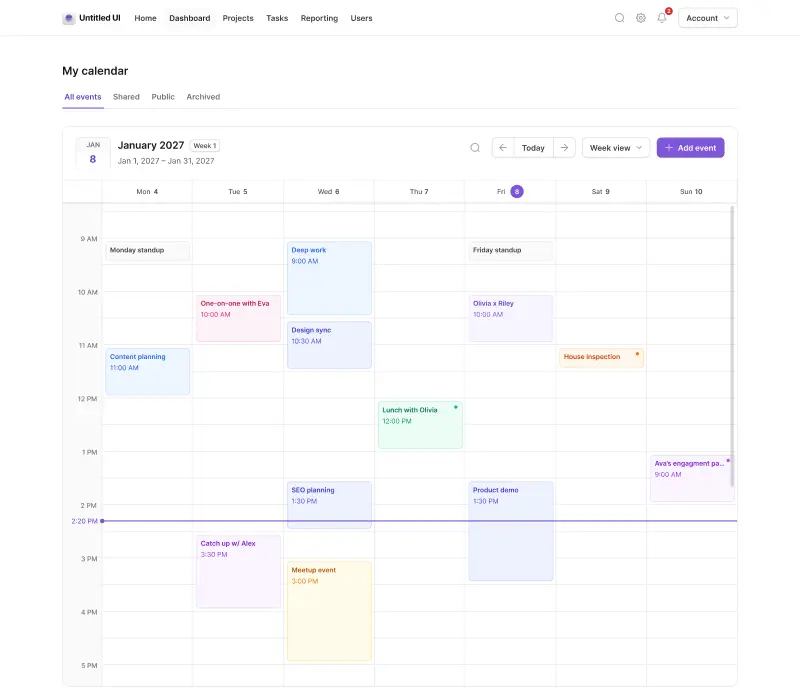
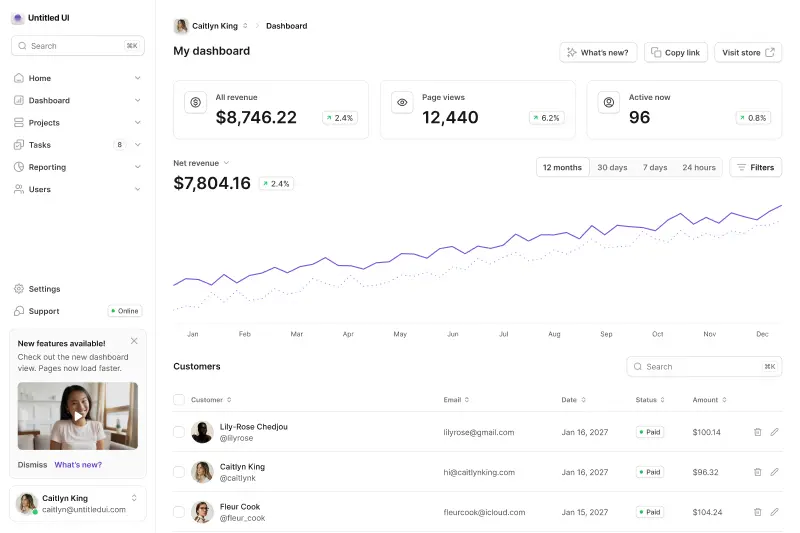
Untitled UI React ships 250+ page examples, and they're not demos:
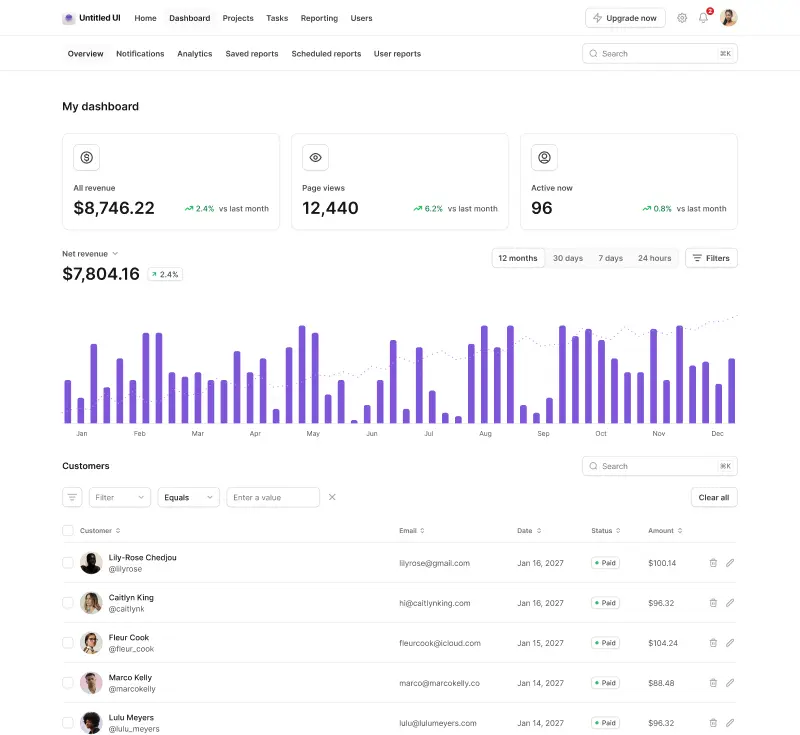
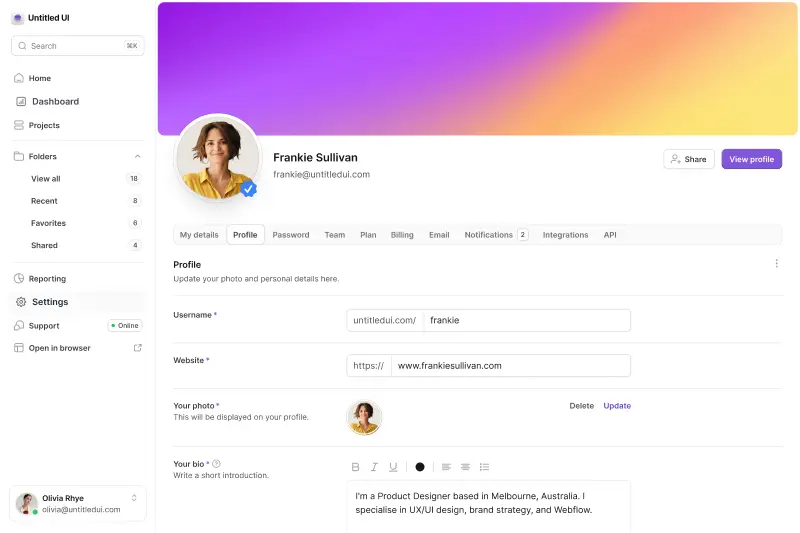
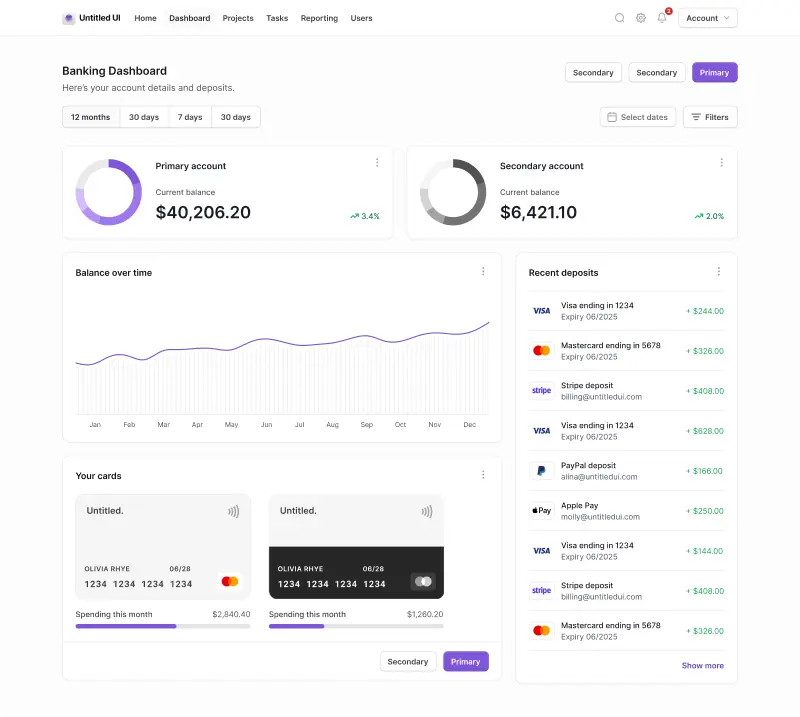
- 120 application pages: 40 dashboards, 40 settings pages and 40 informational pages, in two distinct layout families.
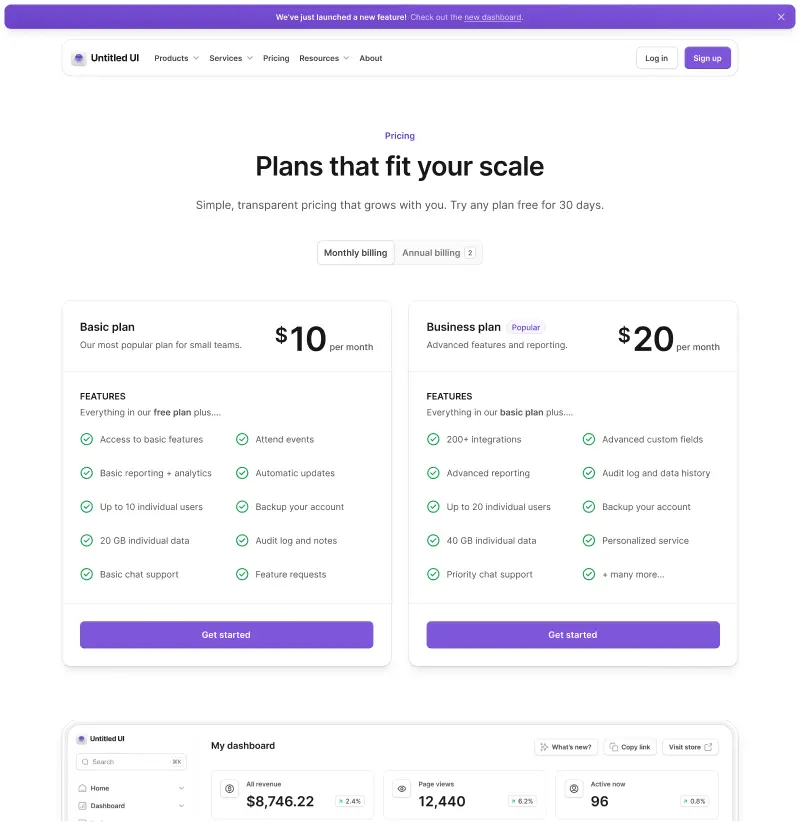
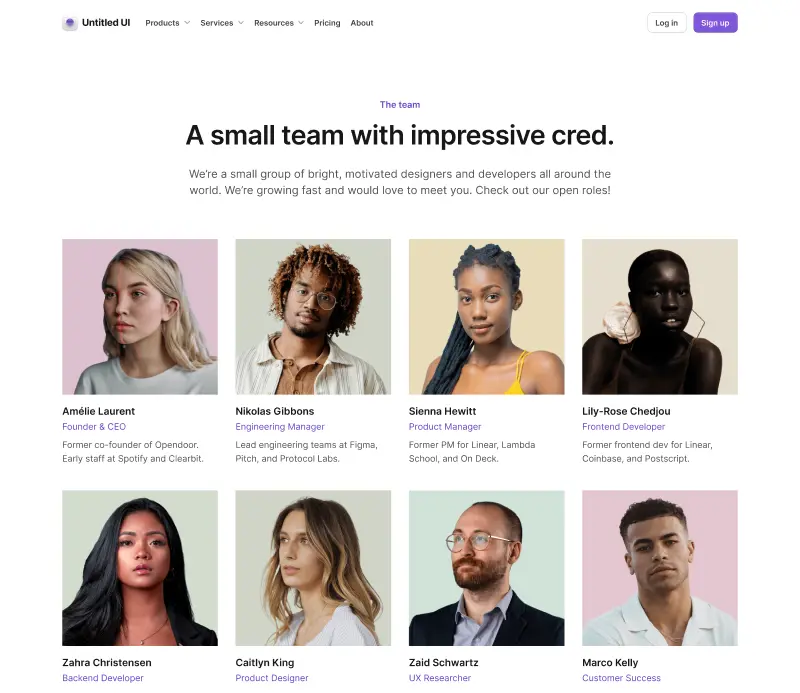
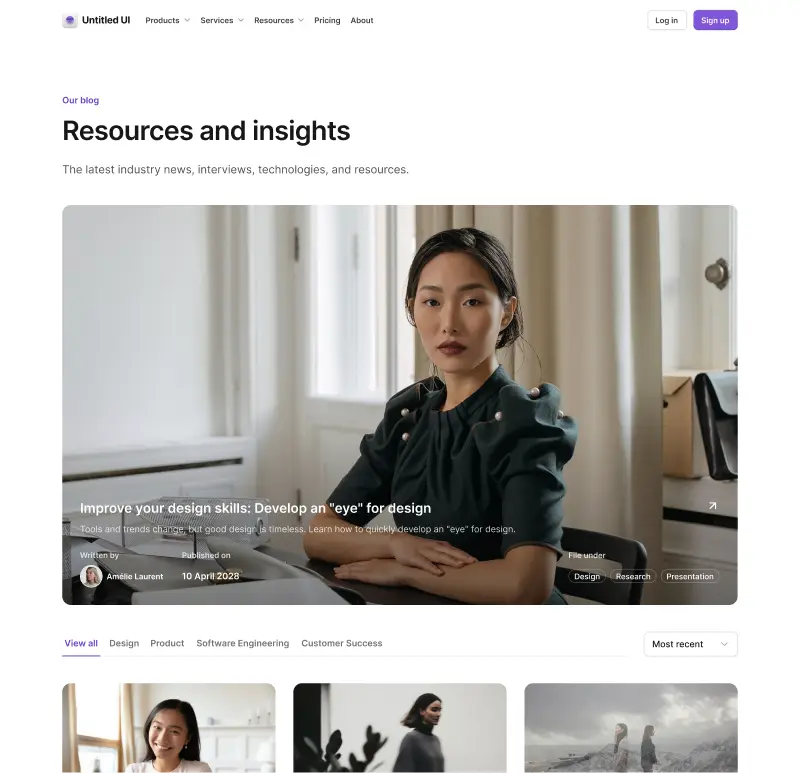
- 105 marketing pages: landing, pricing, blog, blog post, about, contact, FAQ, team, 404 and legal pages, with 20 landing pages alone.
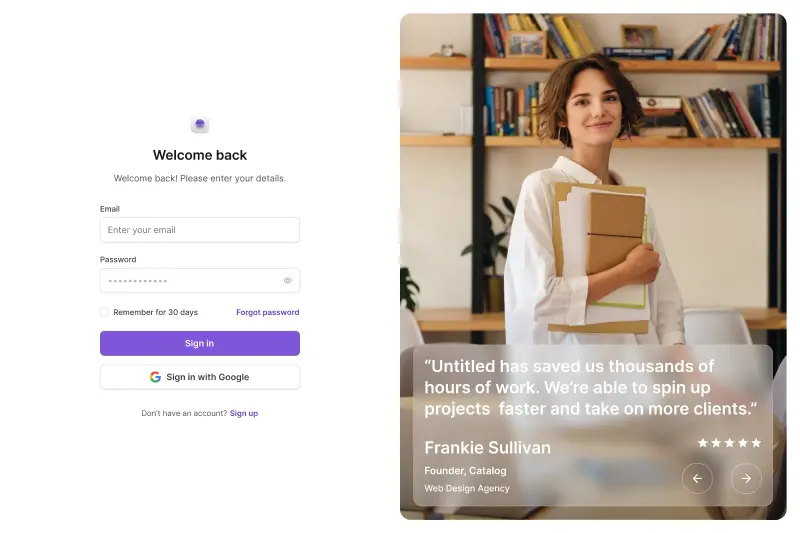
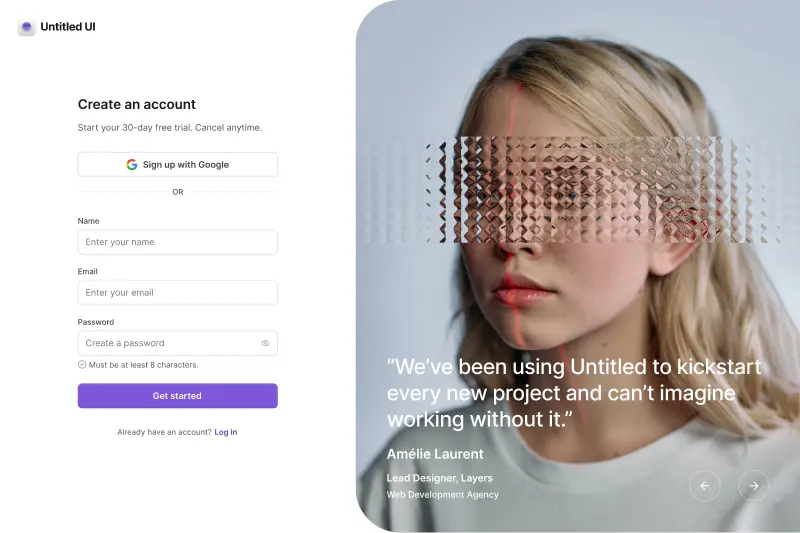
- 428 marketing sections across 18 categories, along with 10 email templates and log in, sign up, verification and forgot password screens. Everything is responsive and designed to be shipped.
About two weeks of work separate "we have a Dialog primitive" from "we have a finished settings page." Anyone who has designed a settings page or a dashboard from scratch knows that gap.
Verdict: A decisive win for Untitled UI React. No other practical gap between the two is as large, and you feel this one on your calendar, not in your bundle. Our roundup of the best React dashboards in 2026 covers this category in more depth.
Where both sit next to Material UI and the traditional component libraries
Most teams evaluating Base UI have also looked at Material UI, Ant Design or Chakra UI. Those are a different category, not a different option.
A traditional React library like Material UI ships behavior and design together, behind a props API. Fast at the start and expensive later, because every visual change is negotiated with somebody else's theming system, and every call site depends on their API design.
Headless UI libraries split those apart. Base UI, Radix UI and React Aria give you behavior and leave the design to you. Copy-paste libraries like Untitled UI React and shadcn/ui hand you the design too, as files rather than a React library.
That's the real spectrum in React UI development in 2026. It is a design problem wearing engineering clothes, which is why team composition predicts this choice better than any feature table.
Material UI makes sense when nobody will fight the defaults. Base UI makes sense when the defaults are the problem. Untitled UI React suits teams wanting finished design they can still edit. Material UI and Untitled UI React genuinely compete; Base UI and Material UI barely overlap.
For teams migrating off Material UI, the hard part isn't the components, it's that Material Design decisions are baked into every screen. Moving to Base UI means redesigning; moving to a finished system means re-skinning.
Accessibility and internationalization
Accessibility is a legal requirement in a growing number of regions, and neither of these is negligent.
Base UI's accessibility page is candid about the division of labor. It handles ARIA attributes, roles, pointer interactions, keyboard navigation and focus management, and says plainly that "it's the developer's responsibility to visually indicate focus" and that minimum color contrast is yours too. Components follow the WAI-ARIA Authoring Practices.
Untitled UI React inherits React Aria's accessibility layer plus a styled implementation, so focus rings, contrast and state styling are already done.
That's the distinction most comparisons of headless UI libraries miss. Accessible components at the primitive layer means correct behavior and correct ARIA. Accessible components in production also means a designed focus ring, checked contrast, and translated text.
The bigger structural difference is internationalization. We counted the locale bundles in react-aria-components v1.21.1: 34 locale files covering 32 languages, from Arabic and Hebrew through Japanese, Korean and both Chinese scripts. Base UI ships no string catalog, only locale props typed as Intl.LocalesArgument and Intl.Collator.
Both handle RTL. Base UI has a DirectionProvider; Untitled UI React uses CSS logical properties with an rtl: Tailwind variant. Best practices here are dull and effective: test with a keyboard before a screen reader, and check contrast on the states nobody looks at.
Verdict: close, with an edge to Untitled UI React on what's already done for you. Base UI's behavioral accessibility is excellent and arguably more rigorous per component. But "accessible" in production also means visible focus states, sufficient contrast and screen reader output in your user's language.
Animation and transitions
Base UI's approach here is quietly one of its best pieces of design. Popups expose [data-starting-style] and [data-ending-style] attributes, so an enter and exit transition is a few lines of plain CSS with no animation library at all.
The docs recommend transitions over keyframe animations for a correct and specific reason, quoted verbatim: "transitions are recommended over CSS animations, because a transition can be smoothly canceled midway." A popup closed before it finishes opening animates gracefully instead of snapping.
React Aria, the layer Untitled UI React is built on, exposes the same capability under different names. Every overlay surfaces isEntering and isExiting render-prop state, with matching [data-entering] and [data-exiting] selectors. Adobe also ships tailwindcss-react-aria-components, which turns those into entering: and exiting: Tailwind variants.
So the difference isn't that one foundation has animation hooks and the other doesn't. Both do. The difference is that we've already used ours.
Modals, slideout menus, dropdowns, tooltips, select popovers, date pickers, command menus and the video player all animate on enter and exit without you configuring anything, with the durations and easing curves already chosen. Because it's your file, the easing curve is one edit away.
Verdict: a tie on capability, an edge to Untitled UI React on work already done. Base UI's [data-starting-style] approach is beautifully designed, and React Aria's equivalent is every bit as usable. Both hand you the state; only one hands you the motion as well.
Forms and validation
Base UI's form story is stronger than most headless libraries bother with. Field, Fieldset and Form extend the browser's native constraint validation API rather than reimplementing it, so required, minLength and pattern work the way the platform intends, with Field.Error rendering the result. Async validation is supported, with documented integrations for React Hook Form and TanStack Form.
Untitled UI React uses React Aria's form layer, which also builds on native constraint validation, then adds the styled parts — labels, hint text, error states, required indicators and invalid styling — across every form control.
Verdict: a tie. Both build on the native platform API rather than inventing a parallel one, and both integrate with the form libraries you'd actually use. Base UI's Field API is cleaner in isolation; ours arrives with the error styling already written.
Design tokens and theming
Base UI has no design tokens, no color system and no theming layer, and it would be a strange headless library if it did. You bring your own: Tailwind's palette, your own CSS variables, whatever your team already uses.
Semantic tokens in Untitled UI React form a deep token layer, grouped into text, background, foreground and border families. We declare each one twice, for light mode and again for dark, which stops any token from silently falling back to the wrong theme.
Instead of text-gray-600 you write text-tertiary; instead of bg-blue-700 you write bg-brand-solid. There are dedicated tokens for on-brand surfaces, hover states and subtle variants, which is what a design system needs once more than one person is editing components.
Verdict: Untitled UI React, unopposed. But read that as "this is a job Base UI doesn't do," not "Base UI does it badly." If you're building your own token layer anyway, a library that ships one is just something you'd be deleting.
Does Base UI have a Figma kit?
No. There's no official Figma library, nothing on base-ui.com links to one, and there's no Figma page anywhere in the documentation or in its llms.txt. Community-made files exist, but there's no first-party library, no guarantee of parity and no update cadence.
To be fair about why: an unstyled library has nothing to put in a Figma file or a Figma design system. No colors, no radii, no spacing to mirror. A Base UI Figma file would be a set of empty boxes.
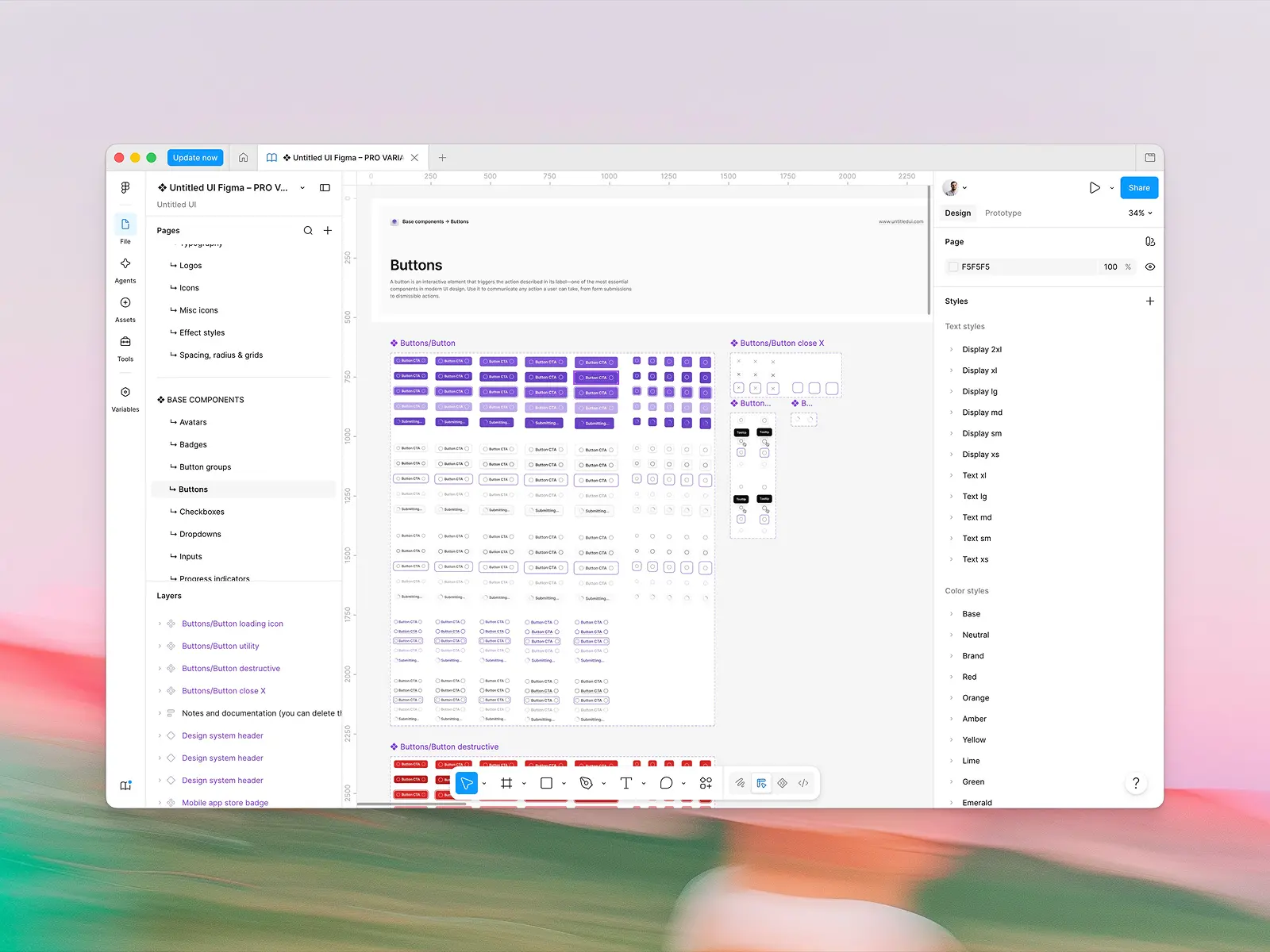
Untitled UI React is shipped alongside Untitled UI Figma, one of the few UI kits built with 100% Auto Layout 5.0 across all 10,000+ components and variants, plus variables and smart variants. When a component ships in React, it ships in Figma. Designers and developers work from the same system, and both halves get free updates for life.
With 380,000+ designers and 3,650+ 5-star reviews, it's also the most widely used design system in Figma. Beyond bragging, that has a practical effect: the designer you hire has probably worked in it already, and your developers install the same components your team reviews in Figma.
Verdict: Untitled UI React. For teams with designers, nothing else in the whole comparison is a stronger argument, and it is probably worth more than everything else combined. Skip this section entirely if nobody on your team opens Figma.
Do you actually need a Figma UI kit?
Not every team does, and it's worth answering honestly before it gets weighted.
If your product is built by developers with no designer involved, a Figma design system is overhead. You'd maintain a second representation of the same thing, and it would drift.
With even one designer that changes fast. Without a first-party kit, somebody redraws the components in a Figma file by hand, and it diverges from the code inside a quarter.
The practical test is what happens when a new component is needed. On a team with a synced Figma design system, a designer builds it from existing Auto Layout components and variables, and the developer installs the matching code.
Look for 100% Auto Layout so components resize properly, variables rather than hard-coded values, and a genuine update cadence. Kits failing the first test fall apart the moment someone changes a label, and most free UI kits fail at least one test.
Figma UI kits are also not interchangeable with a Figma design system. A kit is components; the full system adds the variables, tokens and Auto Layout rules that keep them coherent. Check whether the Figma file is the source the code is built from.
Dependencies and bundle sizes
Base UI is a lean package, and the numbers back it up. Five runtime dependencies: @babel/runtime, @base-ui/utils, @floating-ui/utils, @floating-ui/react-dom and use-sync-external-store. One install, fully tree-shakable, and support back to React 17, which matters more than it sounds if you maintain something older.
Untitled UI React is a different shape. The components are copy-paste source files you own outright, so there's no component-library runtime to remove later, but the categories we ship pull real packages.
React Aria and @internationalized/date back the date pickers and calendars, motion handles animation, Recharts draws charts, TipTap powers the rich text editors, and shiki highlights code. More categories means more packages. That's the trade, and it's a real one.
In fairness, those packages arrive with the component rather than instead of it, and you only install what you use. But if your priority is the smallest possible dependency footprint, one five-dependency package is hard to argue with.
Verdict: Base UI, outright. Fewer moving parts, a wider React version range, and a dependency list you can read in one breath.
AI and agent workflows
Both are unusually well set up for coding agents, for different reasons.
Base UI ships a thorough llms.txt and per-page markdown for every doc, each opening with an instruction telling models to treat the documentation as authoritative over their training data. That's a smart touch given how much stale @base-ui-components/react and @mui/base code is floating around in model weights. It also inherits shadcn/ui's agent tooling for free, since agents generating shadcn components are generating Base UI underneath.
Untitled UI React brings an MCP server with multimodal semantic search, seven tools, with embeddings trained on both the component description and its screenshot, so agents match on how something looks rather than what it's called. It also ships CLAUDE.md, GEMINI.md and AGENT.md agent rules, and one-click launches into v0, Bolt, Lovable, Replit and StackBlitz.
Every docs page is also published as raw markdown. Append .md to any URL and you get the source as plain text, so an agent reads the page rather than scraping the rendering. Each page carries Open in ChatGPT, Open in Claude and Open in v0 buttons that hand the model both links in one click.
Verdict: Base UI on reach, Untitled UI React on search quality. Every agent already generates shadcn/ui, and therefore Base UI, with no prompting. But when your agent needs to find the right one of 250 page templates, name-matching doesn't get you there. We covered this whole category in our roundup of the best UI component libraries for vibe coding in 2026.
Is Base UI free, and what does Untitled UI React cost?
Base UI is MIT licensed, in full, for free. There's no PRO tier, no seat counting and no upsell.
Untitled UI React is free and MIT licensed for its open-source components: hundreds of base components, application UI components and marketing sections you can use in unlimited commercial projects. The full library is paid:
- FREE: open-source components, CLI, starter kits, dark mode, and 2,000+ icons and logos.
- PRO SOLO — $349: one user gets Figma sync, 250+ page examples and the full 5,000+ component library.
- PRO STUDIO — $999: up to 8 users.
- PRO BUSINESS — $2,499: up to 20 users.
- PRO ENTERPRISE — $8,999: SSO and SCIM 2.0, audit log, onboarding support, Enterprise EULA, private GitHub repo and Storybook access, all for unlimited users.
All of it is a one-off payment with free updates for life.
"Why pay for anything when Base UI is completely free?" is a valid question to ask, and time is the only answer. A good product designer costs $349 for about half a day. That same designer needs weeks to build a complete component system on headless primitives: every state, every breakpoint, every empty state, plus dashboards, settings pages and a pricing page.
PRO pays for itself ten times over once it saves your team one of those weeks. A team that has those weeks and wants to spend them can pair Base UI with its own design work, and the only cost is the calendar.
One asymmetry worth flagging for larger organizations: Base UI's support channels are GitHub and Discord, with no SLA or escalation path on offer. Untitled UI's ENTERPRISE tier exists precisely for teams that need a dedicated EULA and a name on a contract.
Verdict: Base UI on price, Untitled UI React on value per hour saved. It depends entirely on whether your constraint is budget or calendar, with the caveat that if procurement needs a support agreement, only one of these can produce one.
Community, ecosystem and long-term support
These are two different kinds of community, and the numbers only measure one of them.
Base UI has 10,899 GitHub stars, around 9.71 million weekly npm downloads, over 100 contributors, a monthly release cadence, and a team of seven named on its about page. Its homepage lists Paper, GitHub, Zed, Unsplash, Operate and Interfere as users. Being shadcn/ui's default base means an enormous number of eyes on it.
A full-time team ships coordinated updates across React, Figma, icons, avatars and logos, and Untitled UI Figma counts 380,000+ designers and 3,650+ 5-star reviews. The React repo is much younger, with 1,918 GitHub stars so far.
Verdict: Base UI for developer reach, Untitled UI for design community and formal support. Base UI's distribution is in a different league. What stars don't measure is whether one team is accountable for your design and your code staying in sync, or whether anyone will sign a support agreement.
Can you use Untitled UI React and Base UI together?
Technically yes, because they're different layers rather than competitors. But the hard part isn't what people expect.
It isn't styling. Dressing a Base UI Menu in Untitled UI's semantic tokens is a productive afternoon. The problem is running two primitive layers at once:
- Two focus and scroll-lock systems. React Aria and Base UI components both manage focus traps, scroll locking and focus restoration. Open a Base UI Dialog inside a React Aria Modal and both have opinions about where focus goes on close. It usually works, and "usually" is doing real work there.
- Two composition idioms in one file. Base UI uses render props and
data-*attributes; React Aria uses slots, context and render-prop children with state objects. - Context doesn't cross the boundary. Base UI's Field cannot see React Aria field state, and the reverse is also true. Nested components render fine until one of them needs to know it sits inside a field or a form.
- Both land in the bundle. They're small and tree-shakable, but that's two solutions to one problem.
The rule that works: each category gets one owning library, and the same interaction pattern never runs in both versions. Borrow from the other library only what yours lacks.
That's a clean seam in one direction. Base UI has no calendar, date picker, charts, rich text editor or finished pages, so pulling those complex components from Untitled UI React collides with nothing.
Two more calls to make up front. Pick one token layer, using Untitled UI's semantic tokens rather than a parallel palette, and keep the design language consistent. Most teams should pick a layer rather than straddle one.
Which fits your project?
Most UI development decisions come down to what you're building and who's building it.
Start from Base UI when:
- You have a designer and a visual direction, and complete control over the output is the entire point.
- Your styling solution is fixed and isn't Tailwind CSS.
- You're building a few screens with unusual interactions rather than a broad application surface.
- Budget is the binding constraint. MIT and free is unbeatable there.
Start from Untitled UI React when:
- You need dashboards, settings screens and landing pages built this quarter rather than designed this quarter.
- Complex components like date pickers, charts and file uploaders are on your roadmap, and you'd rather not assemble them from four vendors.
- You have designers in Figma and want design and code to stay in sync.
- You start new projects regularly and want one foundation under all of them.
On new projects this is cheap to test, because both are free to try. Build one real screen on each. Not a button: an actual settings page, or one of the landing pages on your roadmap.
Time both honestly, including the design decisions, and show the results to whoever cares most about how the product looks. That beats comparing headless UI libraries on paper.
Best practices whichever you pick
A few things hold whichever side you land on, and they separate a component library that ages well from one that becomes a rewrite.
- Put your tokens in one place. Colors, spacing, radii and typography belong in CSS variables, not scattered through components. Only one of these does it for you.
- Test keyboard navigation early. Bugs there are cheap on day one and expensive once the pattern has been copied twelve times.
- Don't fork components you haven't needed to change. Edit what you need and leave the rest updatable.
- Write down your API design conventions. Whether a prop is
variantorkindmatters far less than whether it's the same across forty components. Inconsistency is where custom systems go wrong. - Check focus management on anything that opens. Both libraries handle it correctly; your own compositions are where it breaks.
- Treat accessible components as a floor, not a feature. Both ship correct ARIA, keyboard navigation and focus management.
None of this is specific to Base UI, and it applies just as much on Radix UI primitives or React Aria. Best practices in UI development are mostly about consistency, which is easier to buy than to enforce.
Conclusion
One question decides Untitled UI React versus Base UI in 2026: how much of the design and styling do you want to own?
They're not really competitors. Base UI is a foundation, and a superb one: the best-designed headless APIs in React, free under MIT, with five dependencies and no opinion to fight. Untitled UI React is a finished, brand-neutral design system you customize rather than build: 5,000+ styled components, 250+ page examples and a Figma library that stays in sync.
If you have a designer, a visual direction and the calendar to spend, Base UI is a genuinely great choice. If you'd rather that work were done, that's what Untitled UI React is for.
A simple mental model:
- Building your own design system from scratch, with a designer, and want a look nobody else has? Pick Base UI.
- Want the smallest dependency footprint, or need React 17 or 18 support? Pick Base UI.
- Shipping to a deadline and time-poor? Choose Untitled UI React. Budget-poor and time-rich? Choose Base UI.
- Are finished dashboards, settings pages and pricing pages due this quarter? Untitled UI React is the pick.
- Do your designers work in Figma, and must design and code stay in sync? Go with Untitled UI React.
- Starting new projects often, or need a date picker, charts or a rich text editor? Pick Untitled UI React.
- Meeting Base UI through shadcn/ui rather than directly? Read our Untitled UI vs. shadcn/ui comparison instead.
Before you commit to either, test the components. Build one real screen with each, since both have substantial free tiers.
Related reading: the best React UI component libraries in 2026, Base UI vs. React Aria Components, what a design system actually is, Untitled UI React vs. React Aria Components, Untitled UI React vs. MUI, the best shadcn/ui alternatives, the best Tailwind Plus alternatives, and the best Figma UI kits.
More best practice guides
This post is an excerpt from Untitled UI Figma, world's largest Figma UI kit and design system. Untitled UI includes tips and best practices right in the Figma file to help you level up as a designer. You can preview Untitled UI Figma here.
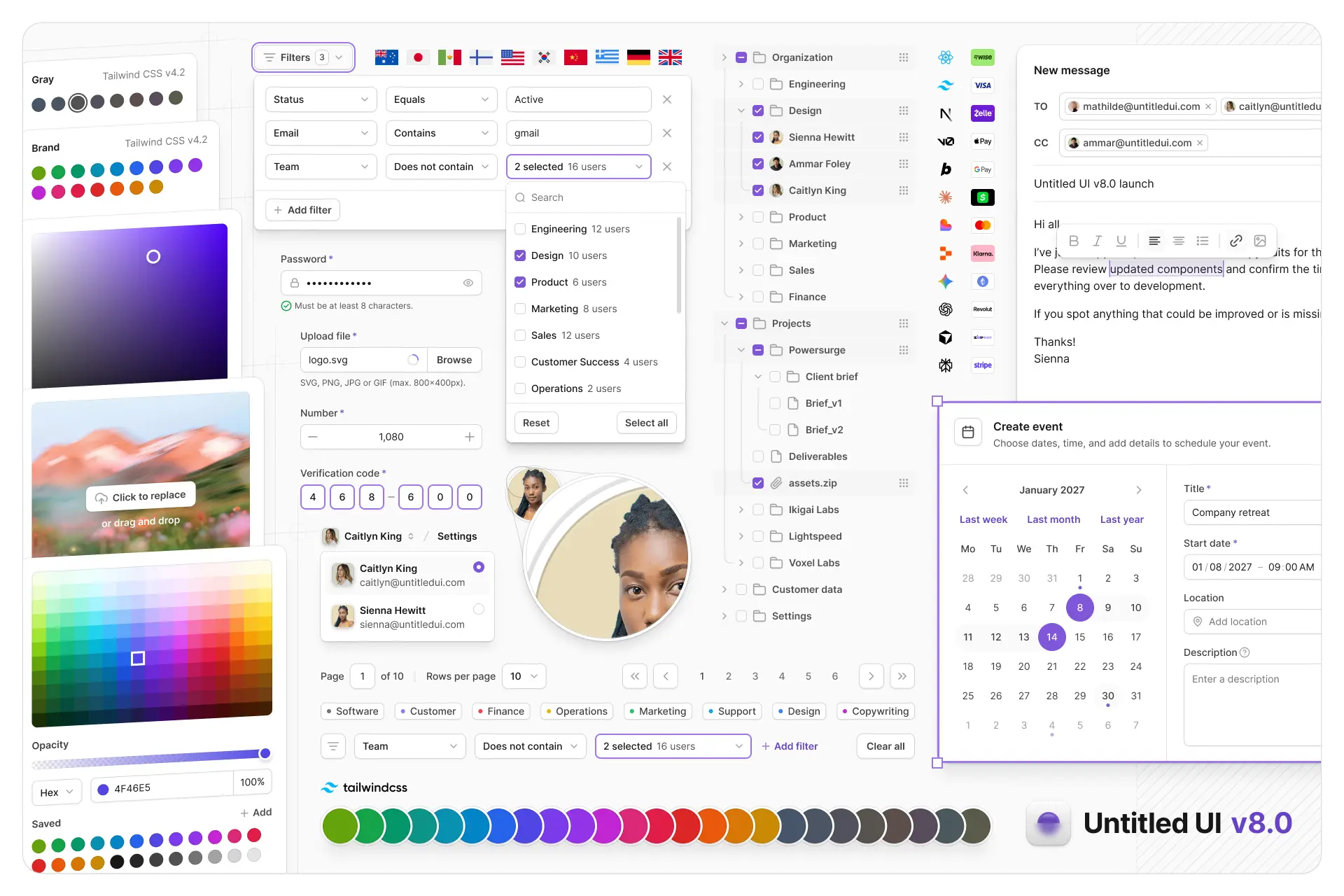
Untitled UI Figma is meticulously crafted with 100% Auto Layout 5.0, super-smart variants, Figma's newest variables features, and with accessibility in mind.
It's a great example of Figma design system best practices and is the most popular and highest-rated Figma UI kit on the internet with 3,650+ 5-star reviews!
We've also released Untitled UI Figma PRO LITE, which is a premium and lightweight version of the full Untitled UI Figma PRO STYLES kit and have included it for free. It's 55% lighter, faster, and is designed to include everything you need and nothing you don't. It's perfect for moving fast and for smaller projects!
Untitled UI was designed to be the "ultimate" UI kit and the perfect starting point for any kind of project—from beautiful marketing landing pages, all the way to complex dashboards and web apps—Untitled UI has thought of absolutely everything so you don't have to.
We're constantly making updates and improvements to the UI kit and recently announced that we've completely refactored Untitled UI to take advantage of Figma's latest features released at Config 2023, Framework 2024, Config 2024, Config 2025, and Config 2026. This includes all the latest Figma features such as color variables (dark mode), spacing, radius, typography, and effects variables, Auto Layout 5.0, min/max widths, Auto Layout wrapping, and much more.
You can check out a full preview of the design kit, or check out the 100% free UI kit here (which is more advanced than most UI kits in its own right!). If you're short on time, here's a 60-second overview: