










Figma cursor components


Cursors in Figma: hover, drag, and resize states in a mockup
Nothing moves in a static mockup. A card with a lifted shadow could be hovered, dragged, selected, or just styled badly, and whoever is reviewing the file has to guess which. Put a closed hand at the corner of it and the ambiguity is gone in a glance.
That is the entire job of a cursor component: it is the evidence that a hand is on the screen. These turn up in hover state annotations, drag and drop sequences, canvas and editor mockups, app store screenshots caught mid-click, and every slide where the audience needs to see where the attention is.
One Type property, and a lot of resize
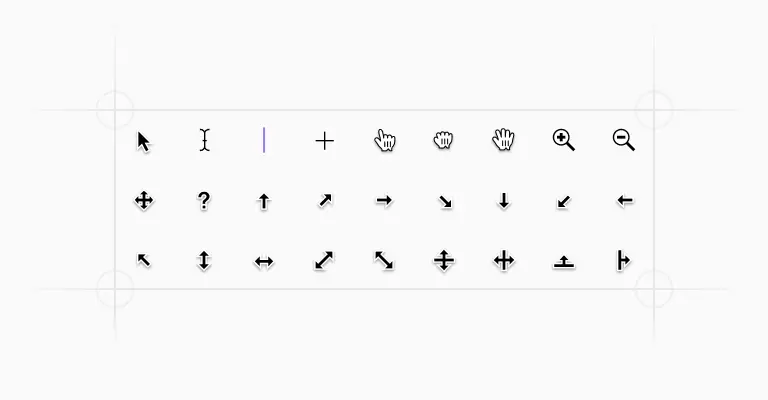
The set is a single component with one property, Type, and every variant is drawn inside the same 20x20px box, so swapping an arrow for an I-beam does not shift the anchor point in your layout. The everyday shapes are all here: the default arrow, a text cursor in two treatments, a pointing hand, an open hand, a closed grabbing hand, zoom in and zoom out, move, plus, and help.
Then comes the resize family, which is bigger than most people expect. Left, right, up, and down on their own. Left-right and up-down pairs. Horizontal and vertical bars, two diagonals, and a single-arrow set covering all eight compass directions, corners included.
If you are drawing a table with resizable columns or a canvas tool with a bounding box, that granularity is the reason to use the set rather than redraw an arrow at three in the afternoon.
Two generations of pointer art
The file also carries a second family labelled macOS 26: a reshaped default arrow, a version with a menu badge, the beachball, a crosshair, text cursor, zoom in and out, the hand in pointing, open, and grabbing forms, move, and ten resize pointers named the way the platform names them, north-south, west-east, north-east south-west.
Which family you pick is a small decision with a real effect. If the screenshot is of a Mac app, a wrong-generation arrow is exactly the sort of detail that makes a reviewer feel something is off without being able to name it. For a web product the classic family is the safer neutral, since the browser will draw whatever the visitor’s own operating system supplies.
Picking the right pointer
Cursors are one of the few pieces of interface vocabulary people learned before your product existed, so borrow the meanings rather than invent them. The web’s full set is documented in MDN’s cursor property reference, and mapping your mockup onto it keeps the design and the build speaking the same language: pointer for links and buttons, text for editable text, grab and grabbing for draggable objects, col-resize on a column edge, not-allowed over a drop target that will refuse.
Nielsen Norman Group’s drag and drop guidance argues for the open hand and closed hand pairing in particular, since the change at the moment of grabbing is what tells someone the object is now attached to them.
One rule worth holding to: never place the pointing hand on something that is not clickable, even in a marketing image. That image will outlive the mockup and it teaches a false affordance every time it is used.
Building a collaboration view
Multiplayer screenshots are the other reason this set gets used. There is no name label built into the component, which is fine, because the pieces to make one are elsewhere in the kit: place a cursor, sit a tag with a person’s name just below and right of the point, and override the arrow’s fill on the instance so the pointer and the label carry the same color. Two or three of those over a device mockup and the screen reads as a live document rather than a screenshot.
Keep every cursor on a single top-level layer named plainly, and lock it. Cursors are the layer you most often need to hide right before export, and hunting for one buried three groups deep inside a card is a small tax you pay repeatedly.
Frequently asked questions
Can I change the mouse cursor inside a Figma prototype?
Not through the prototype panel. Figma shows the viewer’s own system pointer, and a custom cursor setting has been an open request on the Figma forum for years.
The workaround is to draw it: place a cursor component in the frame at the position the pointer should be, and swap frames or variants to move it. That is also how most hover state walkthroughs are recorded.
Which cursor should a draggable element use?
An open hand on hover, a closed hand while the object is held. That pair does the work of a tooltip: the first says this can be picked up, the second confirms it has been.
For anything resizable, use the directional arrow that matches the edge, and keep the not-allowed pointer for drop targets that will reject the item rather than showing nothing and letting the user find out on release.
How do I show a hover state in a static mockup?
Duplicate the frame, apply the hovered styling to the one element, and place the pointing hand cursor over it.
The cursor is what makes the difference legible, since a slightly darker button on its own reads as a color inconsistency rather than a state. This is worth doing on every interactive element you hand to a developer, not just the hero button.
Are these cursor components included in the free version?
The cursors are part of the paid Untitled UI Figma kit. See pricing for what is included.
The 100% free Figma UI kit covers core components from the same system if you want to try the kit before buying.
How do I make a multiplayer cursor with someone’s name on it?
Combine two components. Place a cursor, then a small tag holding the name at the lower right of the point, and give both the same fill so they read as one person.
Add a matching placeholder avatar in the header presence stack and the collaboration story holds together across the whole frame instead of one corner of it.
Foundation Figma components and styles
Figma base components

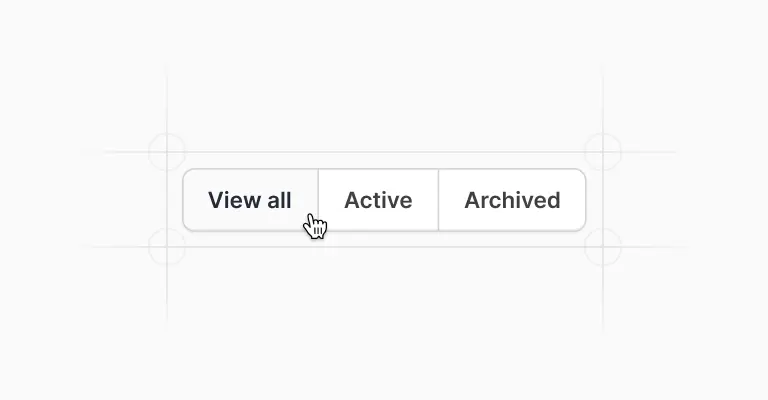
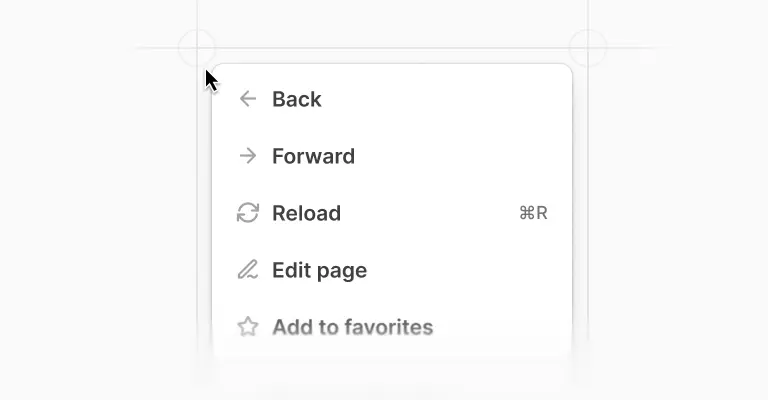

Shared Figma assets
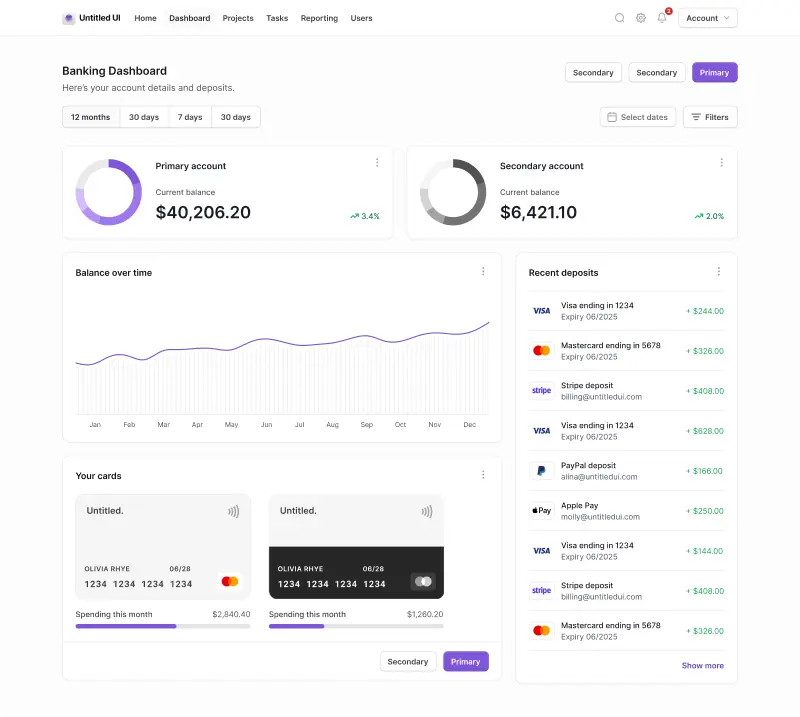
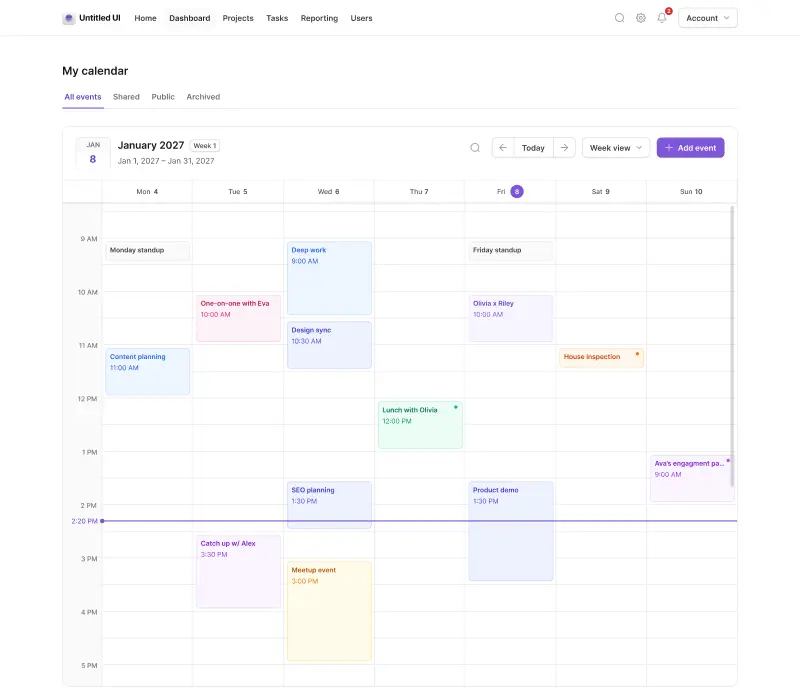
Application UI/Dashboard examples
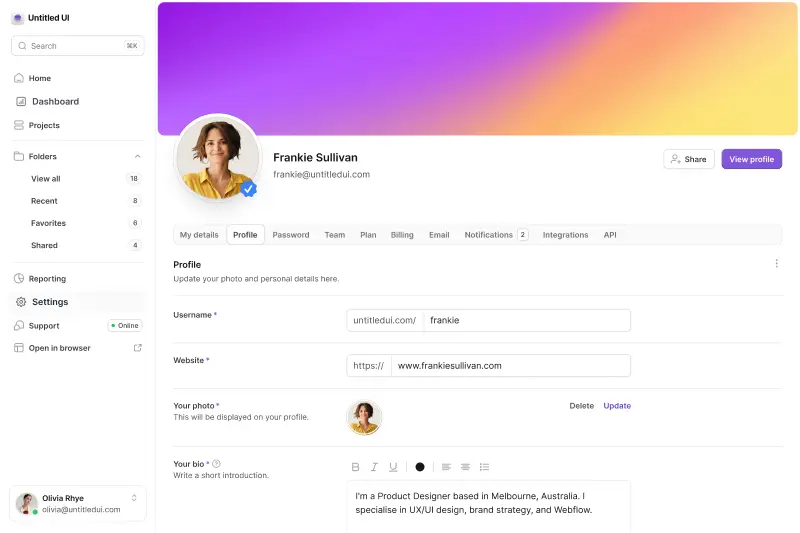
Application UI/Dashboard Figma components

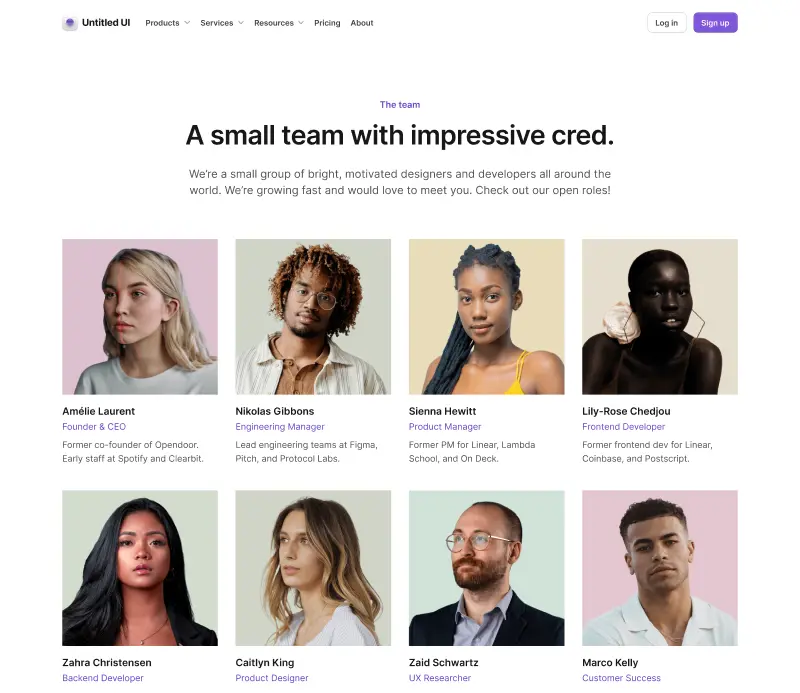
Marketing website examples







What is Untitled UI?



















Untitled UI is the best $ I've spent on my business in a long time. I'm going to keep using it and recommending it to every designer I know.


Over the years we've featured hundreds of UI kits on UXCrush, but Untitled UI is by far the most comprehensive and detailed I've seen yet. A must have for any designer!

I've used all UI kits on the market. I can say without a doubt that the Untitled UI kit is the best on the market. It covers everything a designer needs in a modern and efficient way.

Incredible, and keeps getting better. I’ve tried dozens of UI kits and Untitled UI is the only name you should care about. It stands head and shoulders above the rest.

Such a beautiful, detailed, and extensive UI kit. Untitled UI is the perfect foundation for any project. I highly recommend this huge time saver.

Untitled UI has been an amazing resource that I'm learning to rely upon to spin up ideas in no time. I think I might launch a startup pretty soon by mistake here!

The sheer scale, details, and organization of this kit is mind-blowing. It covers nearly everything a Designer could need in a modern, efficient and systematic way.

I'm super impressed with this. I love poking around in other peoples UI Kits to see how they think. This is probably one of the most comprehensive I've seen.

I'm super excited to use this for quick mockups of ideas in Figma. We're always trying to streamline our design process so we can move fast! Definitely recommend.

Untitled UI is easily the best UI kit I've used so far. It has an insane amount of components that are all incredibly well-built. I don't even know how many hours this will save.

The attention to detail and thought Jordan has put into this UI kit is unparalleled.

Untitled UI is incredibly well-organized and the attention to detail is great. I highly recommend this kit to any designer that wants to create beautiful designs fast.

What an awesome Figma kit... it's an absolute game changer. This is the perfect base for any design system. The size and attention to detail is next level.

We've been using Untitled to build Himalayas 2.0 and have finished a complete redesign in just a few days. It has everything we need already pixel-perfect.