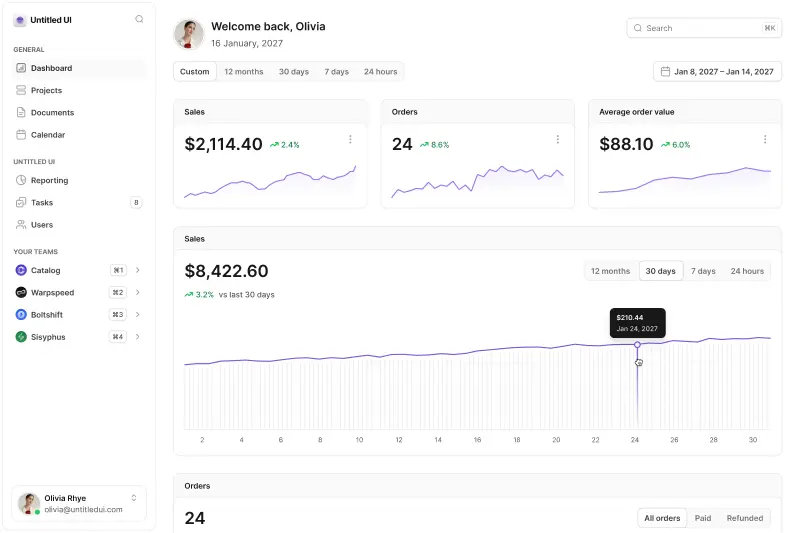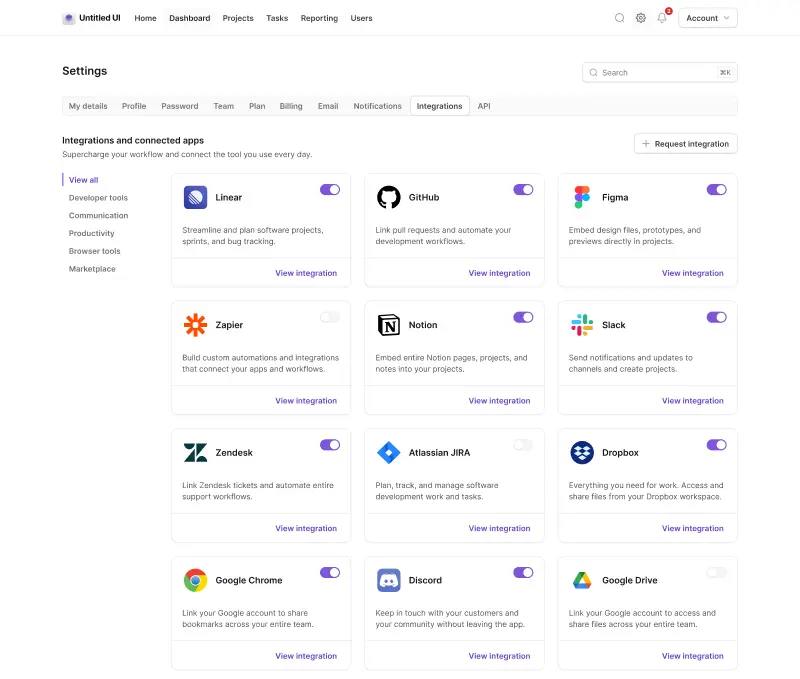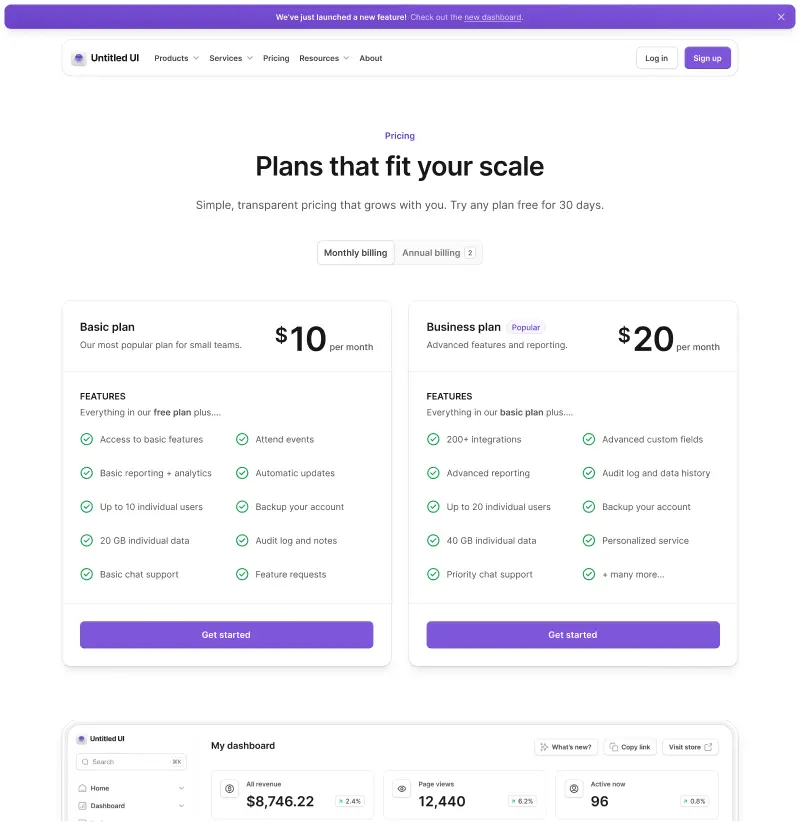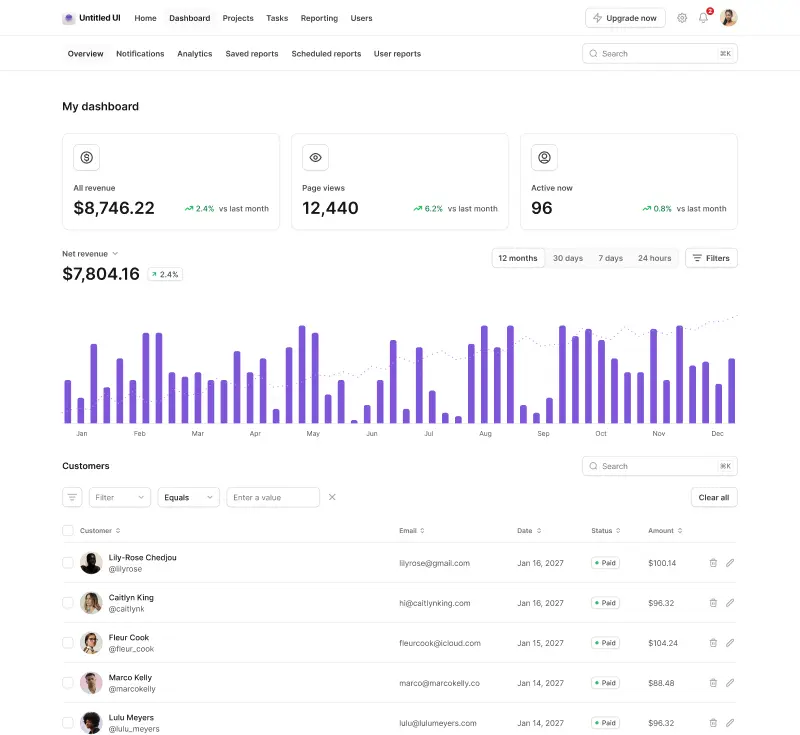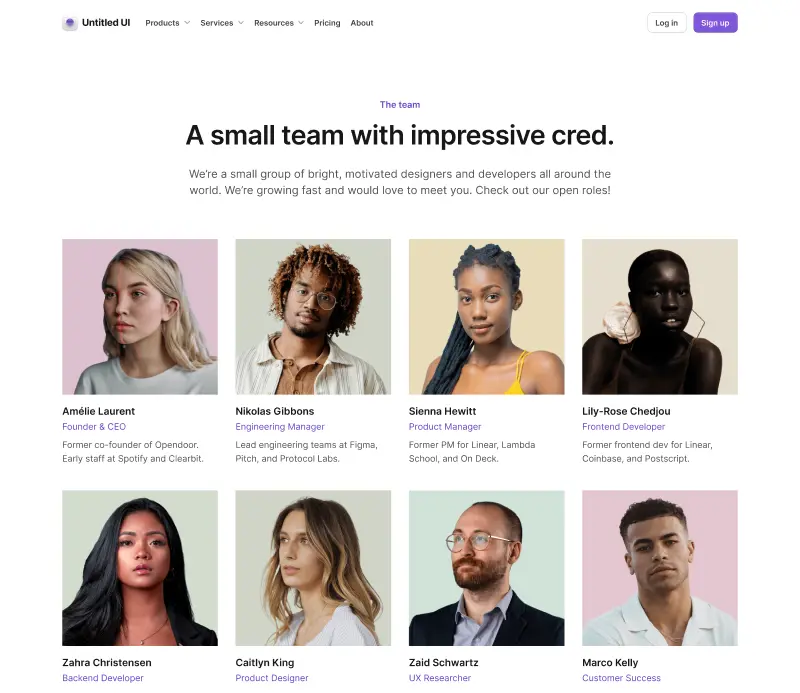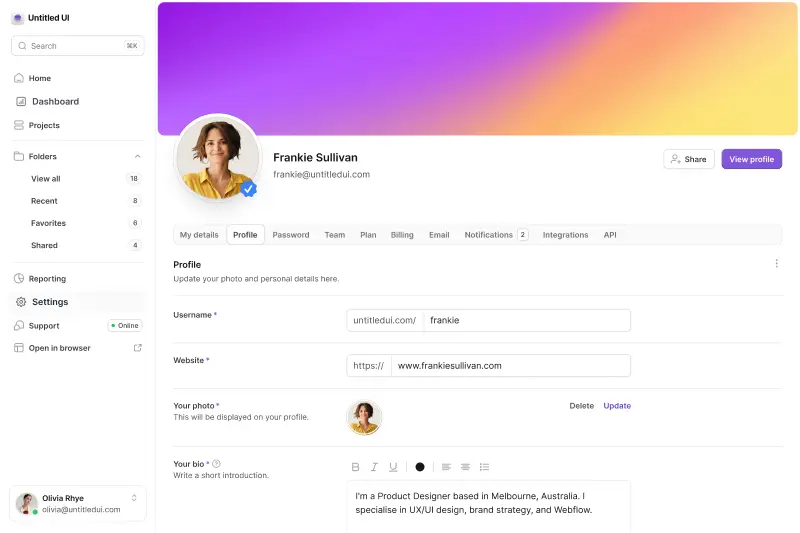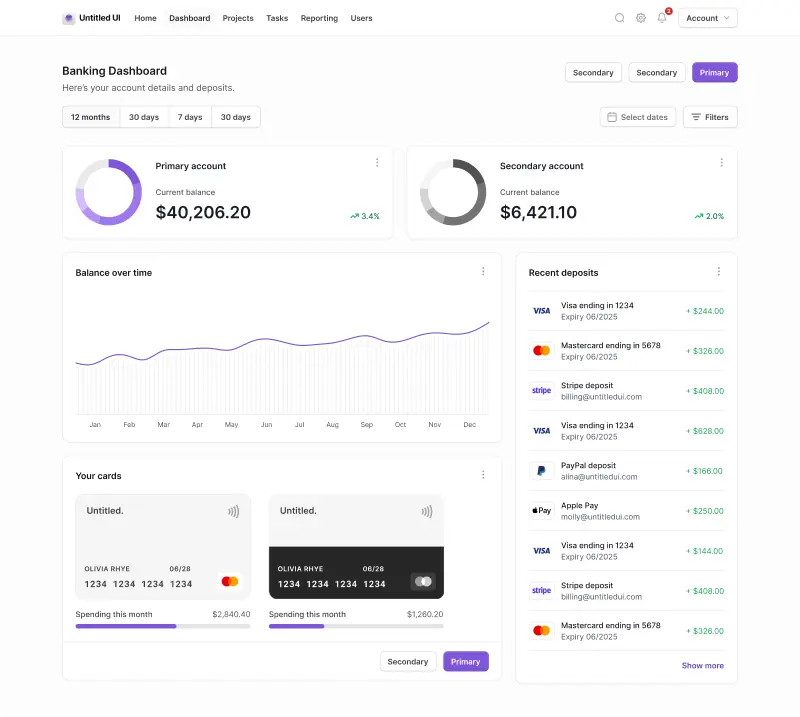













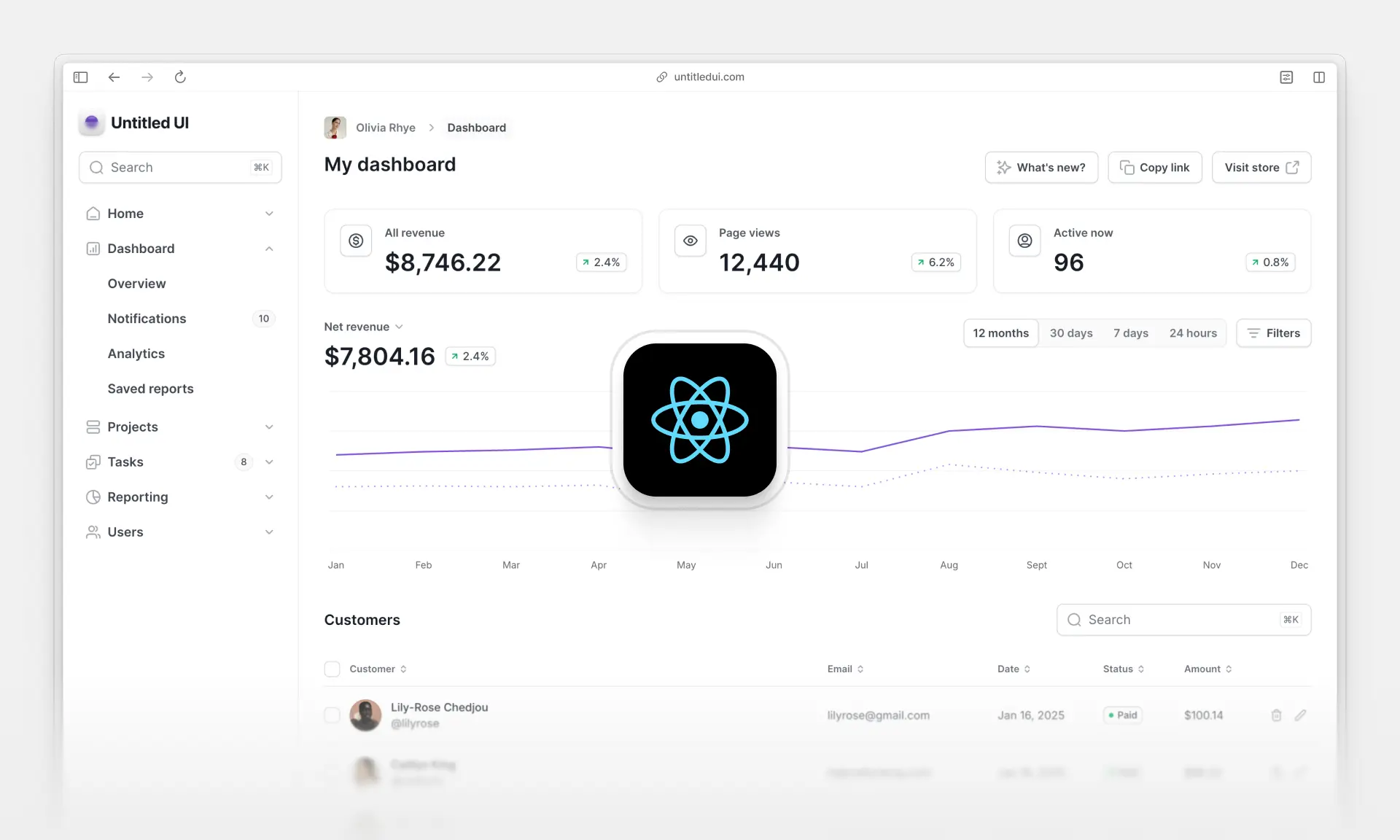
React dashboards have become a core requirement for nearly every modern SaaS product. Whether you're building enterprise applications, analytics dashboards, e-commerce stores, internal admin dashboards, or anything with users and data, your dashboard is the operational hub of your entire application.
A great admin dashboard with a great user experience isn’t just a "nice to have", it’s the backbone of your system’s internal workflow. A well-designed dashboard helps teams move faster, make better decisions, and manage their product with confidence. At a minimum, most React dashboards handle tasks such as:
- Viewing, editing, and creating user or customer records
- Sending password reset emails or initiating manual resets
- Managing transactions, orders, and billing activity
- Displaying analytics, charts, and business insights
- Updating product settings, branding, and configuration
- Adding and removing team members with granular permissions
- Searching, filtering, and reviewing system logs
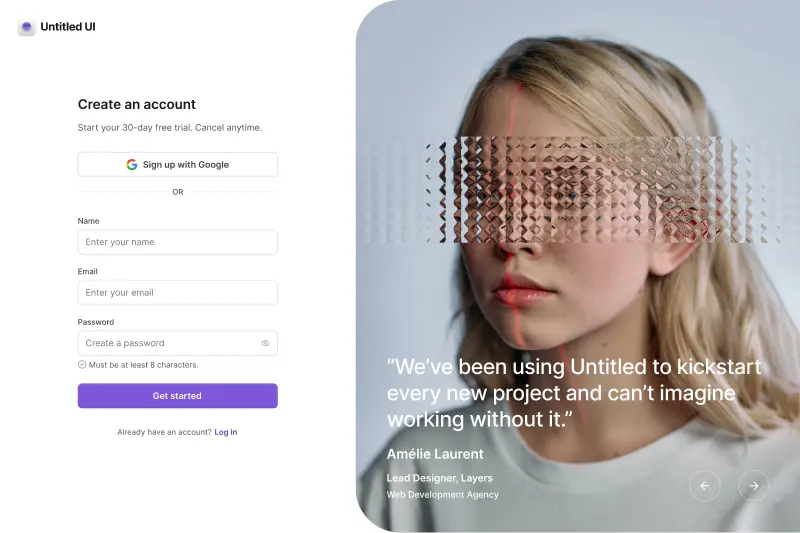
- Supporting secure authentication and SSO flows
Of course, the exact functionality depends on your product. But no matter the use case, a high-quality dashboard must also be fast, accessible, secure, and capable of handling errors gracefully with clear, actionable feedback.
Modern React dashboards include powerful features like global command menus for instant navigation, keyboard-driven search, advanced data tables, and modular UI systems that scale as your application grows.
In this curated list, we break down the best React dashboards in 2026—from free open-source React templates to premium, production-ready UI kits—so you can choose the perfect foundation and ship your dashboard faster, with fewer headaches.
How to build an admin dashboard with React and Tailwind CSS
A great admin dashboard starts with the right tech stack. This is a critical step because choosing the wrong technologies can significantly slow down your development process and create bottlenecks as your application grows. In 2026, you have several solid tech stack options, with the most popular being:
- React.js
- TypeScript
- Next.js / Vite
- Tailwind CSS
- A good component library or a design system (or both)
This tech stack has been battle-tested in countless production and large-scale enterprise applications. You might be asking, "Well, what is a good component library, and why is it so important?" That's a valid question. In short, here’s why a good React component library is crucial:
- It can take months to create a good set of reusable React components and UI elements for your app, and even longer if you're aiming to create a design system to ensure your app looks consistent throughout for the best user experience.
- A good React component library saves you that time and comes with clean code and best practices, detailed documentation, React templates, and features that are better implemented than you might have done yourself, especially in a short amount of time.
- Choosing the wrong React component library can slow you down and add a lot of unnecessary friction to your development process.
If you want our short advice, we’d recommend choosing Untitled UI React, which has over 5,000+ React components and production-ready React templates and sections that will speed up your development process.
FREE vs. PRO dashboard templates
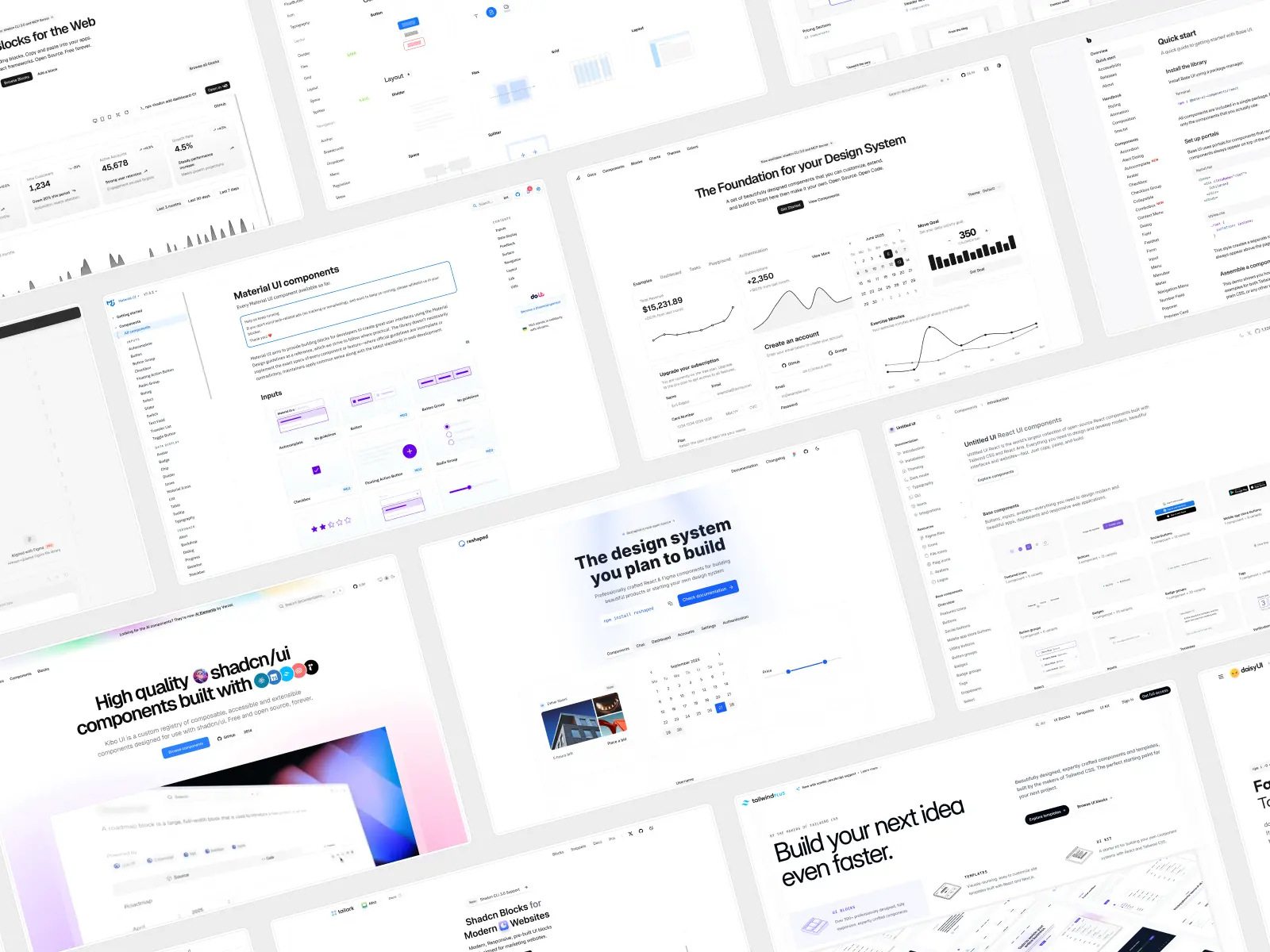
You might be asking, "Why pay for a product when there are 100% free React dashboard templates?" and that’s a valid question. Free React dashboard templates do offer a good set of basic features, but they often come with many trade-offs:
- Dated or unpolished design
- Outdated tech stack
- Insufficient library of pre-made components and React page templates
- Not actively maintained
- Lack of best practices and responsive layouts
This is why it’s almost always worth spending a little to buy a high quality React dashboard template with pre-built components for a new project. It will save you many hours and, most importantly, will give you a high-quality start with clean code and detailed documentation.
Here, we will list both free and paid React admin dashboard templates that you can use to kickstart your new project.
Comparison table: The 19 best React dashboards at a glance
Here’s every React dashboard on the list side by side, in the same order as the full reviews below. If you already know which stack you’re building on, this is the fastest way to narrow it down.
Okay, let's get into it — here's the full list of the best React dashboards:
1. Untitled UI React
untitledui.com — Open source + paid from $349 (lifetime access)
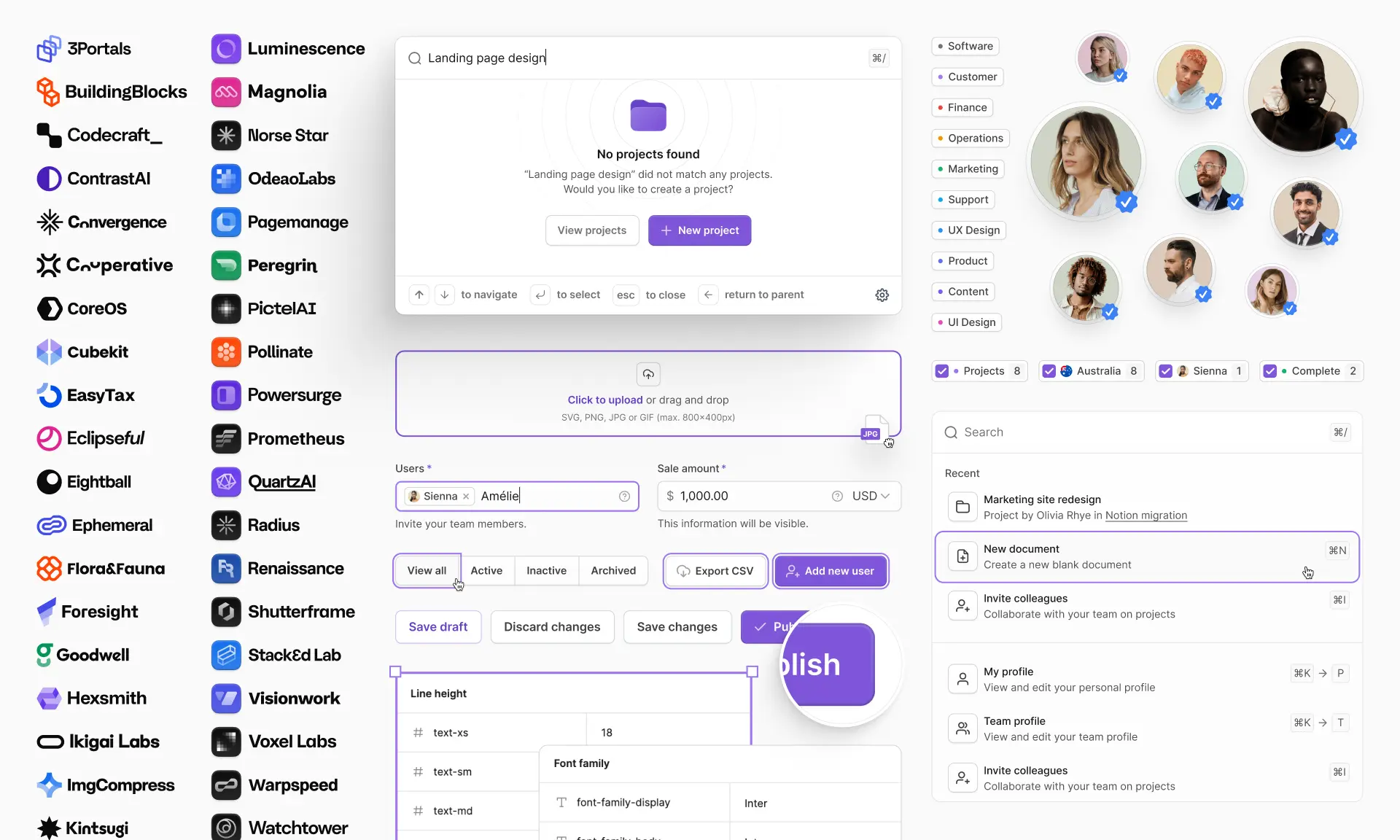
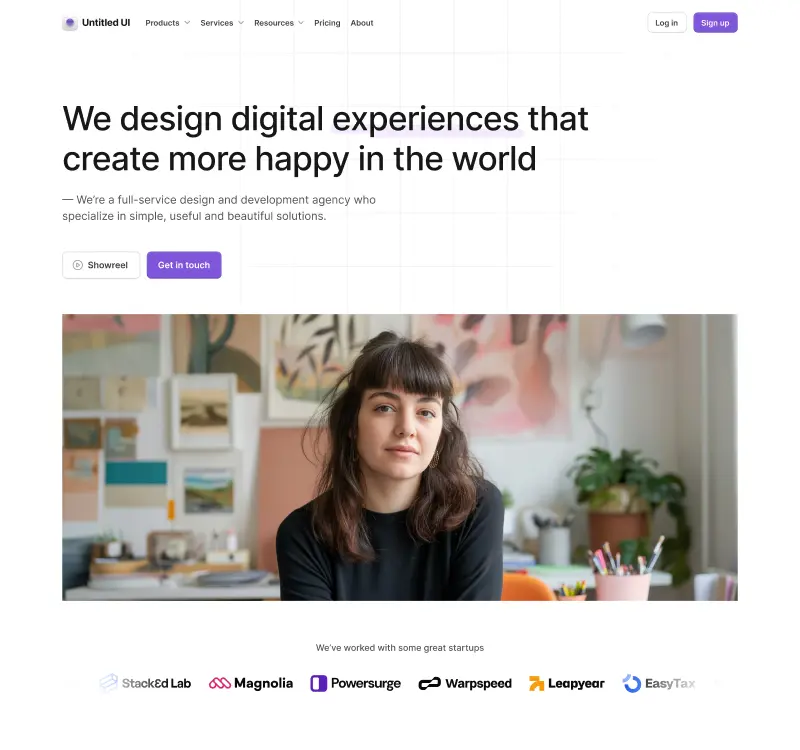
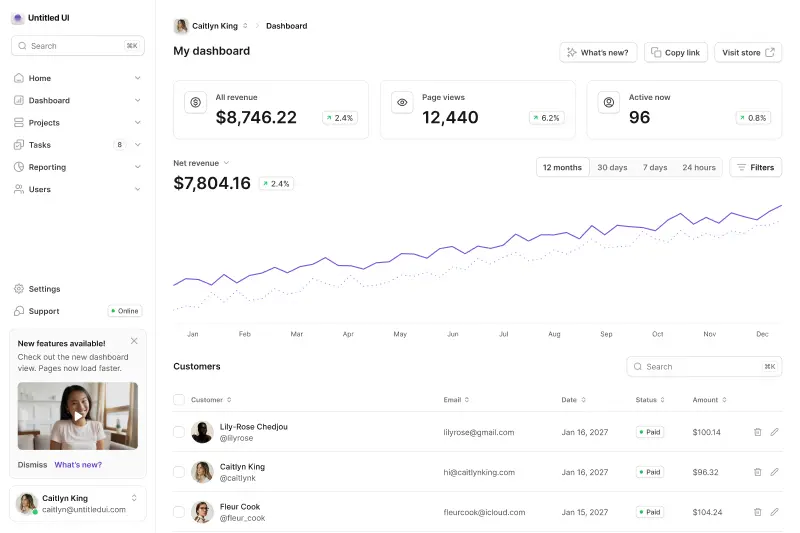
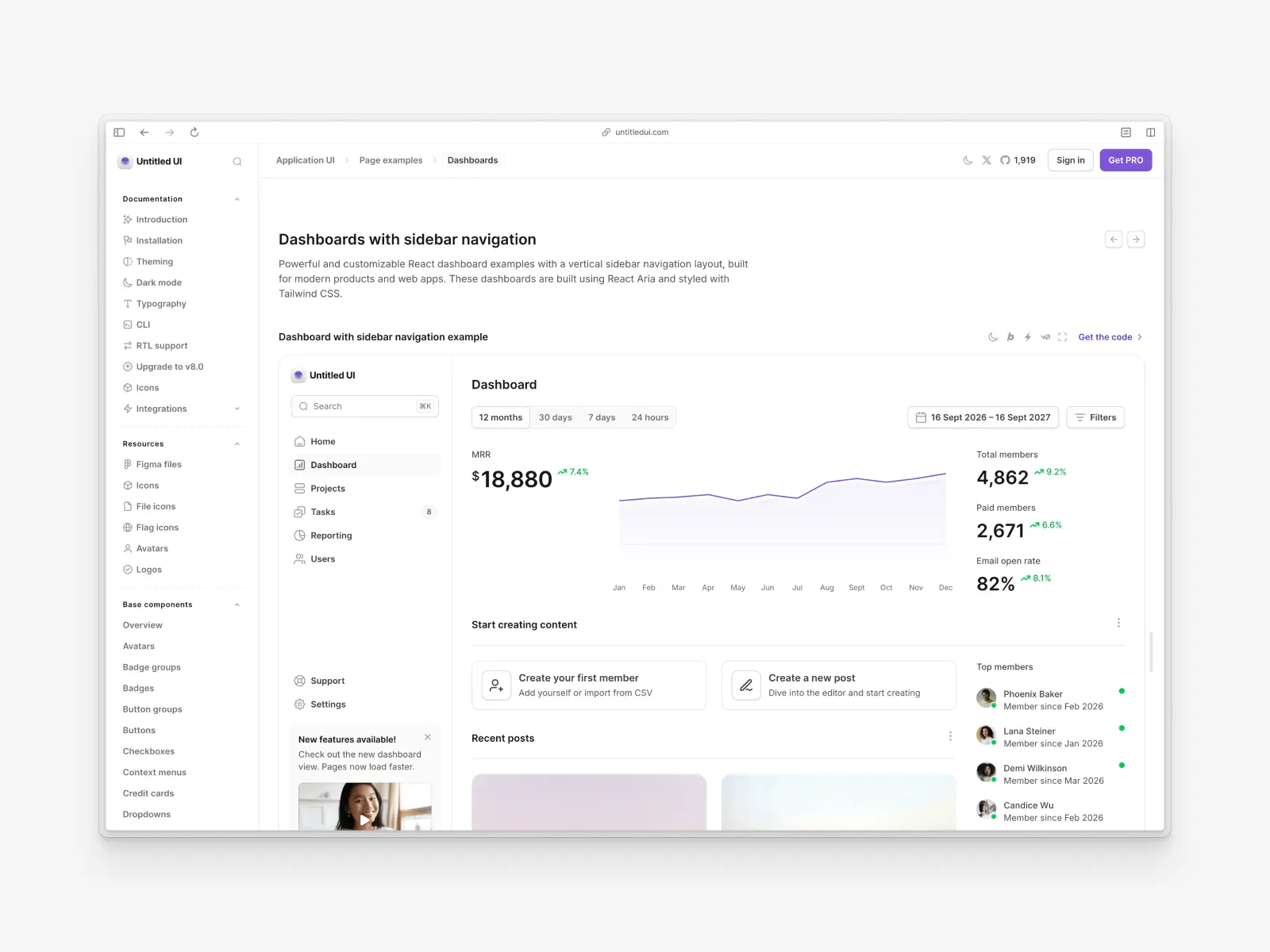
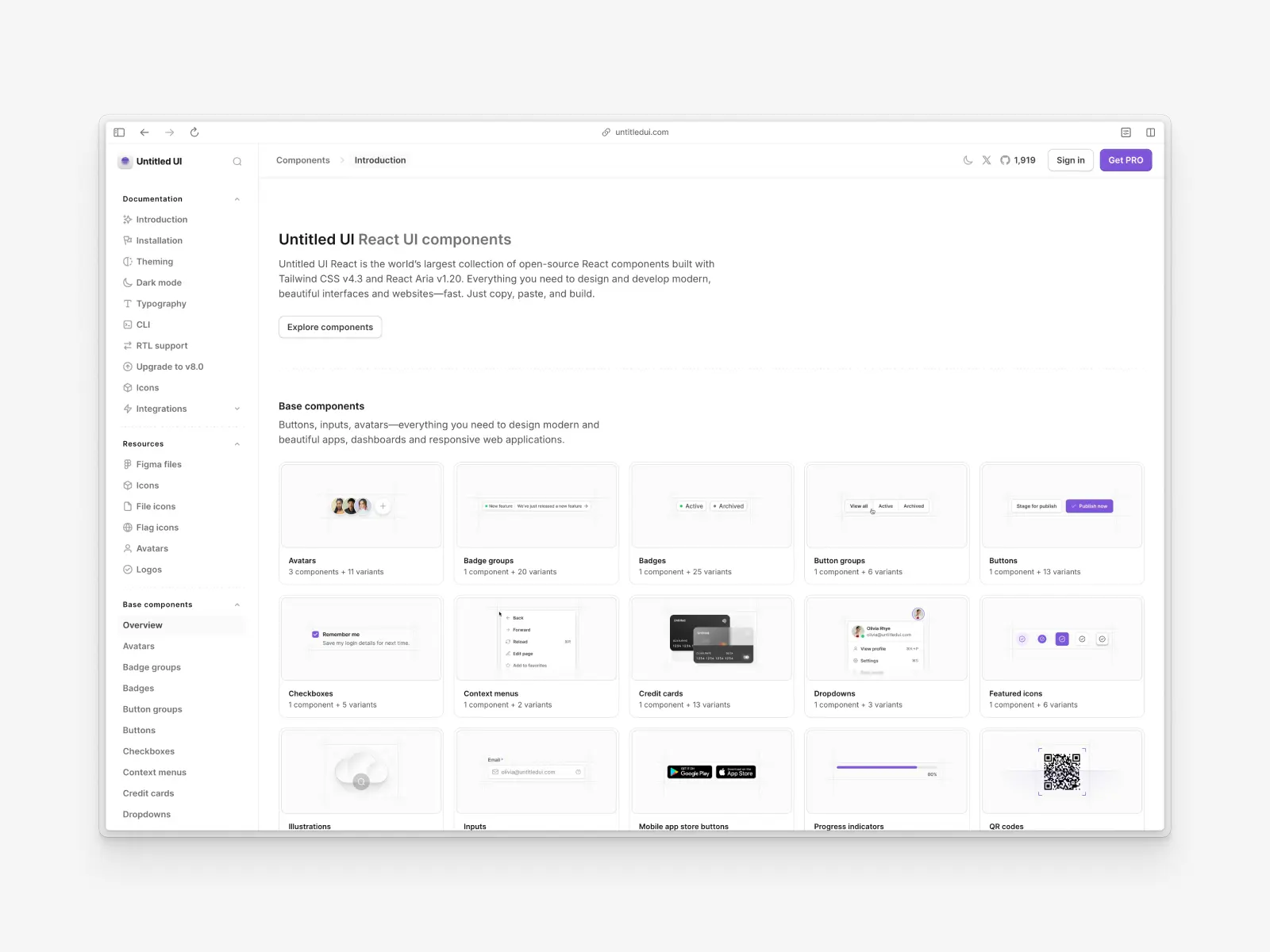
Untitled UI is the world's largest and most popular Figma UI kit and React component library. It provides an extensive collection of open-source React components built with Tailwind CSS and React Aria, including dozens of best-in-class dashboard templates and page examples.
The philosophy behind Untitled UI is to offer a comprehensive library of pre-made components and page templates for designers and developers to kickstart any project, saving significant design and development time.
Untitled UI React key features:
- Massive component library: Includes thousands of UI components and variants, covering a wide range of UI needs with modern minimalist design.
- Synced with Figma: Perfectly aligned with Untitled UI Figma, the world’s largest and most popular Figma UI kit and design system, ensuring design and code are always in sync.
- Built with React Aria components: Ensures best-in-class accessibility and a consistent API throughout the entire design system.
- Styled with Tailwind CSS v4.3: Rapidly design and build beautiful user interfaces without compromising consistency.
- No package dependencies: You copy the source code of the components directly into your project.
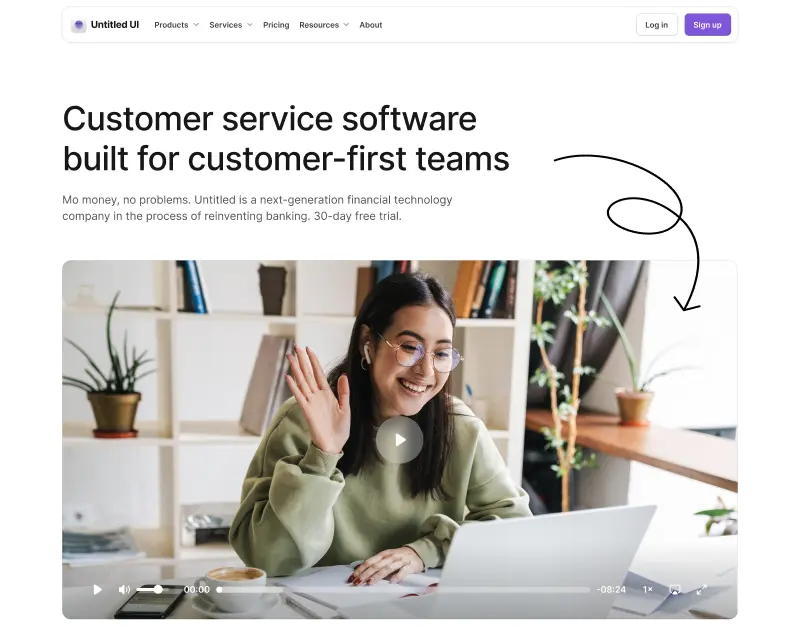
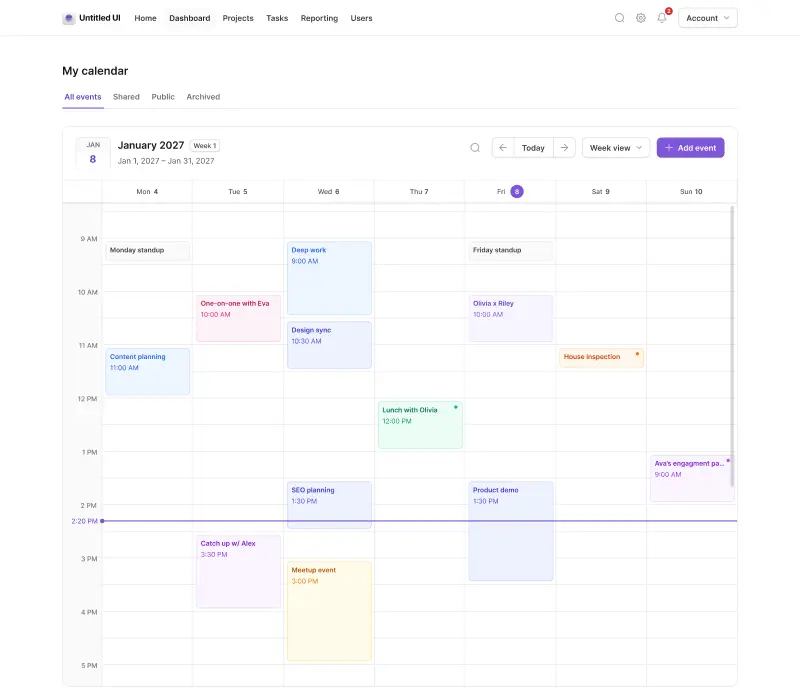
- Unique components: Comes with unique React components such as a video player, rich-text editor, calendar, etc., that are not included in other React component libraries.
- Dedicated CLI tool: Initialize projects and add components and pages easily with a dedicated CLI tool.
- Open source with a PRO Version: A large portion of the UI components are free and open source, with a more extensive PRO version available.
Untitled UI React pros:
- Incredibly comprehensive: The sheer number of UI components covers almost any use case imaginable, from marketing websites to complex web applications.
- Excellent for design system foundations: Pre-built components provide a solid starting point for building a scalable and consistent design system.
- Accessibility-focused: Built on React Aria, ensuring a high standard of accessibility, backed by detailed documentation.
- Mature eco-system: Has everything you need, from a world-class Figma UI kit and design system to additional resources such as icons and avatars.
Untitled UI React cons:
- Can be overwhelming: The vast number of options might be too much for smaller projects.
- Manual updates: You are responsible for updating the component code if you want the latest versions.
- PRO version for full access: The most advanced React components and example templates are in the paid version.
This library is particularly ideal for teams already using Tailwind CSS who want production-ready React components out of the box that don't rely on external dependencies and libraries. If you're short on time, here's a 60-second overview:
As we've mentioned, a huge part of Untitled UI React is 100% free and open source. Use the free Untitled UI React components in unlimited commercial projects and React applications to try them out.
Check out the Untitled UI React documentation and explore the free React UI components to get started.
2. Tailwind Plus
tailwindcss.com/plus — Closed to new customers (was from $299)
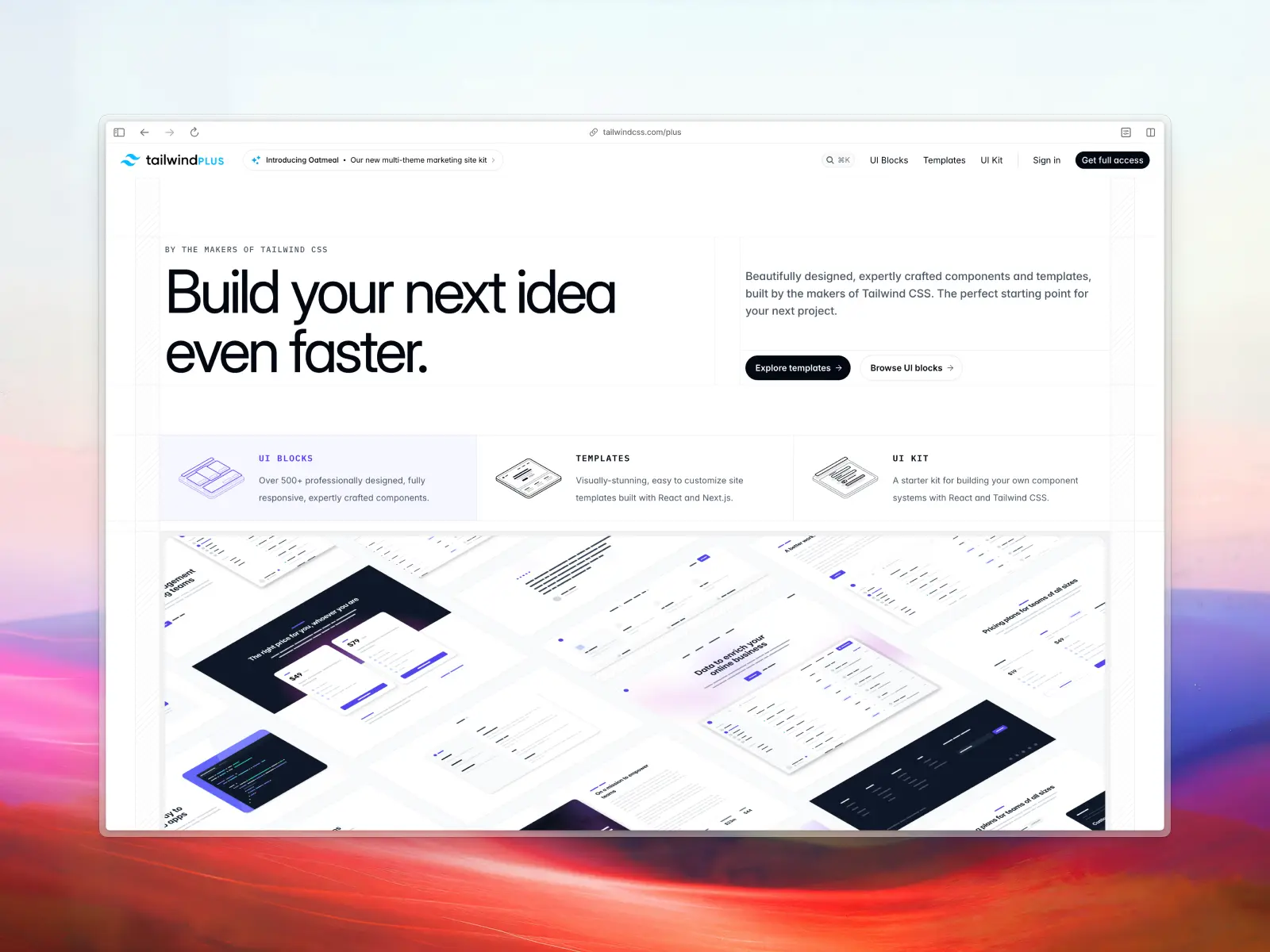
Tailwind Plus (formerly Tailwind UI) is not just a dashboard template but a component library from the makers of Tailwind CSS. It provides hundreds of professionally designed, production-ready components and templates that you can use to build your own custom dashboard.
Update: On September 9, 2026, Tailwind Labs announced it is joining Shopify, and Tailwind Plus closed to new customers the same day. Existing licenses still work, but you can no longer buy one—the product page now redirects straight to a login screen. Tailwind CSS itself is unaffected and stays MIT-licensed, as do Headless UI and Heroicons. If you were planning to buy Tailwind Plus, see our roundup of the best Tailwind Plus alternatives in 2026.
Tailwind Plus key features:
- Official Tailwind CSS components: Professionally designed and coded by the Tailwind CSS team, so you can count on clean code and best practices.
- Large component library: Includes everything from marketing components to complex application UI.
- React and Vue code: Provides code in plain HTML, React, and Vue.
- Catalyst included: Tailwind's own React UI kit shipped as part of a Tailwind Plus license, so it's behind the same closed door for new buyers.
Tailwind Plus pros:
- Best practices: Clean code and quality pre-built components and design.
- Comprehensive: Flexible and includes a large number of react templates and pages, allowing you to build anything.
- Detailed documentation: Excellent for experienced developers who want full control.
Tailwind Plus cons:
- No longer available to new customers: As of September 2026, Tailwind Plus is closed to new sign-ups. Existing customers keep access, but you can't buy it or even preview it.
- Uncertain future updates: With the team now focused on Tailwind CSS at Shopify, a product closed to new customers is unlikely to see many new components.
- Premium cost: Unlike many React component libraries, Tailwind Plus was a fully paid product from $299.
- No centralized package management: Similar to shadcn/ui, updates to components need to be manually integrated.
- Learning curve for Tailwind CSS: To effectively customize components, a good understanding of Tailwind CSS is necessary.
- No Figma UI kit or library: There are some community-built Figma UI kits and design systems based on Tailwind Plus, but they generally fall short in terms of quality and keeping pace with updates. If your development process includes prototyping designs in Figma, keeping design and code in sync can be more challenging without a Figma UI kit or design library.
3. shadcn/admin
github.com/satnaing/shadcn-admin — Open source
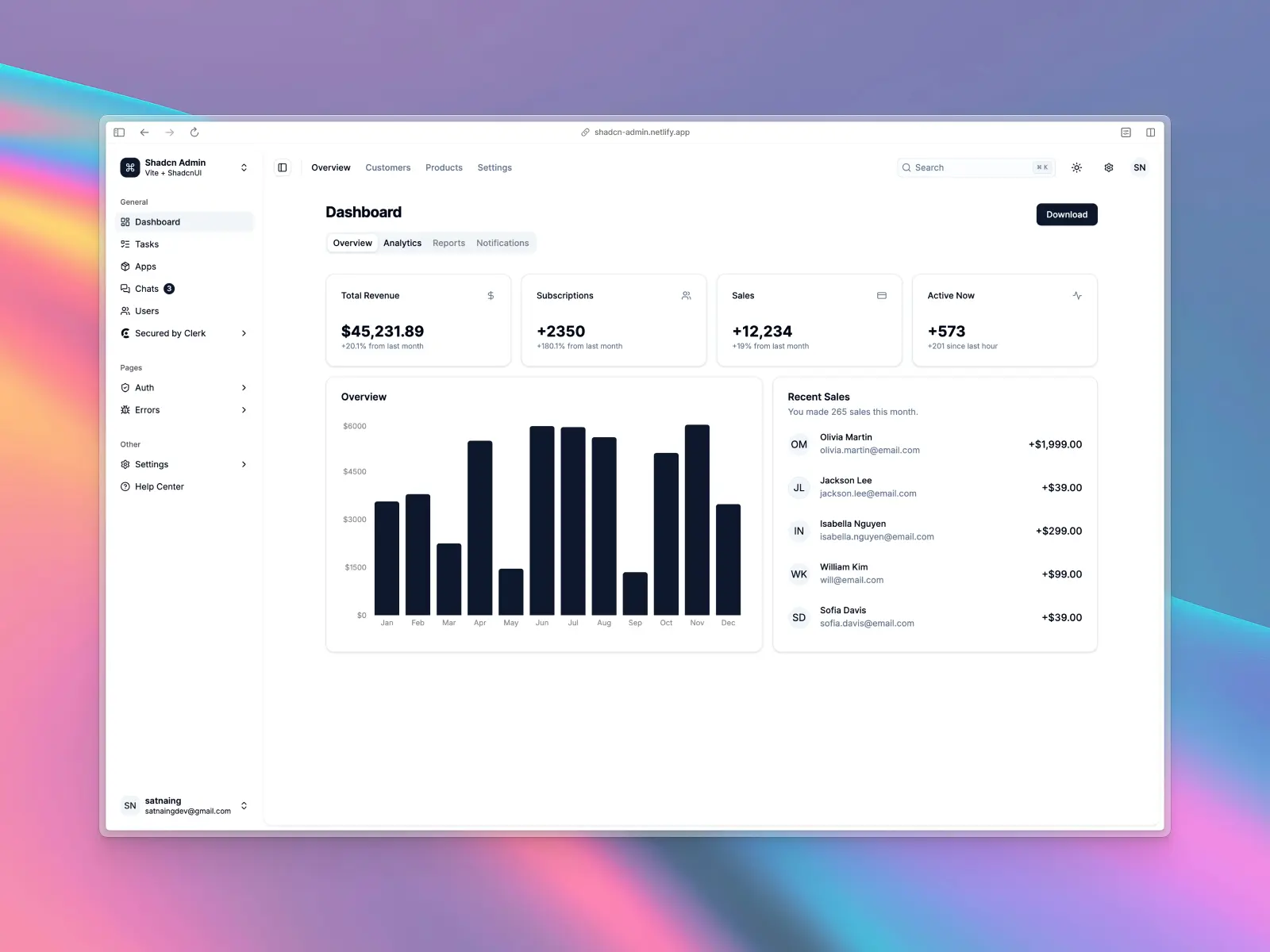
shadcn/admin is an open-source admin dashboard template built with the highly popular shadcn/ui and Tailwind CSS. It represents a modern approach to dashboard design, with a focus on aesthetics, customizability, and a great developer experience.
shadcn/admin features:
- Modern stack: Built with Next.js, shadcn/ui, and Tailwind CSS.
- Beautifully designed: Features a clean, modern aesthetic with thoughtful typography and spacing.
- Example pages: Includes examples for dashboards, tasks, settings, and more.
- Open source: A community-driven project available on GitHub.
shadcn/admin pros:
- Modern design: Excellent, modern design that follows current trends.
- Based on shadcn/ui: Uses the very popular and well-regarded shadcn/ui library.
- Open source: Completely free and open source.
shadcn/admin cons:
- No Figma UI kit: Lacks a dedicated Figma UI kit design file, which can be a significant drawback for team collaboration.
- Community support: As a newer community project, it may have less long-term support than commercial alternatives.
- No matching icon library: Doesn’t include its own icon set, so you’ll need to use a third-party option, such as Untitled UI Icons.
4. Saasable
saasable.io — Free version + paid from $69
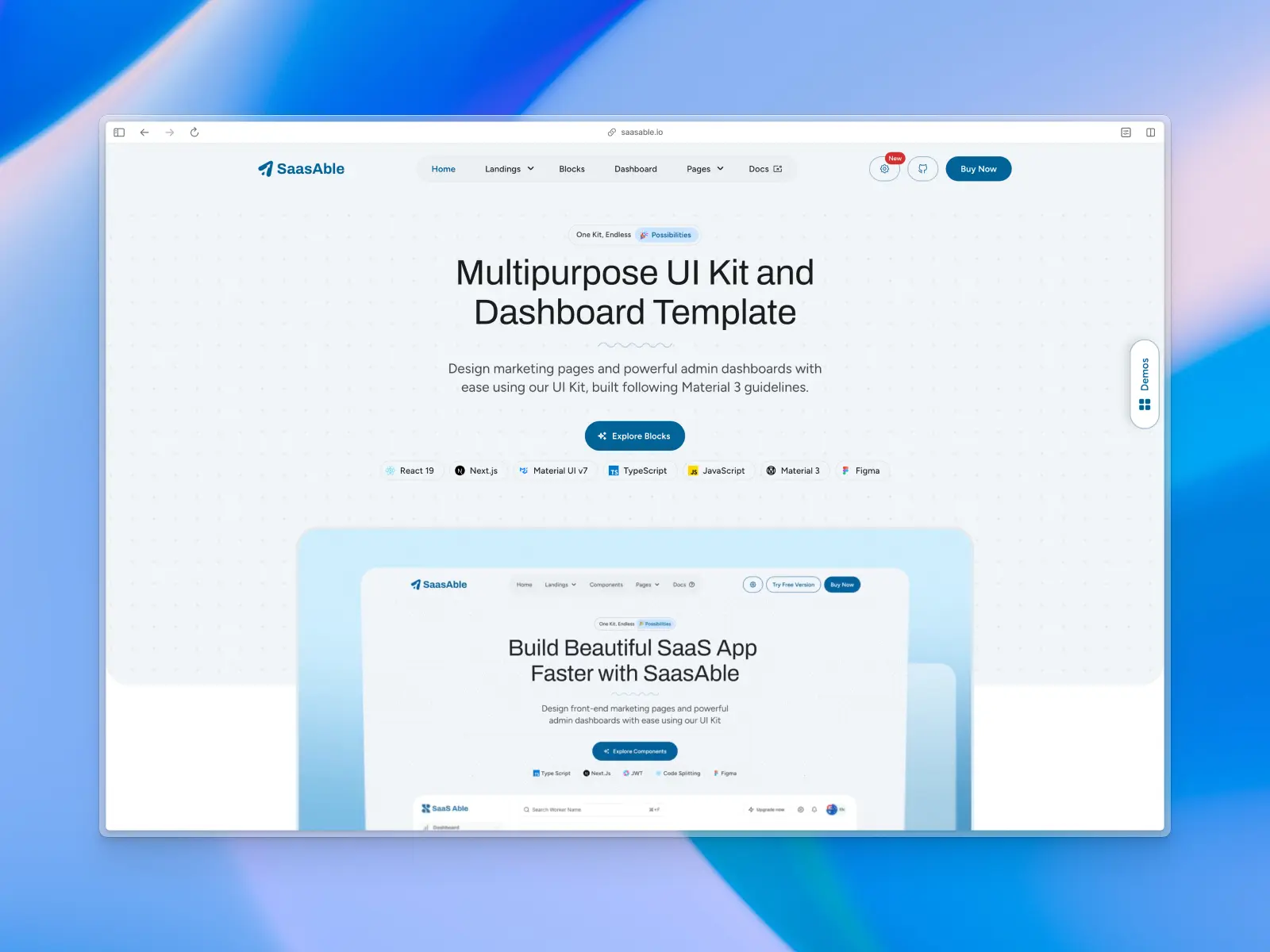
Saasable is a React starter kit for building enterprise applications and web apps. It’s built with Material UI v7 following the Material 3 guideline. While not just a free React admin template, it provides an excellent foundation for building React applications and analytics dashboards.
Saasable key features:
- Powered by Material UI v7: Built with Next.js 14 (App Router) and TypeScript.
- Pre-built SaaS features: Includes Supabase authentication.
- Free and paid versions: Offers both free and paid versions.
Saasable pros:
- Modern foundation: Excellent modern foundation for a new project.
- Figma UI kit: Includes a matching Figma UI kit design file to speed up the design-to-development process.
- Minimalist design: Comes with a clean and minimalist design that is neutral enough for most web applications and brands.
- SEO friendly: Includes SEO-friendly features and best practices.
Saasable cons:
- Limited free version: The free version can be quite limited, with most pre-made components and React templates in the paid version.
- Smaller React library: More of a starter kit than a dedicated, feature-packed React dashboard template.
5. Horizon UI
horizon-ui.com — Open source + paid from $69
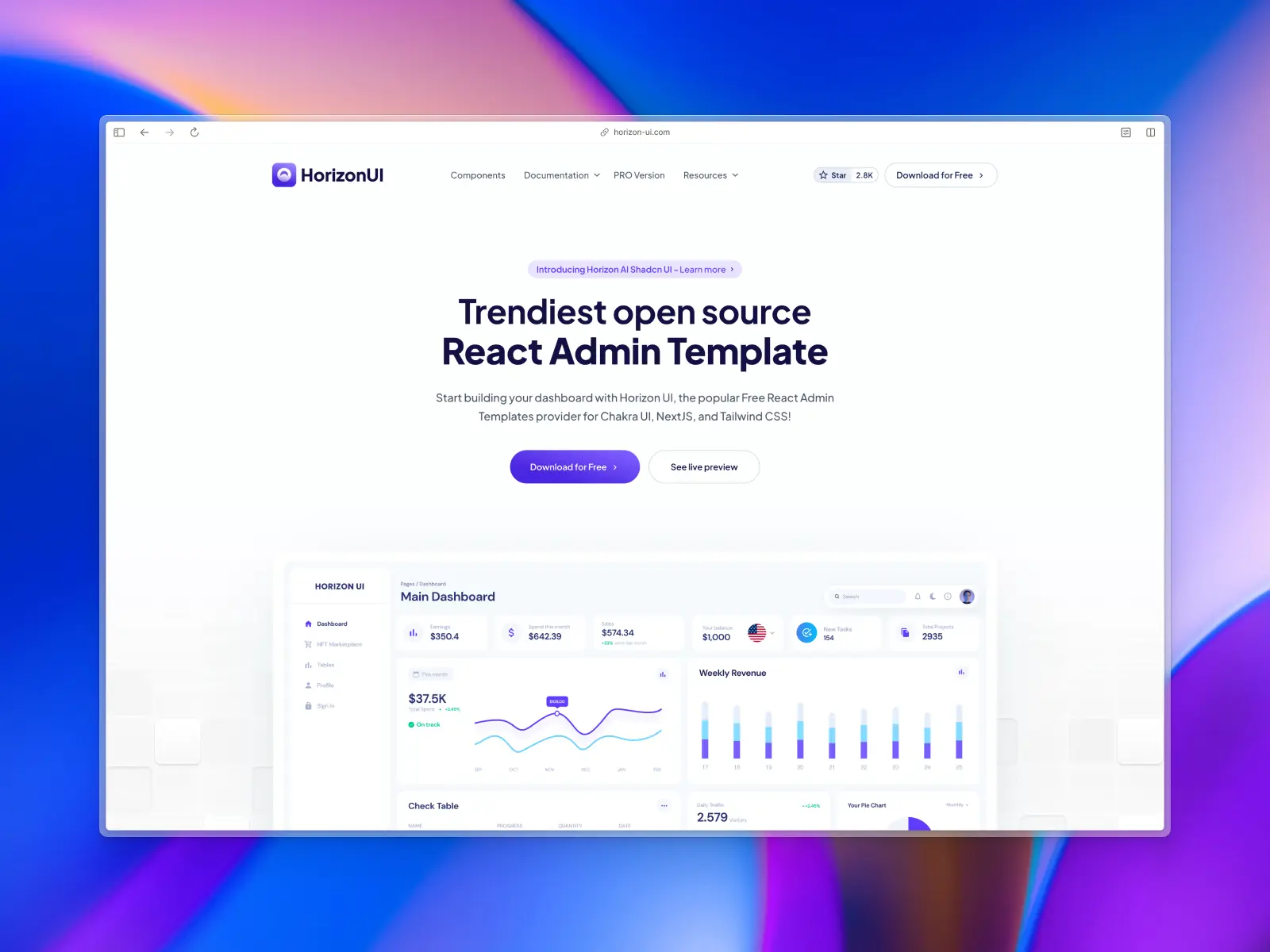
Horizon UI is a free and open-source React admin template built with Chakra UI. It stands out with neutral, clean design that incorporates elements like glassmorphism. It is one of the few templates that offers a high-quality design experience for free.
Horizon UI key features:
- Built with Chakra UI: Leverages a popular component library.
- Tailwind CSS available: If you don’t want to lock into Chakra UI, there’s a Tailwind CSS version available.
- Free Figma file: Provides a matching Figma file for its free version, a major advantage.
- Trendy design: Features a stylish and modern aesthetic.
- Light & dark mode: Comes with built-in support for both themes.
Horizon UI pros:
- Minimalist design: The dashboard design is neutral enough to work with many different brands.
- Has both free and paid versions: Great deal for trying out before opting into a paid version.
- Figma UI kit: Has a matching Figma UI kit.
- Light and dark mode: Supports both dark and light mode.
Horizon UI cons:
- Smaller component library: Fewer pre-built pages than some of the larger, paid templates.
- Community reliant: Relies on community support.
- Not actively updated: Public templates are not actively updated.
6. shadcn/ui
ui.shadcn.com — Open source
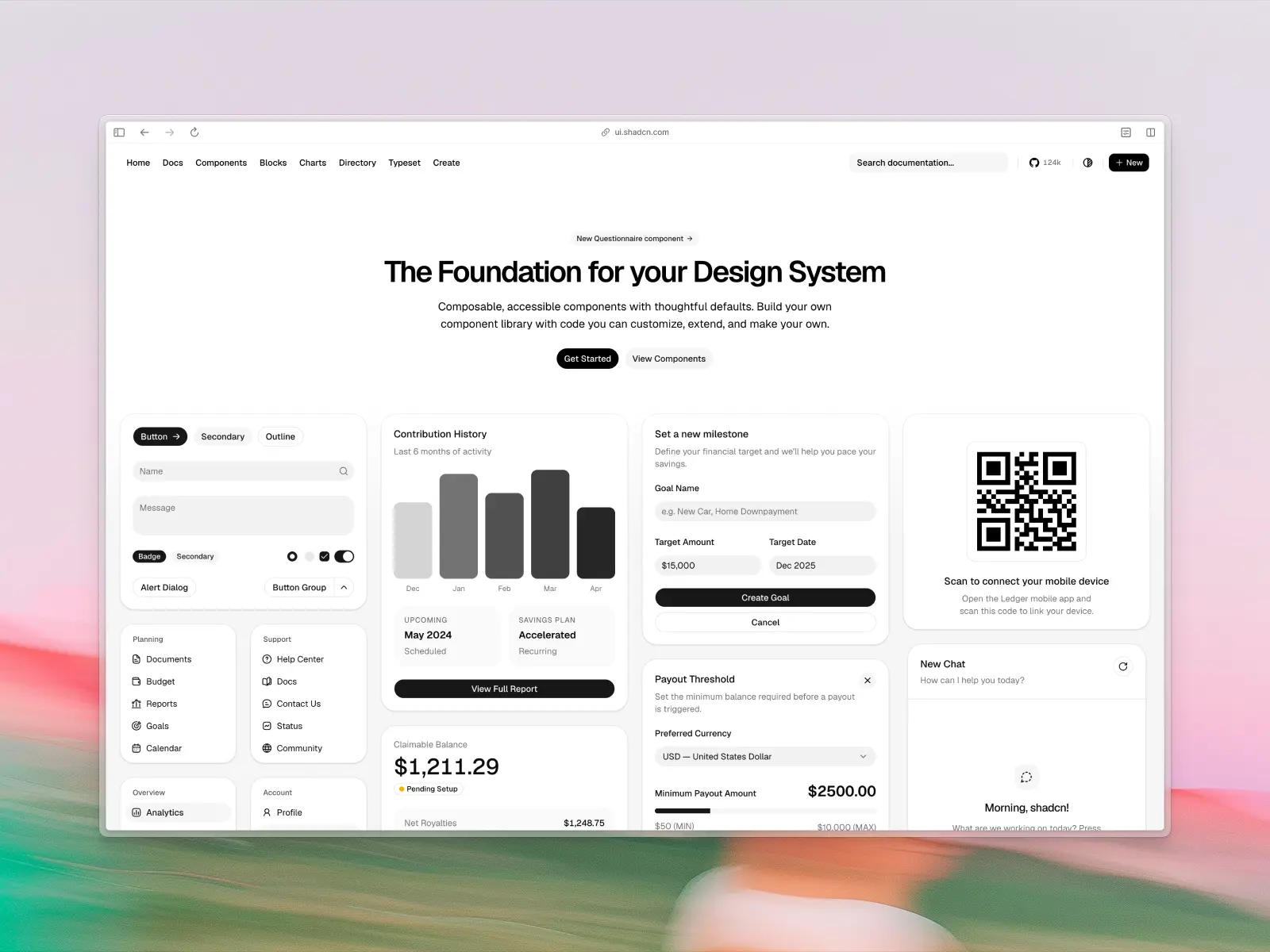
Shadcn UI offers a copy-paste component collection that can be used to assemble dashboards, with some example sections available. It's popular for its flexibility, but it requires significant manual work to build out a full interface.
shadcn/ui key features:
- Tailwind CSS styling throughout: Easy to restyle, but keeping things consistent is on you.
- Minimal aesthetic: With basic typography and spacing.
- Dashboard-related examples: Some layout sections, but no complete polished dashboards.
- Open-source and community-driven: On GitHub.
shadcn/ui pros:
- Code ownership: Allows customization without heavy dependencies.
- Free and unrestricted: For any project scale.
- Large community: Plenty of help available for troubleshooting basic issues.
shadcn/ui cons:
- No official Figma design kit: Creates friction for design-dev alignment and handoff.
- No included icons library: Requires third-party integration.
- Originally built on Radix UI: With ongoing migration discussions to Base UI; older setups often need manual updates.
- Requires piecing together components: Lacks ready-made pages, sections, and depth compared to a dedicated library like Untitled UI.
7. AlignUI Pro
alignui.com — From $299
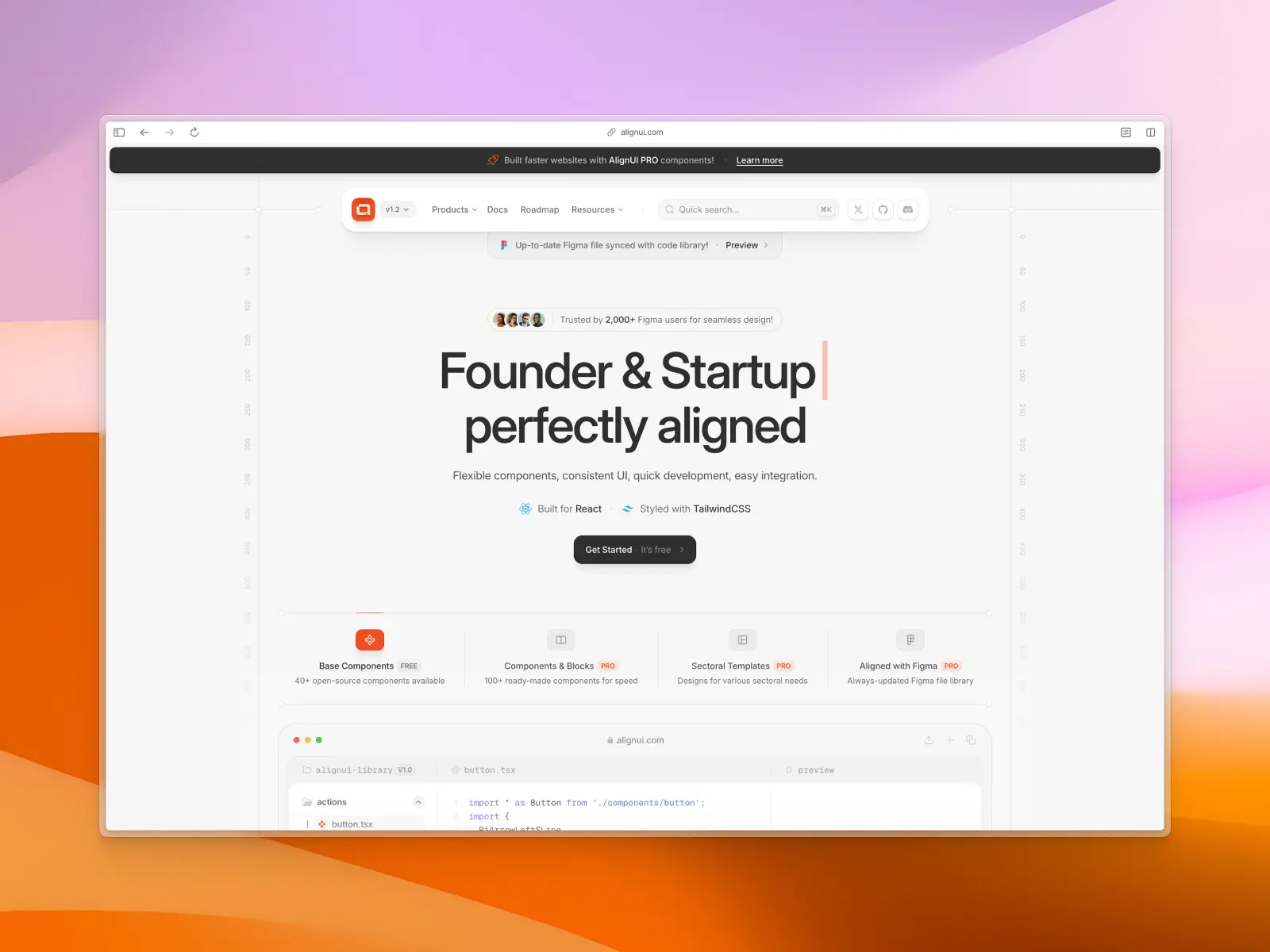
AlignUI Pro includes premium React admin dashboard templates designed for professional applications. It is built with Tailwind CSS and offers a sleek, modern design with a wide range of components, making it suitable for high-end business applications.
AlignUI key features:
- Professional, modern design: A polished and premium design suitable for commercial projects.
- Figma UI kit included: Comes with a matching Figma UI kit and design system.
- Comprehensive UI components: Includes a wide range of charts, tables, forms, and application layouts.
- Premium product: As a paid dashboard template, this React component library comes with ongoing support.
AlignUI pros:
- Feature-rich: Powerful and feature-rich for complex applications.
- Modern design: High-quality, professional design.
- Figma UI kit: Includes a Figma design system and support.
AlignUI cons:
- Newer library: As a more recent addition to the React UI library ecosystem, it has a smaller community and fewer resources available.
- PRO version for full access: Most React UI components and templates are part of the paid offering and not included for free.
- No public GitHub repository: The lack of a public GitHub repository can make it harder to freely browse the codebase and create and track issues.
- Based on Radix UI: Recently, the creators of Radix UI announced that this library isn’t being actively maintained as they have shifted their focus to Base UI, so projects built on Radix UI may face future compatibility issues or require migration to alternatives such as React Aria or Base UI.
- Mix of multiple third-party packages: AlignUI seems to use a mix of component libraries such as Radix UI, React Aria, and React Day Picker, which could unnecessarily increase a React application's size and introduce different ways to build core components and APIs.
- No matching icon library: While other component libraries like Untitled UI React and Tailwind Plus include popular icon libraries, AlignUI relies on a third-party icon library.
8. Tremor
blocks.tremor.so — Open source
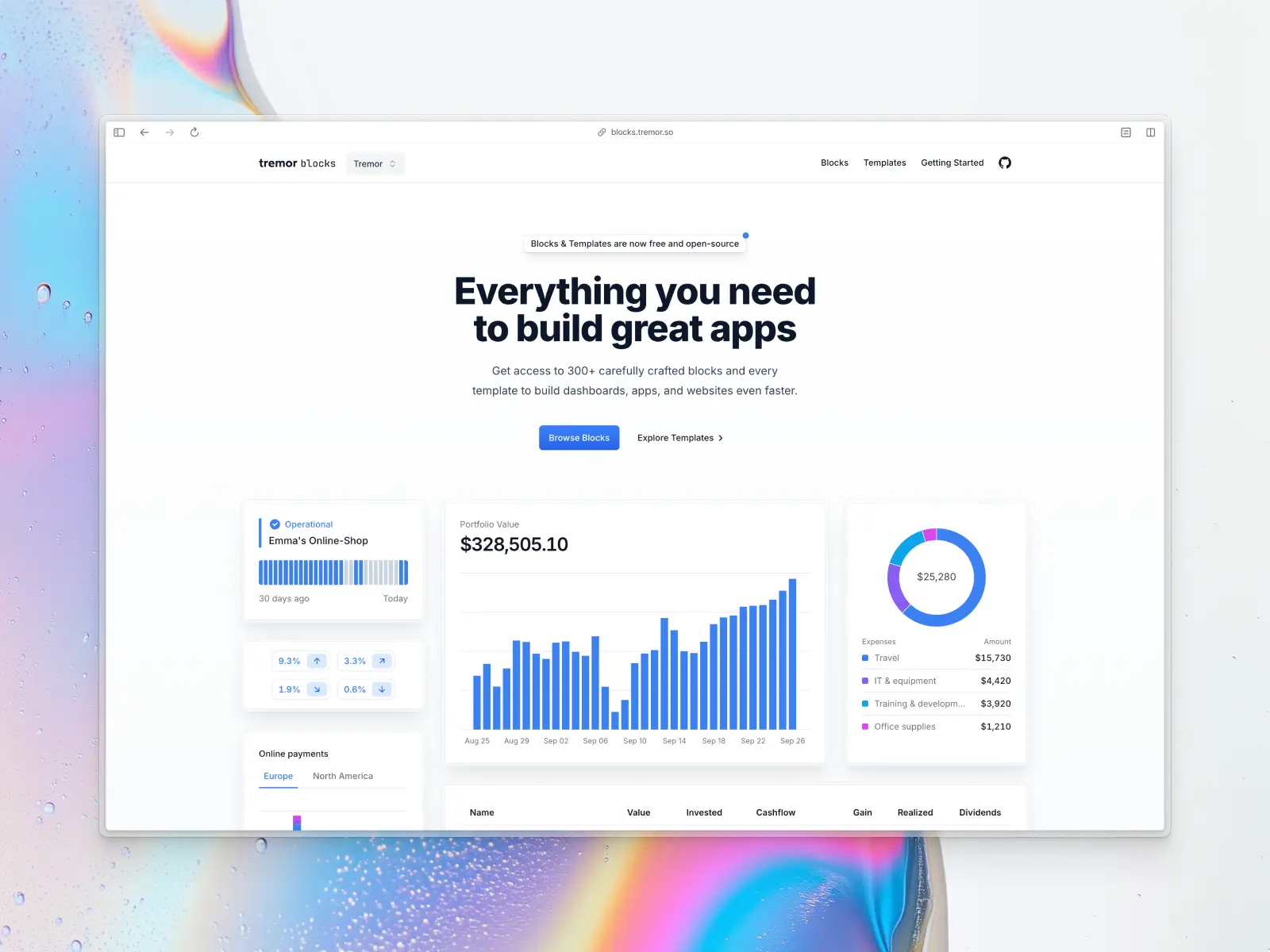
Tremor provides a focused set of open-source components and blocks aimed at data-heavy dashboards. After its acquisition by Vercel in early 2025, it became fully free and open-source, but it remains specialized rather than a complete admin solution.
Tremor key features:
- Dashboard-oriented blocks: Around 300+ copy-paste blocks (e.g., charts via Recharts, KPI cards, tables, tooltips) alongside 35 core components.
- Built with Tailwind CSS and Radix UI primitives: For accessible but somewhat rigid foundations.
- Light and dark mode support: Through its theme system.
- Some Next.js-based template examples: For basic dashboards and reports.
Tremor pros:
- Clean design suitable for data visualization: Works well for charts and KPIs.
- No vendor lock-in: Fully open-source under Vercel.
- Can save time on specific elements: Like individual chart or card blocks.
Tremor cons:
- Depends on Radix UI primitives: Faces maintenance concerns and often requires migration to alternatives like Base UI.
- Limited scope: Primarily charts and data blocks, lacking full admin features, pages, sections, and marketing elements found in more complete libraries like Untitled UI.
- No actively maintained Figma kit: Complicates design handoff and team workflows.
- Narrow focus: Less practical as a standalone dashboard solution compared to more comprehensive options.
9. TailAdmin
tailadmin.com/react — Free version + paid from $149
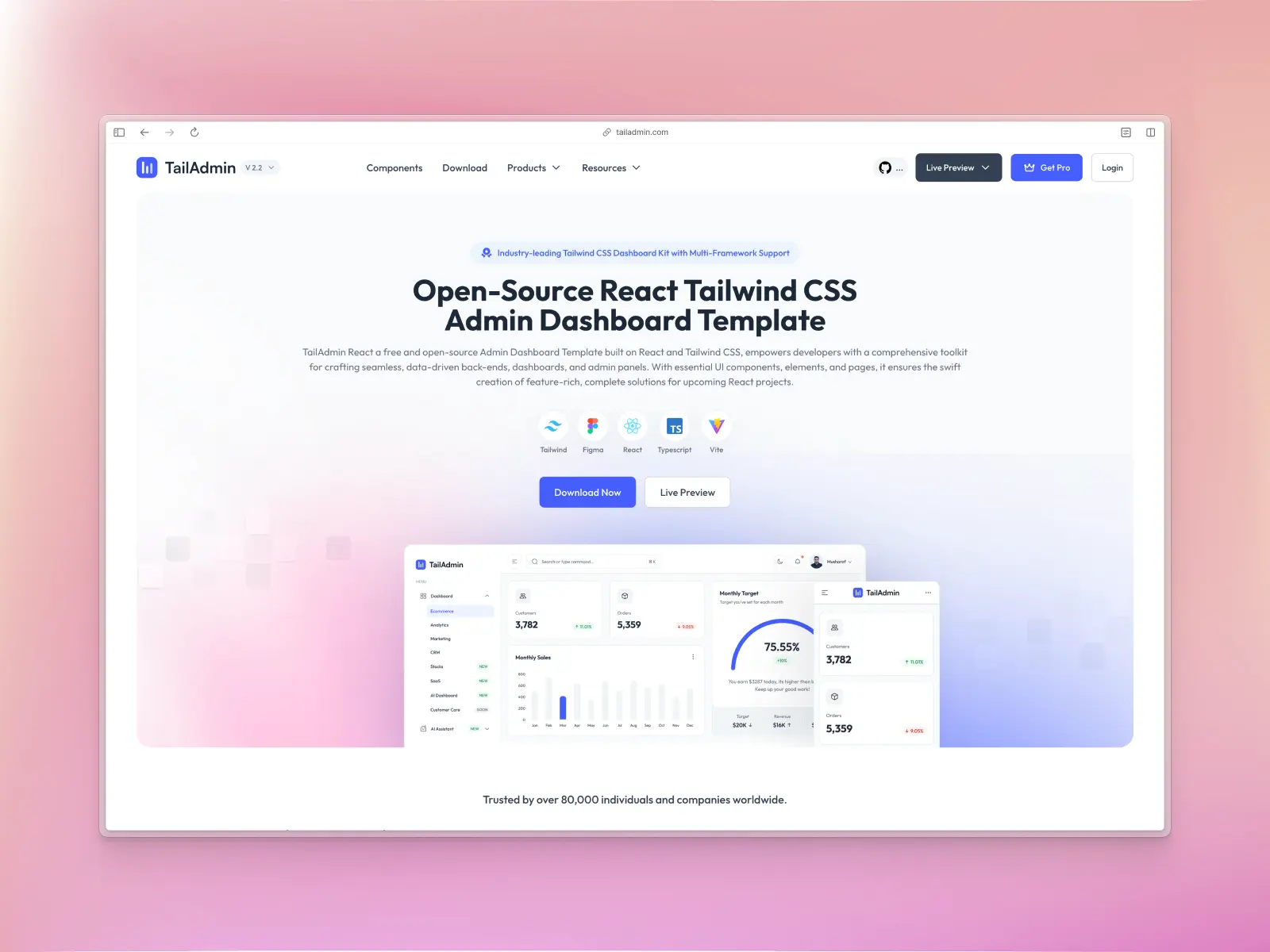
TailAdmin is a free admin dashboard template built with React and Tailwind CSS. It offers a clean, minimalist design focused on ease of use and customization. It's a great choice for developers who want a lightweight, modern foundation.
TailAdmin key features:
- React and Tailwind CSS: Built with a modern, utility-first tech stack.
- Matching Figma UI kit: Includes a corresponding Figma file only in paid version.
- Minimalist design: Features a clean and simple design that is easy to extend.
- Essential UI components: Includes charts, tables, and form elements such as inputs.
- Available for other frameworks: You can choose from Vue.js, Angular.js, Next.js or simple HTML versions.
TailAdmin pros:
- Easy to get started: Lightweight, flexible, and highly customizable.
- Open source dashboard: Free with a Figma UI file is a fantastic value proposition.
- Solid tech stack: Modern tech stack is great for developers.
TailAdmin cons:
- Requires Tailwind CSS knowledge: Customization requires familiarity with utility-first CSS.
- Fewer pre-built components: Compared to more premium, all-in-one React UI component libraries.
- No Figma UI kit: No free Figma file available.
- No matching icon library: Doesn’t include its own icon set, so you’ll need to use a third-party option, such as Untitled UI Icons.
10. Shadcn UI Kit
shadcnuikit.com — Free version + paid from $79
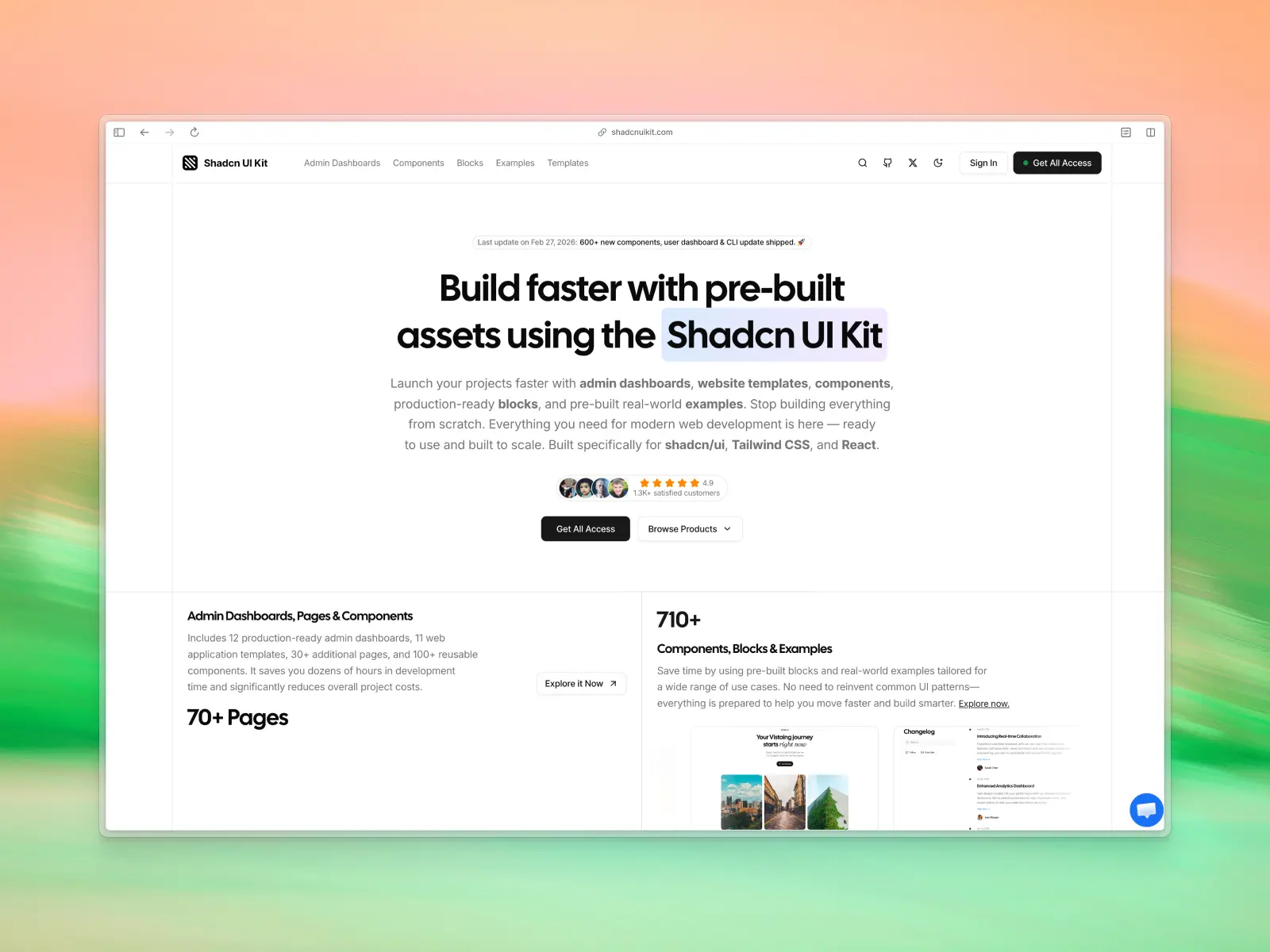
Shadcn UI Kit compiles various admin dashboards, web app starters, and blocks built around shadcn/ui. It provides pre-assembled layouts, but much of the value sits behind payment.
Shadcn UI Kit key features:
- Minimal design: Consistent with shadcn/ui's typography and spacing.
- Templates: Around 11 admin dashboards, 10 web app starters, 30+ subpages, plus blocks and components.
- Current stack: Next.js 16+, Tailwind CSS v4, React, TypeScript.
Shadcn UI Kit pros:
- Easier entry: Useful if you're already locked into shadcn/ui patterns.
- Some customization potential: Fine for basic adjustments.
Shadcn UI Kit cons:
- No Figma file available: Hinders design-dev alignment (listed as "coming soon" in some cases).
- No matching icons library: Included.
- Relies on shadcn/ui's Radix foundations: Carrying migration overhead to Base UI.
- Free version heavily restricted: Limited updates; full access requires one-time payment, reducing appeal compared to unrestricted, all-in-one libraries like Untitled UI.
11. Flowbite Pro
flowbite.com — From $299
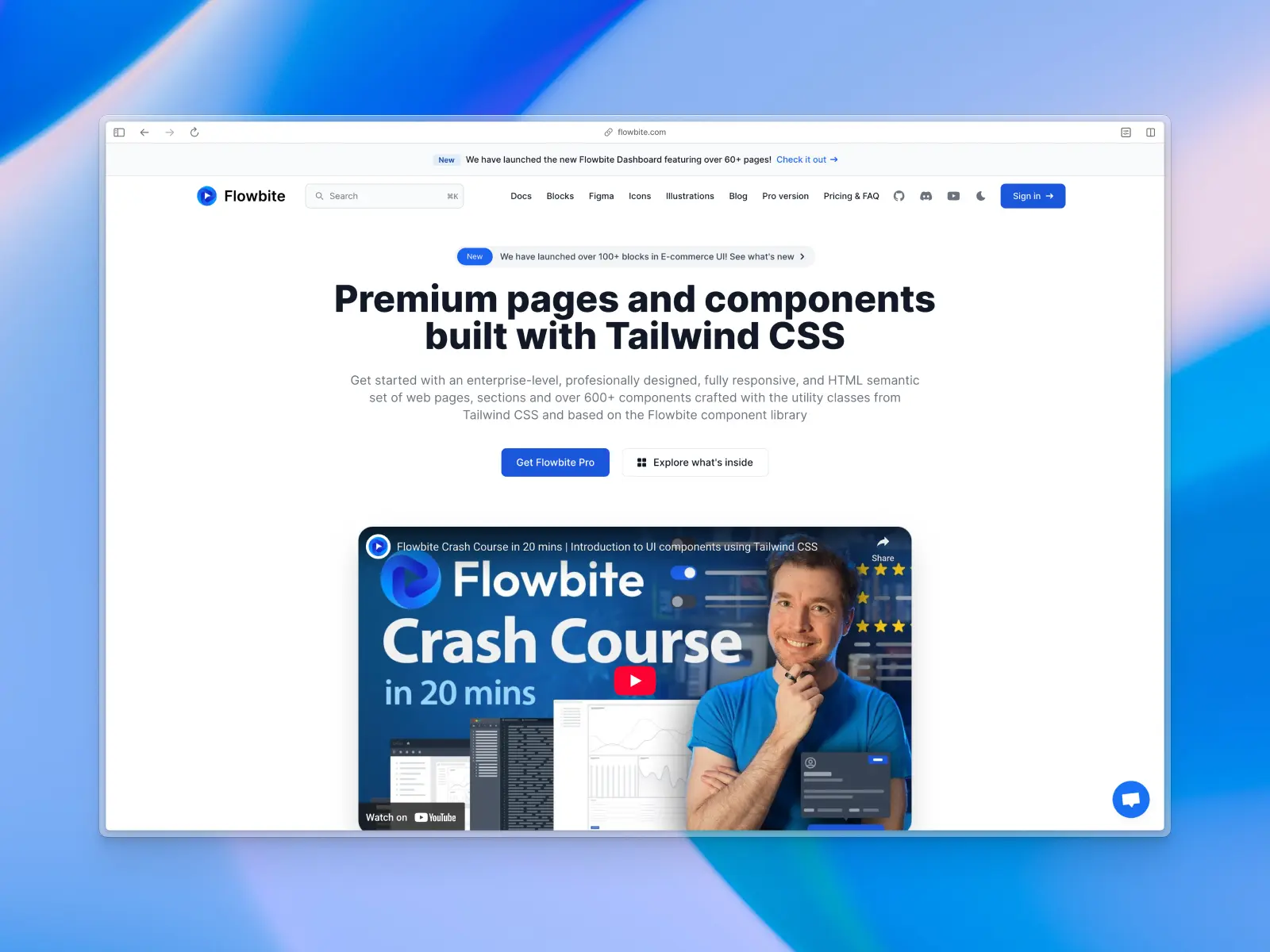
Flowbite offers a good set of pre-built React dashboard pages in their paid version, built with React and styled with Tailwind CSS for flexibility and customization. It also comes with hundreds of cleanly designed components for building your own dashboard templates.
Flowbite key features:
- Framework agnostic: Offers components in multiple frameworks such as Angular.js, Vue.js, Next.js, Nuxt.js, Astro, Remix, SolidJS, Gatsby, Meteor.js, Laravel, Flask, Django, and more.
- Large set of components: Offers hundreds of components from basic to advanced such as data tables, gallery, stepper, rich-text editor, and more.
- Figma UI kit: The full Flowbite ecosystem includes a comprehensive Figma design kit.
- Pro version for full access: Try out the free version or upgrade to the paid version for even more components and pages.
Flowbite pros:
- Plenty of UI components: Large and well-documented React component library.
- Established library: Part of a mature ecosystem that includes a comprehensive Figma kit.
- Solid design: Clean and modern design compared to some Material UI templates.
Flowbite cons:
- Requires a paid subscription: To access the admin dashboard templates and all the components needed to create a full dashboard.
- Requires extra assembly: You may need extra layout and customization work to build full production-ready dashboards and pages.
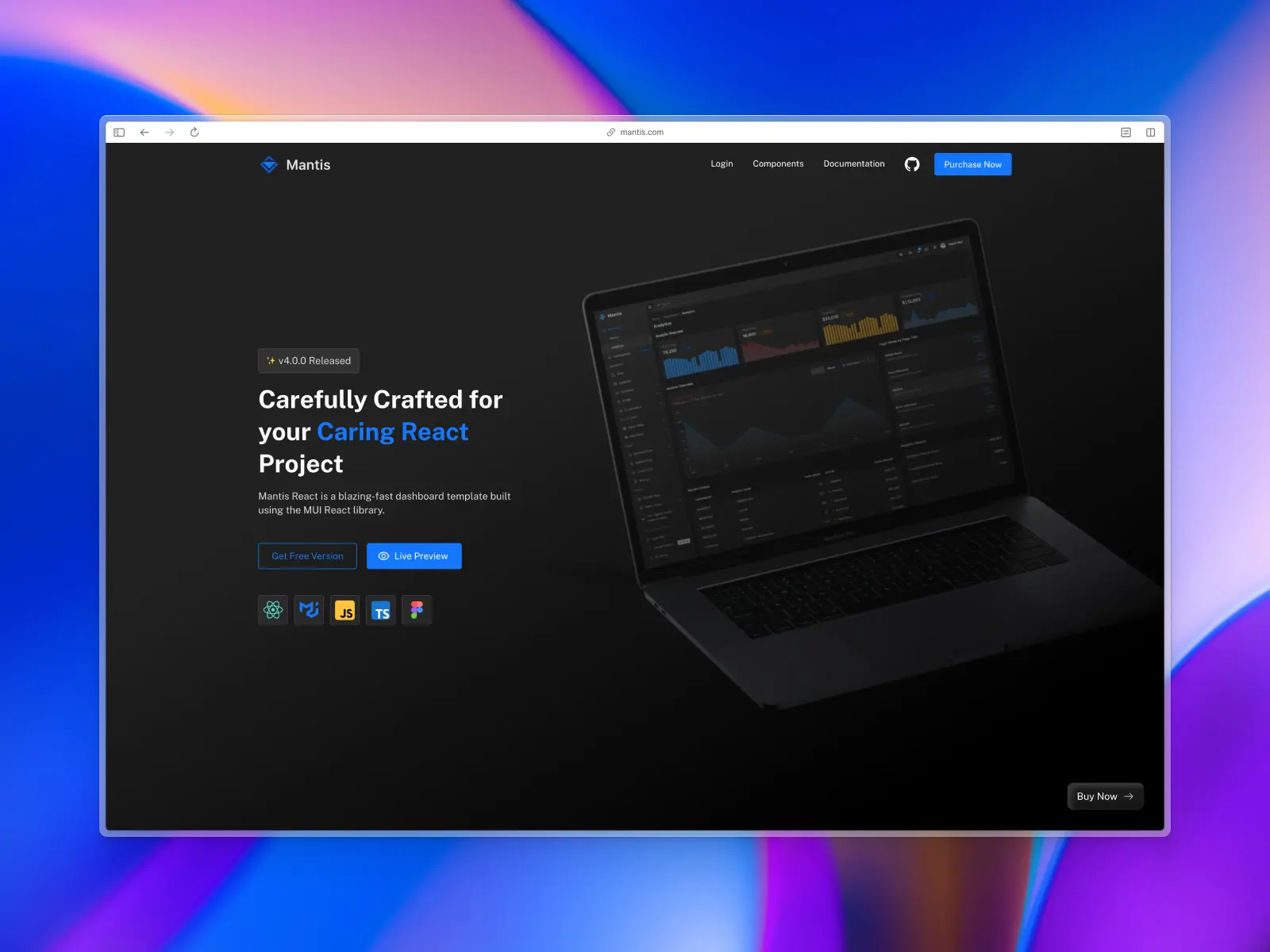
12. Mantis
mantisdashboard.com — Free version + paid from $69
Mantis is a React admin dashboard built on the Material UI library. It aims for a clean and simple presentation of data and admin panels. While functional, its reliance on Material Design means it may not align with the more modern, minimalist aesthetics of 2026.
Mantis key features:
- Built on Material UI: Leverages the large but aging Material UI component library.
- Figma UI kit (paid version only): A corresponding Figma UI kit and design file is available, but only for paying users.
- Core dashboard pages: The free version includes basic pages for analytics, user management, and authentication.
- Free and pro versions: Offers a limited free version and a more comprehensive pro version.
Mantis pros:
- Based on Material UI: Easy to use for developers already familiar with Material UI.
- Figma UI kit: The paid version's Figma UI kit design file is a plus for design collaboration and speeding up the development process.
Mantis cons:
- Dated design: The Material Design aesthetic can look generic and outdated compared to modern UI trends and admin templates.
- No free Figma UI kit: The lack of a Figma UI kit and design file in the free version hinders the design process.
- Limited free version: Limited pre-built components and features in the free version mean more custom work.
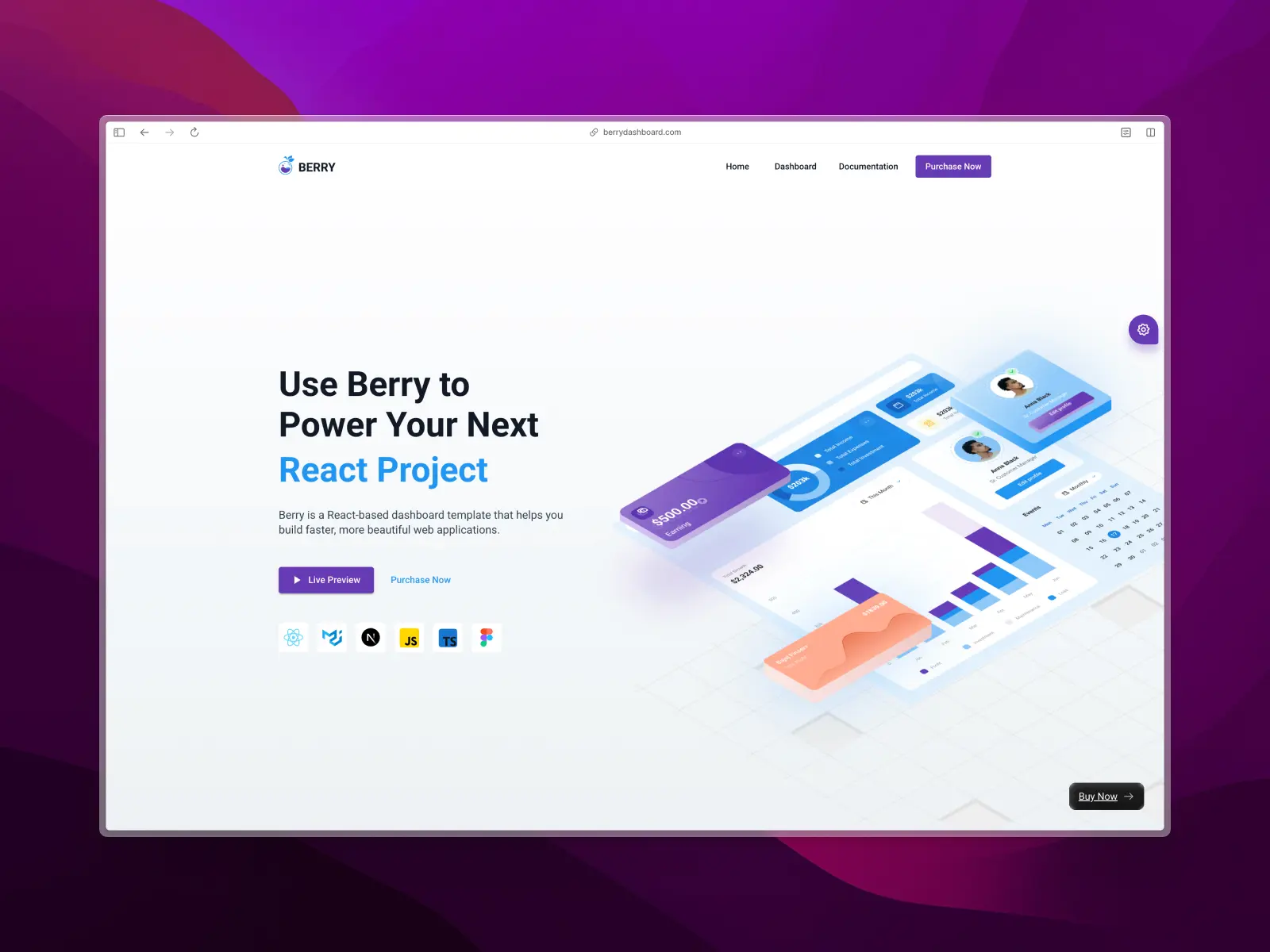
13. Berry
berrydashboard.com — Open source + paid from $69
Berry is another feature-rich React admin template built on Material UI. It heavily follows Google's Material Design guidelines, making it feel very familiar but also visually dated. It's packed with a large number of pre-built components and user pages for complex web applications.
Berry key features:
- Material UI components: Provides a comprehensive set of Material UI components.
- Figma UI kit (paid version only): A corresponding Figma UI kit and design file is available, but only for paying users.
- Feature-rich: Includes multiple chart libraries, tables, forms, and a calendar.
Berry pros:
- Complex web apps: Comprehensive feature set suitable for complex, data-heavy backends such as analytics dashboards.
- Admin templates: Includes many different user pages for building comprehensive dashboards.
Berry cons:
- Outdated aesthetic: The strict adherence to Material Design results in a look that is not in line with modern design standards.
- Figma UI kit is paid: You must purchase the paid version to get access to the Figma UI kit design files.
- Complex: Can be overly complex for smaller projects.
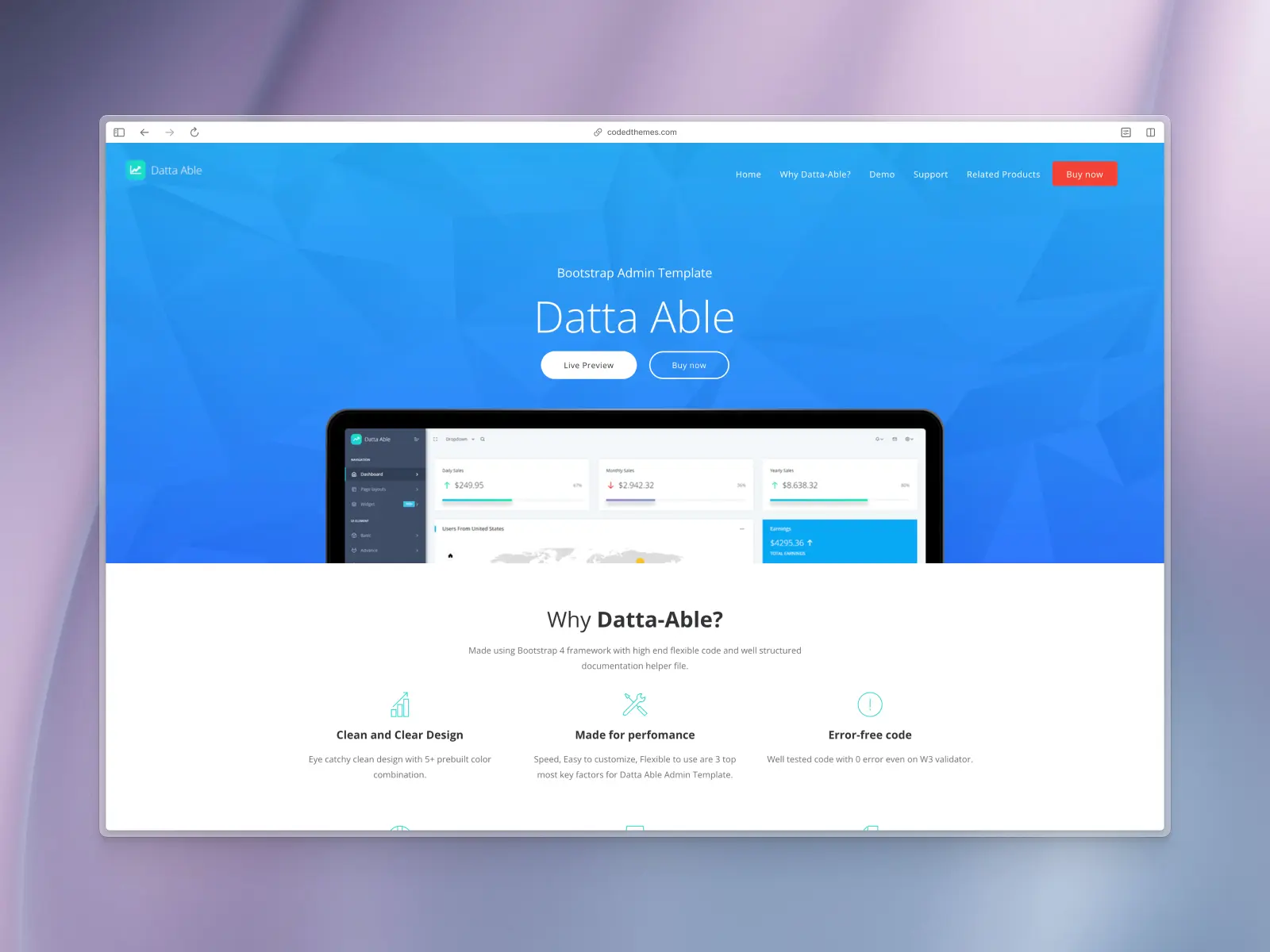
14. Datta Able
codedthemes.com — From $49
Datta Able is a React admin template that prioritizes a high density of information and features. Its design is functional but lacks the polish and modern appeal of newer templates, and it is built on a Bootstrap foundation rather than the more modern Tailwind CSS.
Datta Able key features:
- Bootstrap-based: Built for React on top of the Bootstrap framework.
- Plenty of features: Includes a vast array of UI elements, and pre-made components such as admin panels, charts, tables, and pre-built pages.
- Good performance: Aims to be lightweight and fast to load.
Datta Able pros:
- Very comprehensive feature set for a free template.
- Good performance and responsiveness.
Datta Able cons:
- Dated and cluttered design: The UI feels overwhelming and is not aligned with modern, clean aesthetics.
- No Figma UI kit available: The absence of a design kit makes customization difficult.
- Built on Bootstrap: Bootstrap has become less favored than Tailwind CSS in the modern React ecosystem.
- No free version: Makes it hard to evaluate the product before purchasing the paid product.
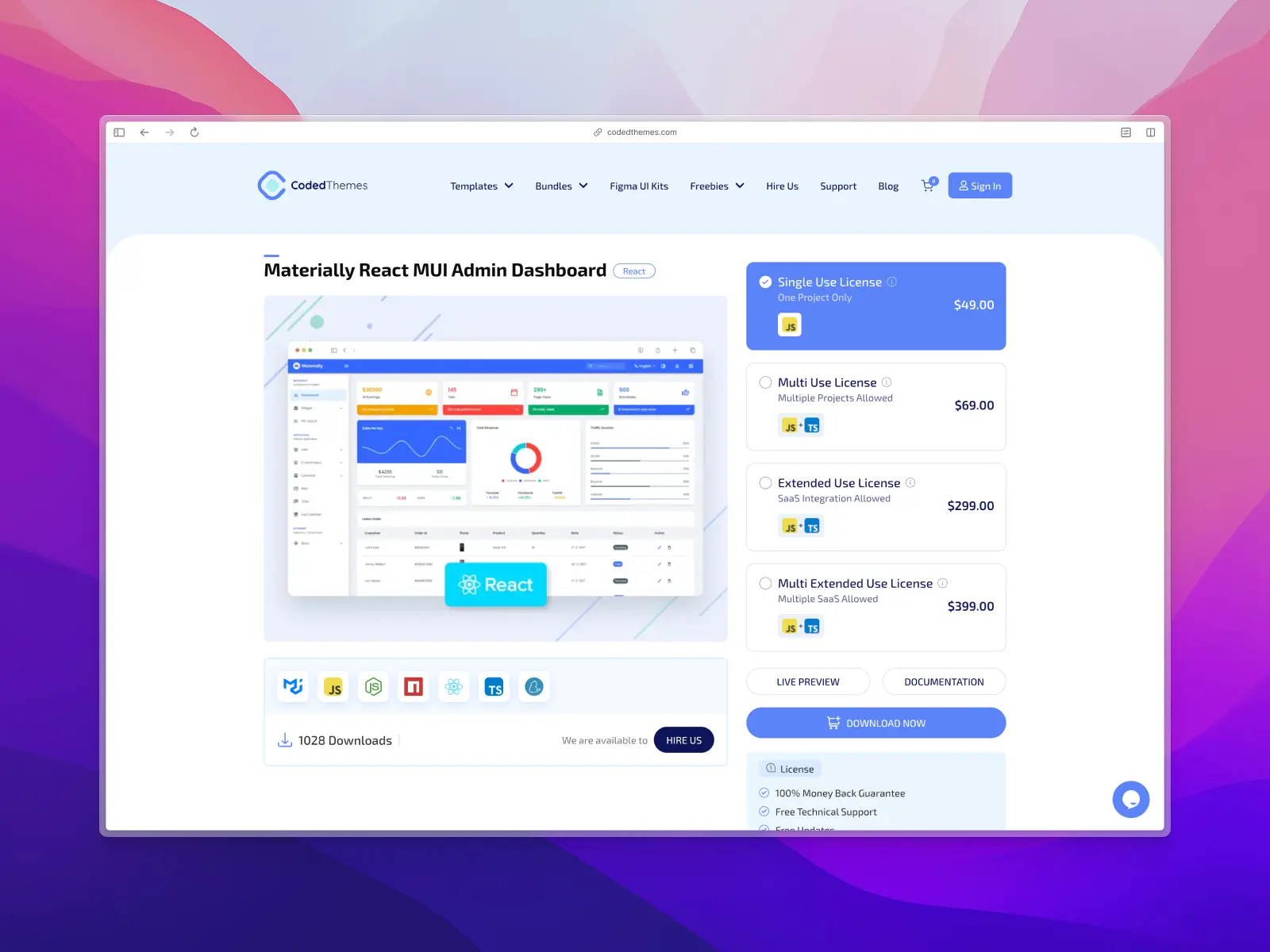
15. Materially
codedthemes.com — From $49
Materially is another admin dashboard template based on Google's Material Design. As its name suggests, it is a straightforward implementation of Material UI components, offering a functional but uninspired user interface.
Materially key features:
- Material Design: Built with Material UI components.
- Figma UI kit (paid version): A Figma UI kit design file is available for paid users only.
- Core components: Includes a standard selection of charts, tables, and form elements.
- Responsive layout: The dashboard is fully responsive.
Materially pros:
- Easy to start: Simple and easy to get started with for basic projects.
Materially cons:
- Generic, dated design: The Material Design look is very common and lacks a unique, modern feel.
- Figma UI kit is a paid upgrade: No Figma UI kit or design resources are provided for free users.
- Fewer components: Far fewer React components than other premium options.
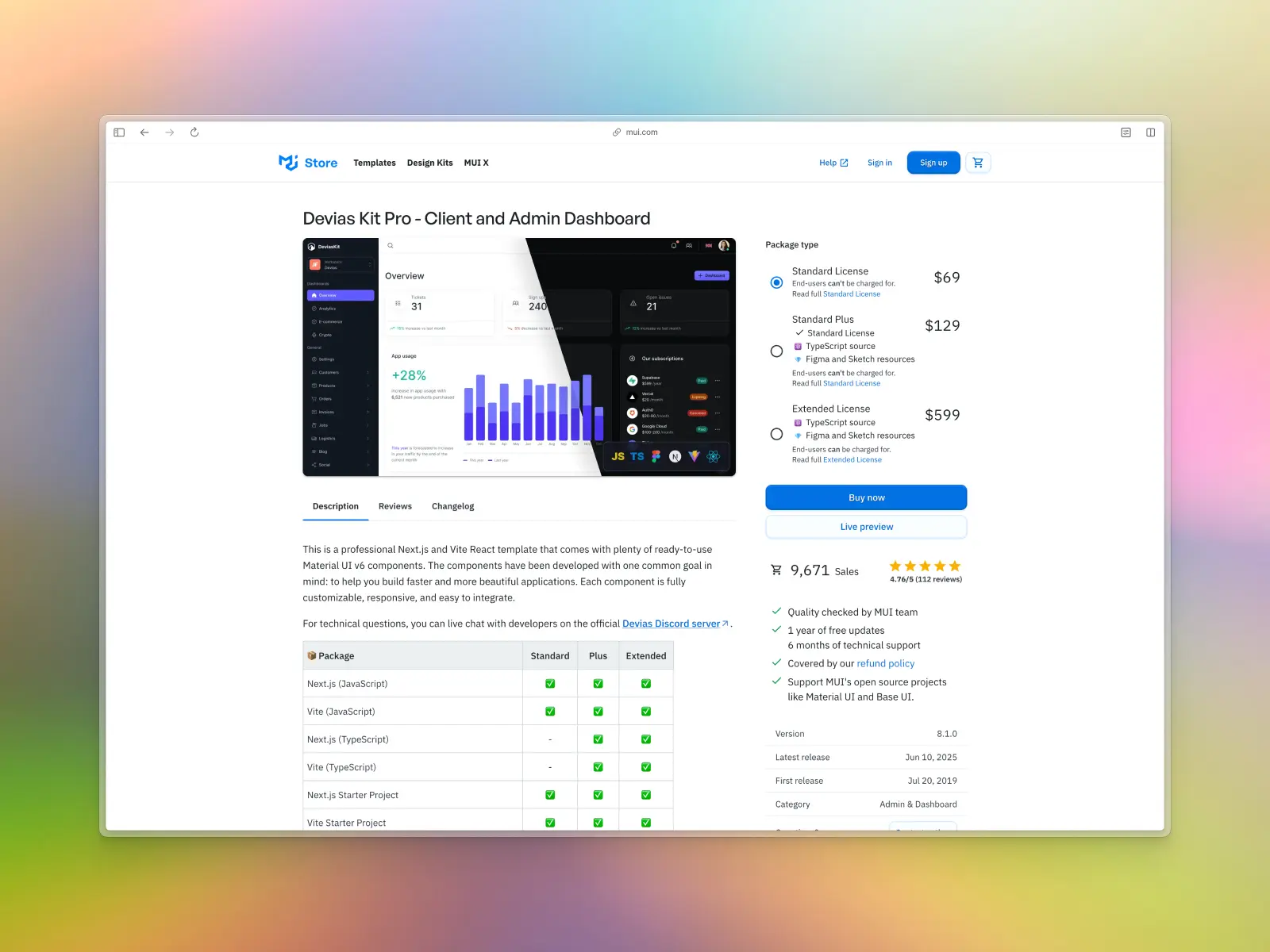
16. Devias Kit
mui.com — Free version + paid from $69
Devias Kit is a free, open-source admin dashboard starter template built with Material UI. It provides a minimal set of pages and components to get a project started, but it carries the characteristic dated look of Material Design. You can upgrade to the paid version for access to 80+ user pages.
Devias Kit key features:
- Built on Material UI: Uses the Material UI component library.
- Minimalist Starter: Includes a dashboard, user list, settings, and login pages.
- Free and paid versions: Try out the free version before fully opting into a paid version.
Devias Kit pros:
- Functional authentication: Includes authentication logic with Clerk, Auth0, AWS Cognito/Amplify authentication and Supabase authentication.
- Form validation: Forms built with React Hook Form and validated via Zod schemas.
Devias Kit cons:
- Dated Material Design look: The UI feels old compared to modern standards.
- Not fully flexible: Customizing the look and behavior of already built-in components could be challenging due to Material UI lock in.
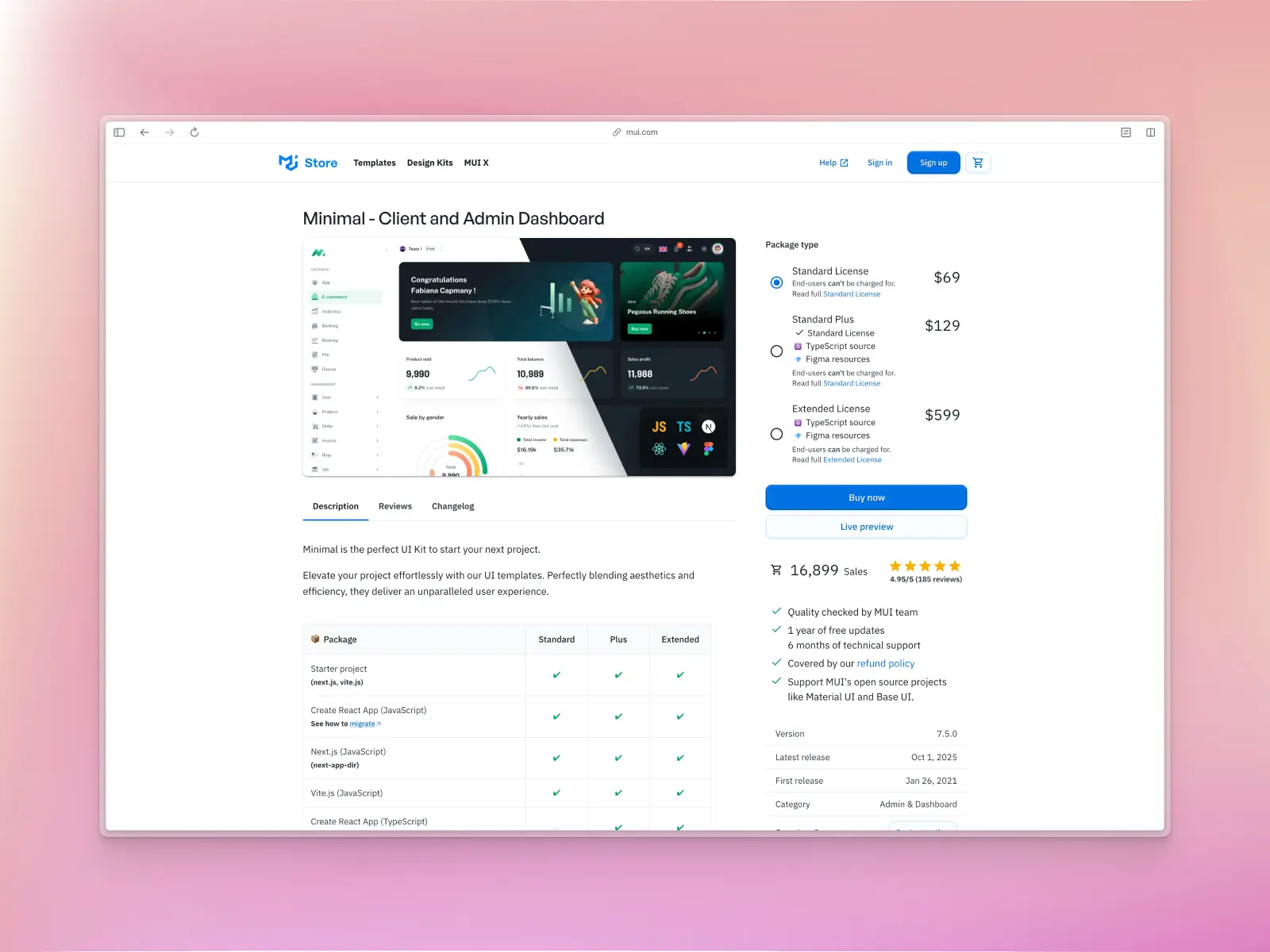
17. Minimal (Material UI dashboard)
mui.com — Free version + paid from $69
Minimal is another free and open-source dashboard template built with Material UI. Similar to Devias Kit, it offers a basic set of components and pages with the option to upgrade to a paid version. It serves as a good starting point for simple projects, but is held back by its underlying design system.
Minimal key features:
- Material UI foundation: Built with standard Material UI components.
- Basic pages included: Comes with a dashboard overview, tables, and icons.
- Free and open source: The free version is available on GitHub for anyone to use.
Minimal pros:
- Free version: Includes a free version for easily trying it out before opting into a paid version.
- Good set of product pages: Comes with pre-built pages such as authentication, settings, profile page, product listings, orders, blog, and job listing pages.
Minimal cons:
- Outdated material design aesthetic: The design is not modern and lacks visual appeal.
- No free Figma UI kit: A fully editable Figma UI kit design file is available only in the paid version.
- Not maintained: Not actively maintained with new features.
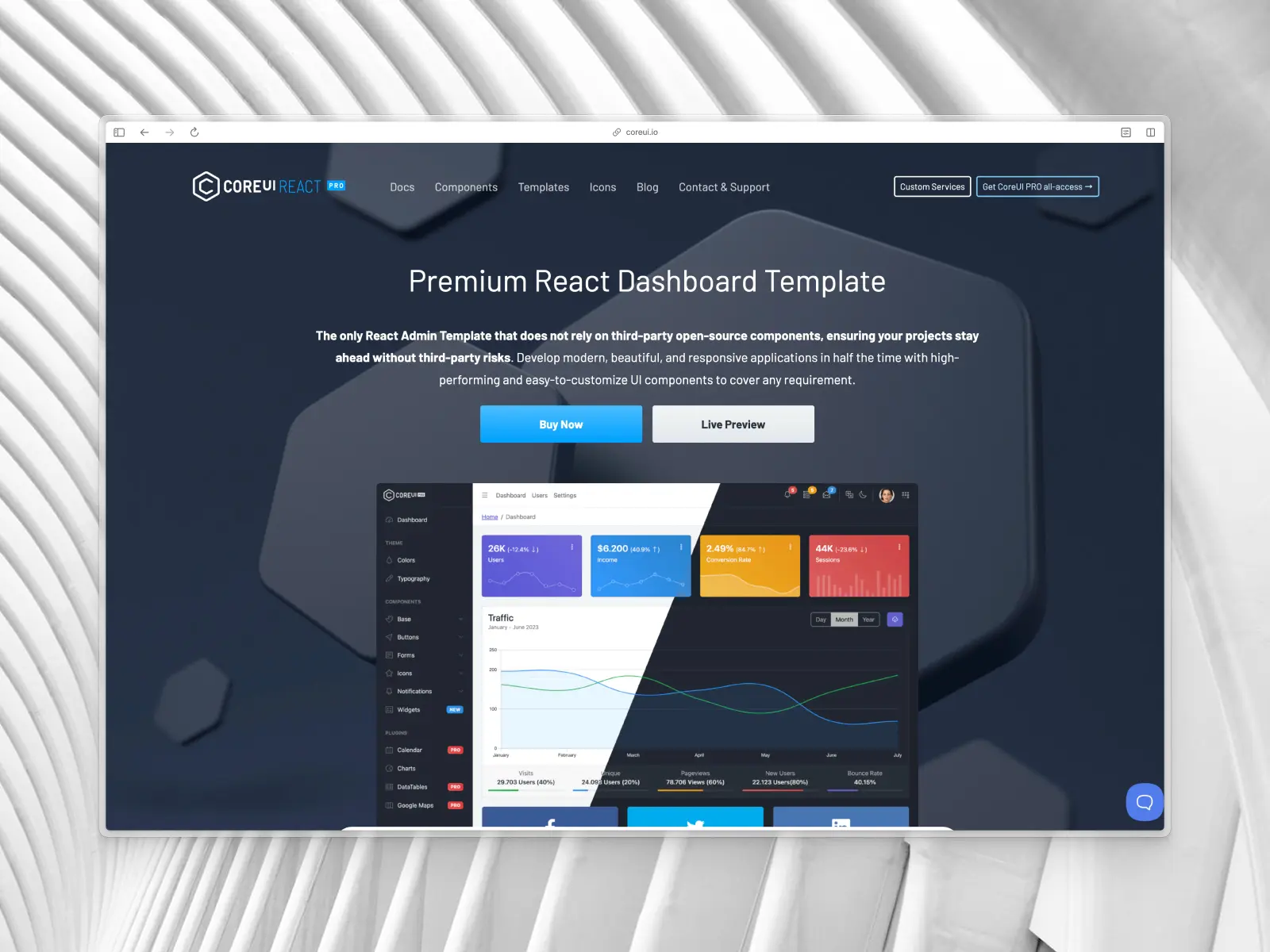
18. CoreUI React Dashboard Template
coreui.io — From $49
CoreUI is a long-standing and very comprehensive open-source admin dashboard template. It uses its own unique design system, which is highly functional but can feel generic and Bootstrap-like. It's known for having a huge number of free components.
CoreUI key features:
- Based on CoreUI: Uses the CoreUI component library, available for React, Angular, and Vue.
- Large collection of UI components: Includes a large number of UI components, charts, forms, and widgets.
- Figma UI kit (paid only): A Figma UI kit is only available for paying users.
- Mature and stable: A well-established project that has been around for years.
CoreUI pros:
- Large template: Comprehensive and feature-rich for a free template.
- Established library: Mature, stable, and well-documented.
CoreUI cons:
- Generic design: The UI lacks a modern or unique aesthetic and can feel dated.
- No free Figma UI kit: The Figma UI kit design file is locked behind the paid version.
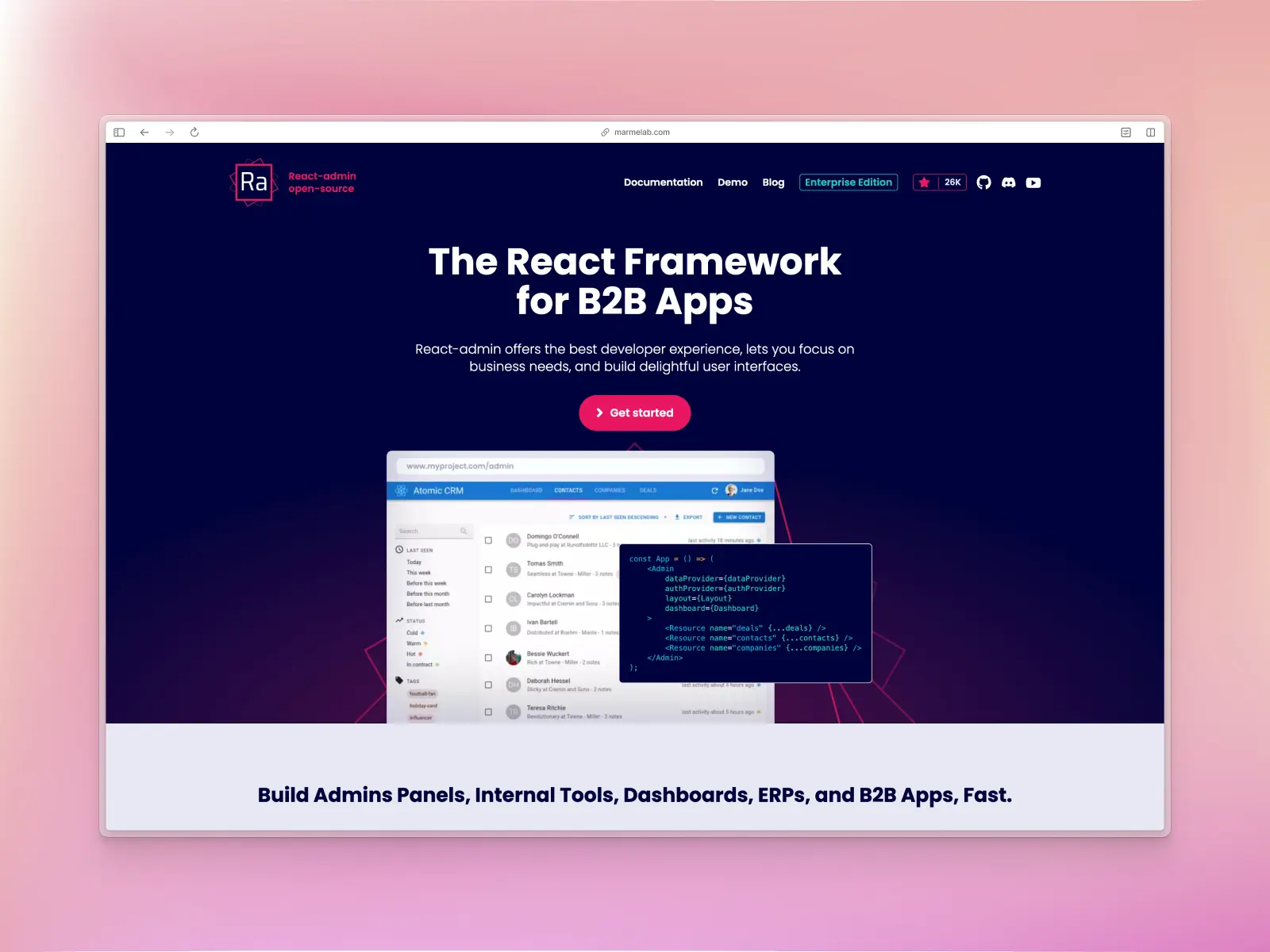
19. React-Admin
marmelab.co — Open source + paid from €145/month
React-Admin is a powerful open-source framework for building B2B admin applications. It's different from a template; it's a complete system that connects to any REST or GraphQL API and generates the UI for you. It uses Material UI for its components.
React-Admin key features:
- Admin framework: Not just a UI kit, but a framework for building data-driven applications.
- API-agnostic: Connects to any backend via data providers.
- Handles logic: Manages authentication, data fetching, filtering, and validation out of the box.
- Built on Material UI: Uses Material UI for its component layer.
React-Admin pros:
- Incredibly powerful for CRUD applications, saving massive amounts of development time.
- Highly extensible and customizable.
React-Admin cons:
- Dated design: The generated UI is functional but not visually modern or appealing.
- No Figma UI kit: Because the UI is generated, it doesn't align with a static design-first workflow or include a Figma UI kit design file.
- Complex: Has a learning curve and can be complex for beginners and simple projects.
- No matching icon library: Doesn’t include its own icon set, so you’ll need to use a third-party option, such as Untitled UI Icons.
- Expensive: Pricing is not a one-off cost and is billed annually, making this an expensive option.
Conclusion
Choosing the right React dashboard template in 2026 comes down to more than just design. You need performance, accessibility, a clean modern UI, and a tech stack that will scale with your product.
Free templates can be a great starting point, but premium options offer the polish, speed, and long-term maintainability most teams need. Whether you pick something lightweight like TailAdmin, a fully featured system like React-Admin, or an end-to-end solution like Untitled UI React, investing early in the right foundation can save months of work and help your product grow with far fewer headaches. This is especially important as your product grows and requires other React templates, such as settings pages.
Whatever you choose, it's a great idea to test components before you commit to one or two libraries. Most React UI component libraries include free and open source components; install a handful of components and play around with using them in a project.
If you're after a comprehensive React library that covers everything you need to build modern applications and websites, check out our list of the best React component libraries.
More best practice guides
This post is an excerpt from Untitled UI Figma, world's largest Figma UI kit and design system. Untitled UI includes tips and best practices right in the Figma file to help you level up as a designer. You can preview Untitled UI Figma here.
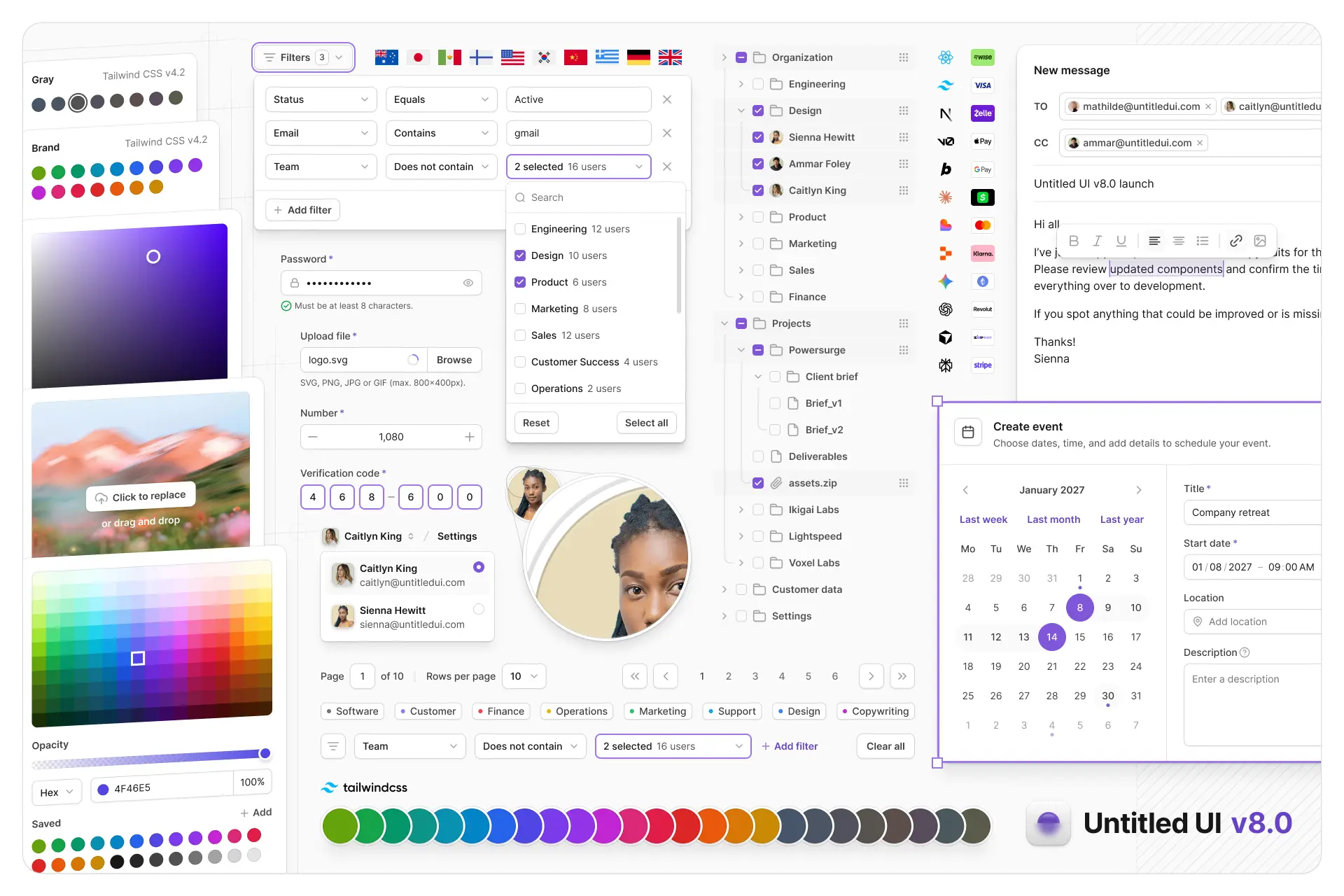
Untitled UI Figma is meticulously crafted with 100% Auto Layout 5.0, super-smart variants, Figma's newest variables features, and with accessibility in mind.
It's a great example of Figma design system best practices and is the most popular and highest-rated Figma UI kit on the internet with 3,650+ 5-star reviews!
We've also released Untitled UI Figma PRO LITE, which is a premium and lightweight version of the full Untitled UI Figma PRO STYLES kit and have included it for free. It's 55% lighter, faster, and is designed to include everything you need and nothing you don't. It's perfect for moving fast and for smaller projects!
Untitled UI was designed to be the "ultimate" UI kit and the perfect starting point for any kind of project—from beautiful marketing landing pages, all the way to complex dashboards and web apps—Untitled UI has thought of absolutely everything so you don't have to.
We're constantly making updates and improvements to the UI kit and recently announced that we've completely refactored Untitled UI to take advantage of Figma's latest features released at Config 2023, Framework 2024, Config 2024, Config 2025, and Config 2026. This includes all the latest Figma features such as color variables (dark mode), spacing, radius, typography, and effects variables, Auto Layout 5.0, min/max widths, Auto Layout wrapping, and much more.
You can check out a full preview of the design kit, or check out the 100% free UI kit here (which is more advanced than most UI kits in its own right!). If you're short on time, here's a 60-second overview: