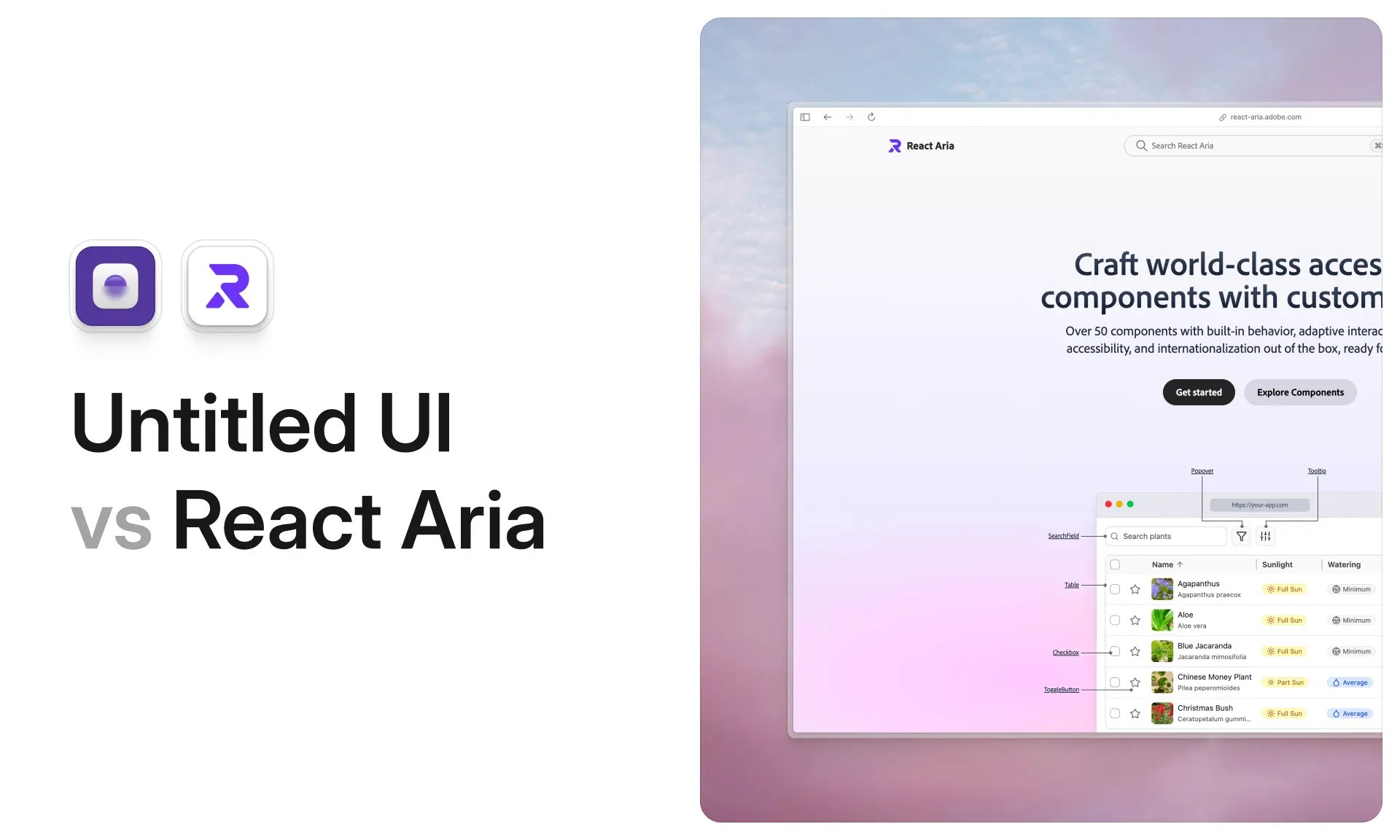
















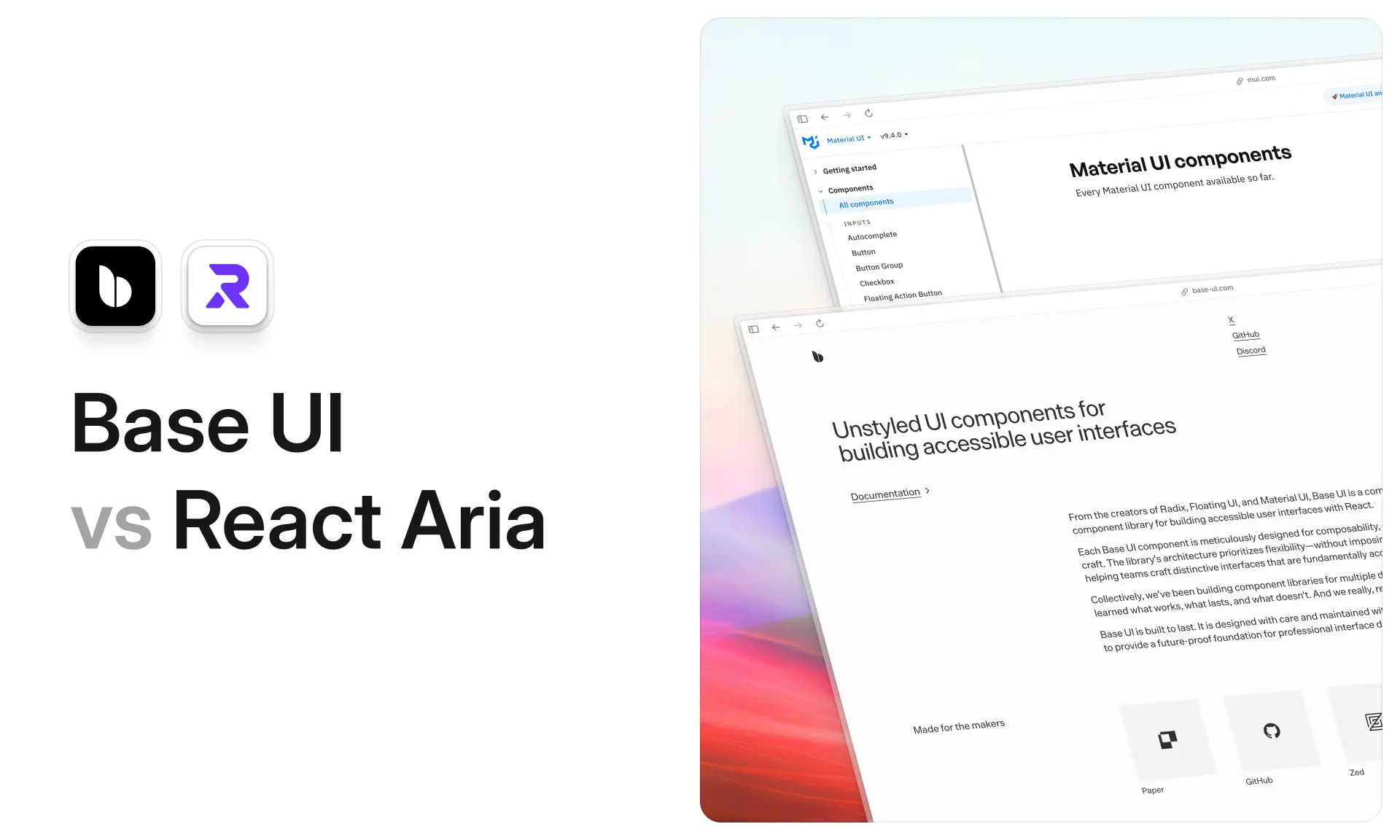
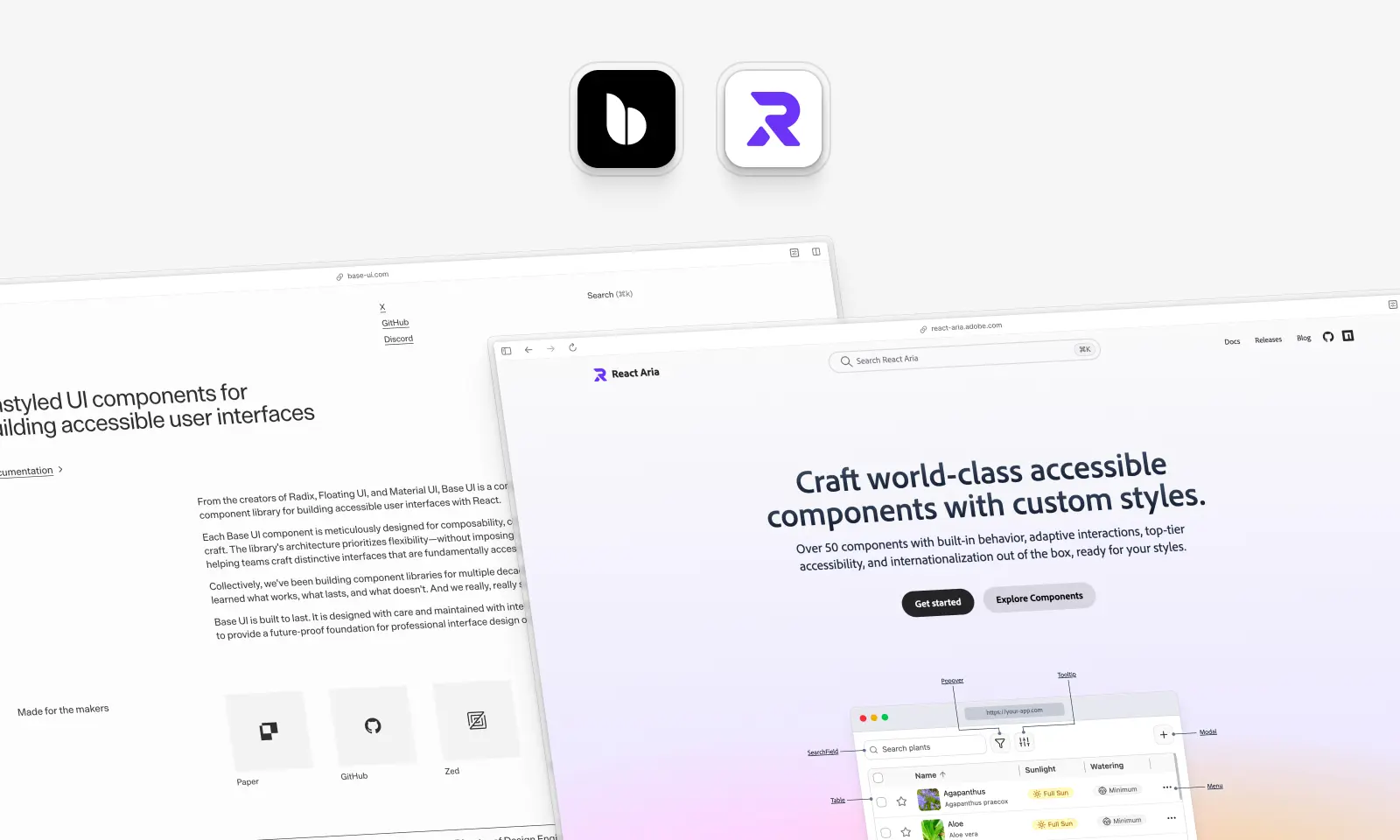
If you're building a design system from scratch in 2026, you're almost certainly choosing between Base UI and React Aria Components. Both give you accessible, unstyled behavior to style yourself, and both are very good at it. They differ in component coverage, internationalization, maturity and API style.
We should say where we stand: Untitled UI React is built on React Aria, so it's the library we know best. We checked every claim below against the published packages and docs, measured code size and bundle size ourselves, and every TypeScript sample here type-checks against Base UI 1.9.0 and React Aria Components 1.22.1. Numbers are as of October 2026.
Base UI vs. React Aria: which should you use?
Choose React Aria if you need dates, colors, tables or trees, built-in translations, a hooks layer for unusual markup, or the more mature option: its hooks have been stable since 2020, Adobe maintains it, and it publishes how its components are tested.
Choose Base UI if your interface is mostly menus, dialogs, popovers and form controls, if you need components React Aria doesn't have (Menubar, Navigation Menu, Scroll Area, OTP Field, Avatar), or if you want shadcn/ui's default. Both are unstyled, both have a render prop, and both support React 17 to 19; React Aria also supports React 16.8.
Two questions decide it for most teams. Do you need dates, colors, tables or trees? Do you ship in more than one language? If either answer is yes, choose React Aria. If both are no, either will serve you well: build one component in each and pick the API your team prefers.
Key takeaways
- Component coverage is the real dividing line. React Aria documents over 50 components, including six date and seven color components, plus Table and Tree. Base UI ships 37 and none of those categories.
- React Aria is the more mature library. Its hooks reached 3.0 in June 2020 and its components 1.0 in December 2023; Base UI reached 1.0 in December 2025. Adobe has also published years of engineering posts on how its components were researched and tested.
- The APIs are closer than they look. Both have a
renderprop andmergeProps, both expose state through data attributes and className functions, and both set CSS variables. Base UI's distinctive piece iseventDetails; React Aria's is a documented hooks layer. - Internationalization is React Aria's clearest lead. Translated strings for 32 languages, 13 calendar systems, and a bundler plugin that drops the languages you don't ship. Base UI ships no translations.
- Base UI has the bigger distribution. It became shadcn/ui's default in July 2026; React Aria became a shadcn/ui base the same month.
Where these two sit among headless UI libraries
- Radix UI: the library that popularized the category, and still by far the most downloaded. It isn't deprecated: shadcn/ui's changelog says Radix "is not being deprecated. We still support it, and every update and new component will ship for both libraries (unless a component only exists in Base UI)."
- Base UI: built by several of the people behind Radix, plus the Floating UI and Material UI teams. It replaced MUI Base.
- React Aria: Adobe's, with the broadest set of complex components; the only one of the four that ships dates, colors, tables and trees together.
- Ark UI: the multi-framework option for React, Vue, Solid and Svelte, built on Zag.js state machines; Chakra UI v3 is built on it. It has date and color pickers and a tree view, but no table.
All four leave the visual design to you. The differences are coverage, API design, and how much of the accessibility and internationalization work each has already done.
What is Base UI?
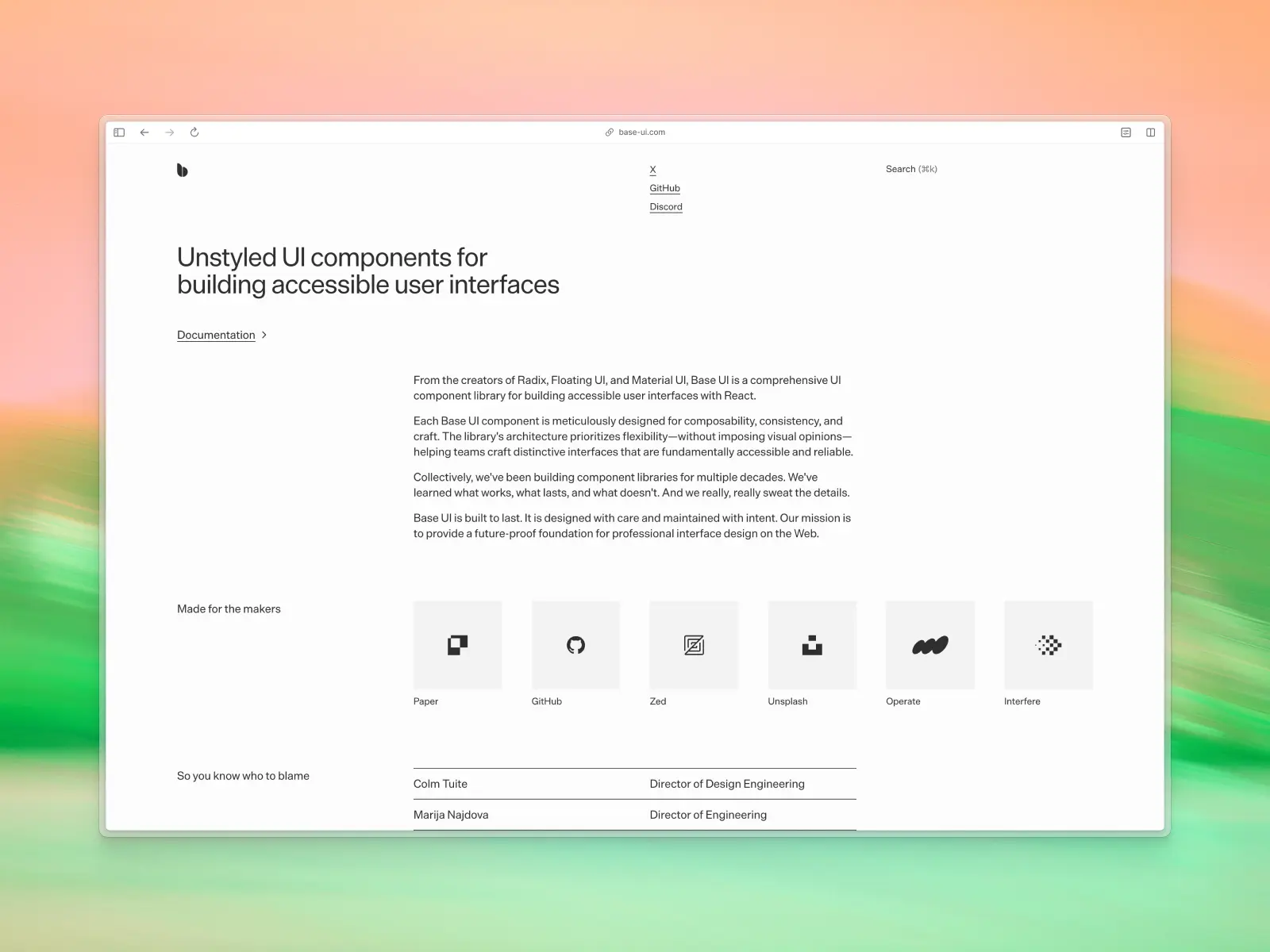
base-ui.com — Open source (MIT) · ★11.1k · npm: ~19.3M/wk
Base UI is an unstyled React component library from the creators of Radix, Material UI and Floating UI, developed by MUI. Its about page lists seven team members: Colm Tuite, Marija Najdova, Flavien Delangle, James Nelson, Jenna Smith, Michał Dudak and Aarón García. It reached v1.0 in December 2025 and is on v1.9.0, released 9 October 2026.
It became shadcn/ui's default primitive layer in July 2026, so new shadcn projects use it unless you choose Radix or React Aria. That's a large distribution advantage.
Base UI key features:
- 37 documented components and 4 utils, focused on application chrome: menus, dialogs, popovers, navigation and form controls.
- Zero CSS and five runtime dependencies.
- A
renderprop on every part that renders an element, accepting an element or a function. eventDetailson change handlers, with 35 typed reasons andcancel().- Markdown docs and an
llms.txtindex for AI tools.
Base UI pros:
- A consistent, part-based API that Radix users pick up quickly.
eventDetailsremoves a class of controlled-state workarounds.- Fewer dependencies: five direct and nine installed in total, against React Aria's eight and 13.
- MIT licensed and shadcn/ui's default.
Base UI cons:
- No dates, colors, table or tree. Calendar and date field primitives are tracked in open GitHub issues, but nothing is public as of v1.9.0.
- No translated strings, so localizing accessible labels and announcements is your job.
- Younger: ten minor releases since 1.0, and community support only, through GitHub and Discord.
What are React Aria Components?
react-aria.adobe.com — Open source (Apache-2.0) · ★15.9k · npm: ~5.9M/wk
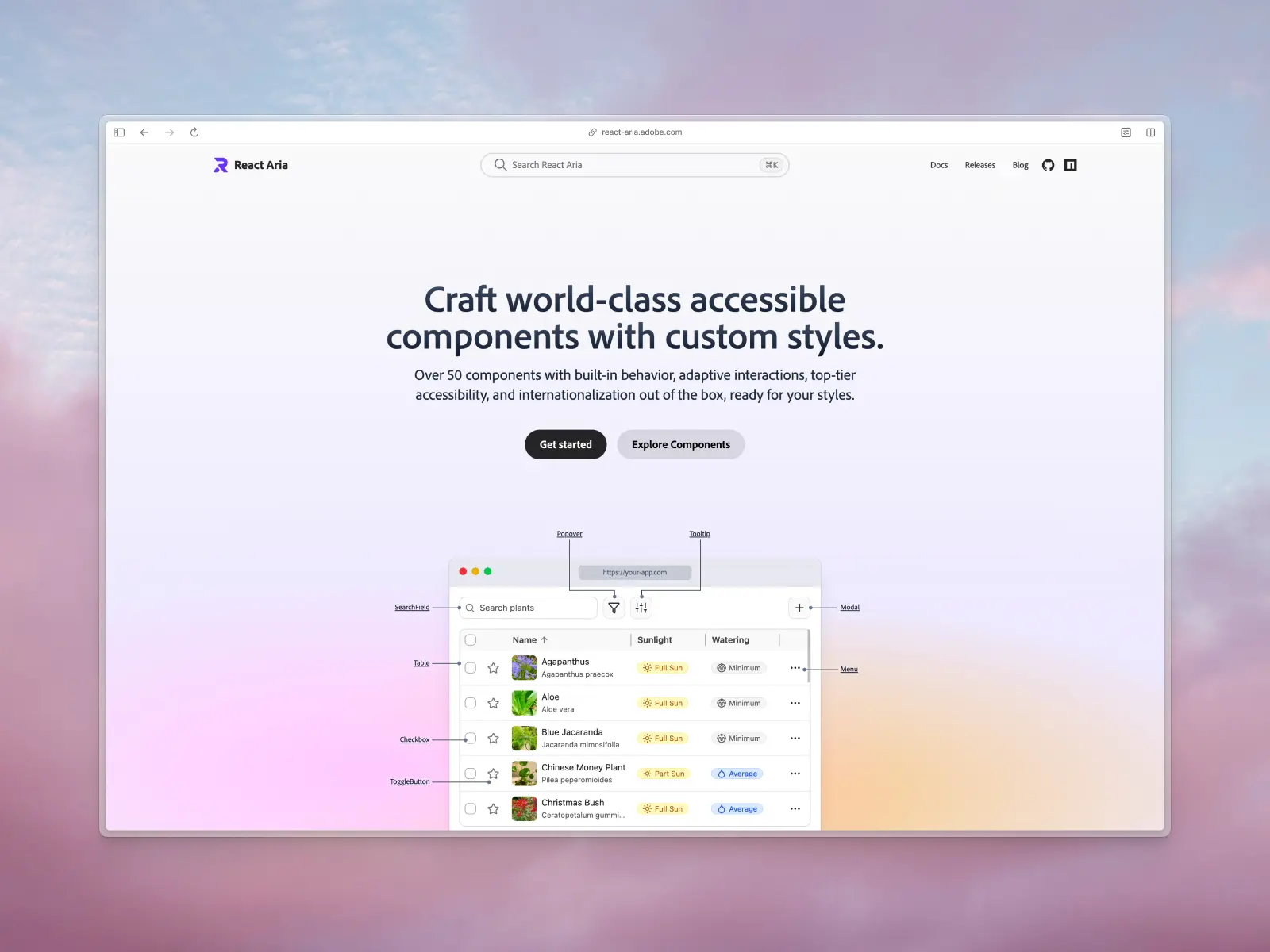
React Aria Components are Adobe's unstyled component library, built on the React Aria hooks that also power React Spectrum, Adobe's React implementation of its Spectrum design system. The hooks reached 3.0 in June 2020; the components reached 1.0 in December 2023 and are on 1.22.1, released 9 October 2026.
That origin explains what makes it distinctive: a long component list, deep internationalization, and interaction handling that normalizes mouse, touch, keyboard and screen reader input.
React Aria key features:
- Over 50 documented components, including 6 date components, 7 color components, Table, Tree, GridList and NavigationTree.
- Zero CSS, with a
react-aria-ComponentNameclass on every component so plain CSS works with no setup. - A
renderprop on every component (since v1.15) and a documented hooks layer underneath:useSelect,useComboBox,useTable,usePress,useFocusRingand more. - 34 locale bundles covering 32 languages and 13 calendar systems, with a bundler plugin that keeps only the languages you ship.
- Accessible drag and drop with full keyboard and screen reader support.
- React 16.8 through 19, a first-party Tailwind plugin, an official MCP server and an agent skill.
React Aria pros:
- Maturity: six years of stable hooks, with 54 minor releases of
react-ariaand 23 of the components since 1.0. - Published testing: a list of the screen readers it's tested with,
@react-aria/test-utils, and years of engineering posts on how components were researched and tested. - The broadest coverage of complex components: dates, colors, table and tree are in the box.
- The deepest internationalization of the two.
- Two layers: when a component's DOM doesn't fit, you drop to the hooks rather than fork.
React Aria cons:
- A larger surface to learn: two layers and 50-plus components.
- No Menubar, Navigation Menu, Scroll Area, OTP Field or Avatar, and Toast is still exported as
UNSTABLE_Toast. - Heavier for one-off simple controls, though lighter across a full set of components (see bundle size below).
Comparison table: Base UI vs. React Aria Components at a glance
Every number checked against the package registries and both documentation sites in October 2026.
Component-by-component comparison
Several components exist in both libraries under different names: React Aria's Disclosure and DisclosureGroup are Base UI's Collapsible and Accordion, React Aria's Modal covers Base UI's Dialog, its ToggleButton is Base UI's Toggle, and its Sheet is Base UI's Drawer.
Base UI is stronger on application chrome: Menubar, Navigation Menu, Scroll Area, Avatar and OTP Field have no React Aria equivalent. React Aria is stronger on data and input complexity: dates, colors, tables, trees, lists, tags and drag and drop have no Base UI equivalent at all.
Those are the categories we ship as finished components on top of it: date pickers, calendars, color pickers, tables, tree views and file uploaders.
Verdict: React Aria Components on coverage, Base UI on app-shell primitives. If your product needs a date picker or a data table, that's decided for you today.
What the code looks like
Here's the same work in both libraries, with styling left out so the structure shows.
A dialog
import { Dialog } from "@base-ui/react/dialog";

export default function Example() {
  return (
    <Dialog.Root>
      <Dialog.Trigger>Open</Dialog.Trigger>
      <Dialog.Portal>
        <Dialog.Backdrop />
        <Dialog.Popup>
          <Dialog.Title>Title</Dialog.Title>
          <Dialog.Description>Description</Dialog.Description>
          <Dialog.Close>Close</Dialog.Close>
        </Dialog.Popup>
      </Dialog.Portal>
    </Dialog.Root>
  );
}import {
Button,
Dialog,
DialogTrigger,
Heading,
Modal,
Text,
} from "react-aria-components";
export default function Example() {
return (
<DialogTrigger>
<Button>Open</Button>
<Modal>
<Dialog>
<Heading slot="title">Title</Heading>
<Text slot="description">Description</Text>
<Button slot="close">Close</Button>
</Dialog>
</Modal>
</DialogTrigger>
);
}Base UI spells out each part: the portal, backdrop and popup are separate pieces you style individually, and the anatomy also offers an optional Dialog.Viewport.
React Aria wires the same behavior through context: Modal portals the dialog and renders the overlay, slot="title" names the dialog, and slot="close" closes it, with no ids or handlers. For alert dialogs, Base UI ships a dedicated AlertDialog; in React Aria it's <Dialog role="alertdialog">.
A select
import { Select } from "@base-ui/react/select";

export default function Example() {
  return (
    <Select.Root>
      <Select.Label>Fruit</Select.Label>
      <Select.Trigger>
        <Select.Value placeholder="Select a fruit" />
        <Select.Icon>▼</Select.Icon>
      </Select.Trigger>
      <Select.Portal>
        <Select.Positioner>
          <Select.Popup>
            <Select.Item value="Apple">
              <Select.ItemIndicator>✓</Select.ItemIndicator>
              <Select.ItemText>Apple</Select.ItemText>
            </Select.Item>
            <Select.Item value="Banana">
              <Select.ItemIndicator>✓</Select.ItemIndicator>
              <Select.ItemText>Banana</Select.ItemText>
            </Select.Item>
            <Select.Item value="Cherry">
              <Select.ItemIndicator>✓</Select.ItemIndicator>
              <Select.ItemText>Cherry</Select.ItemText>
            </Select.Item>
          </Select.Popup>
        </Select.Positioner>
      </Select.Portal>
    </Select.Root>
  );
}import {
Button,
Label,
ListBox,
ListBoxItem,
Popover,
Select,
SelectValue,
} from "react-aria-components";
export default function Example() {
return (
<Select placeholder="Select a fruit">
<Label>Fruit</Label>
<Button>
<SelectValue />▼
</Button>
<Popover>
<ListBox>
<ListBoxItem textValue="Apple">
{({ isSelected }) => <>{isSelected && "✓"}Apple</>}
</ListBoxItem>
<ListBoxItem textValue="Banana">
{({ isSelected }) => <>{isSelected && "✓"}Banana</>}
</ListBoxItem>
<ListBoxItem textValue="Cherry">
{({ isSelected }) => <>{isSelected && "✓"}Cherry</>}
</ListBoxItem>
</ListBox>
</Popover>
</Select>
);
}Base UI separates positioning from the popup (Portal, Positioner, Popup) and gives the selected-item check its own part, Select.ItemIndicator. React Aria composes a Popover and a ListBox, built on the same collection API as its menus, lists, tables and trees, and the check comes from the item's render function. Both can also render items from a data array.
Swapping the rendered element
import type { ComponentProps } from "react";
import { Menu } from "@base-ui/react/menu";
import { Switch } from "@base-ui/react/switch";

function MyButton({ size, ...props }: ComponentProps<"button"> & { size: "sm" | "md" }) {
  return <button {...props} data-size={size} />;
}

export default function Example() {
  return (
    <>
      {/* Element form: compose a part with your own component */}
      <Menu.Root>
        <Menu.Trigger render={<MyButton size="md" />}>Song</Menu.Trigger>
      </Menu.Root>

      {/* Function form: render from state */}
      <Switch.Root>
        <Switch.Thumb
          render={(props, state) => (
            <span {...props}>{state.checked ? "On" : "Off"}</span>
          )}
        />
      </Switch.Root>
    </>
  );
}import type { ComponentProps } from "react";
import { Button } from "react-aria-components";
function MyButton({ pressed, ...props }: ComponentProps<"button"> & { pressed: boolean }) {
return <button {...props} data-pressed={pressed || undefined} />;
}
export default function Example() {
return (
// Function form only: receives the DOM props and the render state
<Button
render={(domProps, { isPressed }) => (
<MyButton {...domProps} pressed={isPressed} />
)}
>
Save
</Button>
);
}Both libraries let you replace the element a part renders, for router links, animation libraries or your own pre-styled components. Base UI accepts an element, merging its props in, or a function of props and state. React Aria added render in v1.15 (February 2026); it takes a function of DOM props and render state, and you must render the element type the component expects.
Intercepting behavior
import { Tooltip } from "@base-ui/react/tooltip";

export default function Example() {
  return (
    <Tooltip.Root
      onOpenChange={(open, eventDetails) => {
        // Keep the tooltip open when its trigger is pressed
        if (eventDetails.reason === "trigger-press") {
          eventDetails.cancel();
        }
      }}
    >
      <Tooltip.Trigger>Save</Tooltip.Trigger>
      <Tooltip.Portal>
        <Tooltip.Positioner>
          <Tooltip.Popup>Save changes</Tooltip.Popup>
        </Tooltip.Positioner>
      </Tooltip.Portal>
    </Tooltip.Root>
  );
}import { Button, Tooltip, TooltipTrigger } from "react-aria-components";
export default function Example() {
return (
// Keep the tooltip open when its trigger is pressed
<TooltipTrigger shouldCloseOnPress={false}>
<Button>Save</Button>
<Tooltip>Save changes</Tooltip>
</TooltipTrigger>
);
}Base UI's eventDetails tells every change handler why it fired, with 35 typed reasons such as trigger-press, outside-press and escape-key, and lets you cancel the change, so the component can stay uncontrolled. React Aria covers the common cases with dedicated props instead: shouldCloseOnPress, isDismissable, isKeyboardDismissDisabled, shouldCloseOnInteractOutside and shouldCloseOnSelect.
Dropping to the hooks
import { useRef } from "react";
import { useButton, type AriaButtonProps } from "react-aria";

export function MyButton(props: AriaButtonProps) {
  const ref = useRef<HTMLButtonElement>(null);
  const { buttonProps } = useButton(props, ref);
  return (
    <button {...buttonProps} ref={ref}>
      {props.children}
    </button>
  );
}
This is the layer Base UI doesn't have. React Aria's components are built on public hooks like useButton, so when a component's DOM can't fit your design, you rebuild the markup and keep the behavior instead of forking. Base UI's closest equivalents are useRender and mergeProps for building your own parts.
How much code each takes is closer than its reputation suggests. We built 15 common components in both libraries from each library's docs, with the same features and no styling, then type-checked them and ran them in Chrome.
Excluding imports, React Aria's versions came to 237 lines against Base UI's 280, and were shorter or equal in every component. Counting imports, Base UI's were shorter, 299 lines against 325, because React Aria imports each part by name. Either way the difference is under 20 percent.
Verdict: close on day-to-day ergonomics. React Aria gets the edge for its hooks layer and a longer track record of the same patterns in production; Base UI's eventDetails is the more general tool for intercepting behavior.
Maturity, team and testing
This is where React Aria's head start shows.
- Maturity. React Aria's hooks reached 3.0 in June 2020, and the
react-ariapackage has shipped 54 minor releases in its 3.x line. React Aria Components reached 1.0 in December 2023 and has shipped 23 minor releases. Base UI reached 1.0 in December 2025 and has shipped 10. - Team. React Aria is built by Adobe's React Spectrum team. For its date and time pickers, the team describes working "together with the Adobe Spectrum design, accessibility, internationalization, and product teams to meticulously research, design, test, and iterate on our components". The adobe/react-spectrum repository has had 542 contributors since 2019. Base UI is developed by MUI; its about page lists seven team members, and mui/base-ui has had 330 contributors since 2024.
- Testing. React Aria publishes the screen readers it tests with and ships
@react-aria/test-utils(currently a release candidate), with testers for 11 component patterns. Its blog documents the research and testing behind individual components: - Building a Button (2020, in three parts): press, hover and keyboard focus behavior across mouse, touch, keyboard and screen readers.
- Creating an accessible autocomplete experience (2021): the combobox was "tested with screen readers across desktop and mobile devices, and with many different input methods".
- How we internationalized our number field (2021).
- Date and Time Pickers for All (2022): every date and time picker component "tested across desktop and mobile devices".
- Taming the dragon: Accessible drag and drop (2022): the result of "years of research, development, and extensive testing across many devices and assistive technologies".
- Creating a pointer-friendly submenu experience (2024), Accessible Color Descriptions for Improved Color Pickers (2024), Improving Internationalization Support in Our Date and Time Components (2025) and Scrolling is All You Need: Building a Swipeable Sheet (2026).
Base UI says its components are "tested on a broad spectrum of browsers, devices, platforms, screen readers, and environments", but doesn't publish which ones, or the research behind individual components.
Verdict: React Aria. Six years of stable hooks, a dedicated Adobe team working with design, accessibility and internationalization specialists, and a public record of how its components were tested.
Which has better accessibility, Base UI or React Aria?
Both follow the WAI-ARIA Authoring Practices and both are genuinely accessible. The difference is how far each goes and what each publishes.
Base UI handles roles, ARIA attributes, pointer interactions, keyboard navigation and focus management, and it's candid about what stays with you: "it's the developer's responsibility to visually indicate focus." React Aria's docs say the same about focus rings, contrast and target sizes, as any headless library must.
React Aria goes further into interaction behavior. It normalizes press, hover and focus across mouse, touch, keyboard and assistive tech, which is why its buttons don't leave sticky hover states on mobile. It lists the screen readers it tests with: VoiceOver on macOS (Safari and Chrome) and iOS, JAWS and NVDA on Windows (Firefox and Chrome), and TalkBack on Android (Chrome).
Verdict: React Aria, on interaction breadth and published evidence.
Internationalization
React Aria ships translated strings for its built-in labels and announcements in 34 locale bundles covering 32 languages (we counted them in the 1.22.1 package), formats and parses dates and numbers per locale, and supports 13 calendar systems through @internationalized/date.
It detects the user's locale and derives reading direction from it, so keyboard navigation reverses in right-to-left languages without extra setup. If you ship fewer languages, @react-aria/optimize-locales-plugin drops the rest from your bundle.
Base UI ships no translated strings. Its components accept locale props for Intl formatting and filtering, and its DirectionProvider switches keyboard behavior to RTL when you set it explicitly. The translations are yours to supply.
If your product is English-only, this section won't decide anything. If you ship to several locales, it probably decides everything.
Verdict: React Aria, decisively.
Styling and animation
Neither library ships CSS. Both expose state as data attributes, accept a function of state for className, and set CSS variables for geometry: Base UI's popups expose --available-height and --anchor-width, and React Aria's Popover exposes --trigger-width and --trigger-anchor-point and sets its own maximum height.
React Aria also adds a default react-aria-ComponentName class to every component, so plain CSS works before you've written a className, and an optional first-party Tailwind plugin that turns data-[pressed]: into pressed:.
Both handle exit animations by keeping an element mounted until its transition ends. Only the attribute names differ:
.Popup {
  transition: opacity 150ms;
}
.Popup[data-starting-style],
.Popup[data-ending-style] {
  opacity: 0;
}.react-aria-Popover {
transition: opacity 150ms;
}
.react-aria-Popover[data-entering],
.react-aria-Popover[data-exiting] {
opacity: 0;
}Base UI's docs recommend transitions over keyframes because "a transition can be smoothly cancelled midway". React Aria supports both transitions and keyframe animations, and works with animation libraries like Motion.
Verdict: a tie, with an edge to React Aria for plain CSS that works out of the box.
Forms and validation
Both build on native constraint validation, both accept server errors on the form (errors in Base UI, validationErrors in React Aria) and display them like client-side errors, and both document React Hook Form. Base UI also documents TanStack Form; React Aria also documents schema validation with Zod, React Server Functions and React Router actions.
Verdict: a tie.
Bundle size and dependencies
On disk, Base UI is the smaller install: 9 packages and 12.0 MB including dependencies, against 13 packages and 30.7 MB for React Aria Components, React excluded. What your users download depends on your component mix and bundler, so we measured equivalent components, minified and gzipped, with React excluded (Rollup 4):
Single simple controls are much lighter in Base UI. Across a full set, React Aria is lighter because its components share one set of internals, and lighter still with its locale plugin.
With esbuild, which can't tree-shake Base UI's part namespaces, the 14-component totals were 129.4 KB for Base UI and 100.1 KB for React Aria. Date code costs nothing unless you use it: @internationalized/date contributed 0 bytes to every React Aria bundle we built.
Verdict: Base UI for a handful of simple controls, React Aria across a full component set. Measure your own build.
Ecosystem and long-term support
Base UI's reach comes through shadcn/ui: as the default base since July 2026, a large and growing amount of Base UI code is being generated and published. React Aria's reach comes through Adobe and the libraries built on it, including our own Untitled UI React and HeroUI. shadcn/ui also added it as a first-class base in July 2026, so npx shadcn@latest init --base aria gets you React Aria underneath.
The backing differs too. Base UI is developed by MUI, a company that also sells MUI X. React Aria is developed by Adobe as the foundation of its own design system. Neither is a red flag, but for a five-year design system, six years of stable releases from a dedicated team inside a very large company is the stronger longevity signal.
Verdict: Base UI on current reach, React Aria on maturity and longevity.
Can you use both?
Yes. The usual case is a shadcn/ui project on Base UI that needs a date picker, data table or color picker. Scope React Aria to the components that need it and keep them in their own directory, since the two libraries' state attributes differ ([data-starting-style] in Base UI, [data-entering] in React Aria).
If you're on shadcn/ui, initializing with --base aria gives you React Aria implementations of the same components instead of two primitive layers side by side.
Conclusion
Both are excellent headless libraries, and most teams will succeed with either. Two questions decide it.
Do you need dates, colors, tables or trees? Then React Aria Components. Base UI doesn't ship them.
Do you ship in more than one language? Then React Aria again. 34 locale bundles and 13 calendar systems aren't something you replicate on a deadline.
If both answers are no, either will do the job. Base UI has Menubar, Navigation Menu, Scroll Area, OTP Field and Avatar, fewer dependencies, an MIT license, eventDetails and shadcn/ui's default slot. React Aria has the hooks layer, the published testing record and six years of maturity.
A simple mental model:
- Need a date picker, calendar or time field? Pick React Aria Components.
- Need a data table, tree or list with selection? Pick React Aria Components.
- Need color pickers? Pick React Aria Components.
- Shipping in multiple languages? Pick React Aria Components.
- Want the most mature option, with published testing? Pick React Aria Components.
- Need a menubar, navigation menu, scroll area, OTP field or avatar? Pick Base UI.
- Building with shadcn/ui? Base UI is its default base, so it's what new projects and the docs use. Pick Base UI.
- Want the fewest dependencies and one general mechanism for intercepting behavior? Pick Base UI.
- Still on React 16.8? Only React Aria Components supports it.
- Want the behavior layer without doing the design work at all? Use a library built on these: Untitled UI React on React Aria, or shadcn/ui on Base UI or React Aria.
Whatever you choose, build one real component with each before you commit. An afternoon with a Select tells you more than any comparison table, including this one.
For a wider view, see our roundup of the best React UI component libraries in 2026, Untitled UI React vs. Base UI and Untitled UI React vs. React Aria Components.
Corrections
Updated 16 October 2026. An earlier version of this article treated the render prop as unique to Base UI, said React Aria has no equivalent of Base UI's CSS variables, said it takes more code than Base UI for equivalent work, and listed React 17 support as a Base UI advantage.
React Aria has had a render prop since v1.15 (February 2026), exposes its own CSS variables, and supports React 16.8 through 19, and in our measurements the two libraries need about the same amount of code.
We've also added code samples and React Aria's testing record, corrected how its drag and drop works, removed an unsupported claim about which Adobe products use it, and updated every number to October 2026. Thanks to the React Aria team for the corrections.
More best practice guides
This post is an excerpt from Untitled UI Figma, world's largest Figma UI kit and design system. Untitled UI includes tips and best practices right in the Figma file to help you level up as a designer. You can preview Untitled UI Figma here.
Untitled UI Figma is meticulously crafted with 100% Auto Layout 5.0, super-smart variants, Figma's newest variables features, and with accessibility in mind.
It's a great example of Figma design system best practices and is the most popular and highest-rated Figma UI kit on the internet with 3,650+ 5-star reviews!
We've also released Untitled UI Figma PRO LITE, which is a premium and lightweight version of the full Untitled UI Figma PRO STYLES kit and have included it for free. It's 55% lighter, faster, and is designed to include everything you need and nothing you don't. It's perfect for moving fast and for smaller projects!
Untitled UI was designed to be the "ultimate" UI kit and the perfect starting point for any kind of project—from beautiful marketing landing pages, all the way to complex dashboards and web apps—Untitled UI has thought of absolutely everything so you don't have to.
We're constantly making updates and improvements to the UI kit and recently announced that we've completely refactored Untitled UI to take advantage of Figma's latest features released at Config 2023, Framework 2024, Config 2024, Config 2025, and Config 2026. This includes all the latest Figma features such as color variables (dark mode), spacing, radius, typography, and effects variables, Auto Layout 5.0, min/max widths, Auto Layout wrapping, and much more.
You can check out a full preview of the design kit, or check out the 100% free UI kit here (which is more advanced than most UI kits in its own right!). If you're short on time, here's a 60-second overview: