










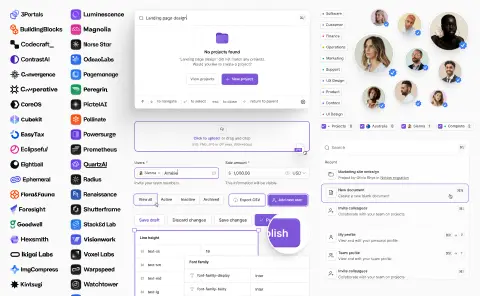

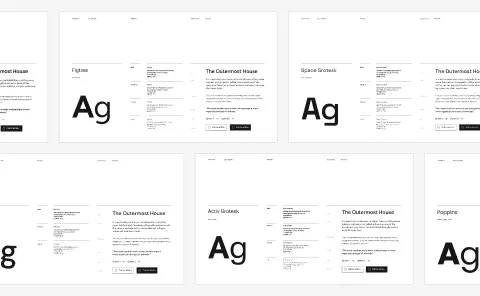

Figma color picker components


Color picker design in Figma: swatches, sliders, and value inputs
A color picker turns up wherever a product lets someone make something their own: theme settings, chart and label colors, calendar categories, a CMS editor, the brand panel of a website builder. It is also one of the few controls where the value is the interface, so a picker that looks slightly wrong makes every color chosen through it look slightly wrong too.
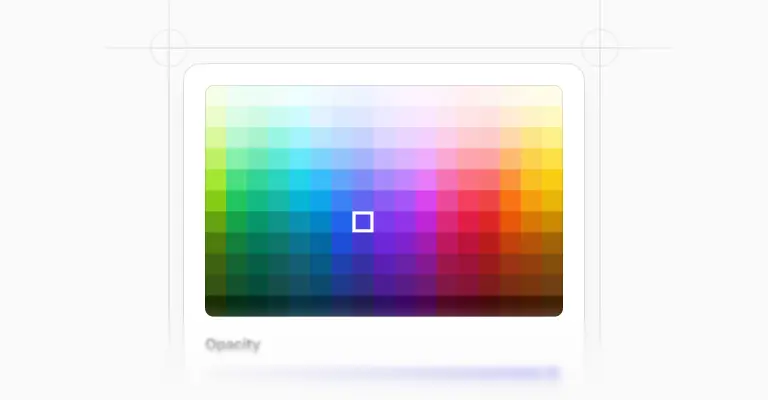
The 6 color picker components and 26 variants above cover the full range, from a two-row swatch grid to a spectrum with hue and transparency sliders.
Offer swatches first and the spectrum second
Most products do not want users choosing any color at all. A support agent picking a tag color, a marketer setting a chart series, an admin labelling a project: all of them are better served by a constrained grid than by a saturation square where 90% of the results clash with the rest of the product.
This set is built for that opinion. Brand swatches, gray swatches, and saved swatches in two sizes exist as their own variants, alongside a minimal picker for cases where the grid is the entire control.
Keep the full spectrum for the one place that genuinely needs it, usually behind a Custom option. Your color styles already define the palette worth offering.
Solid, gradient, and image
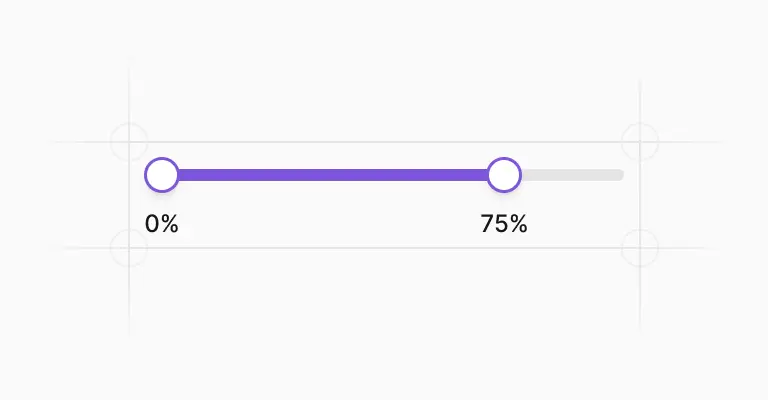
When you do need the real thing, three picker bodies cover it. The solid color picker pairs a color area with hue and transparency sliders, and those two sliders also exist as standalone 312px components, so you can drop just the transparency control into a panel with no room for the rest.
The gradient stops picker handles multi-stop gradients and comes with its own input type for editing a single stop. And there is an image upload version, for pickers that take their color from an image the user provides.
Every swatch has default, hover, and focused states, and the draggable handle exists in two forms, a 20px one for the color area and a 16px one for the sliders, so the two never get confused for each other.
Six color models in one input row
Underneath sits a 280 by 36 pixel input row that switches between hex, RGB, HSL, HSB, CSS, and gradient stop values. That mirrors what designers already have in front of them, since Figma’s own picker supports five color models through the same kind of dropdown.
Which one you show by default is worth an actual decision rather than a default: hex is what people paste from a brand guide, RGB is what they paste from a screenshot tool, and HSL is the only one where dragging a single number produces a predictable result.
Ship hex, keep the others one click away, and accept pasted values with or without the leading hash. The input field styles are shared with the rest of the kit, so validation states look the same here as everywhere else.
Trigger, dropdown, or modal
The picker has to attach to something, and the trigger family covers six: a 20px swatch, a 28px swatch, a swatch button, a swatch link, a hex input, and a select-style field, each with open and closed states. For the heavier cases there is a full modal version in 1,440px desktop and 375px mobile layouts.
One thing no picker can do for you: WCAG asks for 4.5:1 contrast on body text, and a user who picks a pale yellow for a label will produce unreadable text unless your design does something about it. Showing the contrast ratio next to the value is cheap and it prevents the support ticket.
When it is time to build, the same pickers exist in code. Untitled UI React color pickers are open source, built with Tailwind CSS and React Aria, with color area and slider dragging, keyboard adjustment, and value parsing handled for you.
Frequently asked questions
Should a color picker use hex, RGB, or HSL by default?
Hex, in almost every product. It is what people copy out of brand guidelines and what they recognise on sight.
Keep RGB, HSL, HSB, and CSS available through the model switcher for the users who need them, and make the field accept a pasted value with or without the hash. HSL earns its place in editors where people nudge a value up or down rather than pasting one in.
How do I prototype a color picker in Figma?
Swap variants rather than simulating a drag. Wire the trigger to the open state, then use “change to” interactions between swatch selections so choosing a color visibly updates the trigger.
Dragging inside a saturation area cannot be faked convincingly, and a click-to-pick prototype tests the flow just as well as a fake drag would.
Do I need a full spectrum picker in a product UI?
Usually not. Unlimited color in a product interface mostly produces choices that fight your own palette, and the users making them rarely want that freedom in the first place.
Lead with brand and gray swatches, add saved swatches so people can reuse what they picked before, and put the spectrum behind a custom option for the minority who need it.
Are these color picker components included in the free version?
The color pickers are part of the paid Untitled UI Figma kit. See pricing for what's included.
The 100% free Figma UI kit covers the core components of the same system, so you can check the styling and structure before deciding.
Is there a React version of these color pickers?
Yes. Untitled UI React color pickers are open source, built with Tailwind CSS and React Aria, and mirror these Figma components.
Keyboard-operable sliders and color areas for users who cannot drag are built in.
Foundation Figma components and styles
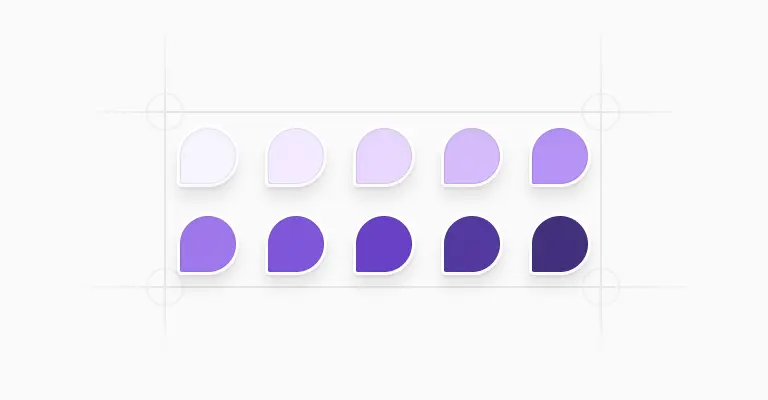
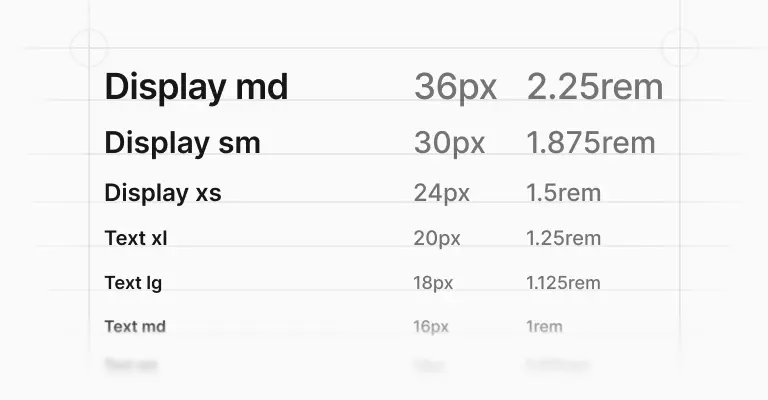
Figma base components







Shared Figma assets





Application UI/Dashboard examples
Application UI/Dashboard Figma components













Marketing website examples


















What is Untitled UI?



















Untitled UI is the best $ I've spent on my business in a long time. I'm going to keep using it and recommending it to every designer I know.


Over the years we've featured hundreds of UI kits on UXCrush, but Untitled UI is by far the most comprehensive and detailed I've seen yet. A must have for any designer!

I've used all UI kits on the market. I can say without a doubt that the Untitled UI kit is the best on the market. It covers everything a designer needs in a modern and efficient way.

Incredible, and keeps getting better. I’ve tried dozens of UI kits and Untitled UI is the only name you should care about. It stands head and shoulders above the rest.

Such a beautiful, detailed, and extensive UI kit. Untitled UI is the perfect foundation for any project. I highly recommend this huge time saver.

Untitled UI has been an amazing resource that I'm learning to rely upon to spin up ideas in no time. I think I might launch a startup pretty soon by mistake here!

The sheer scale, details, and organization of this kit is mind-blowing. It covers nearly everything a Designer could need in a modern, efficient and systematic way.

I'm super impressed with this. I love poking around in other peoples UI Kits to see how they think. This is probably one of the most comprehensive I've seen.

I'm super excited to use this for quick mockups of ideas in Figma. We're always trying to streamline our design process so we can move fast! Definitely recommend.

Untitled UI is easily the best UI kit I've used so far. It has an insane amount of components that are all incredibly well-built. I don't even know how many hours this will save.

The attention to detail and thought Jordan has put into this UI kit is unparalleled.

Untitled UI is incredibly well-organized and the attention to detail is great. I highly recommend this kit to any designer that wants to create beautiful designs fast.

What an awesome Figma kit... it's an absolute game changer. This is the perfect base for any design system. The size and attention to detail is next level.

We've been using Untitled to build Himalayas 2.0 and have finished a complete redesign in just a few days. It has everything we need already pixel-perfect.