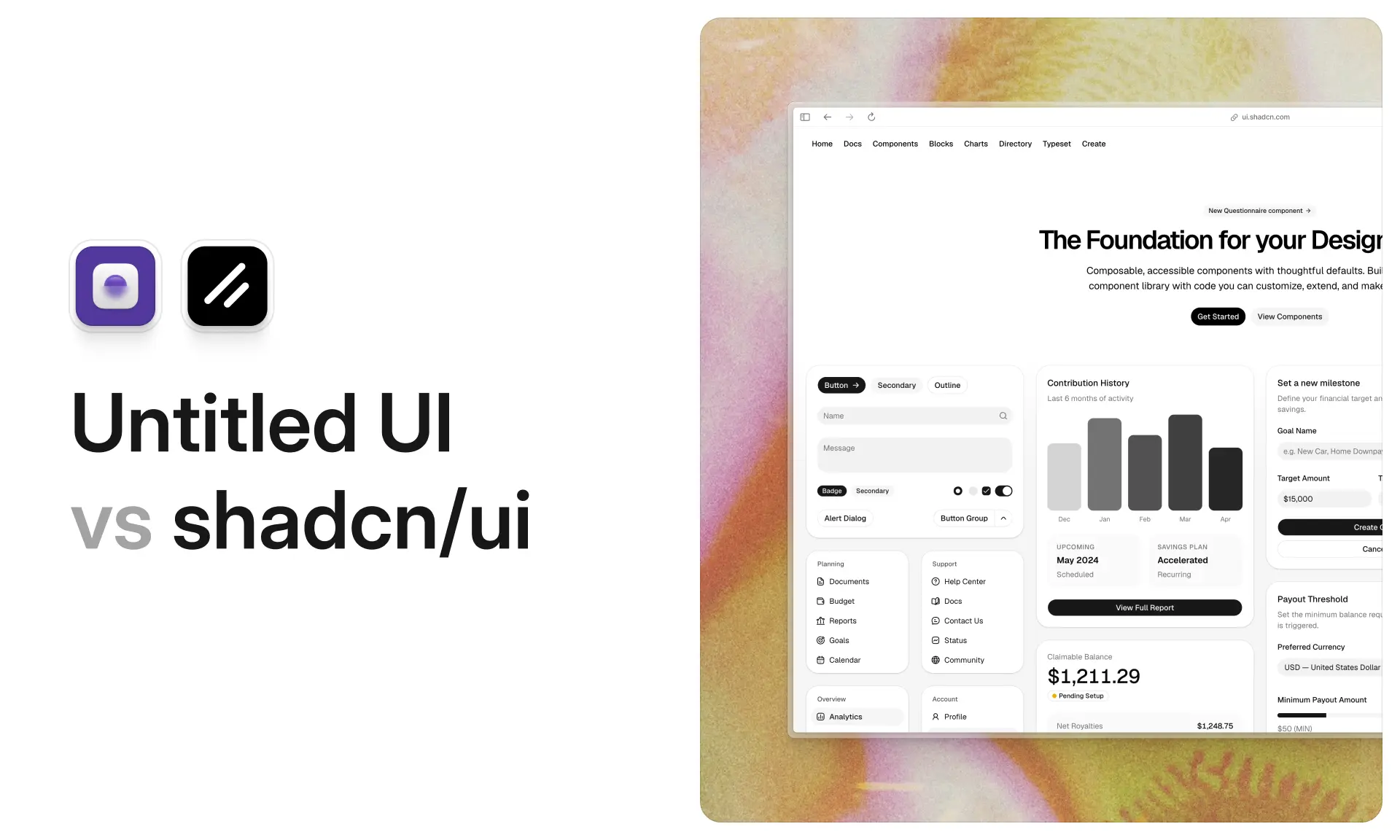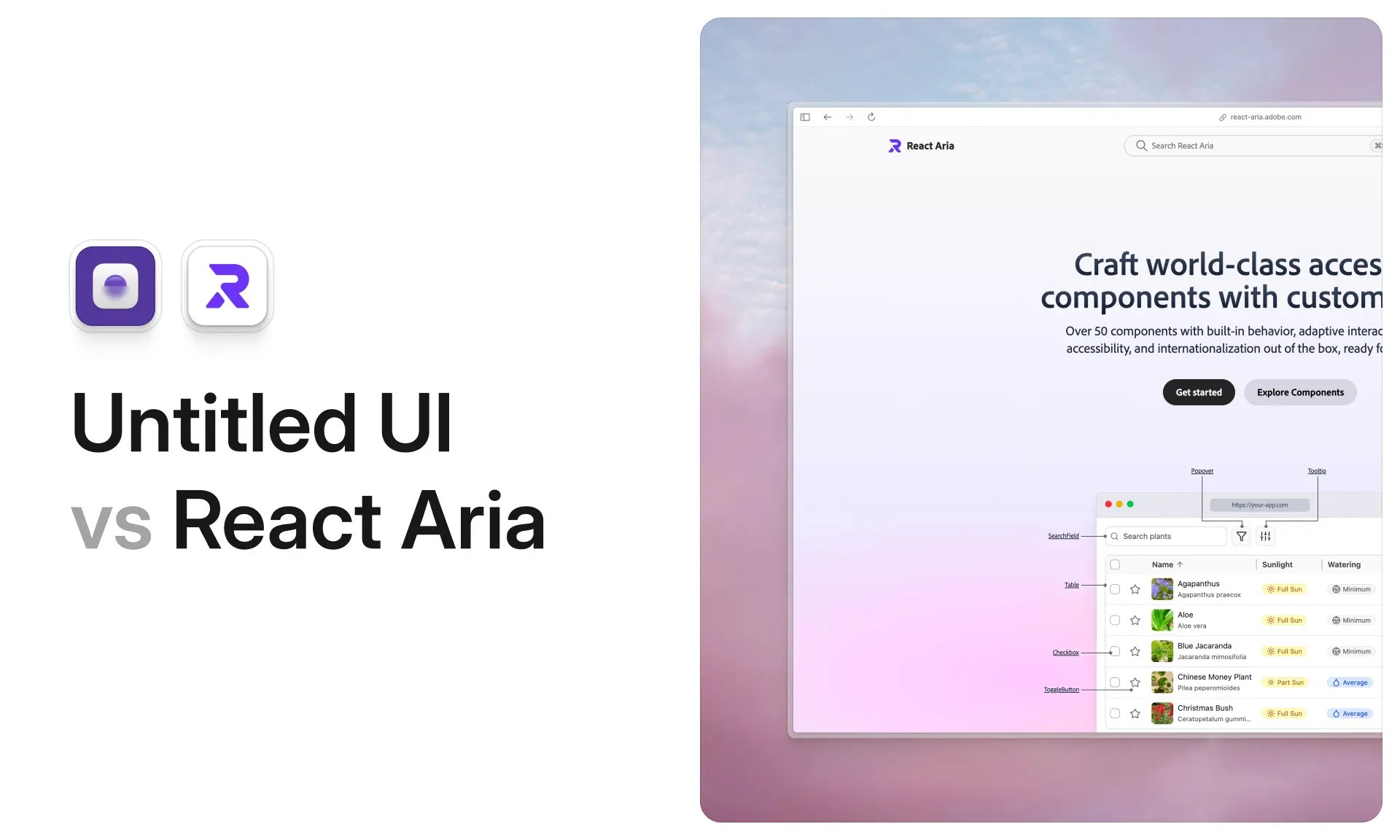














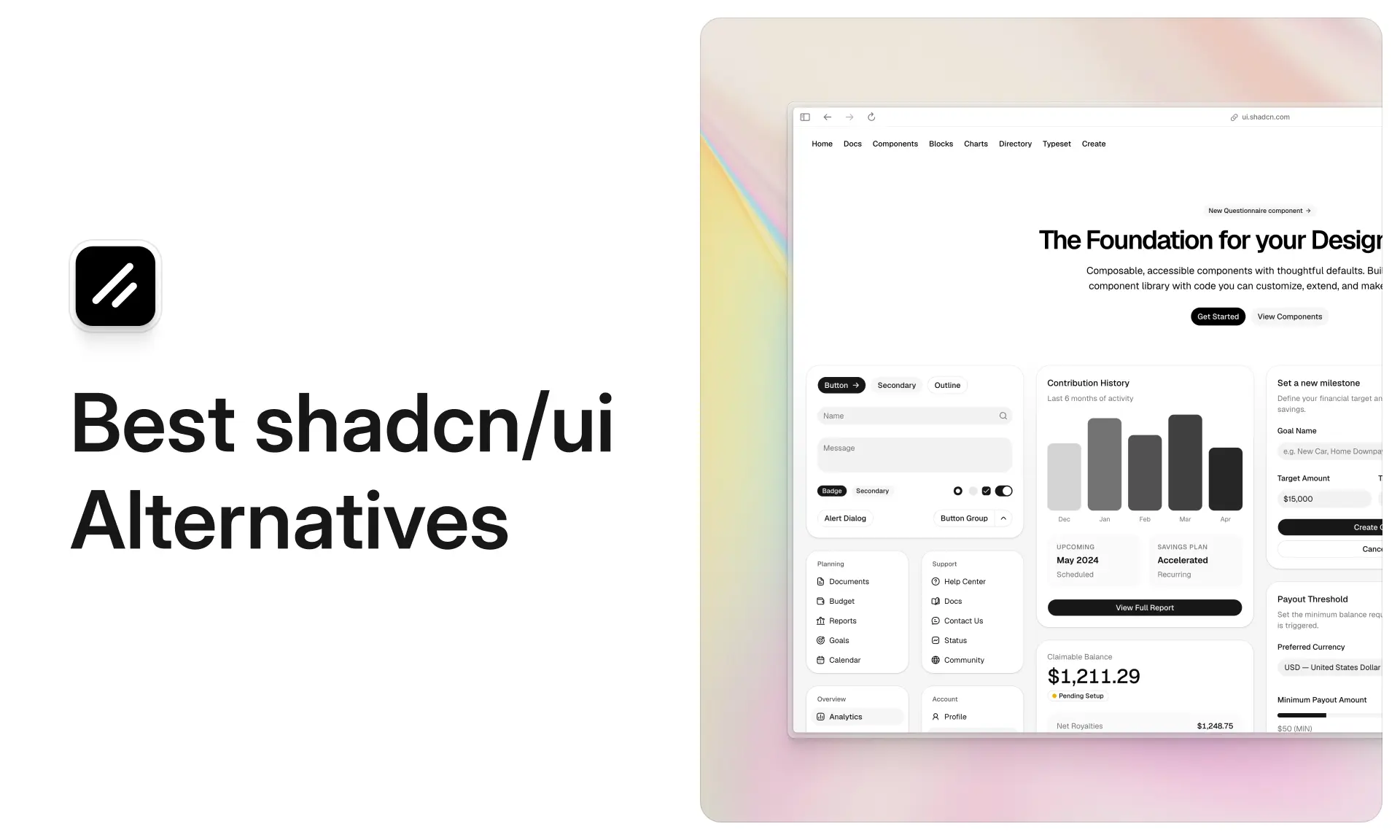
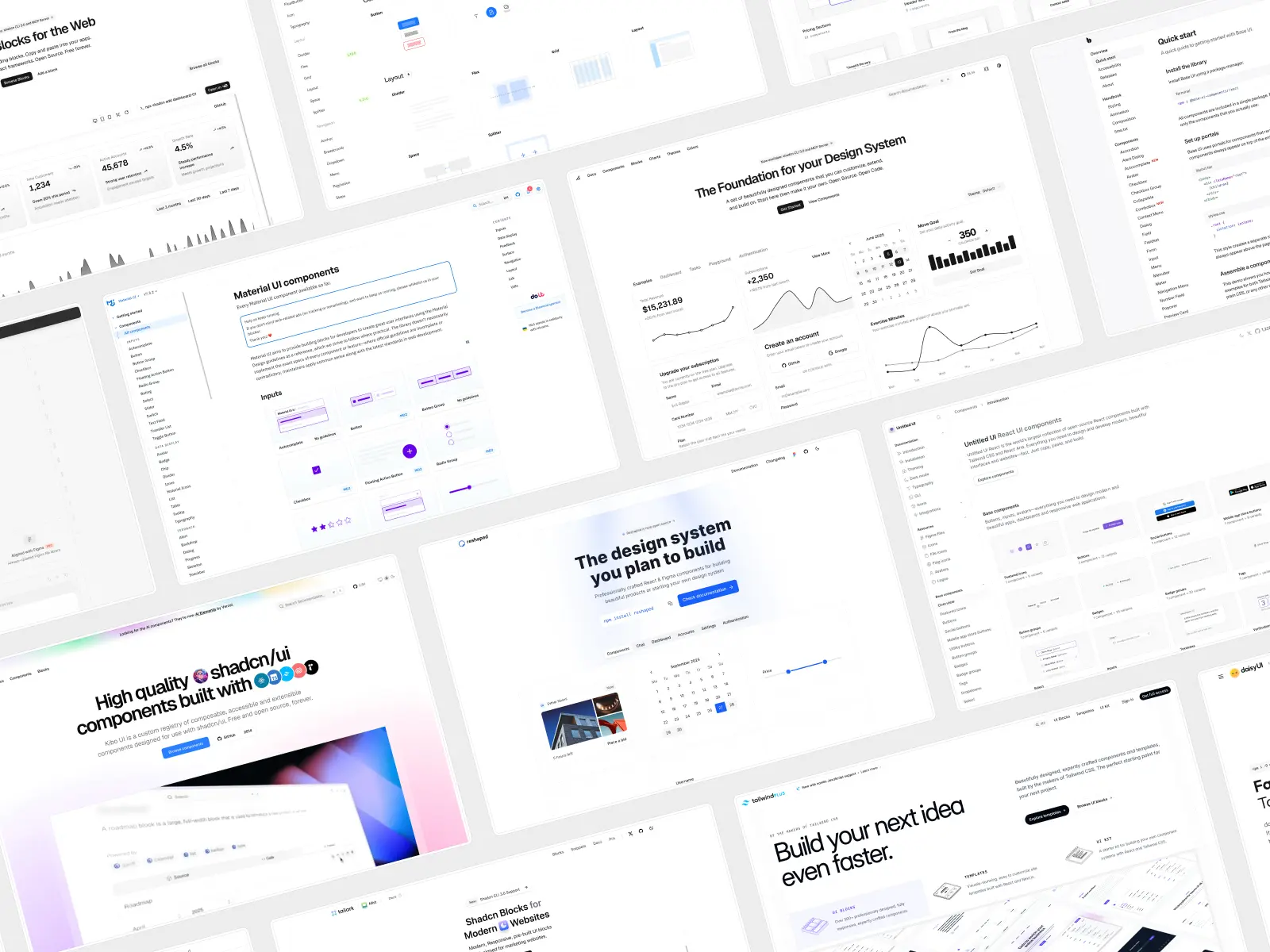
shadcn/ui has grown in popularity dramatically in the last few years. It has 123,709 GitHub stars, its CLI does over 7.3 million npm downloads a week, and it's the default output of v0, Lovable, Bolt, Cursor and Claude Code. If you asked a React developer to name a component library in 2026, this is the one they'd name.
So why would you look for an alternative?
Usually for one of three reasons. Your product looks like every other product, because half the internet ships the same default styling. You've hit the ceiling on finished pages: around 60 blocks, 32 of which are calendar variants, and exactly one dashboard. Or you've realized that "copy the code" also means "own the maintenance," and you'd rather have a package that updates itself.
None of those are reasons to avoid shadcn/ui. It's genuinely excellent, it's free, and for a large number of projects it remains the right answer. But it isn't the right answer for every project, and the alternatives are better than they were a year ago.
One disclosure before we start: we build Untitled UI React, which is number one on this list. We've said why it's there, we've listed its real drawbacks alongside everyone else's, and we've recommended other libraries where they genuinely win. Every other list you'll find on this query does the same thing without telling you.
What are the best shadcn/ui alternatives in 2026?
The best shadcn/ui alternatives in 2026 depend on which layer you need. For finished design systems: Untitled UI React, Mantine, MUI, HeroUI and AlignUI. For headless primitives: Base UI and React Aria Components. For multi-framework and CSS-only: Preline UI, Flowbite and daisyUI. Most teams leave shadcn/ui because 64 base components and no first-party Figma kit means building the rest themselves.
The full list of React UI component libraries, in the order we'd consider them:
- Untitled UI React — a finished design system with real page examples. Copy-paste, free or from $349.
- Base UI — going one layer down, keeping the same foundation. Package, free, MIT.
- React Aria Components — the widest primitive coverage and deepest i18n. Package, free, Apache-2.0.
- Mantine — a batteries-included package you don't own. Free, MIT.
- MUI — enterprise data grids and a decade of mileage. Free core, MUI X from $299/dev/yr.
- HeroUI — React Aria and Tailwind as a package, with React Native. Free, MIT, Pro from $299.
- Preline UI — HTML-first teams and non-React stacks. Free or from $350.
- Flowbite — Vue, Svelte and Angular projects. Free core, Developer edition $299.
- daisyUI — framework-agnostic, class-based, no JavaScript. Free, MIT.
- AlignUI — dashboards matched to a Figma kit. Free tier, Figma from $119, code from $299.
Key takeaways
- Segment by layer before you compare. Most "alternatives" lists mash headless UI primitives, CSS plugins, packaged UI libraries and copy-paste systems together, which makes them useless.
- If your only complaint is coverage, don't migrate. Add a registry like Tailark or 21st.dev. It's a far smaller change.
- If your complaint is that everything looks the same, extensions won't fix it. The blocks look the same too.
- shadcn/ui no longer means Radix. Base UI became the default in July 2026, with React Aria added as a third base. Two of the alternatives on this list may already be in your project.
- Only four options here have a first-party Figma kit: Untitled UI React, Flowbite, Preline UI and AlignUI. MUI sells one separately.
What shadcn/ui does well, and where it runs out
Before the alternatives, it's worth being precise about what you'd give up. shadcn/ui isn't a legacy library anyone is fleeing: it shipped more in the last twelve months than most React component libraries ship in five years, and its components are the most widely deployed in the React ecosystem.
shadcn/ui key features:
- Open code by default, unlike most React UI component libraries: each component arrives in your repo as a plain TypeScript file, so reading, diffing and rewriting it is up to you.
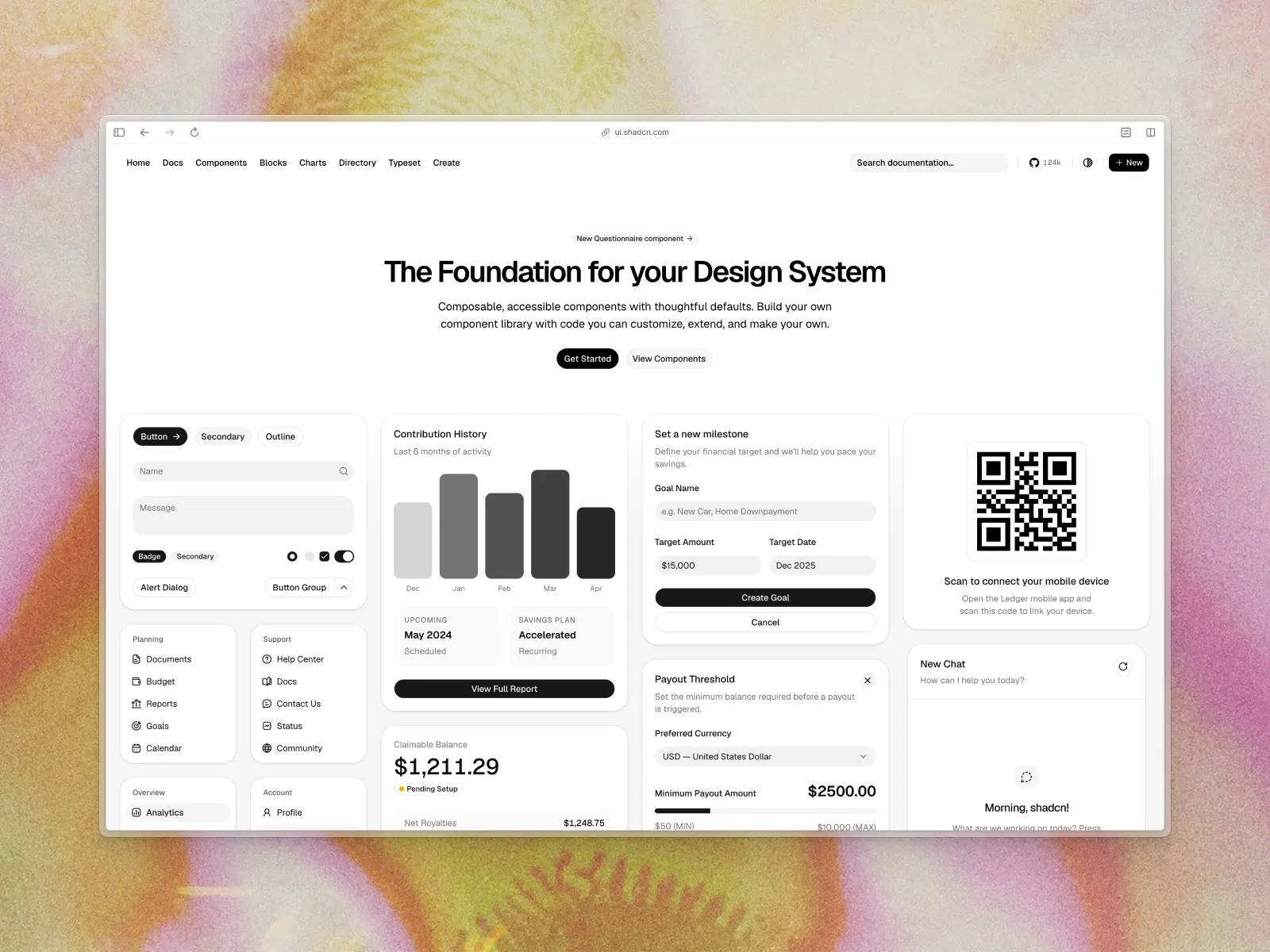
- 64 core components: accordions, dialogs, sidebars, charts, command menus, a new chat set, and a Questionnaire component for multi-step flows.
- Three primitive layers: Base UI became the default in July 2026, with Radix still fully supported and React Aria added as a third option in the same month.
- Eight built-in styles: Nova, Vega, Maia, Lyra, Mira, Luma, Sera and Rhea.
- A real registry protocol: namespaced and GitHub registries, including private ones since August 2026, mean thousands of community components install through the same CLI.
- MIT licensed, all of it: no PRO tier, no seat counting, usable in commercial React applications without a conversation.
shadcn/ui pros:
- Completely free and MIT licensed, forever, with no upsell.
- The best distribution system in the category:
registry.json, namespaced registries, presets, and--dry-run,--diffand--viewflags. - Every AI tool already knows it, so generating shadcn ui components is easy, which is worth more than any documentation.
- Excellent docs, and best practices documented rather than implied: clear, current, versioned per primitive layer, with an
llms.txtfor agents. - Enormous community: whatever you hit building React applications, someone hit it first and wrote it up.
shadcn/ui cons:
- Ubiquitous design. Without real development time spent on customizing, shadcn/ui projects look generic, since the default styling ships in v0, Lovable, Bolt and half of Product Hunt. Eight styles are on offer and they help, but those same eight styles are on offer to everyone.
- Very few finished pages. You get no marketing sections at all, no pricing tables, and exactly one dashboard block. The total is around 60 blocks, yet calendar variants account for 32 of them and sidebars for another 16.
- You still have to design it. shadcn/ui gives you well-built primitives with sensible defaults. Turning 64 shadcn ui components into a coherent product still costs your team weeks of development time.
- No official Figma UI kit. The Figma page states plainly that "the Figma files are contributed by the community," so there's no guarantee of parity or update cadence.
- Composition across registries is on you. Pulling a hero from one registry, a chart from another and an animation from a third leaves three subtly different design languages in one app, and the user experience shows it.
- An architectural decision up front. Three primitive layers is flexibility, but components from third-party registries may assume a different base than the one you picked.
Should you migrate at all?
Worth answering before the list, because for a lot of teams the answer is no. The best of the React component libraries below won't help if your real problem is a missing block.
If your shadcn ui components work and your only complaint is missing pieces, a registry solves it in an afternoon and a migration costs a month. The shadcn CLI installs from any registry, so adding pre-built components from Tailark or Kibo UI is a small change that leaves your development process untouched.
Migrate when the problem is structural rather than a gap in coverage, because structural problems compound as the app grows. Three justify it: the design language is wrong for your product, you need page-level coverage that doesn't exist in this ecosystem, or you want to stop owning files.
Everything else is a registry install. The most expensive mistake here is treating "we need more components" as a reason to change foundations, and the second is rebuilding a working development process to fix one screen.
Comparison table: the 10 best shadcn/ui alternatives
Every library on the list side by side, in the same order as the reviews below. If you already know what you're after, this is the fastest way to find it.
How we chose the best shadcn/ui alternatives
There are hundreds of React UI component libraries, and a large share of them are shadcn/ui registries rather than alternatives to it. We've been strict about that distinction, because installing Tailark or Magic UI through the shadcn CLI isn't replacing shadcn/ui. It's using more of it.
Our criteria:
- A genuine alternative, not an extension. Every one of these UI libraries can be the foundation of a project without shadcn/ui installed. The ones that extend it are covered separately below.
- Solves something shadcn/ui doesn't: distinctive design, page-level coverage, multi-framework support, a maintained Figma kit, or the traditional component library model of pre-styled components behind an API. A library that does the same thing slightly differently didn't make the list.
- Genuine design taste. The most common reason people leave shadcn/ui is that everything looks the same. We excluded React component libraries that are functionally fine but visually dated, and checked dark mode on every one.
- Active maintenance. Every one of these UI libraries shipped a release in 2026.
- Accessibility standards. WCAG and WAI-ARIA aren't optional, and accessibility best practices should be in the components rather than on your to-do list.
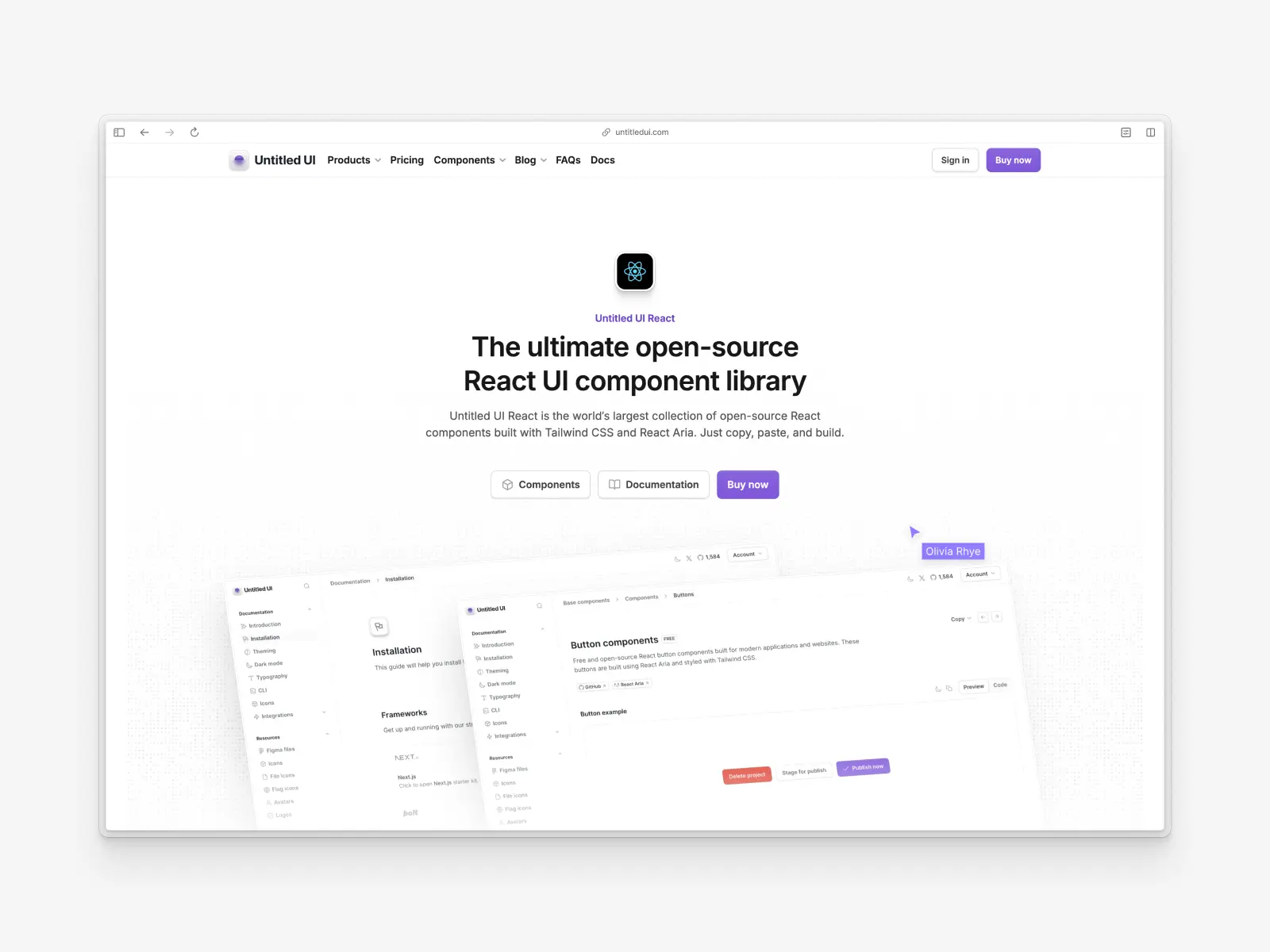
1. Untitled UI React
untitledui.com/react — Open source + paid from $349 (lifetime access) · ★1.9k
Untitled UI React is the world's largest collection of open-source React components, built with Tailwind CSS v4.3, React Aria v1.20 and TypeScript v5.9, and it's the closest thing here to a drop-in shadcn alternative.
It uses the same copy-paste model shadcn/ui popularized, with accessibility best practices built in — the CLI writes the component into your repo and you own the file — so nothing about your workflow changes.
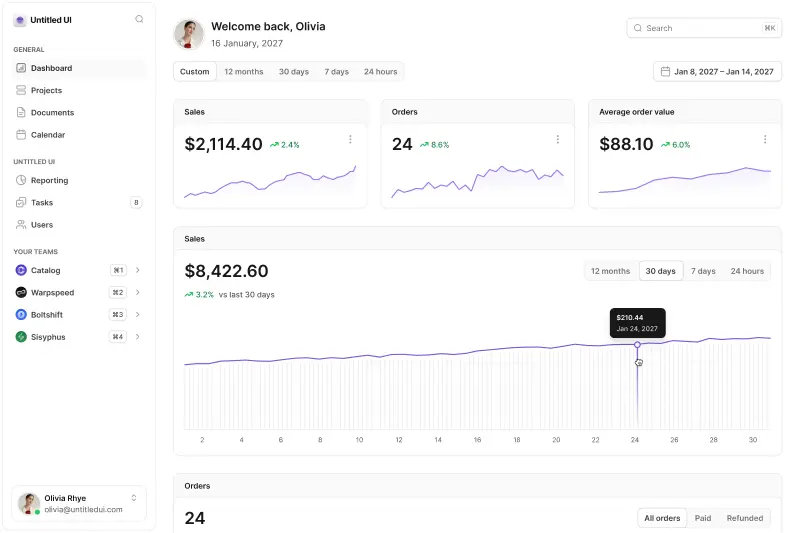
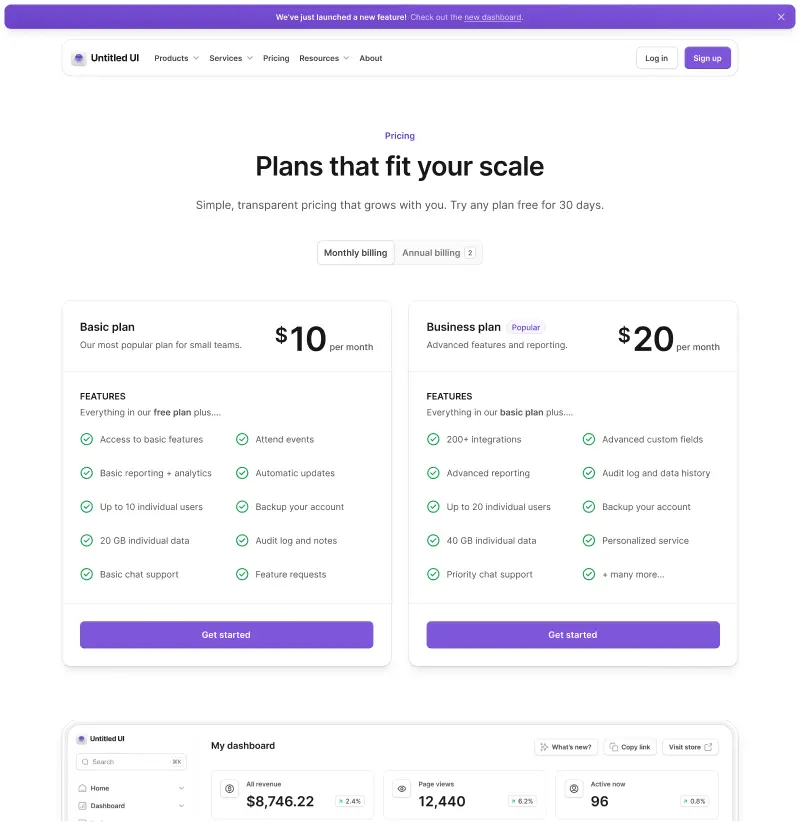
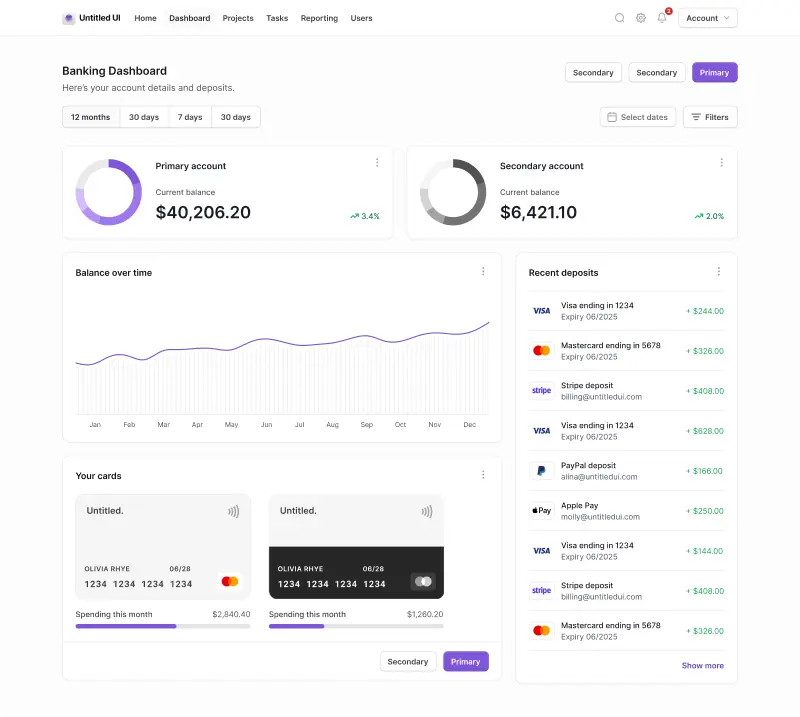
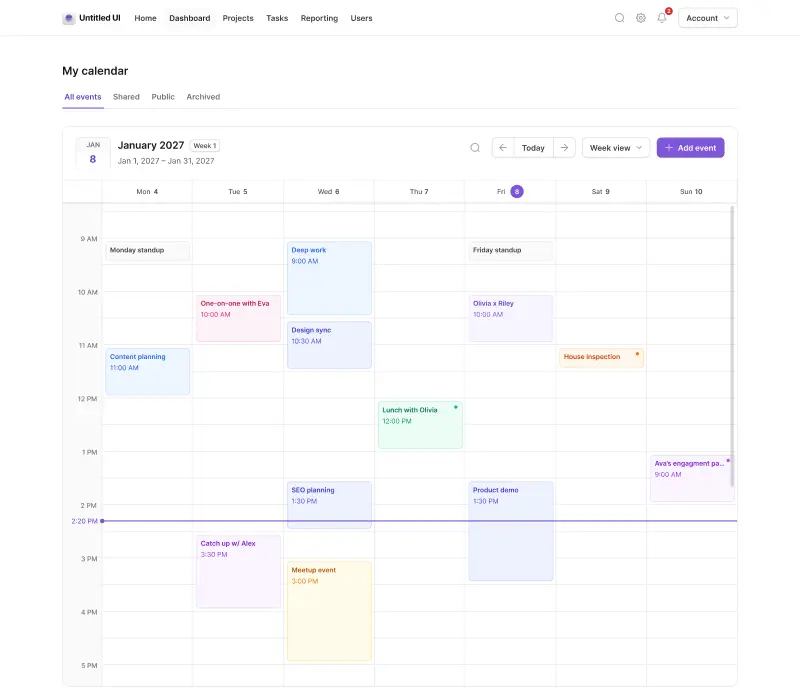
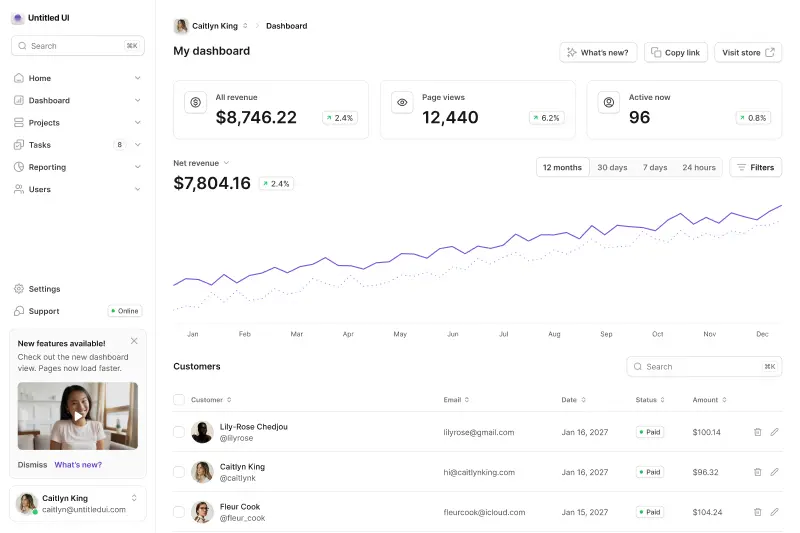
What changes is what arrives. Where shadcn/ui gives you 64 well-built primitives and the job of designing a product around them, Untitled UI React gives you 5,000+ components and 250+ finished pages with neutral design defaults that are easy to customize and brand.
Every React component starts life in the Figma library, and free updates for life cover both halves. That library is Untitled UI Figma, used by 380,000+ designers and rated with 3,650+ 5-star reviews, which makes it the largest and most popular Figma UI kit and design system in the world.
Untitled UI React key features:
- 5,000+ components and sections: base components, application UI and marketing website sections.
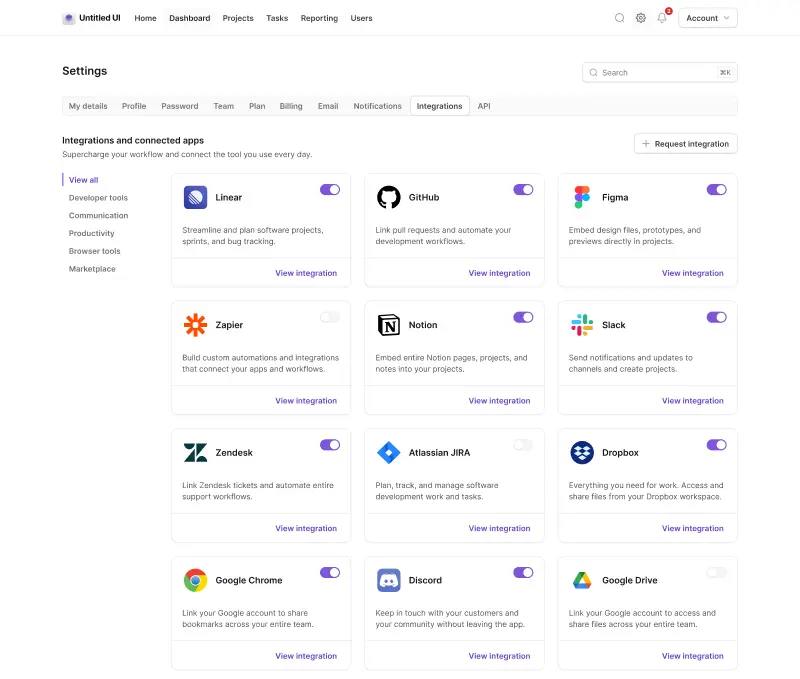
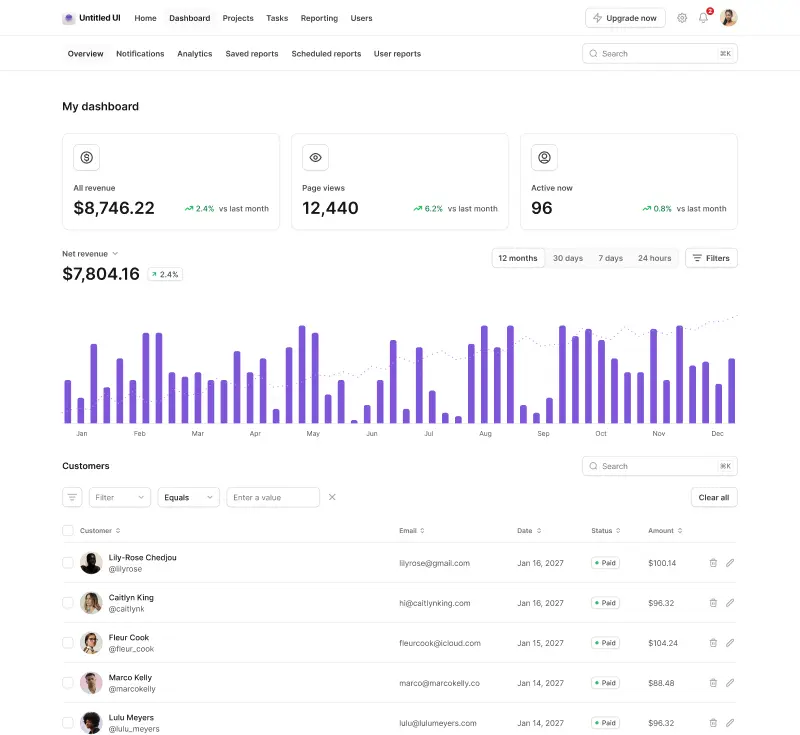
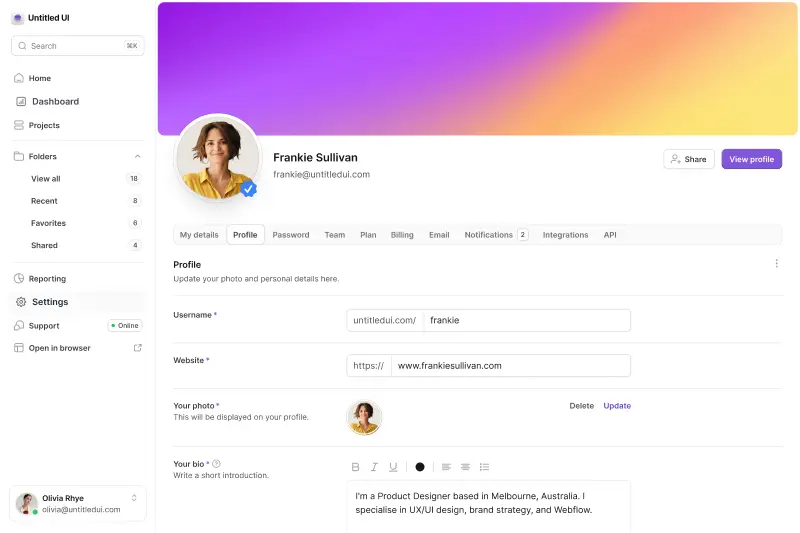
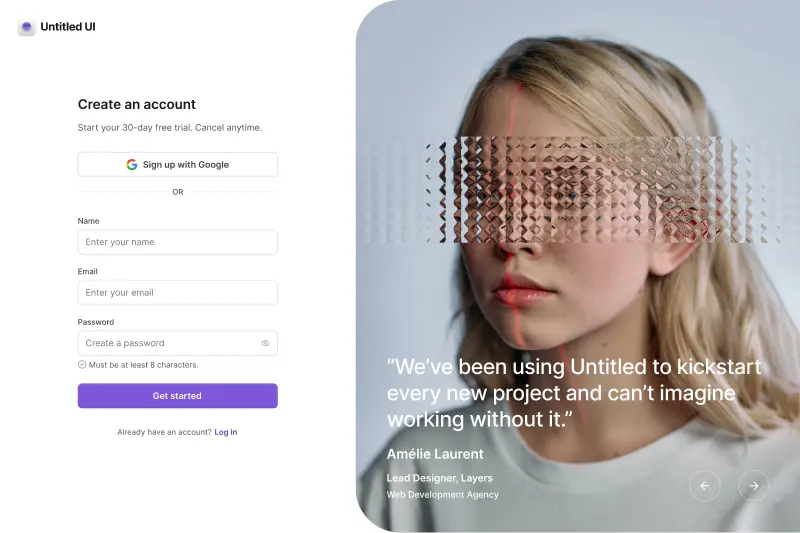
- 250+ page examples: 40 dashboards, 40 settings pages, 20 SaaS landing pages and more, against shadcn/ui's single dashboard block.
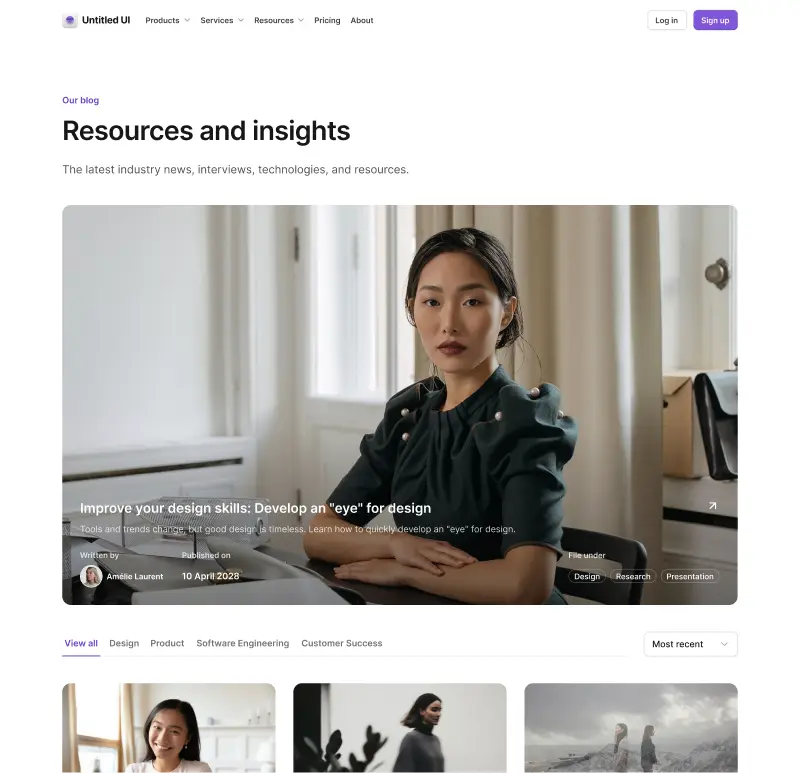
- 428 marketing sections across 18 categories, including hero sections and pricing tables, which shadcn/ui doesn't cover at all.
- Components shadcn/ui doesn't have: rich text editors, video players, color pickers, file uploaders, tree views and QR codes.
- Built on React Aria: 34 locale bundles covering 32 languages, tested against VoiceOver, JAWS, NVDA and TalkBack, so accessibility best practices ship with the React components.
- A first-party Figma kit included in the license rather than community-contributed.
- MCP server with multimodal semantic search, plus CLAUDE.md, GEMINI.md and AGENT.md agent rules.
Untitled UI React pros:
- Solves the ubiquity problem directly: a brand-neutral design system refined across eight major versions, themed to your brand rather than to a shared default, with dark mode designed rather than derived.
- Page-level coverage: dashboards, settings pages and SaaS landing pages ready to ship, the single biggest practical gap in shadcn/ui and the main reason design teams push for a switch.
- Design-to-code parity: a maintained Figma library, which shadcn/ui explicitly doesn't have, so a design team works from the same system the developers install.
- Same mental model: copy-paste, you own the code, no runtime lock-in, so the development process and the developer experience barely change.
- One-off pricing: a single payment with free lifetime updates rather than a subscription.
Untitled UI React cons:
- PRO version for full access: shadcn/ui costs nothing from top to bottom. Here, the 250+ page examples and the advanced components sit in the PRO version, while hundreds of components stay free and MIT licensed.
- No third-party registry ecosystem: shadcn/ui's registry protocol and its wide range of pre-built components have no equivalent here.
- One design language: there's no equivalent of shadcn/ui's eight styles.
- Tailwind required: fine if you're coming from shadcn/ui, since you're already using it, but a constraint if your React applications standardized on something else.
If you're short on time, here's a 60-second overview:
A huge part of Untitled UI React is 100% free and open source. Check out the documentation and explore the free React UI components. We've also written a full head-to-head: Untitled UI vs. shadcn/ui.
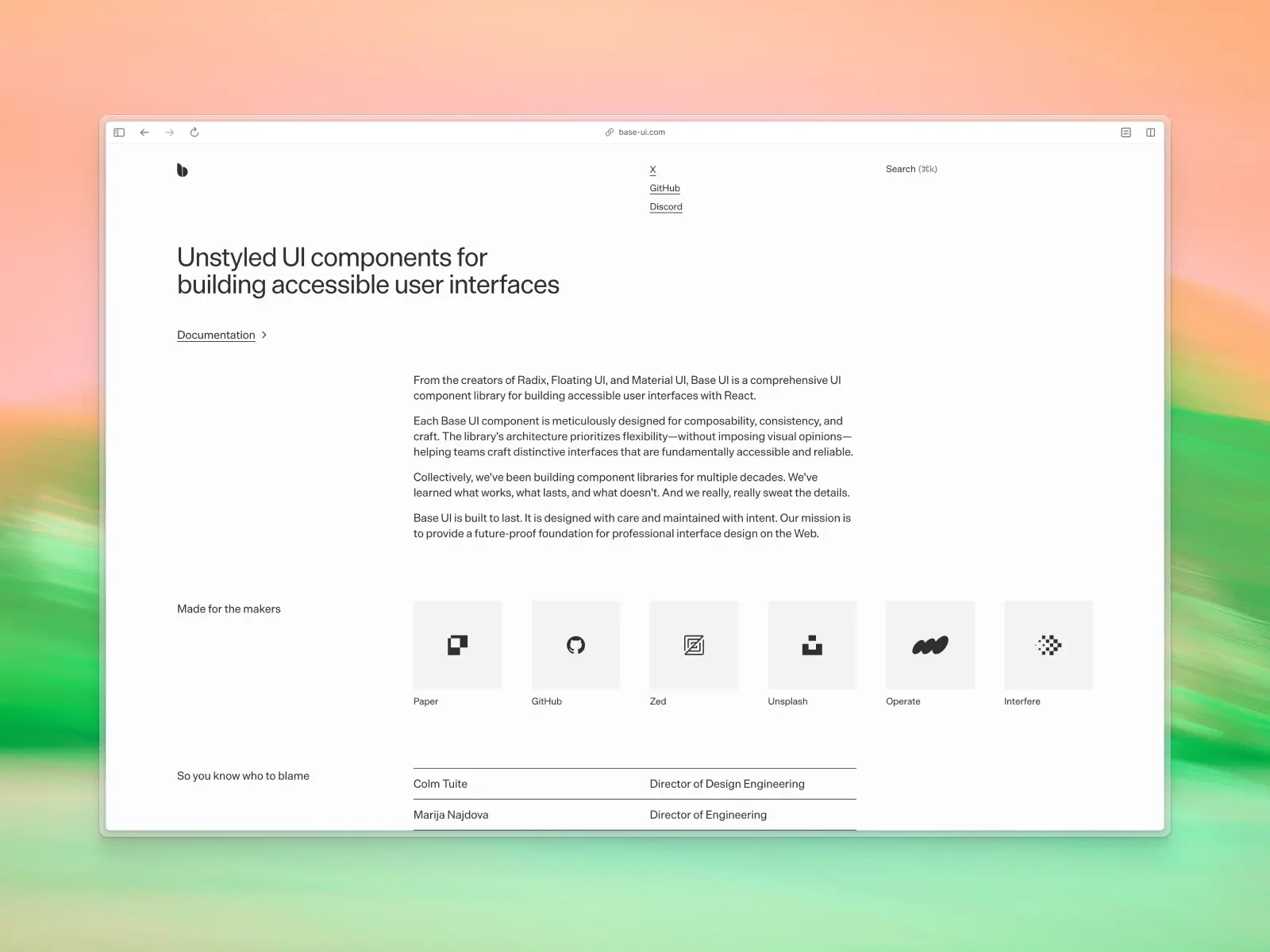
2. Base UI
base-ui.com — Open source (MIT) · ★10.9k · npm: ~9.71M/wk
The most interesting alternative to shadcn/ui is the library shadcn/ui is built on.
Base UI is an unstyled React component library from the creators of Radix, Material UI and Floating UI. It became shadcn/ui's default primitive layer in July 2026, which means a large share of its 9.71 million weekly downloads arrive through shadcn projects. It also means you can drop the shadcn layer and keep the foundation, which is why so many shadcn ui components now sit on it.
That's the move if your complaint is the styling rather than the engineering. You lose the pre-styled components and keep the behavior.
One warning: npm i baseui installs Uber's Base Web, a completely different product. The package you want is @base-ui/react.
Base UI key features:
- 37 components and 4 utils, with form controls, navigation, popovers, dialogs and menus as the main coverage.
- Zero CSS: not a single stylesheet appears among the 3,269 files in the published package.
- Five runtime dependencies, readable in one breath.
- The best primitive API in the category: the
renderprop,useRender,mergeProps, andeventDetailswith 35 typed change reasons.
Base UI pros:
- Total styling freedom: no defaults to override, so nothing looks like anyone else's product.
- The same foundation you already have if you're on shadcn/ui with the default base.
- MIT and free, with an unusually clean API and React 17, 18 and 19 support.
Base UI cons:
- No dates, colors, tables or trees: Base UI leaves these out, and they rank among the hardest components to build yourself.
- No localized strings, which leaves you responsible for accessible announcements in other languages.
- You're designing everything: weeks of professional design work, not a weekend.
- No Figma kit, and no formal support channel beyond GitHub and Discord.
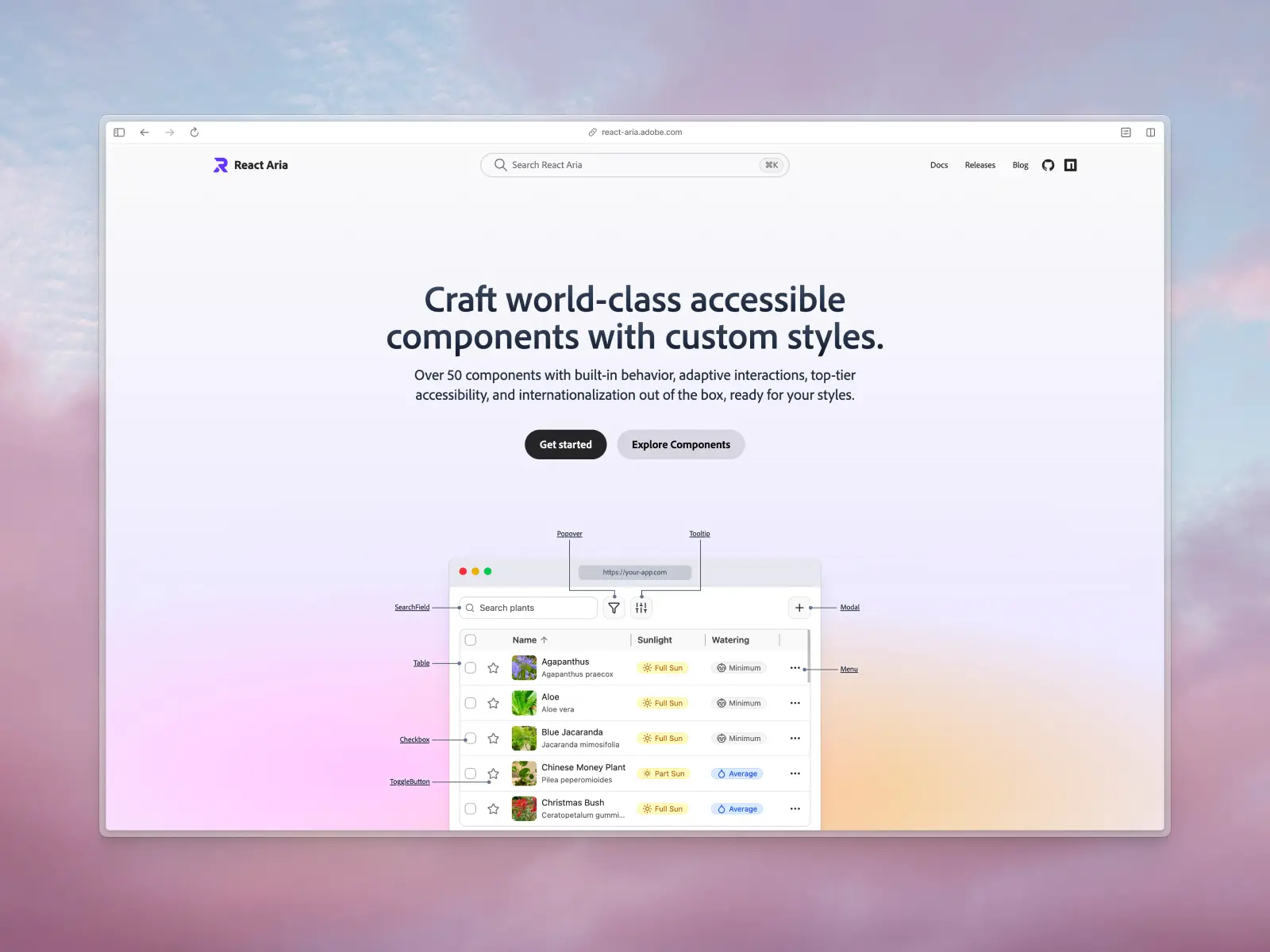
3. React Aria Components
react-aria.adobe.com — Open source (Apache-2.0) · ★15.9k · npm: ~3.11M/wk
Adobe's unstyled component library, and the other primitive layer shadcn/ui now supports. npx shadcn@latest init --base aria gets you React Aria implementations of the shadcn components.
It's the widest headless library available. Where Base UI has 37 components, React Aria's docs describe "over 50," including the categories nobody else attempts: six date components, seven color components, Table, Tree, GridList, TagGroup and accessible drag and drop.
React Aria Components key features:
- Over 50 documented components, with no CSS whatsoever.
- 34 locale bundles covering 32 languages, plus 13 calendar systems.
- A published screen reader testing matrix: VoiceOver on macOS and iOS, JAWS and NVDA on Windows, TalkBack on Android.
- A first-party Tailwind plugin,
tailwindcss-react-aria-components, at around 392,000 weekly downloads.
React Aria Components pros:
- The deepest accessibility and internationalization available, and it isn't close.
- Date pickers and tables included, which no other headless library ships.
- Adobe depends on it for its own product line, which is a strong maintenance signal.
React Aria Components cons:
- A larger API surface to learn than 37 components behind one pattern.
- Still unstyled: same design bill as Base UI.
- Apache-2.0 rather than MIT, which some legal teams ask about.
We've compared these two headless libraries directly in Base UI vs. React Aria Components.
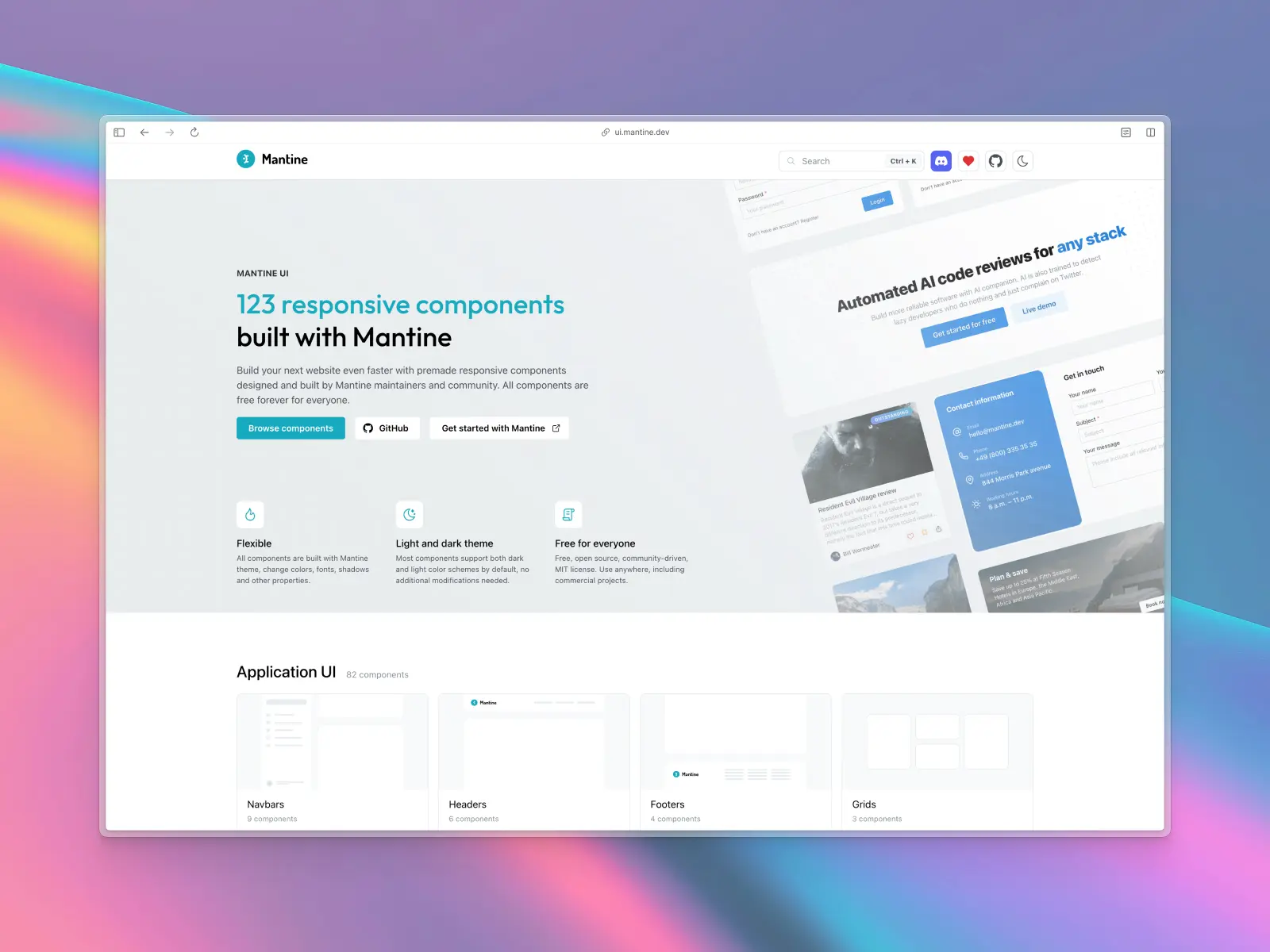
4. Mantine
mantine.dev — Open source (MIT) · ★31.6k · npm: ~1.3M/wk
If your objection to shadcn/ui is the copy-paste model itself, Mantine UI is the most complete packaged alternative that still looks modern.
It's a full React component library installed as a dependency, with an unusually generous surface: 145 components, 82 hooks, form management, date inputs, charts, notifications, a rich text editor, a dropzone and a carousel. Styling is CSS modules and PostCSS rather than Tailwind, which is either a feature or a dealbreaker depending on your stack.
Mantine key features:
- 145 components and 82 hooks, covering things most libraries leave out.
- CSS modules with a Styles API, so customization doesn't mean forking.
- MIT licensed in full, across every
@mantine/*package, currently on v9. - Dark mode and theming built in.
Mantine pros:
- Updates arrive as a version bump, not a manual merge.
- Genuinely comprehensive: charts, rich text, dates and notifications in one place.
- Completely free. Mantine UI states plainly that "all components are free forever for everyone." There's no paid tier at all.
- Clean, neutral design that doesn't look like a 2018 spec.
Mantine cons:
- You don't own the code: customization happens through the Styles API rather than by editing files.
- Not Tailwind: migrating from shadcn/ui means changing how you style everything.
- No official Figma kit. Nothing on mantine.dev, ui.mantine.dev or help.mantine.dev offers or mentions one.
- No page-level templates: Mantine UI is component-level only.
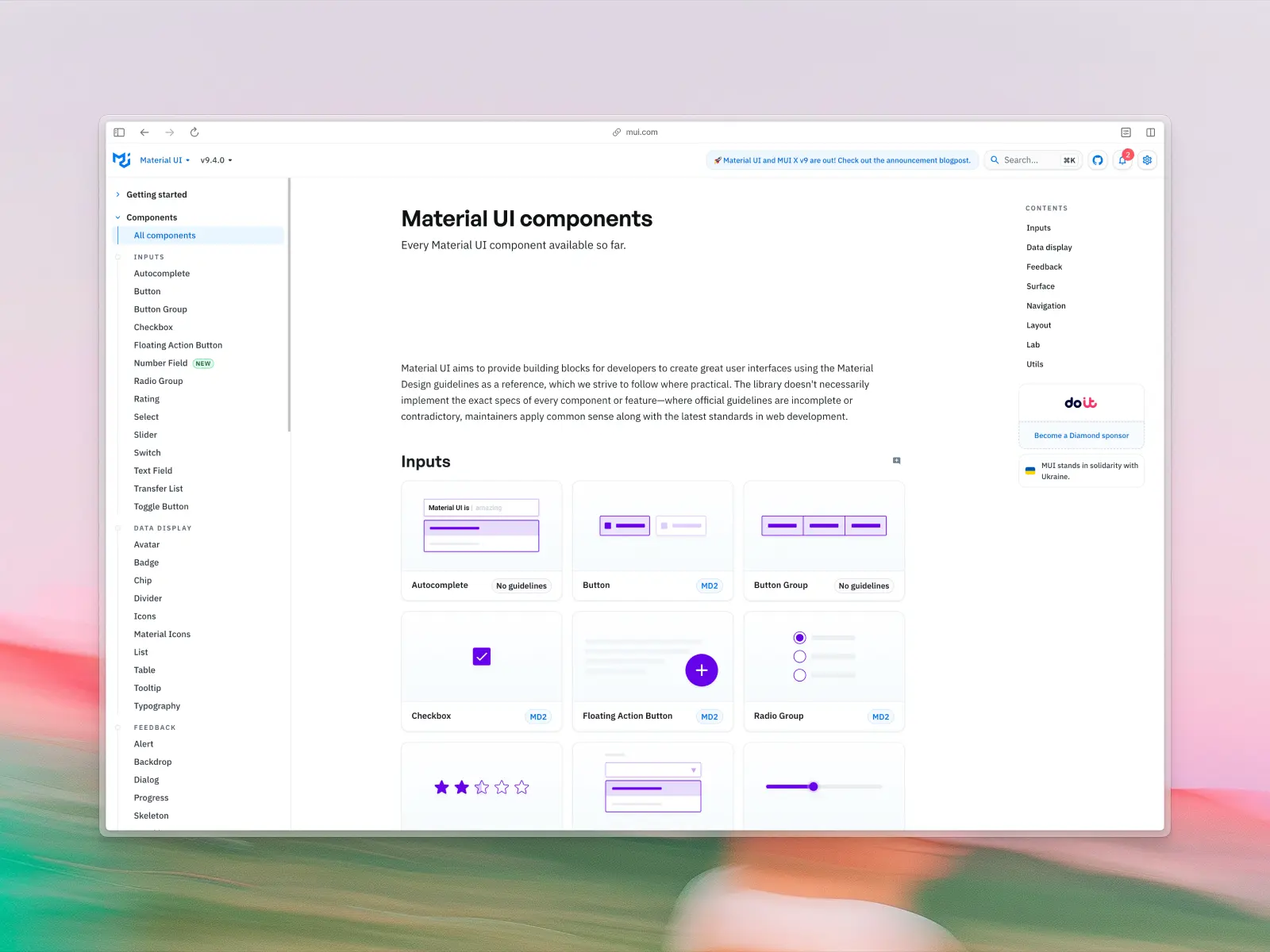
5. Material UI (MUI)
mui.com/material-ui — Open source (MIT) + paid from $299/developer/year · ★99k · npm: ~7.23M/wk
The oldest React component library still in wide use, and the only one on this list with a serious data grid.
MUI is worth considering for exactly one reason: MUI X. If your product is a data-dense internal tool where users live inside a grid all day, the Data Grid with row grouping, aggregation and virtualized performance has no equivalent in the copy-paste world. Not in shadcn/ui, and not in anything else here.
The trade-off is visual. MUI's documentation confirms it implements Material Design 2, a spec Google superseded in 2021, and MUI's own 2026 roadmap doesn't mention Material Design 3 at all.
Material UI key features:
- Around 60 documented components in the free MIT core.
- MUI X: Data Grid, Charts, Date Pickers and Tree View are stable; Scheduler and Chat are in preview.
- A powerful theme object for centralized customization.
- An official Figma kit at $79, licensed per concurrent editor.
Material UI pros:
- The best data grid in React, by a wide margin.
- Twelve years of production use and the largest body of Stack Overflow answers in the category.
- Free MIT core with no seat counting.
Material UI cons:
- Material Design 2 in 2026: products look like MUI products without heavy theming.
- Per-seat, per-year pricing for MUI X: $299, $599 or $1,399 per developer per year.
- 12 runtime dependencies plus Emotion as the default styling engine.
- No marketing sections or landing pages.
We've written the full comparison: Untitled UI vs. MUI.
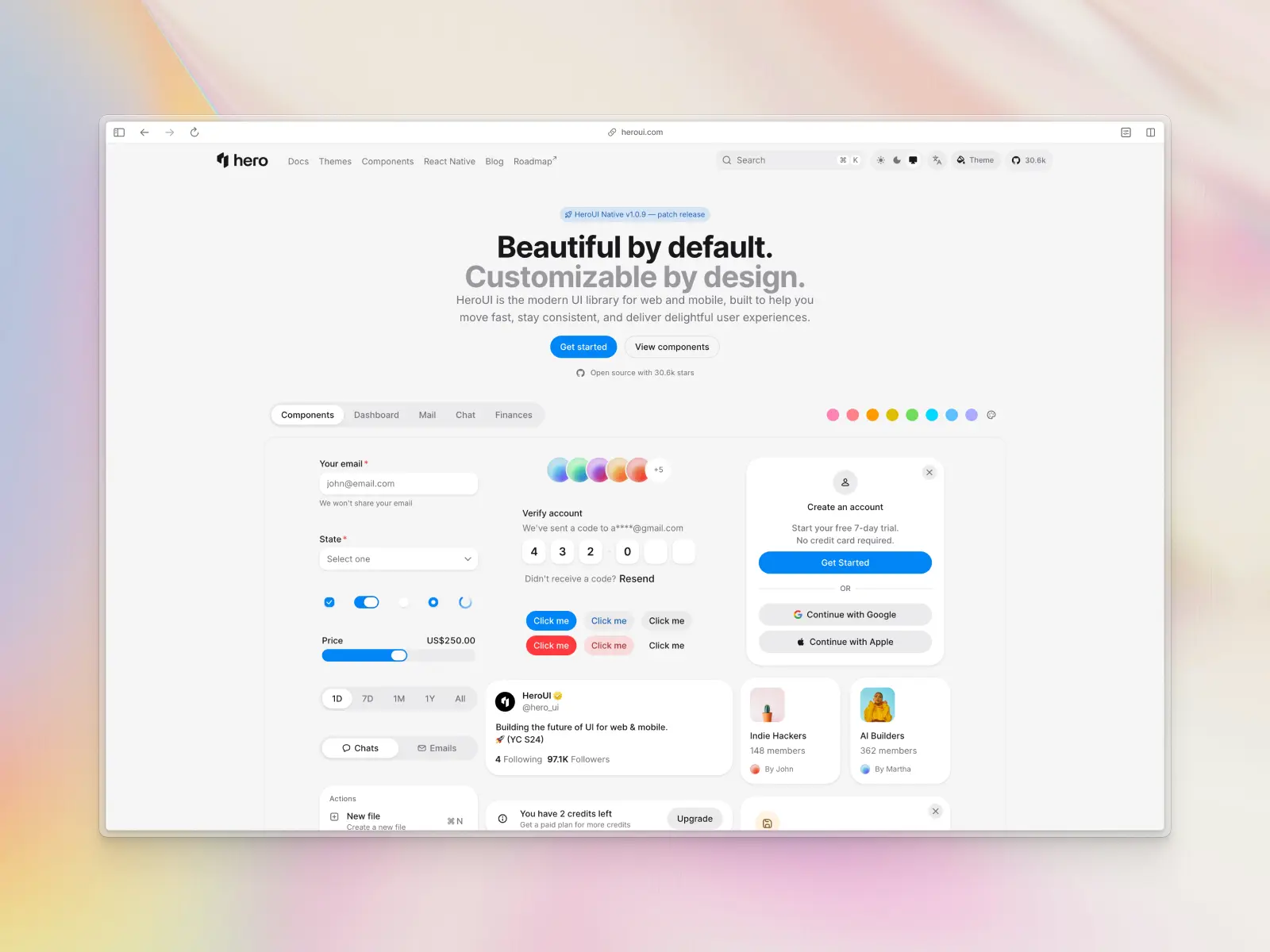
6. HeroUI
heroui.com — Open source (MIT) · ★30.6k · npm: ~536k/wk
HeroUI, formerly NextUI, is a React UI library built on Tailwind CSS and React Aria, positioned as a lighter, more opinionated alternative to the big packaged libraries.
It's the closest thing to "shadcn/ui as a package" for teams who like the aesthetic but not the file ownership. Worth knowing that v3 was a ground-up rewrite: it moved to React Aria Components compound patterns and Tailwind v4, removed the provider wrapper, and switched to CSS-only animations.
It also ships React Native components, which nothing else on this list does.
HeroUI key features:
- Built on React Aria and Tailwind CSS v4, the same foundation as Untitled UI React.
- React Native support via a separate
heroui-nativepackage. - Comprehensive application UI coverage, with a strong, recognizable aesthetic.
- Both a free and a paid Figma kit, the paid one exclusive to HeroUI Pro license holders.
HeroUI pros:
- Modern design out of the box, without shadcn/ui's ubiquity.
- Strong accessibility baseline from React Aria.
- Free and MIT for the open-source library, with 30,479 GitHub stars.
- A real Pro tier with premium templates: Web Hero $299, Mobile Hero $299, or both for $399.
HeroUI cons:
- Installed as a dependency, so you don't own the component code.
- Page templates are behind the Pro license, and the free tier is components only.
- Optional updates renewal: the perpetual license includes a year, then $99 a year to keep receiving updates.
- A strong visual identity of its own, which is either the reason you'd pick it or the reason you wouldn't.
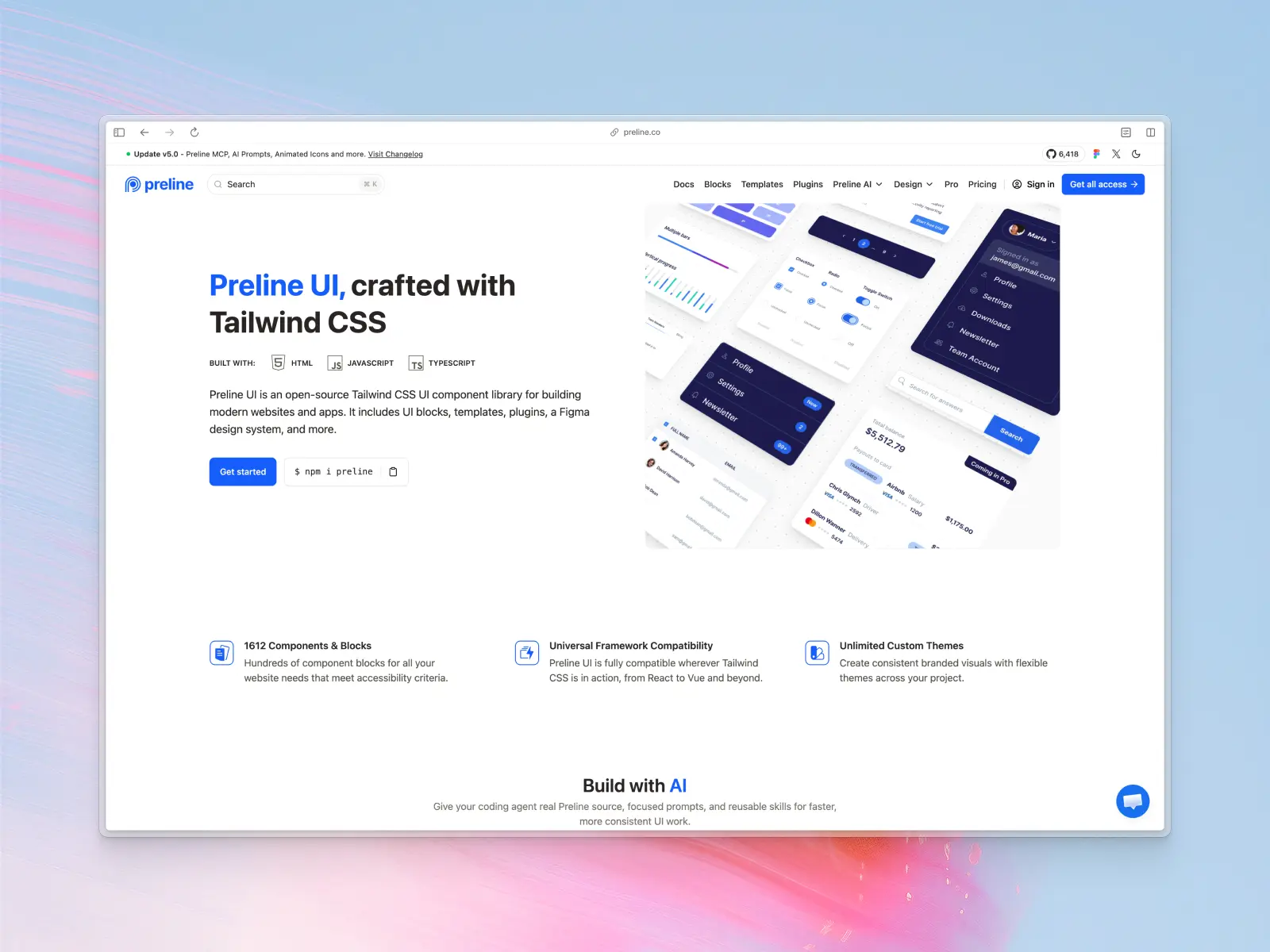
7. Preline UI
preline.co — Open source + paid from $350 · ★6.4k · npm: ~45k/wk
If you're leaving shadcn/ui because you're not actually on React, Preline is the strongest option.
It works wherever Tailwind CSS does, including React, Vue, Next.js, Laravel, Django and Rails, and ships 1,612 components and blocks, with 189 blocks free and 780+ in the Pro tier, plus 21 premium templates covering 207 pages.
Preline UI key features:
- Framework-agnostic: plain Tailwind markup plus a small JS layer.
- 1,612 components and blocks, spanning marketing, application and e-commerce UI.
- 21 premium templates, 207 pages.
- A free Figma design system, included on every tier.
- One-time pricing: Pro $350 for a single developer, Team $645 for up to 15.
Preline UI pros:
- The best fit for non-React stacks, where options are genuinely thin.
- E-commerce coverage, which shadcn/ui doesn't attempt.
- Generous free tier at 640+ components.
Preline UI cons:
- Design is clean but less distinctive than the best on this list.
- Smaller community at around 45,000 weekly npm downloads.
- Not a React component library in the idiomatic sense. You're working with markup and a JS layer.
- Licensing is not plain MIT. npm lists it as "MIT and Preline UI Fair Use License," so read it before shipping commercially.
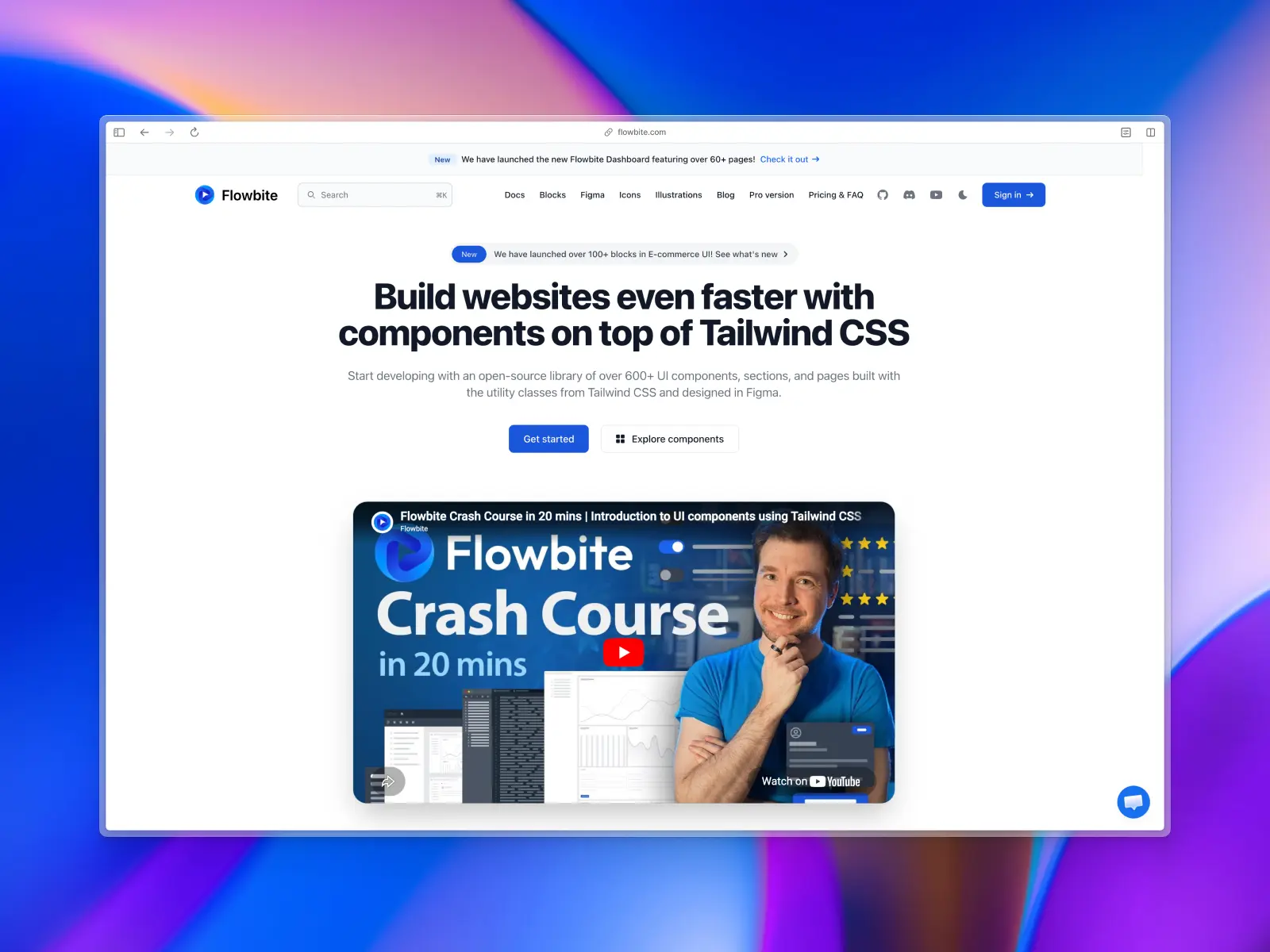
8. Flowbite
flowbite.com — Open source (MIT) + paid Pro · ★9.3k · npm: ~328k/wk
The multi-framework answer. Flowbite maintains official component libraries for React, Vue and Svelte on top of a plain HTML core, with guides for Angular, Next.js, Nuxt, Laravel, Rails, Django and Flask. Nothing else on this list covers that spread.
It also ships over 450 premium website sections split across Application, Marketing, Publisher and E-commerce, plus a well-built Figma design system.
Flowbite key features:
- Official framework libraries for React, Vue and Svelte, maintained rather than community-ported.
- Over 450 premium website sections across four categories, with e-commerce flagged as new.
- A first-party Figma design system, sold as the Designer edition.
- MIT-licensed core, with over 56 types of UI component free.
Flowbite pros:
- Best framework coverage on this list, by some distance.
- Page-level blocks including e-commerce and a dashboard with 60+ pages.
- Clear edition-based pricing: Community free, Developer edition $299, Designer edition (Figma) $169, all excluding taxes, with team pricing available.
Flowbite cons:
- Design is more functional than distinctive.
- Quality varies between framework ports: HTML and React get the most attention.
- Angular, Laravel and React Native versions are pre-order, not shipped. Don't plan around them yet.
9. daisyUI
daisyui.com — Open source (MIT) · ★42.3k · npm: ~984k/wk
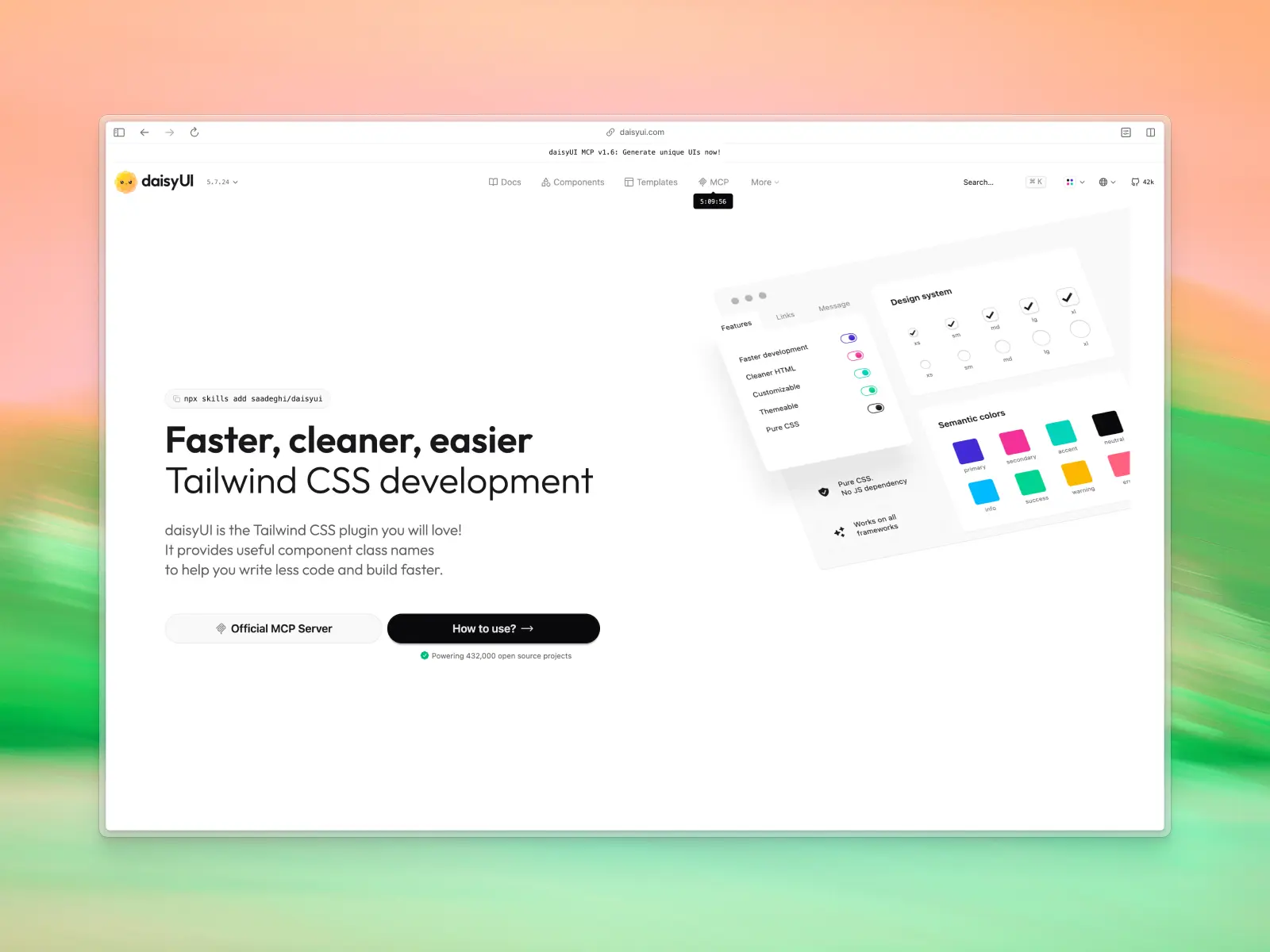
daisyUI takes the opposite approach to everything else here: it's pure CSS, so it works in any framework or none at all.
It extends Tailwind with component class names — btn, card, modal — so your markup stays readable and there's no JavaScript to ship. For prototyping, or for a mixed-stack team, that's genuinely liberating. daisyUI 5 works with Tailwind CSS 4 and installs as a CSS-file plugin.
daisyUI key features:
- Component-based classes, producing much cleaner HTML than long utility strings.
- 68 components and 600+ utility classes.
- 35 built-in themes, including dark mode.
- Pure CSS with no JavaScript runtime.
daisyUI pros:
- Works everywhere: no framework requirement at all.
- Completely free, MIT, with 42,164 GitHub stars.
- Fastest path to a decent-looking prototype of anything on this list.
daisyUI cons:
- No page-level sections: components only.
- Limited component logic: you implement the JavaScript for complex interactions yourself.
- Opinionated defaults that need theming to stop looking like daisyUI.
10. AlignUI
alignui.com — Free tier + paid: Figma from $119, React code from $299
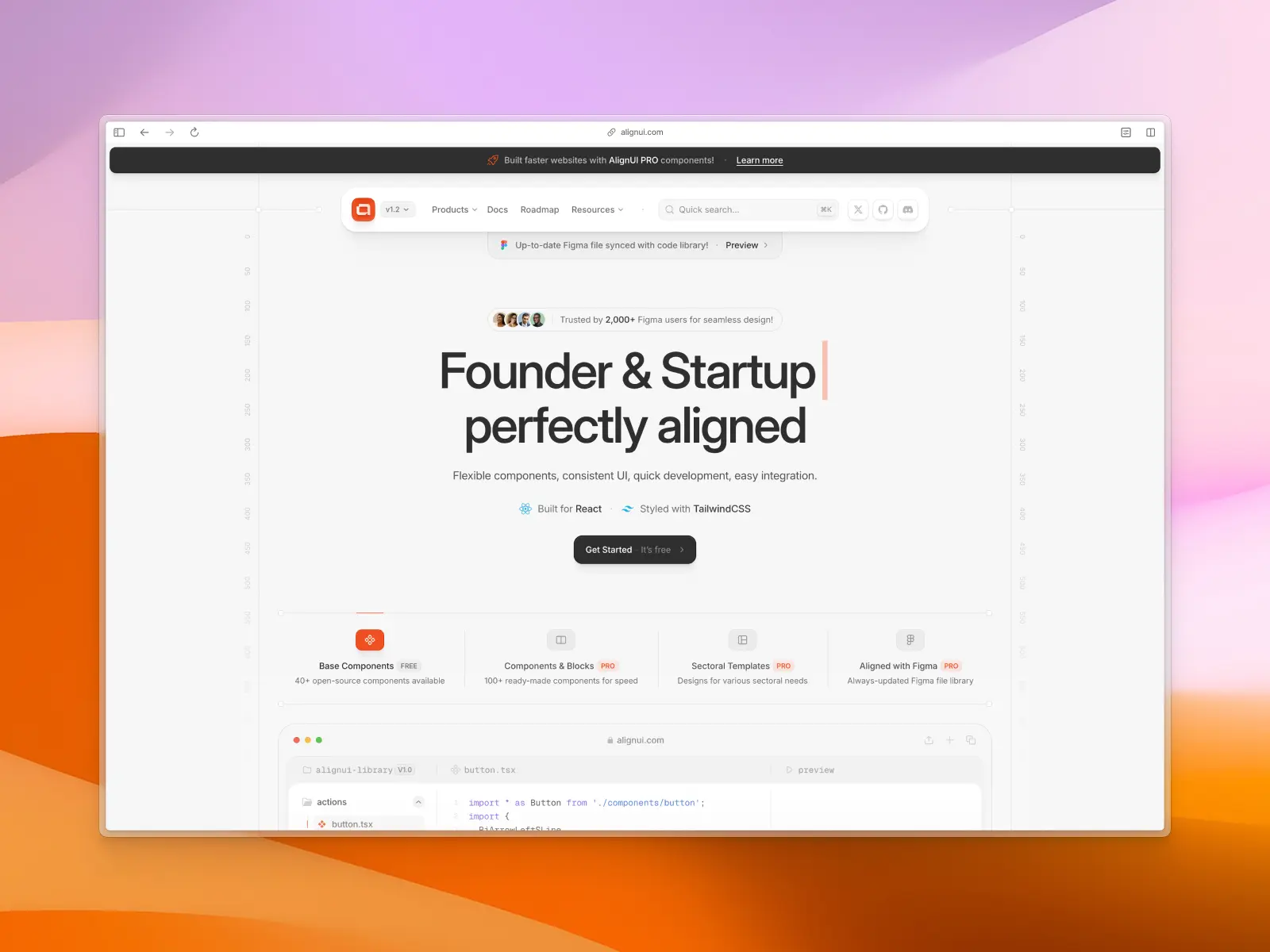
AlignUI is a React and Tailwind design system with an unusually strong focus on dashboards and application UI, paired with a Figma library kept in sync with the code.
It's a good fit if your reason for leaving shadcn/ui is the dashboard gap specifically, and if design-to-code parity matters to your team. One thing to know before you commit: alignui.com's own pricing page notes that the design system is currently in beta.
The pricing is worth reading carefully, because AlignUI sells two separate products. The Figma file is $119 for a single user, $349 for five. The React code library is $299 for a single user, $399 for five. Both are one-time payments with lifetime updates, and there are bundles.
AlignUI key features:
- 40+ free open-source components, with 100+ more in Pro.
- Blocks organized by pattern: auth cards, modals and more.
- A Figma library included with the Pro code license, synced with the code.
- React, Tailwind CSS and TypeScript.
AlignUI pros:
- Excellent for application UI, especially data-dense patterns.
- Design-to-code parity through a first-party Figma kit.
- Meaningful free tier before you pay.
AlignUI cons:
- No public repository for the component library, so maintenance velocity is harder to judge. The GitHub org exists, but only the CLI and starter templates are public.
- Still in beta, per its own pricing page.
- Inconsistent published component counts across its own sites, which makes the library harder to size up.
- Light on marketing sections, and a smaller ecosystem than anything else on this list.
What to compare when you compare React UI component libraries
Most rankings of React UI component libraries compare component counts, GitHub stars and a screenshot. None of the three predicts how a project goes. These do, and they're the best practices worth borrowing whatever you pick.
- Layer. Headless UI primitives, packaged React component libraries, copy-paste systems and CSS plugins are four different products. Comparing React UI component libraries across layers is how people end up weighing Radix UI against Ant Design and concluding nothing.
- Page-level coverage. React components are the easy part. Ask how many finished screens ship, because assembling dashboards and settings pages is where development time actually goes.
- Dark mode, honestly. Open a disabled input, an error message and a hovered secondary button in dark mode before you believe the claim.
- The complex components. Date pickers, tables, rich text editors, file uploaders and charts. If they aren't in the library they're on your roadmap, and date pickers are where accessibility work is hardest.
- Developer experience. How code arrives, how it updates, and what happens when you need a prop that doesn't exist. Developer experience is the difference between a library you edit and one you fight.
- A design counterpart. Whether a maintained Figma kit exists, and whether it's first-party. For anyone with a design team this predicts more than component count does, and it shapes how the whole team works.
- License. MIT, Apache-2.0, AGPL and proprietary all appear here, and they are not interchangeable in a commercial product.
- Component count, sceptically. Some libraries count components, some count variants, some count blocks. Two figures ten times apart are often the same library measured two ways.
One sanity check on any list of React component libraries, this one included: does it tell you when not to switch? A ranking that recommends migrating in every use case is selling, not comparing.
Marketing sites and application UI need different shortlists
This split decides the answer more often than anything else, and almost no ranking of React UI component libraries makes it explicit.
Marketing sites need hero sections, pricing tables, testimonials, logo walls and CTAs, plus visual distinctiveness, because a landing page that looks like every other landing page is doing half its job. Hero sections and pricing tables get rebuilt most often, because SaaS landing pages change with every positioning update.
shadcn/ui doesn't cover this layer, and neither do the headless UI primitives underneath it. For marketing sites the shortlist is Untitled UI React and its 428 marketing sections, Tailark for blocks, and Aceternity UI if you want motion as the design language. Framer Motion is a hard dependency there, not an option, so budget for it in your bundle.
Application UI needs dashboards, settings pages, tables, forms, empty states and modals. Consistency matters more than distinctiveness for these React applications, because users look at them for eight hours rather than eight seconds. The shortlist is Untitled UI React, Mantine, MUI, AlignUI, or a headless base plus your own design team.
Most SaaS companies build both, and get the best user experience from one comprehensive set covering both halves rather than two React component libraries bolted together. An animated marketing library beside a separate application library means two design languages, two dark mode implementations and two token sets, and the seam shows the moment someone signs up.
That's the argument for one system over a wide range of specialized registries, and why a shadcn alternative with real page-level coverage beats shadcn/ui plus three registries on user experience even when component quality is identical.
Extensions vs. alternatives: the distinction that matters
A lot of "shadcn/ui alternative" lists include libraries that install through the shadcn/ui CLI. That's worth separating out, because using them means keeping shadcn/ui, not replacing it.
These are extensions, and they're excellent at what they do. None of them replaces your shadcn ui components; they add to them, which is usually the cheaper answer:
- Tailark — marketing sections and landing page blocks, installed via the shadcn registry. Free tier, then one-time payments from $249.
- Magic UI — 150+ free, open-source animated components and effects, MIT licensed, with a paid Pro tier of blocks and templates.
- Kibo UI — MIT-licensed components filling gaps in the shadcn ecosystem: Gantt, Kanban, a code editor, a dropzone, a QR code and AI chat primitives.
- Aceternity UI — 200+ animated components, blocks and templates for marketing sites, built on Motion. Free tier, then $169/year or $199 lifetime.
- 21st.dev — a community marketplace of 12,000+ React and Tailwind components from 700+ contributors, every one with a shadcn CLI install command. Freemium, with an AI tier.
- coss.com/ui — formerly Origin UI, now Cal.com's design system. 508 ready-to-use "particles" built on Base UI and Tailwind CSS.
Aceternity UI and the animated marketing category
Aceternity UI is what people mean when they say their SaaS landing pages look flat. It's the clearest example of a registry with a design point of view, and animation is the reason. It's a wide range of animated hero sections, bento grids, pricing tables, testimonials and CTAs, built on Motion (formerly Framer Motion) and Tailwind CSS. Framer Motion isn't optional here, it's the point.
Installed through the shadcn CLI like any other registry: npx shadcn@latest add @aceternity/3d-card. There's a first-party Figma kit bundled with the lifetime plan, which is unusual in this category.
Two things to know before you commit to Aceternity UI. The license is proprietary rather than MIT: you can ship unlimited end products for yourself or clients, but you can't redistribute the source or resell derivatives. And Framer Motion is a hard requirement, so if you've deliberately kept animation out of your bundle, this isn't the registry for you.
For SaaS landing pages and marketing sites specifically it's hard to beat on development time. The trade is that animation-heavy hero sections have their own visual signature, and a page assembled entirely from them is as recognizable as a default shadcn/ui dashboard.
What happened to Origin UI
Origin UI was one of the most-recommended shadcn/ui companions for two years, and it no longer exists under that name. As of 2026, originui.com redirects to coss.com/ui, and the library is now the official design system of Cal.com.
That matters for three reasons. The legacy Origin UI collection is still available but on limited support, with active development moved to the new components. The new components are built on Base UI rather than Radix UI, which is the same migration shadcn/ui made. And the license changed: the repository is AGPL-3.0 by default, with MIT on two directories.
The AGPL default is the part most lists still get wrong. If you're shipping a commercial product, that's a license your legal team will want to look at, and it's a meaningfully different proposition from the MIT terms most of this category ships under.
If you had Origin UI on your shortlist, the honest answer is that it's now a Cal.com design system with Cal.com's priorities. Still good work, just no longer a neutral gap-filler for your shadcn/ui components.
Kibo UI and the gap-fillers
Kibo UI shows the registry model working as intended for application React components. It requires shadcn/ui to already be installed, and adds the complex composed components shadcn/ui doesn't cover: Gantt charts, Kanban boards, a code block, an image zoom, a color picker and a set of AI chat primitives.
MIT licensed, free, and installable through either its own CLI or the shadcn CLI with identical results. One constraint worth knowing: Kibo UI only supports the CSS variables theming mode, not shadcn/ui's default utility-class approach.
If your gap is a handful of complex React components rather than a whole design language, Kibo UI costs nothing and solves it this afternoon.
If your only complaint about shadcn/ui is coverage, start here rather than migrating. Adding Tailark for marketing sites is a much smaller change to your development process than switching foundations.
Registries are also the cheapest way to test a direction. Install one, build a page, and see whether the problem was really coverage. If the page still looks generic, you've learned something a month of evaluating React component libraries wouldn't have told you.
Two caveats. The first is the one from shadcn/ui's cons list: components from different registries are designed by different people to different standards, so pull from four sources and you'll spend the time you saved making them look like one product.
The second is legal. On community marketplaces like 21st.dev, licenses are set by individual contributors rather than by the platform, so check the license on anything you ship commercially. That's the one genuine legal caveat among the four.
What about Chakra UI, Ant Design and the traditional component libraries?
Two names come up constantly in this search that aren't on the list, and it's worth saying why. Chakra UI and Ant Design are serious React UI component libraries with large installed bases, and both are a different shape of thing: a traditional component library rather than a copy-paste one.
A traditional component library ships behavior and design together behind a props API, as a versioned npm package. You configure it rather than own it. That's not a criticism: for a lot of React applications it's the correct trade, and these traditional component libraries built most of the web's admin panels and most of its enterprise applications.
Chakra UI:
- Strong accessibility, a clean composable API, and style props that developers who dislike utility classes tend to love.
- Chakra UI v3 rebuilt the internals on Ark UI, giving it a modern headless foundation under the styled layer, much as Radix UI does for others.
- Free and MIT, with a paid Chakra UI Pro tier covering a wide range of page types.
- Where it runs out: it's a package, so leaving means rewriting call sites, and the default look is recognizably Chakra UI.
Ant Design:
- Ant Design ships the most comprehensive set of enterprise React components anywhere. Tables, forms, transfers, tree selects and date pickers that handle cases most UI libraries never attempt.
- Built for enterprise applications and internal tools, where density beats distinctiveness. Dark mode and theming are both first-class.
- Free and MIT, with a large ecosystem, first-party charts and pre-styled components for almost every enterprise pattern.
- Where it runs out: Ant Design has the strongest design opinion here. Themeable, but never invisible.
Neither Chakra UI nor Ant Design is really a shadcn alternative in the sense people mean. If you're leaving shadcn/ui to stop owning files, Chakra UI, Ant Design and Mantine are the three traditional component library options to weigh. If you're leaving because your product looks generic, none of them solves that, because each substitutes one recognizable default for another.
One note for Next.js teams: both have had CSS-in-JS and server component friction to work through, which Tailwind CSS based UI libraries sidestep by compiling to static utility classes.
Framework and stack fit
Worth checking early, because it eliminates options faster than any feature comparison. Most React applications here run on Next.js and every library documents it. Beyond that, support narrows fast.
- Next.js: universally supported. Watch CSS-in-JS and server components, the one place Tailwind CSS based options have a structural advantage.
- Vite and React Router: well covered by everything copy-paste, and by most packages.
- Remix, Astro and TanStack Start: fine with copy-paste libraries, since they're just files. Packages vary.
- Vue.js, Svelte and Angular: out of scope for React UI component libraries. Flowbite, Preline UI and daisyUI are the answers.
- React Native: HeroUI is the only option here with a first-party answer.
Enterprise applications carry a second layer of constraints: a fixed styling solution, a security review of every dependency, and procurement that prefers one vendor to six registries. That pushes them toward a single packaged library or a single copy-paste system. Files in your repository also pass a dependency review that an npm package with a long transitive tree does not.
Best practices if you do switch
Migrations off shadcn/ui go wrong in predictable ways. These best practices are the difference between a week and a quarter of development time, whichever use case you're in.
- Don't migrate everything at once. Change one thing in your development process, not all of it: pick one new route, build it entirely in the new library, and ship it. Two systems side by side for a month is safer than a big-bang rewrite of an app already in production.
- Start with the screens you hate. Settings, billing, empty states, onboarding. That's where your pre-built components are doing the least for you, and where a design team notices the difference first.
- Keep the shadcn CLI workflow if the new library uses it. Copy-paste libraries that install through a CLI mean your development process doesn't change, only what arrives does. Pre-built components land where your shadcn ui components already do, which is why teams move sideways with minimal effort rather than dropping a layer.
- Audit dark mode before you commit. Check hover, disabled, focus and error in both modes. Pre-styled components either save you a fortnight here or cost you one, so check before, not after.
- Check accessibility on the components you'll use most. Tab through a date picker, a dialog and a combobox. Failures cluster there and are hardest to retrofit.
- Decide where your tokens live on day one. Best practices say tokens first, components second: colors, spacing and radii in CSS variables. Tailwind CSS utility classes and a token layer coexist fine, but only if you decide which wins before forty components exist.
- Don't pull from four registries. One or two is a development process; four is design debt you pay off by hand, and it shows in the user experience.
Done this way, moving to a comprehensive set of finished screens is a minimal effort change for a team already on Tailwind CSS: same mental model, same utility classes, same ownership. The design decisions arrive with neutral defaults you can customize and brand.
Dropping from shadcn/ui down to headless UI libraries like Base UI or Radix UI is not a minimal effort change, and shouldn't be sold internally as one. You take on the design work permanently, and the developer experience is better only if someone does that work well.
Conclusion
Most people looking for a shadcn alternative don't need one. They need more of what shadcn/ui already gives them, and an extension solves it faster than a migration.
But if the problem is that your product looks like everyone else's, no amount of extra blocks fixes it, because the blocks look like everyone else's too.
That's when it's worth moving, and Untitled UI React is where we'd start: the same copy-paste model, a comprehensive set of pre-built components instead of a shared default, 250+ finished pages instead of one dashboard, and a Figma library that stays in sync. For a team already on Tailwind, that's weeks saved, and a workflow nobody has to relearn.
If the problem is the copy-paste model itself, Mantine and MUI are the packaged React UI component libraries worth your time. If you want total control, drop to Base UI or React Aria. If you're not on React, Preline, Flowbite and daisyUI exist precisely for that.
A simple mental model:
- Product looks generic and you need finished pages? Pick Untitled UI React.
- Happy with shadcn/ui but short on components? Don't migrate. Add Tailark, Magic UI or 21st.dev.
- Want a package that updates itself, not files you own? Pick Mantine.
- Users live inside a data grid all day, or you're building enterprise applications? Pick MUI.
- Want total styling control on the headless UI foundation you already have? Pick Base UI or Radix UI.
- Shipping dates, tables or multiple languages? Pick React Aria Components.
- Need React Native alongside web, from one vendor? Pick HeroUI.
- On Vue, Svelte, Laravel or plain HTML? Pick Flowbite, Preline UI or daisyUI.
- No design team and a deadline? Pick anything with finished pages, not a primitive layer.
Whatever the use case, test before you commit. Everything here has a real free tier. Build one screen in two of them and see which you're still enjoying on day three. That afternoon beats a fortnight of comparing UI libraries on paper, and it costs you nothing.
We'll update this post as these libraries evolve. For a wider view, see our roundup of the best React UI component libraries in 2026, our comparison of Untitled UI React and shadcn/ui, Untitled UI React vs. Base UI, Untitled UI React vs. React Aria Components, the best Tailwind Plus alternatives, React dashboard templates, the best Figma UI kits, and what a UI kit actually is.
More best practice guides
This post is an excerpt from Untitled UI Figma, world's largest Figma UI kit and design system. Untitled UI includes tips and best practices right in the Figma file to help you level up as a designer. You can preview Untitled UI Figma here.
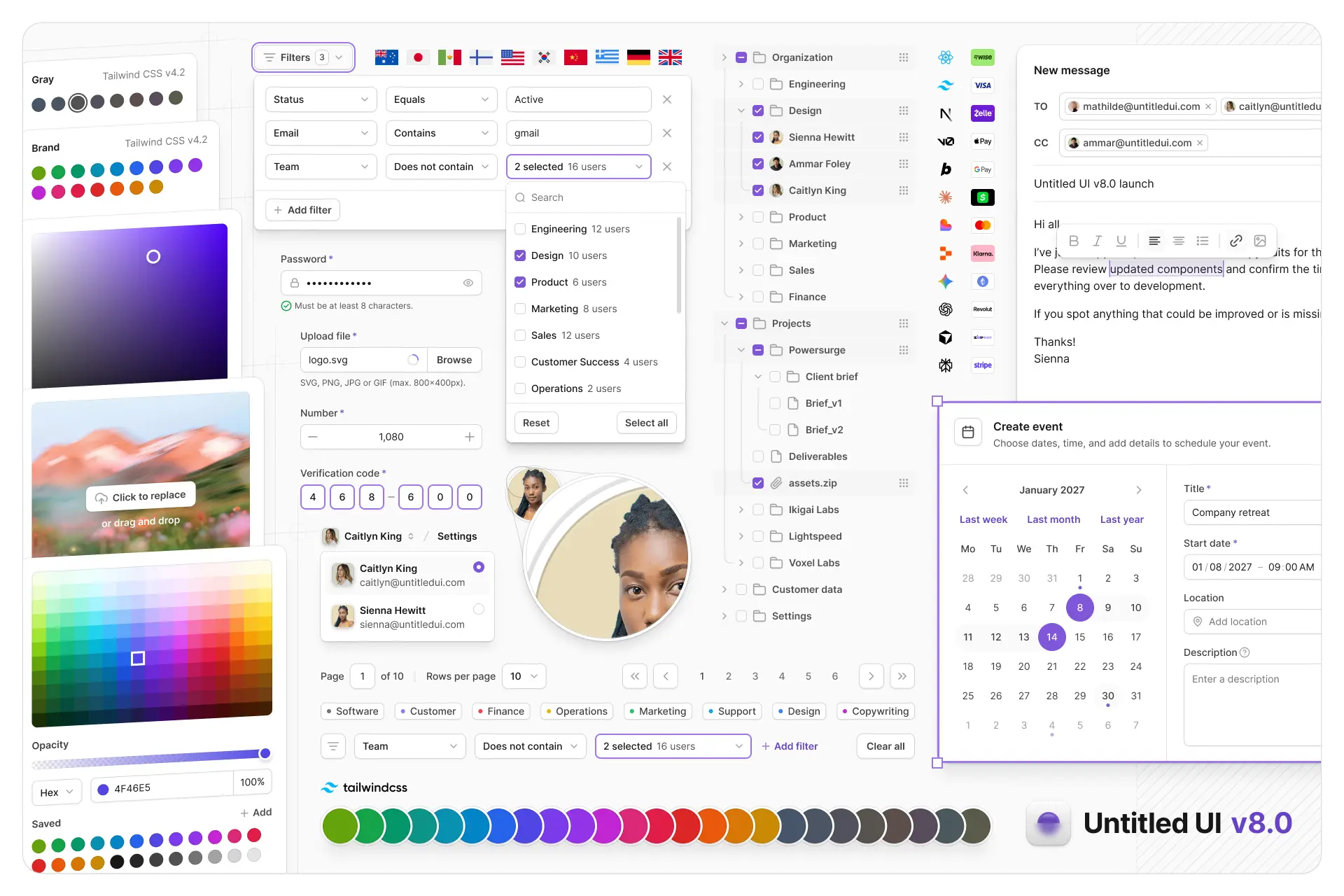
Untitled UI Figma is meticulously crafted with 100% Auto Layout 5.0, super-smart variants, Figma's newest variables features, and with accessibility in mind.
It's a great example of Figma design system best practices and is the most popular and highest-rated Figma UI kit on the internet with 3,650+ 5-star reviews!
We've also released Untitled UI Figma PRO LITE, which is a premium and lightweight version of the full Untitled UI Figma PRO STYLES kit and have included it for free. It's 55% lighter, faster, and is designed to include everything you need and nothing you don't. It's perfect for moving fast and for smaller projects!
Untitled UI was designed to be the "ultimate" UI kit and the perfect starting point for any kind of project—from beautiful marketing landing pages, all the way to complex dashboards and web apps—Untitled UI has thought of absolutely everything so you don't have to.
We're constantly making updates and improvements to the UI kit and recently announced that we've completely refactored Untitled UI to take advantage of Figma's latest features released at Config 2023, Framework 2024, Config 2024, Config 2025, and Config 2026. This includes all the latest Figma features such as color variables (dark mode), spacing, radius, typography, and effects variables, Auto Layout 5.0, min/max widths, Auto Layout wrapping, and much more.
You can check out a full preview of the design kit, or check out the 100% free UI kit here (which is more advanced than most UI kits in its own right!). If you're short on time, here's a 60-second overview: