export const title = "Bolt.new integration"
export const description = "Set up a Bolt.new project with Untitled UI React in seconds. Our Bolt.new starter kit includes providers, routing, and everything you need to get started."
## Start using Untitled UI in Bolt.new
We have prepared starter kits specifically for Bolt.new so that you can get started with Untitled UI in seconds. You can get started with either Next.js or Vite:
You can use these starter kits at the base for your Untitled UI projects and copy and paste any Untitled UI components you need.
## Open examples in Bolt.new
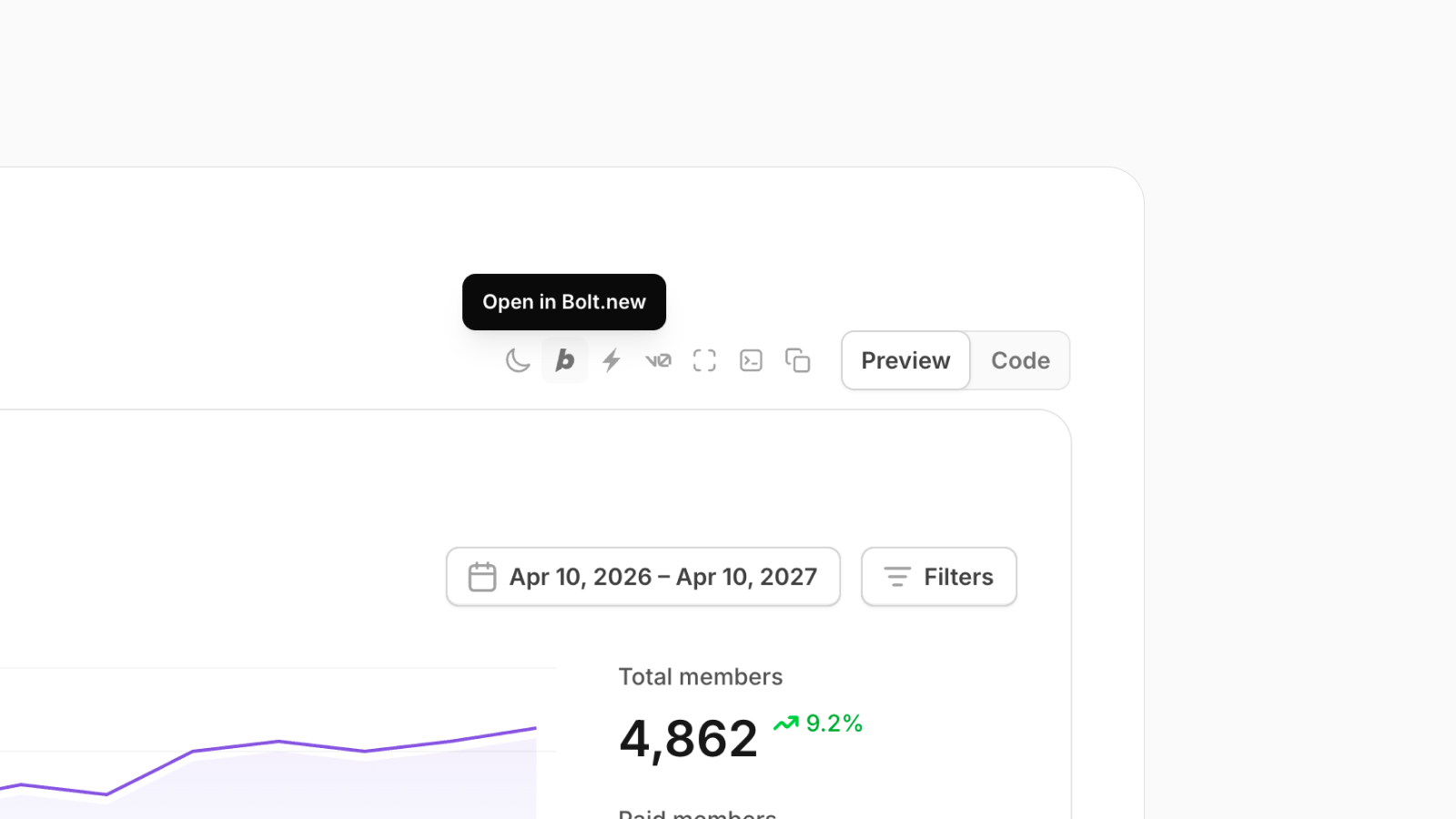
Most of our [marketing](/marketing) and [application](/application-ui) UI examples are available to open directly in Bolt.new with just a click.
## How to open existing projects in Bolt.new
If you had started your project outside Bolt.new and have made changes to it, you can still open it in Bolt.new by directly importing your GitHub repository via their import URL by adding `bolt.new/` in front of your repository URL:
Open your GitHub repository in the browser:
i.e. `https://github.com/untitleduico/untitledui-vite-starter-kit`
Add `bolt.new/` in front of your repository URL:
i.e. `https://bolt.new/github.com/untitleduico/untitledui-vite-starter-kit`
This will open the repository in Bolt.new and you can continue working on it there.
This will open the repository in Bolt.new so you can continue working on it there. If it's a private repository, you may need to grant Bolt.new access to your GitHub account.